Create polished PDF reports from monday boards and items.
Board PDF Reports helps monday.com users turn board and item data into polished PDF reports in minutes.
Built for project managers, agencies, consultants, operations teams, and customer-facing teams that need clean, shareable reports based on monday.com data.
What you can do
Generate PDF reports from monday.com boards and items using the data your team already manages.
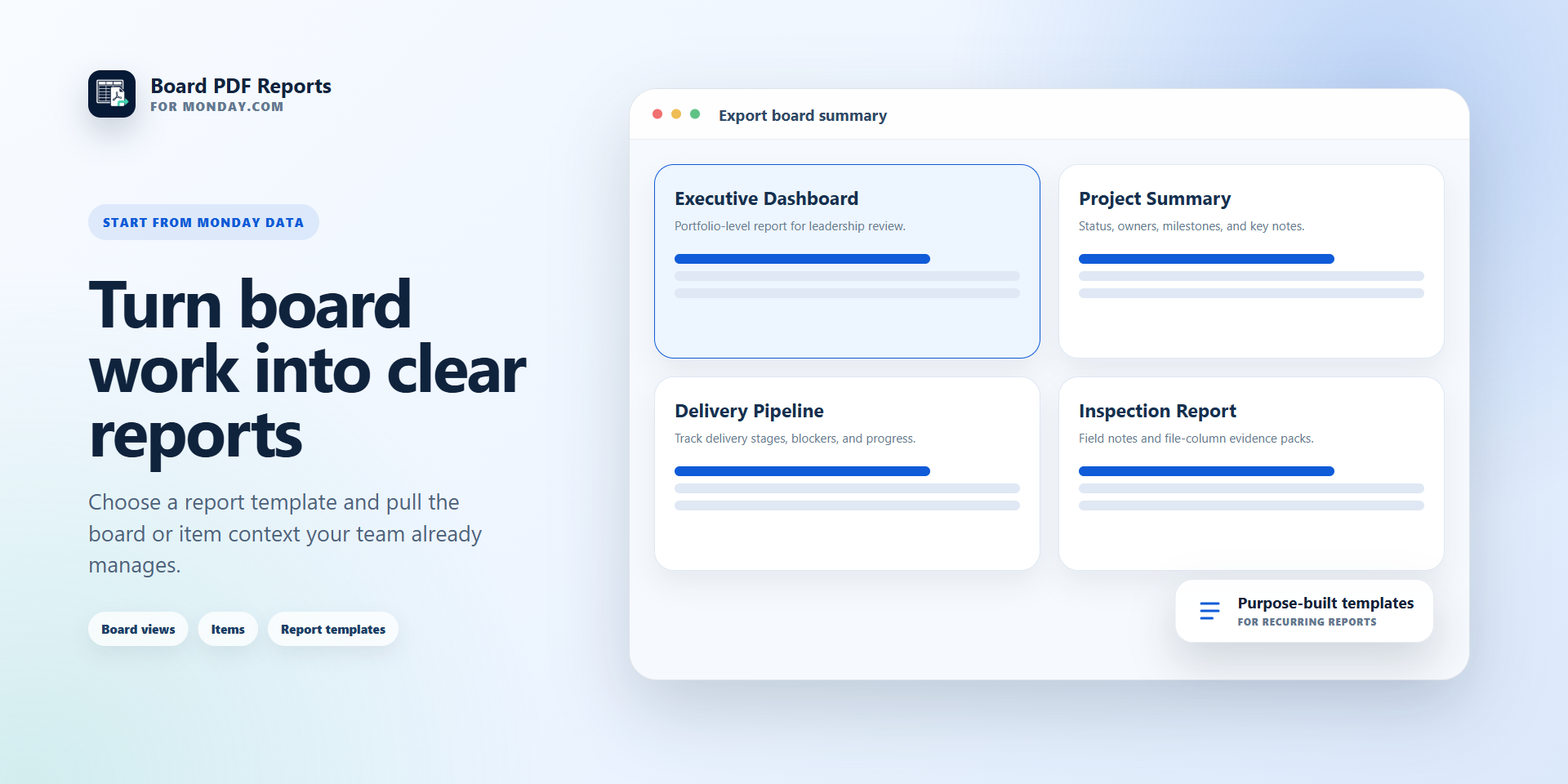
Choose report templates for client status updates, project summaries, executive overviews, delivery pipelines, and inspection-style reports.
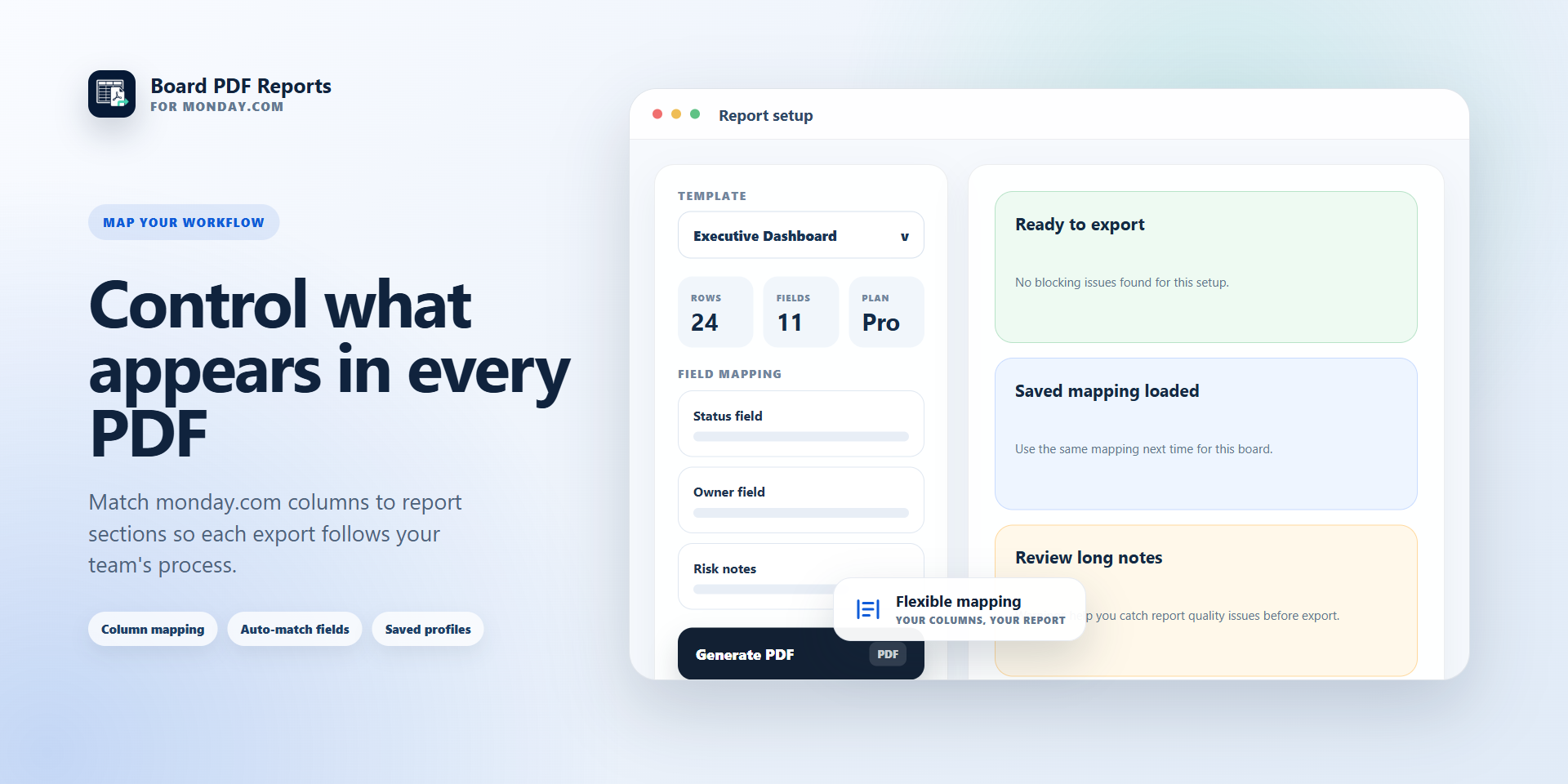
Map monday.com columns into report sections so each report reflects your workflow.
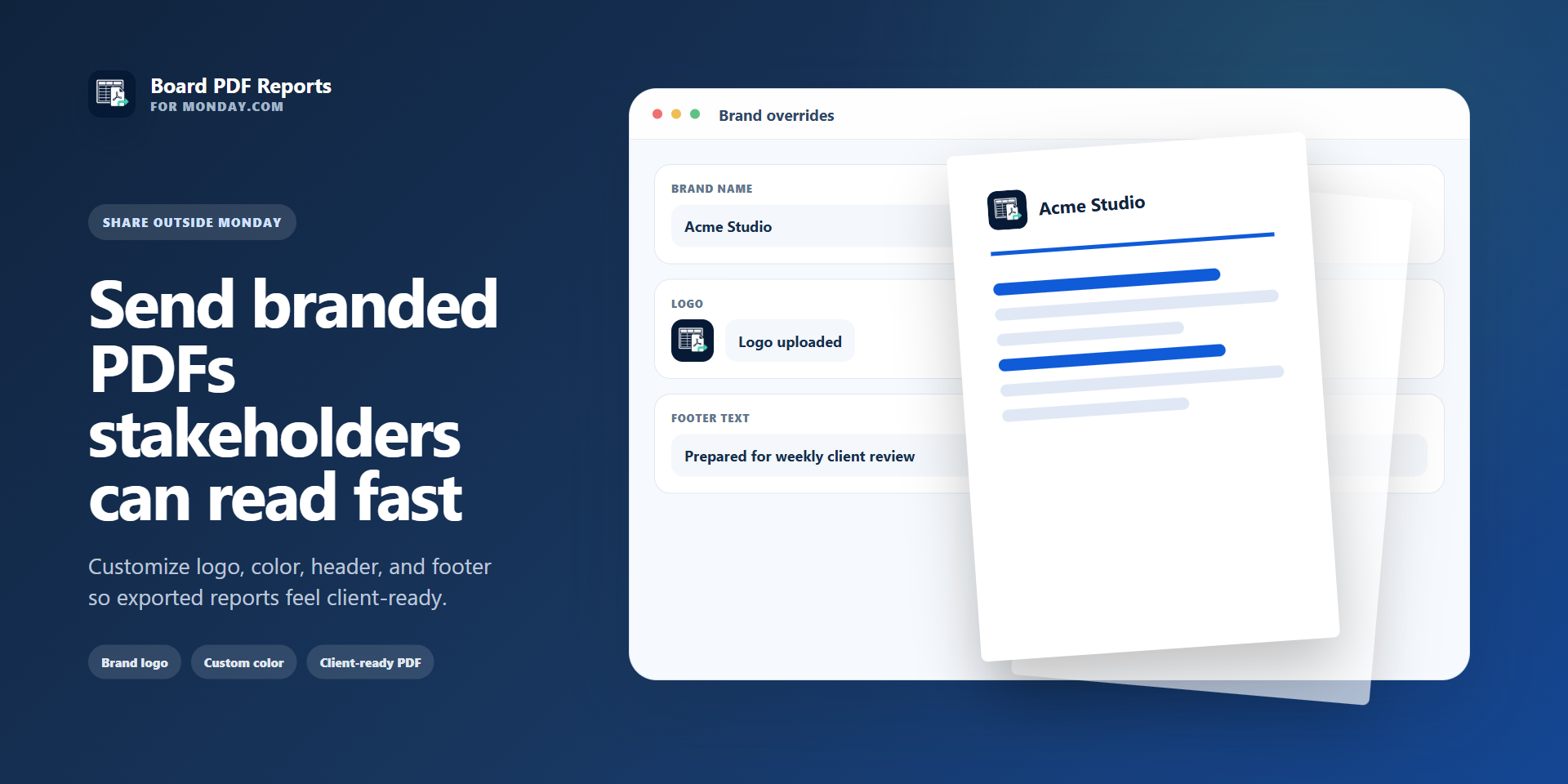
Customize branding with your logo, brand name, primary color, header text, and footer text.
Preview before exporting to check the layout, mapped fields, and missing required content.
Export professional PDFs for clients, leadership, vendors, or internal stakeholders.
Why teams choose Board PDF Reports
Designed for external sharing: create reports that look clear and professional outside monday.com.
Fast setup: no complex configuration, connect your monday.com data, choose a template, and export.
Flexible field mapping: decide which monday.com columns appear in each report.
Consistent branded output: keep recurring reports aligned with your team or client branding.
Useful across workflows: works for project updates, operational reviews, delivery tracking, client reporting, and field documentation.
Common use cases
Send weekly client status reports from selected monday.com items.
Create executive summaries from project or portfolio boards.
Export delivery pipeline overviews for team review meetings.
Prepare inspection or field-report PDFs from item details and file columns.
Share board progress with stakeholders who do not work inside monday.com.
Start with your monday.com data, choose a template, preview the report, and export a polished PDF your stakeholders can read immediately.
Security & Compliance
The app developer did not provide the security and compliance information for this app.
Reviews
No reviews yet.
Historical data
Installation history
We have data for December 28, 2024 onwards only. Collected sometime after 00:00 UTC daily.
Total number of installs
Change in total number of installs in last 1 day(s)
Compares the number of installs on each date with 1 days previously:
Max
Min
Current
Change in total number of installs in last 7 day(s)
Compares the number of installs on each date with 7 days previously:
Max
Min
Current
Change in total number of installs in last 30 day(s)
Compares the number of installs on each date with 30 days previously:
Max
Min
Current
Change in total number of installs in last 90 day(s)
Compares the number of installs on each date with 90 days previously:
Max
Min
Current
Change in total number of installs in last 180 day(s)
Compares the number of installs on each date with 180 days previously:
Max
Min
Current
Ratings history
Categories history
Each of the following is a yes/no answer, so the graphs show 1 for yes, and 0 for no.