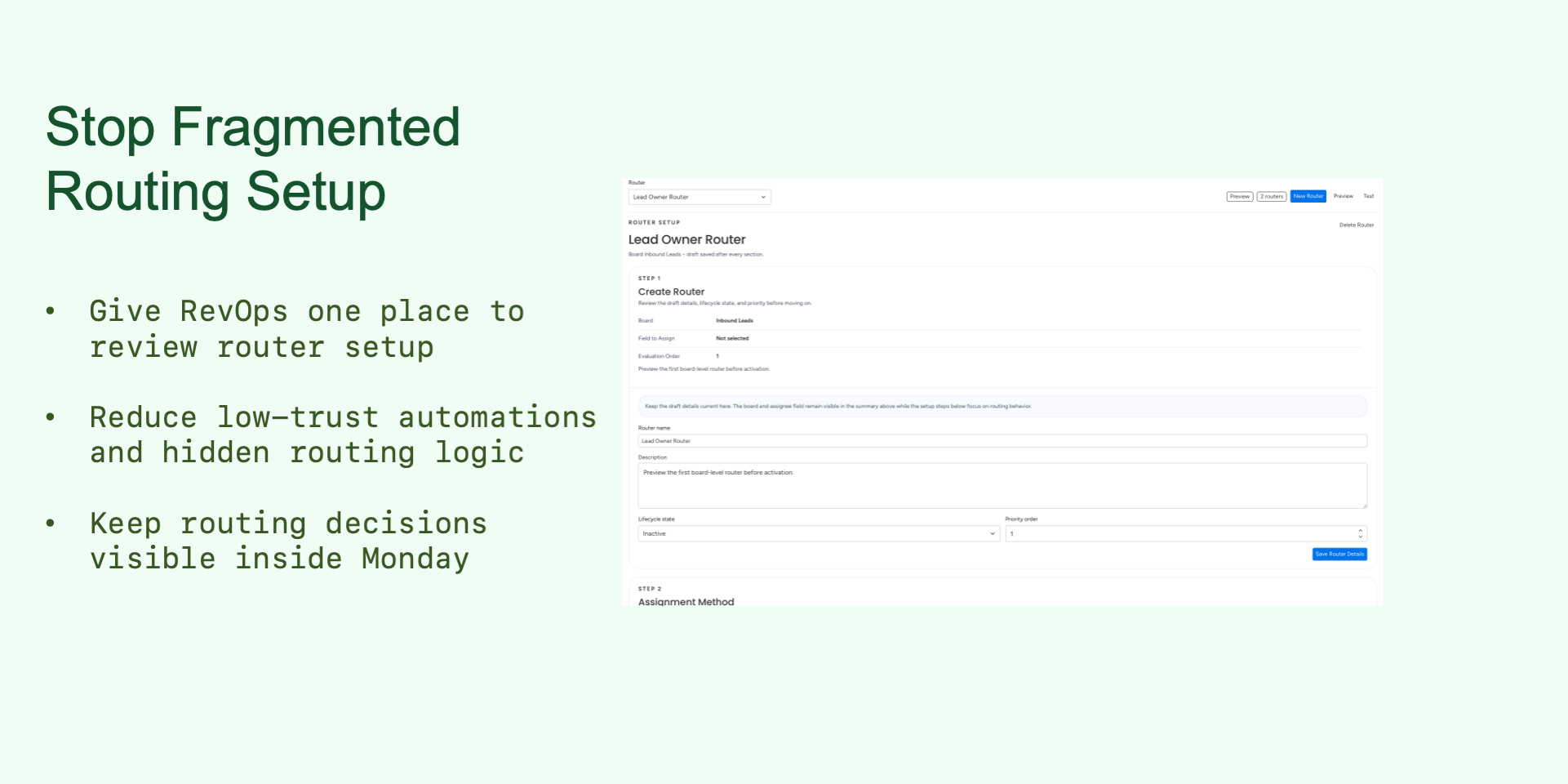
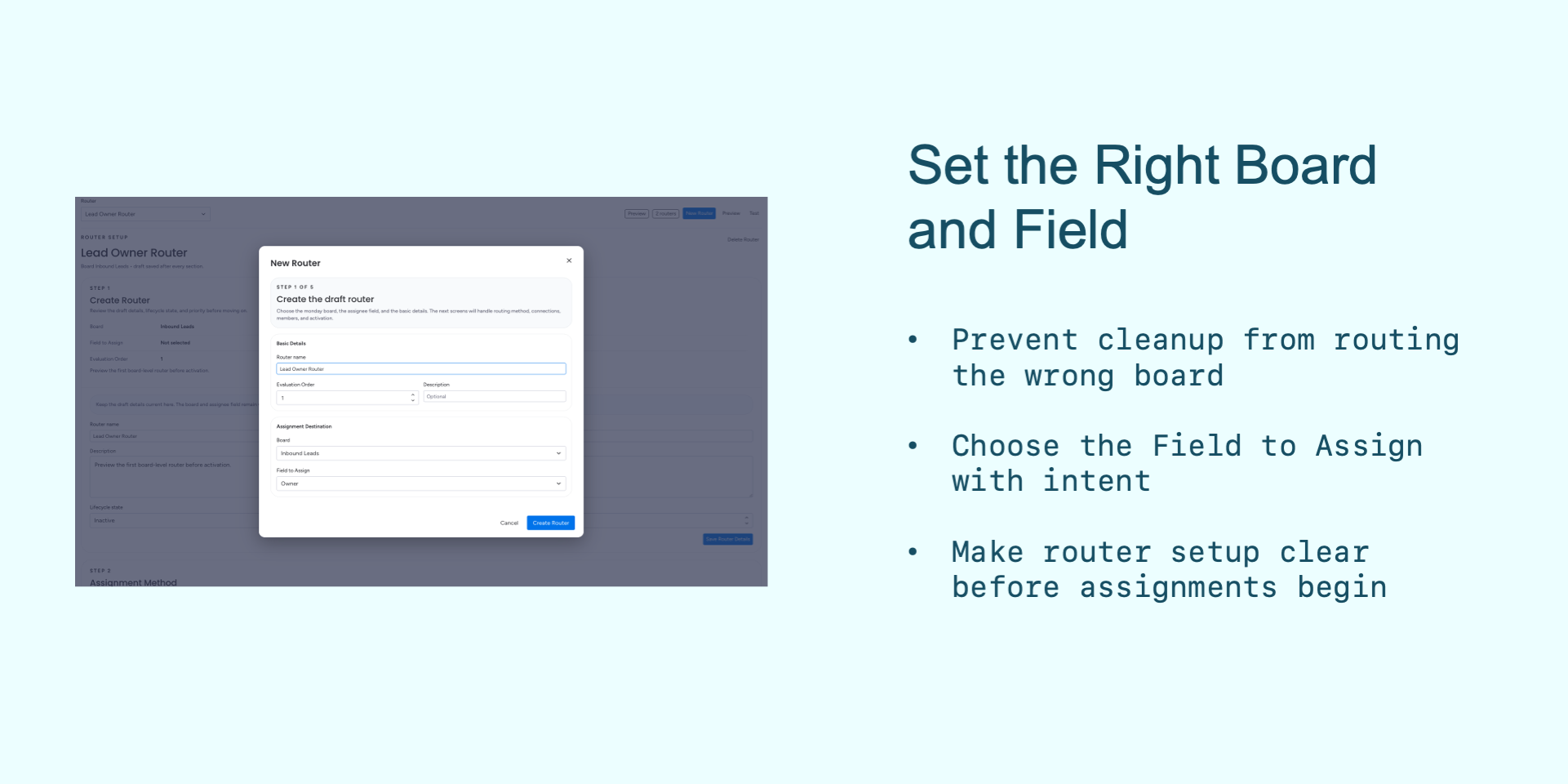
🚀 Stop manually triaging leads. MatchFlow gives sales teams a faster, fairer way to assign work inside Monday. Build a router for a board, choose the People column to update as the Field to Assign, and decide who should receive each item.
Why teams choose MatchFlow:
⚡ Route leads faster: assign demo requests, form submissions, event leads, and manually entered items without waiting for manual triage.
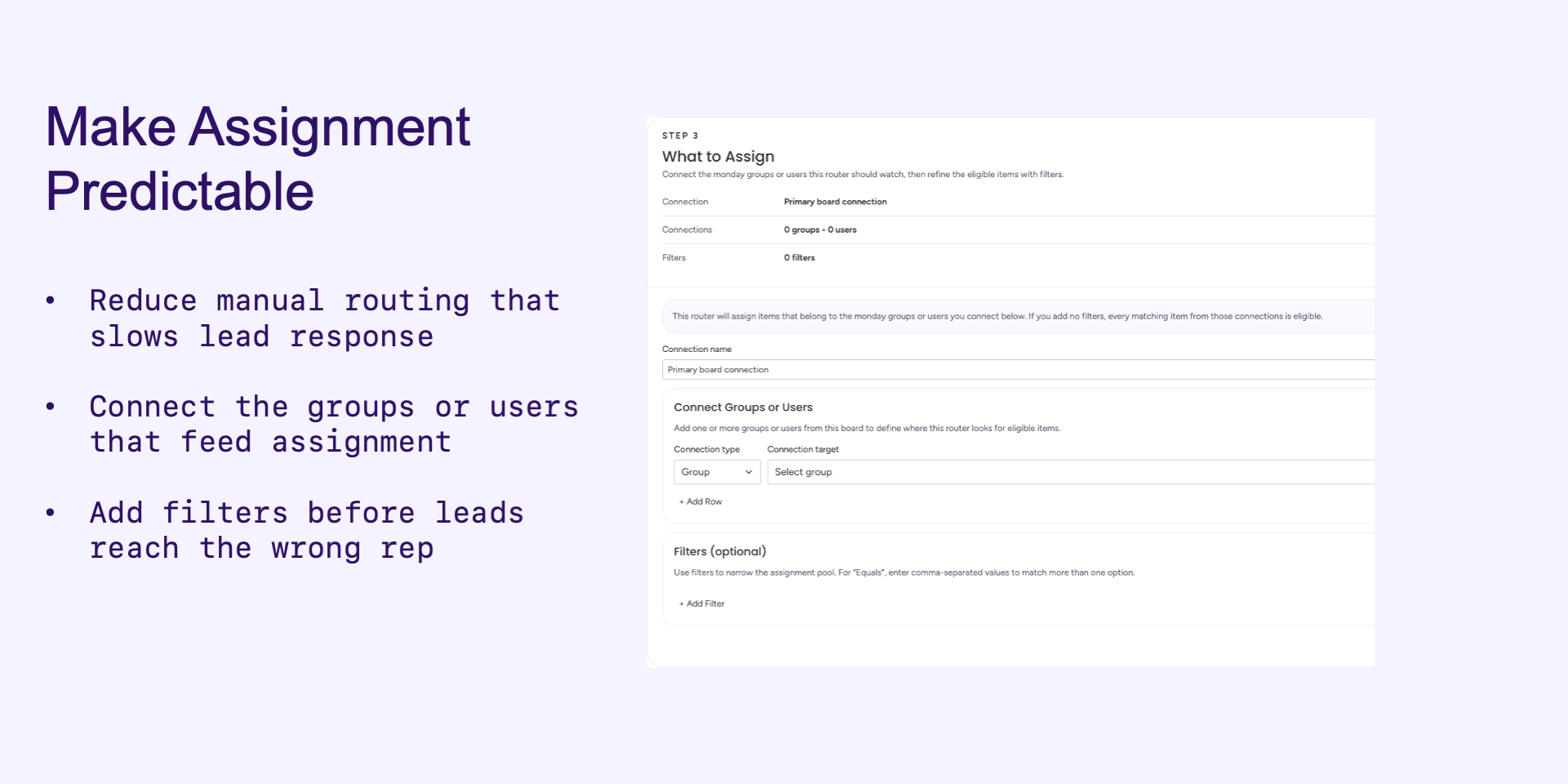
🎯 Control exactly what gets assigned: route every item on a board, or focus a router on specific groups and users.
🔁 Make distribution more consistent: use Round Robin so eligible reps receive a clearer share of new work.
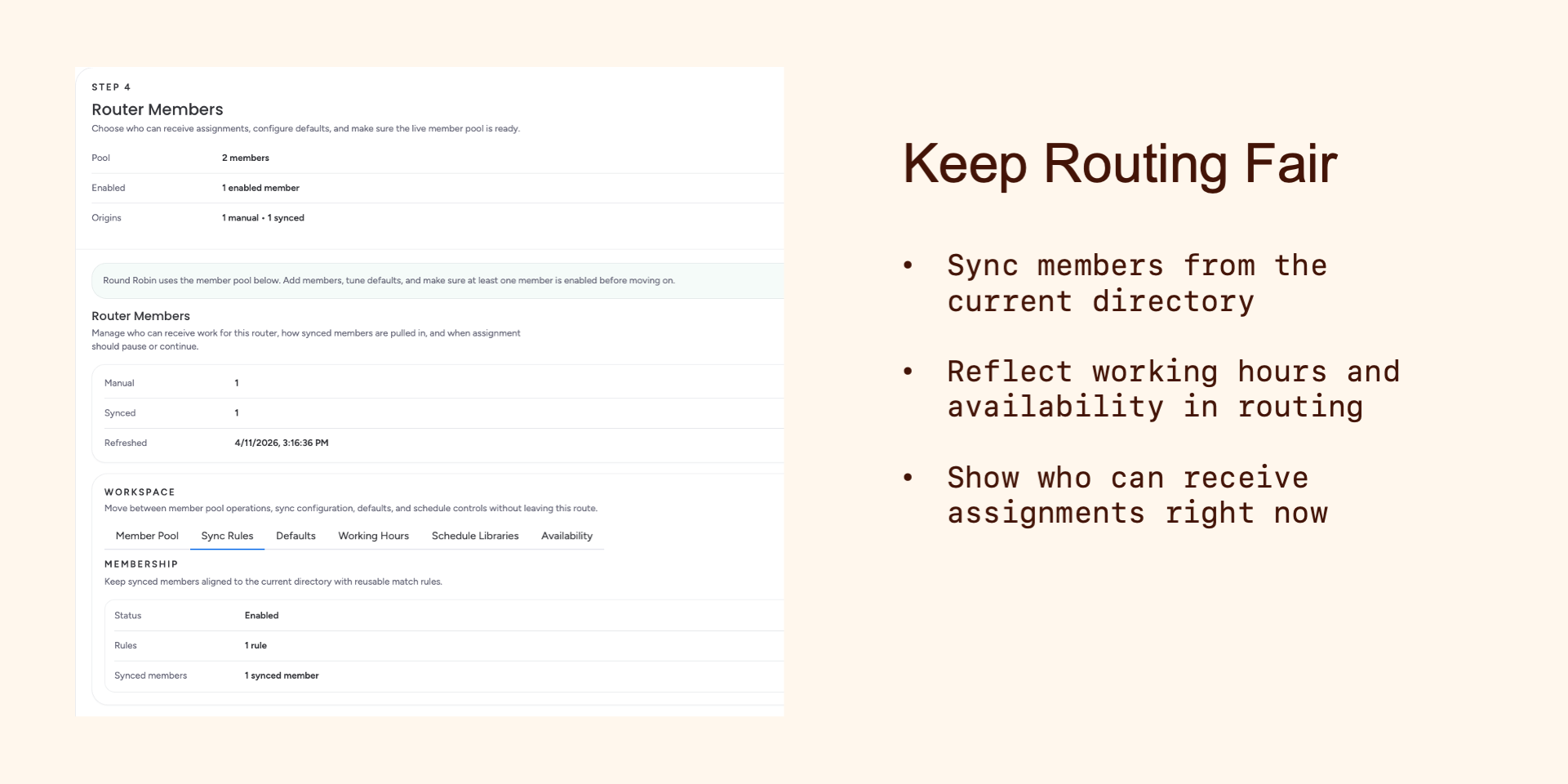
👥 Keep the right reps in rotation: include all active members from the current directory, or customize the member pool with manual members and sync rules.
🕒 Respect real availability: account for working hours, out-of-office time, availability overrides, backups, and member defaults.
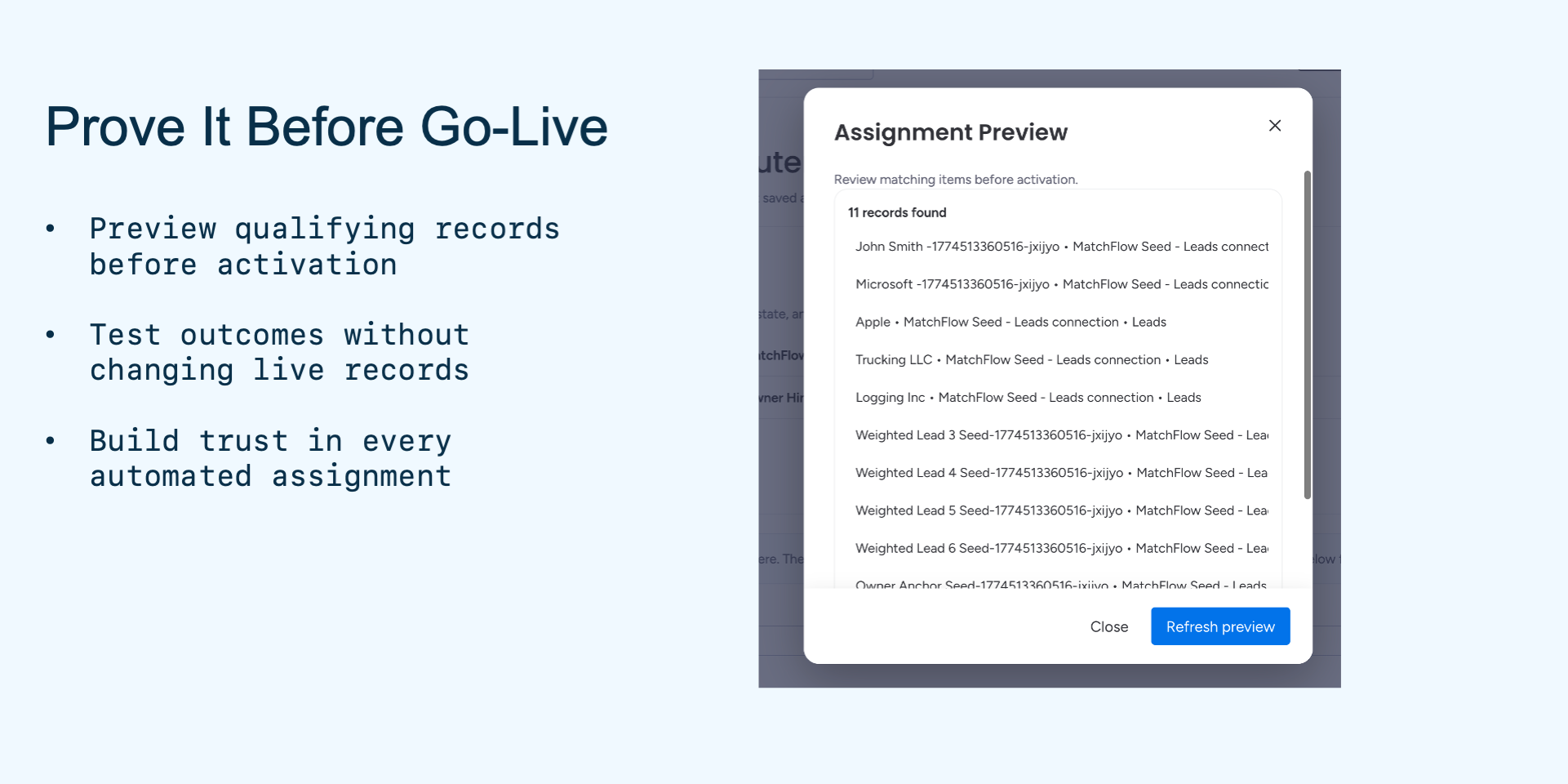
🔍 Test before launch: preview matching items and run assignment tests with a Monday item ID before activation.
MatchFlow is built for the messy moments that create ownership confusion: inbound demo requests, form leads, event follow-up, board groups owned by different teams, and reps who are temporarily unavailable. Instead of asking someone to watch the board and pick the next owner, MatchFlow gives admins a repeatable routing path they can configure, inspect, and activate from Monday Account Settings.
For admins and managers: clearer setup, less scattered automation logic, a visible path from board to Field to Assign to member pool, and more consistent distribution while respecting who is available.
Lead routing should not feel like guesswork. Configure the router, test it against real board data, activate it when ready, and let MatchFlow update the selected People column as matching items change.
Want to see how MatchFlow fits your boards? Book a Demo.
Security & Compliance
The app developer did not provide the security and compliance information for this app.
Reviews
No reviews yet.
Historical data
Installation history
We have data for December 28, 2024 onwards only. Collected sometime after 00:00 UTC daily.
Total number of installs
Change in total number of installs in last 1 day(s)
Compares the number of installs on each date with 1 days previously:
Max
Min
Current
Change in total number of installs in last 7 day(s)
Compares the number of installs on each date with 7 days previously:
Max
Min
Current
Change in total number of installs in last 30 day(s)
Compares the number of installs on each date with 30 days previously:
Max
Min
Current
Change in total number of installs in last 90 day(s)
Compares the number of installs on each date with 90 days previously:
Max
Min
Current
Change in total number of installs in last 180 day(s)
Compares the number of installs on each date with 180 days previously:
Max
Min
Current
Ratings history
Categories history
Each of the following is a yes/no answer, so the graphs show 1 for yes, and 0 for no.