Track Project Time with Precision – Boost Team Productivity & Accurate Billing
Our monday.com time tracking app provides a simple and efficient way for teams to track time spent on projects, tasks, or specific items with complete visibility and control.
Key Features:
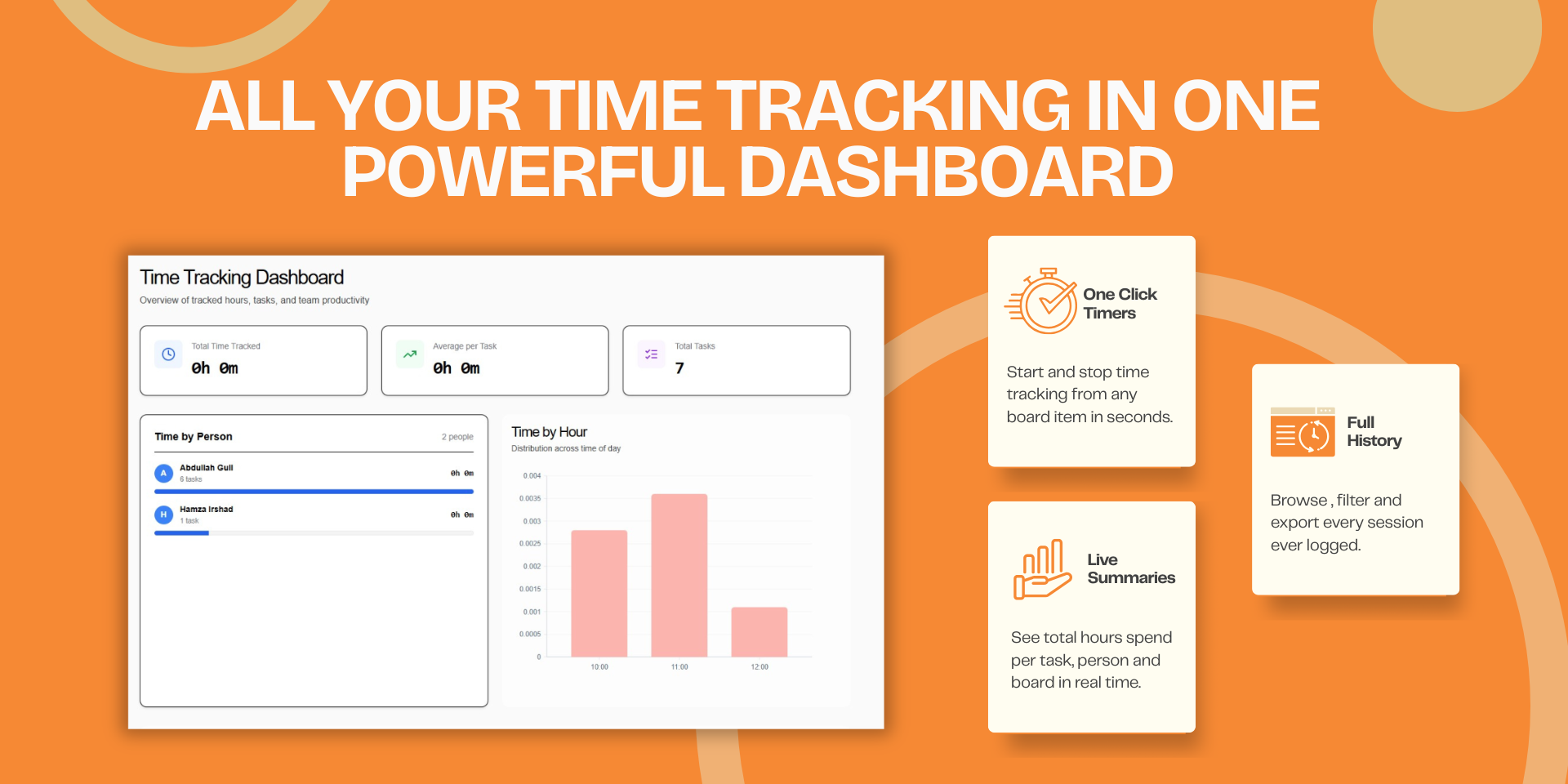
Real-time Timer Control – Start and stop timers directly from the app while working on assigned projects or tasks. Timers continue running in the background, so you can navigate freely without losing track.
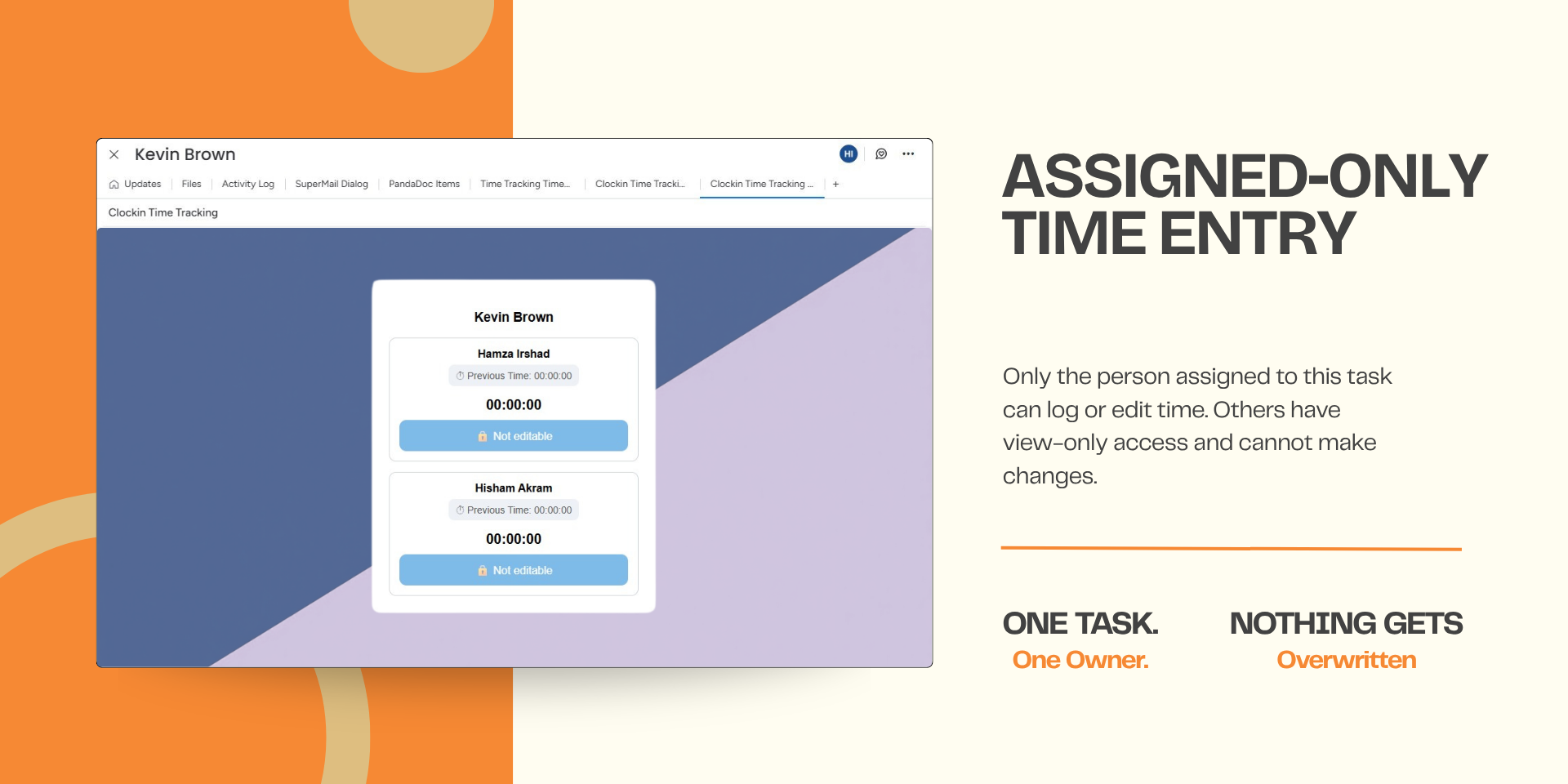
Individual Ownership – Each user tracks and manages their own time entries, ensuring clear accountability and accurate records.
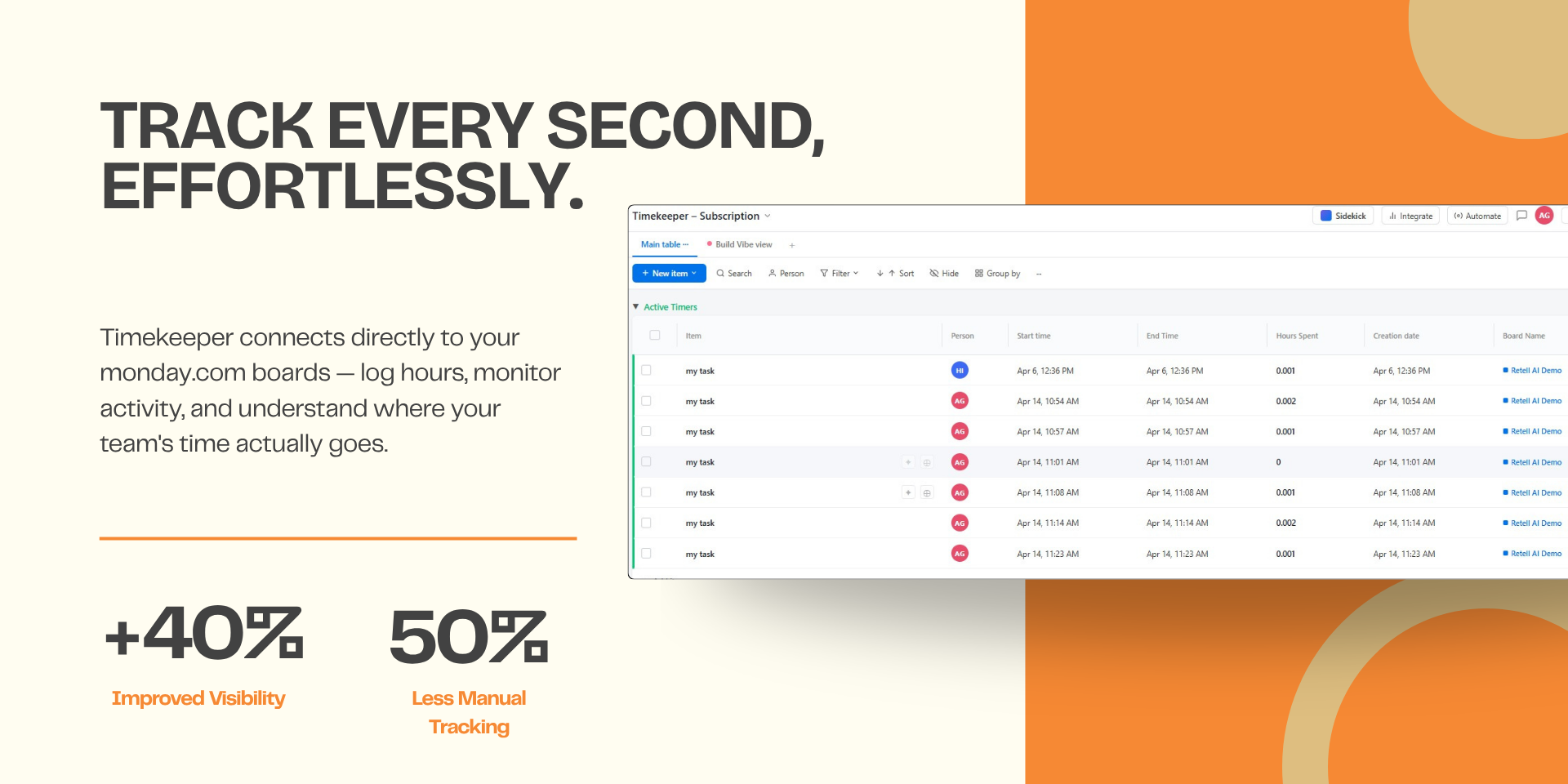
Automatic Time Logging – Every session is automatically recorded in a dedicated time log board with user details, project/task information, start/end times, and duration in hours.
Productivity Insights – Analyze how much time each team member spends on different tasks and projects. Calculate productivity metrics and generate billing amounts based on hourly rates.
Seamless Workflow – Pause and resume tracking anytime without losing data. Perfect for teams juggling multiple projects.
Benefits:
✓ Improve time visibility across all projects
✓ Manage team workloads efficiently
✓ Maintain accurate work activity records
✓ Enable precise project billing and cost estimation
Book a Demo: https://cal.com/codexsolutionsint/monday.com-consultation – See how our app transforms your team's time tracking today!
Security & Compliance
The app developer did not provide the security and compliance information for this app.
Reviews
No reviews yet.
Historical data
Installation history
We have data for December 28, 2024 onwards only. Collected sometime after 00:00 UTC daily.
Total number of installs
Change in total number of installs in last 1 day(s)
Compares the number of installs on each date with 1 days previously:
Max
Min
Current
Change in total number of installs in last 7 day(s)
Compares the number of installs on each date with 7 days previously:
Max
Min
Current
Change in total number of installs in last 30 day(s)
Compares the number of installs on each date with 30 days previously:
Max
Min
Current
Change in total number of installs in last 90 day(s)
Compares the number of installs on each date with 90 days previously:
Max
Min
Current
Change in total number of installs in last 180 day(s)
Compares the number of installs on each date with 180 days previously:
Max
Min
Current
Ratings history
Categories history
Each of the following is a yes/no answer, so the graphs show 1 for yes, and 0 for no.