Ultimate workflow blocks to supercharge your workflows
Introducing the ultimate app for all your power workflow needs. This app has collection of advanced workflow blocks for subitems, dependency columns, formula columns and much more...
Powerful triggers blocks:
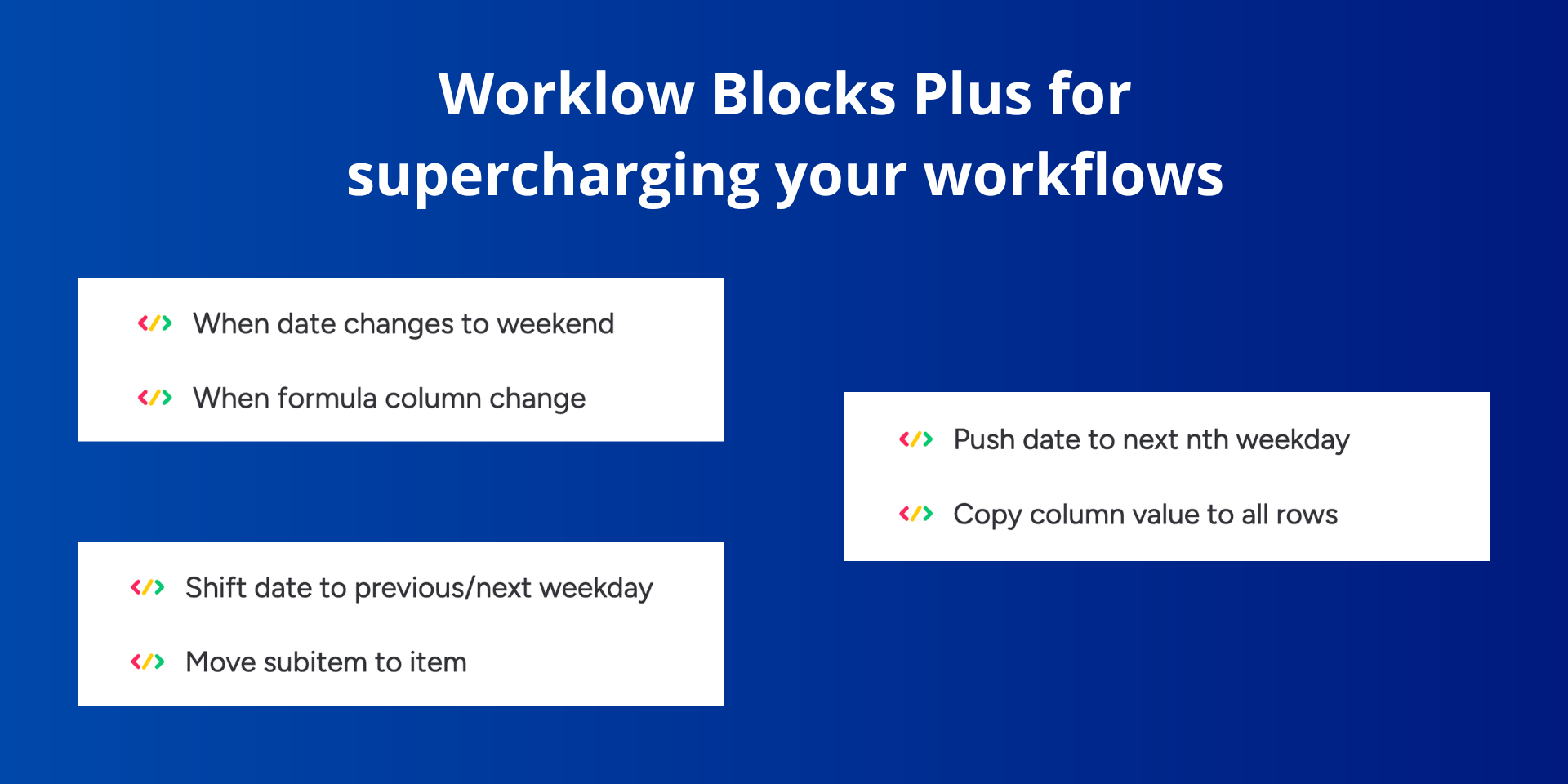
1. When date changes to weekend
2. When formula column change
Powerful action blocks:
1. Push date to next nth weekday
2. Copy column value to all rows
3. Shift date to previous/next weekday
4. Move subitem to item
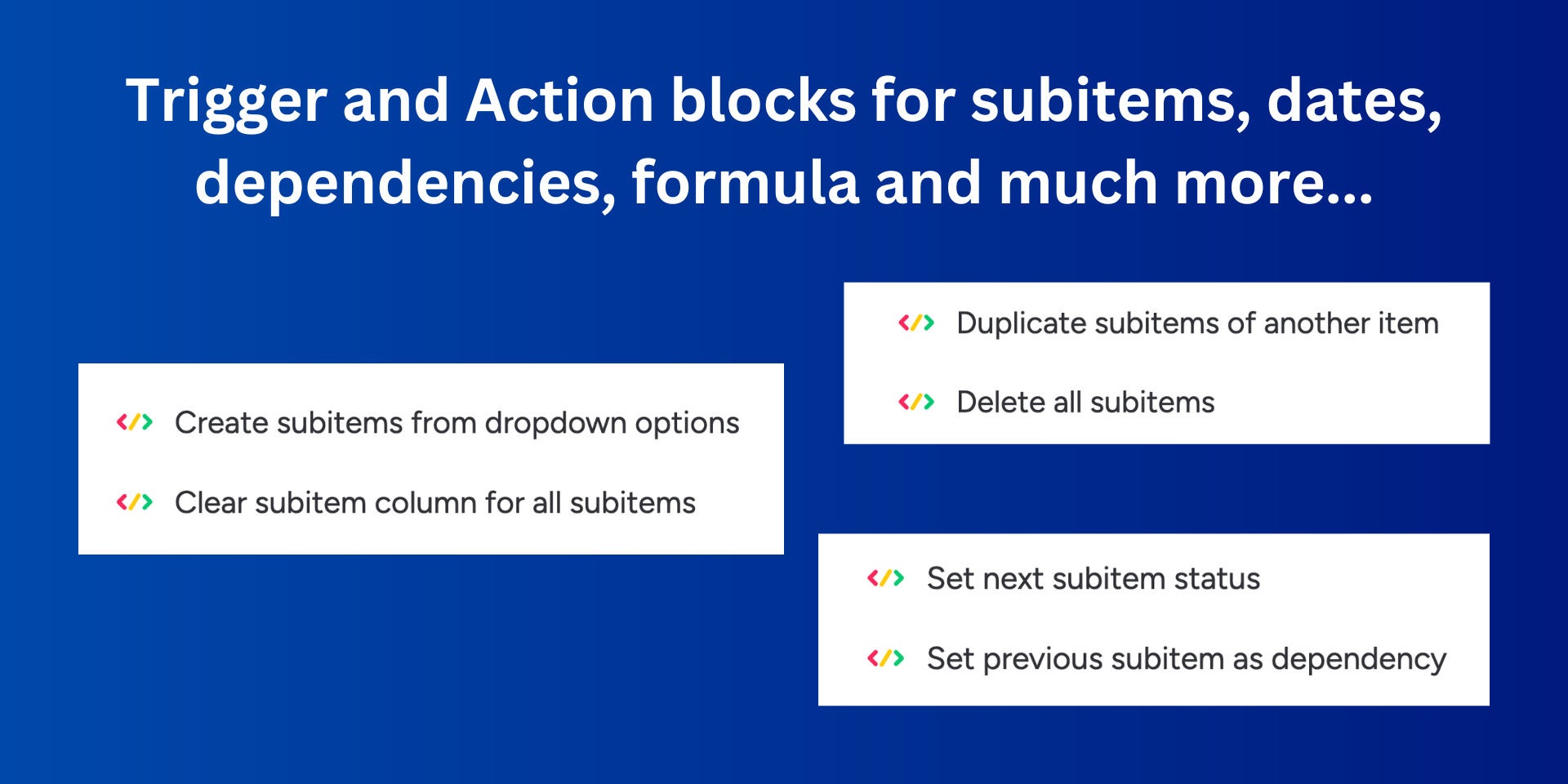
5. Duplicate subitems of another item
6. Delete all subitems
7. Create subitems from dropdown options
8. Clear subitem column for all subitems
9. Set next subitem status
10. Set previous subitem as dependency
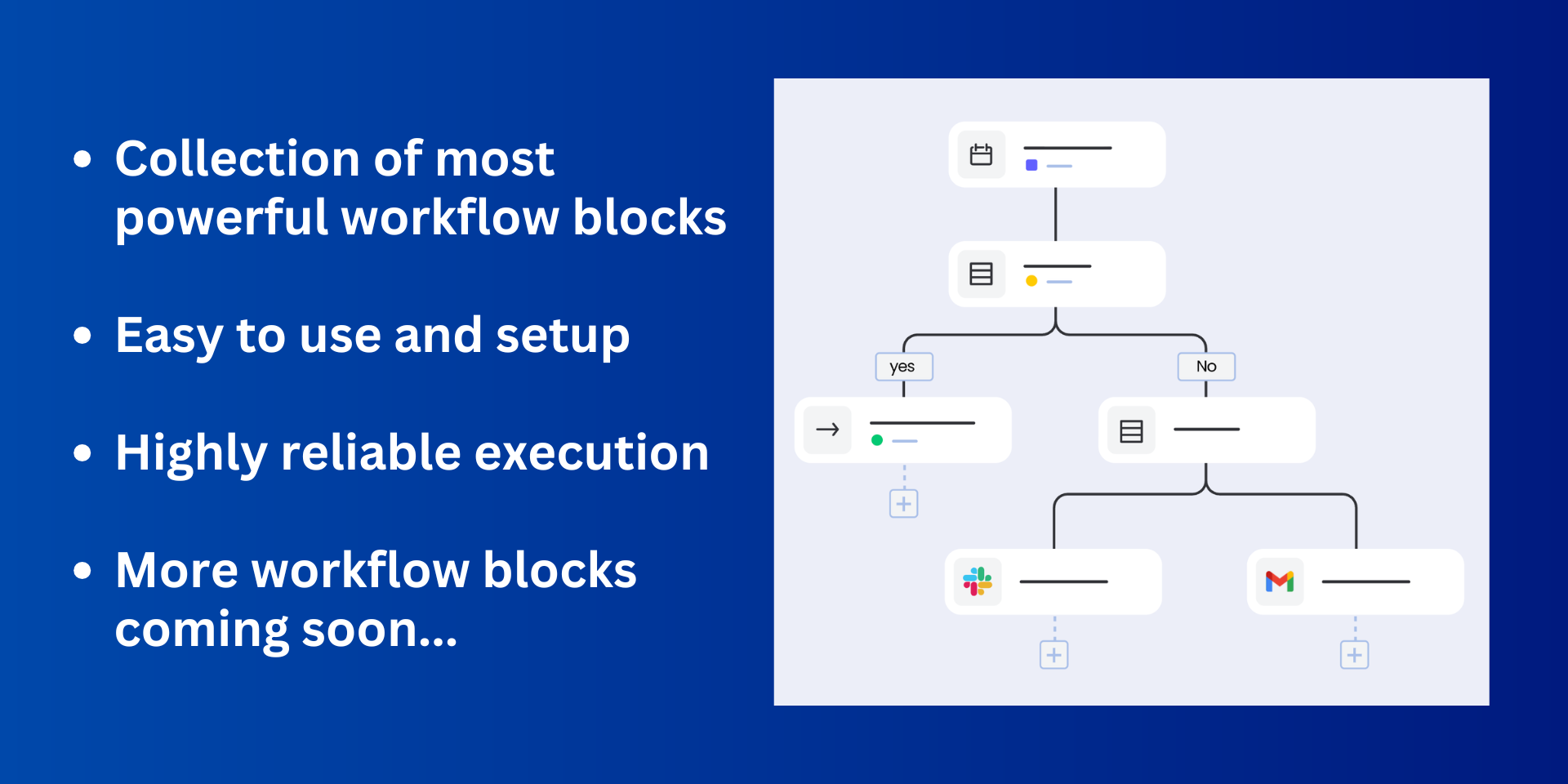
- Plus many more coming soon...
Not seeing the workflow block you need, no worries, just write to us at support@superworkday.com and we will add it :)
We encourage you to get a live demonstration so we can walk you through all the features! Get a free demo here
Security & Compliance
The app developer did not provide the security and compliance information for this app.
Reviews
No reviews yet.
Historical data
Installation history
We have data for December 28, 2024 onwards only. Collected sometime after 00:00 UTC daily.
Total number of installs
Change in total number of installs in last 1 day(s)
Compares the number of installs on each date with 1 days previously:
Max
Min
Current
Change in total number of installs in last 7 day(s)
Compares the number of installs on each date with 7 days previously:
Max
Min
Current
Change in total number of installs in last 30 day(s)
Compares the number of installs on each date with 30 days previously:
Max
Min
Current
Change in total number of installs in last 90 day(s)
Compares the number of installs on each date with 90 days previously:
Max
Min
Current
Change in total number of installs in last 180 day(s)
Compares the number of installs on each date with 180 days previously:
Max
Min
Current
Ratings history
Categories history
Each of the following is a yes/no answer, so the graphs show 1 for yes, and 0 for no.
{
"id": 10001188,
"marketplace_developer_id": 10000175,
"app_id": 11143093,
"app_type": "app",
"security_info": {},
"gallery_assets": [
{
"url": "https://cdn.monday.com/marketplace/10001188/10001188_2026_4_20_8_27_32_nkcbgiv.png",
"type": "image"
},
{
"url": "https://cdn.monday.com/marketplace/10001188/10001188_2026_4_20_8_27_37_rblvda5h.png",
"type": "image"
},
{
"url": "https://cdn.monday.com/marketplace/10001188/10001188_2026_4_20_8_27_41_jdywf30h.png",
"type": "image"
}
],
"description": "<p><em>Introducing the ultimate app for all your power workflow needs. This app has collection of advanced workflow blocks for subitems, dependency columns, formula columns and much more...</em></p><p><br></p><p><strong>Powerful triggers blocks:</strong></p><p>1. When date changes to weekend</p><p>2. When formula column change</p><p><br></p><p><strong>Powerful action blocks:</strong></p><p>1. Push date to next nth weekday</p><p>2. Copy column value to all rows</p><p>3. Shift date to previous/next weekday</p><p>4. Move subitem to item</p><p>5. Duplicate subitems of another item</p><p>6. Delete all subitems</p><p>7. Create subitems from dropdown options</p><p>8. Clear subitem column for all subitems</p><p>9. Set next subitem status</p><p>10. Set previous subitem as dependency</p><p>- Plus many more coming soon...</p><p><br></p><p>Not seeing the workflow block you need, no worries, just write to us at <a href=\"mailto:support@superworkday.com\" rel=\"noopener noreferrer\" target=\"_blank\">support@superworkday.com</a> and we will add it :)</p><p><strong>We encourage you to get a live demonstration so we can walk you through all the features! </strong><a href=\"https://calendly.com/superworkday/app-demo\" rel=\"noopener noreferrer\" target=\"_blank\"><strong>Get a free demo here</strong></a></p>",
"short_description": "Ultimate workflow blocks to supercharge your workflows",
"thumbnail_url": "https://cdn.monday.com/marketplace/10001188/10001188_2026_4_20_8_27_3_uxgbfyn.png",
"logo_url": "https://cdn.monday.com/marketplace/10001188/10001188_2026_4_20_8_26_50_bn08kvz.png",
"feedback_url": "support@superworkday.com",
"privacy_policy_url": "https://superworkday.com/privacy",
"featured": false,
"name": "Workflow Blocks Plus",
"how_to_use_url": "https://superworkday.com/workflow-blocks-plus/how-to-use",
"external_pricing_url": null,
"keywords": "workflow,workflows,automation,automations,block,blocks,subitem,formula,dependency,date",
"compliance_answers": [],
"created_at": "2026-05-20T08:26:00.000Z",
"updated_at": "2026-05-20T08:28:20.000Z",
"automation_app_id": null,
"marketplace_category_ids": [],
"pinned_for_categories_ids": [],
"featured_for_categories_ids": [],
"pricing_data": "Free plan available",
"label": null,
"app_values": [
"Work from everywhere"
],
"security": false,
"display_in_template_store": false,
"acquisition_source": "No touch",
"is_connector": false,
"terms_of_service_url": "https://superworkday.com/terms",
"available_for_tiers": [],
"available_for_products": [],
"google_analytics_tag_id": null,
"is_solution": false,
"cta_override": null,
"app_scope_str": "boards:read,boards:write,account:read,webhooks:write,webhooks:read,notifications:write",
"app_client_id": "5f0b77f5ccf7a36dc98e06ed92affa5f",
"app_color": {
"hsl": {
"h": 180,
"s": 0,
"l": 1,
"a": 1
},
"hex": "#ffffff",
"rgb": {
"r": 255,
"g": 255,
"b": 255,
"a": 1
},
"hsv": {
"h": 180,
"s": 0,
"v": 1,
"a": 1
},
"oldHue": 180,
"source": "hsv"
},
"plans": null,
"app_live_version": {
"updated_at": "2026-04-22T12:43:44.829Z",
"id": 14164196
},
"pricing_model": null,
"badges_data": {
"security": false,
"app_values": [
"Work from everywhere"
],
"pricing_data": "Free plan available",
"acquisition_source": "No touch",
"display_in_template_store": false
},
"data": {
"is_solution": false,
"cta_override": null,
"is_connector": false,
"available_for_tiers": [],
"terms_of_service_url": "https://superworkday.com/terms",
"available_for_products": [],
"google_analytics_tag_id": null
},
"display": null,
"installsDelta": {
"totalInstalls": 2
}
}