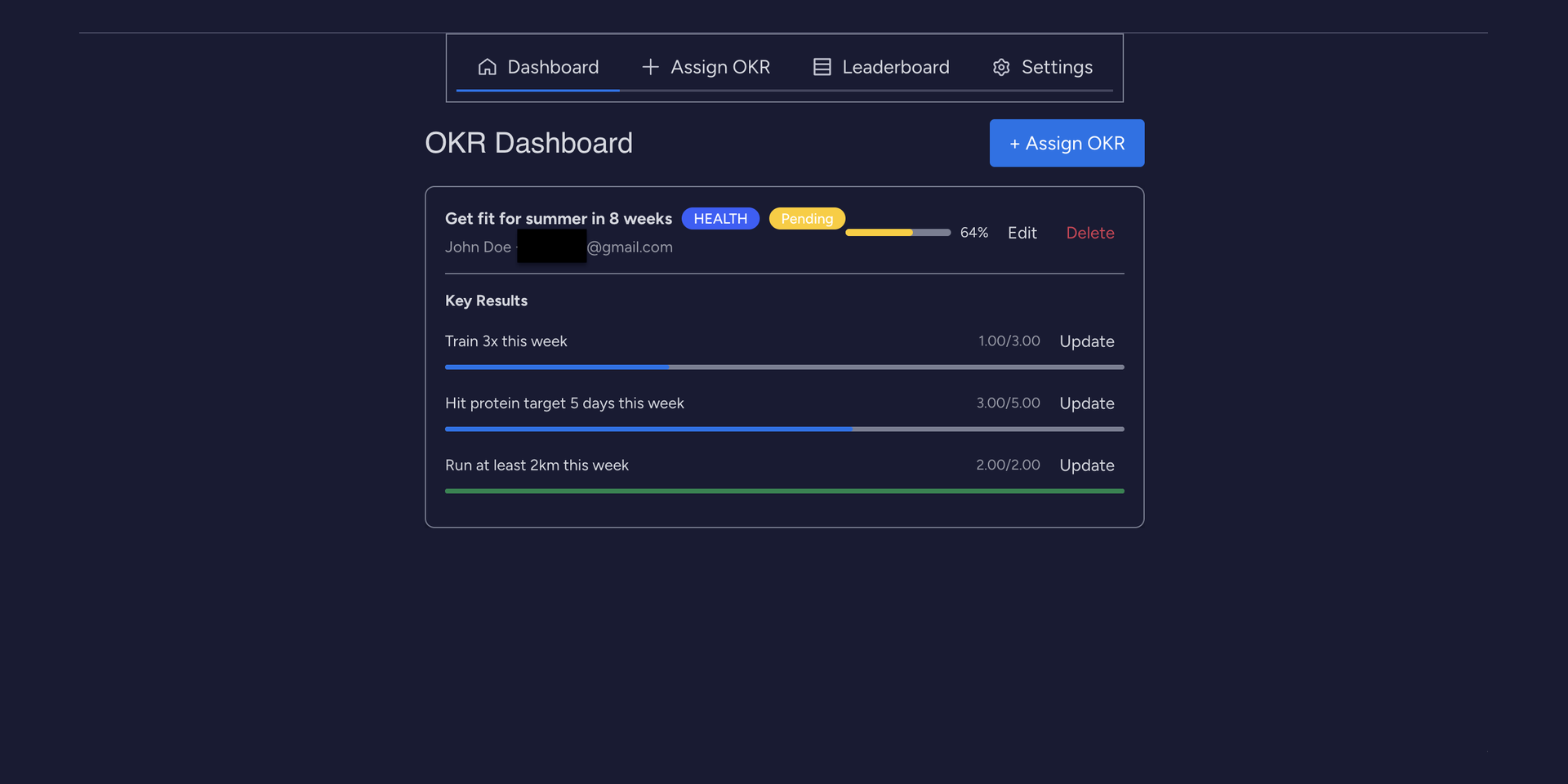
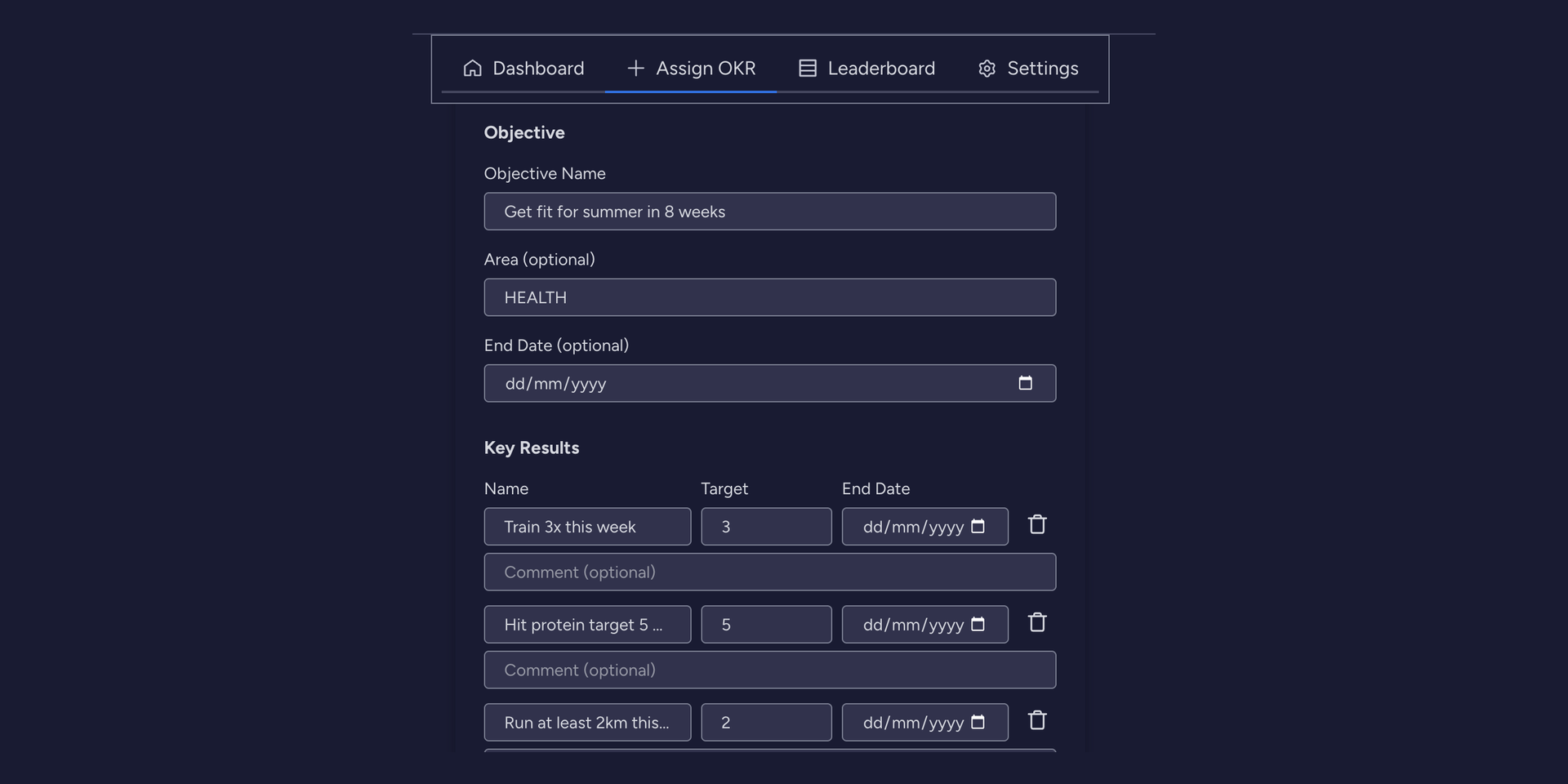
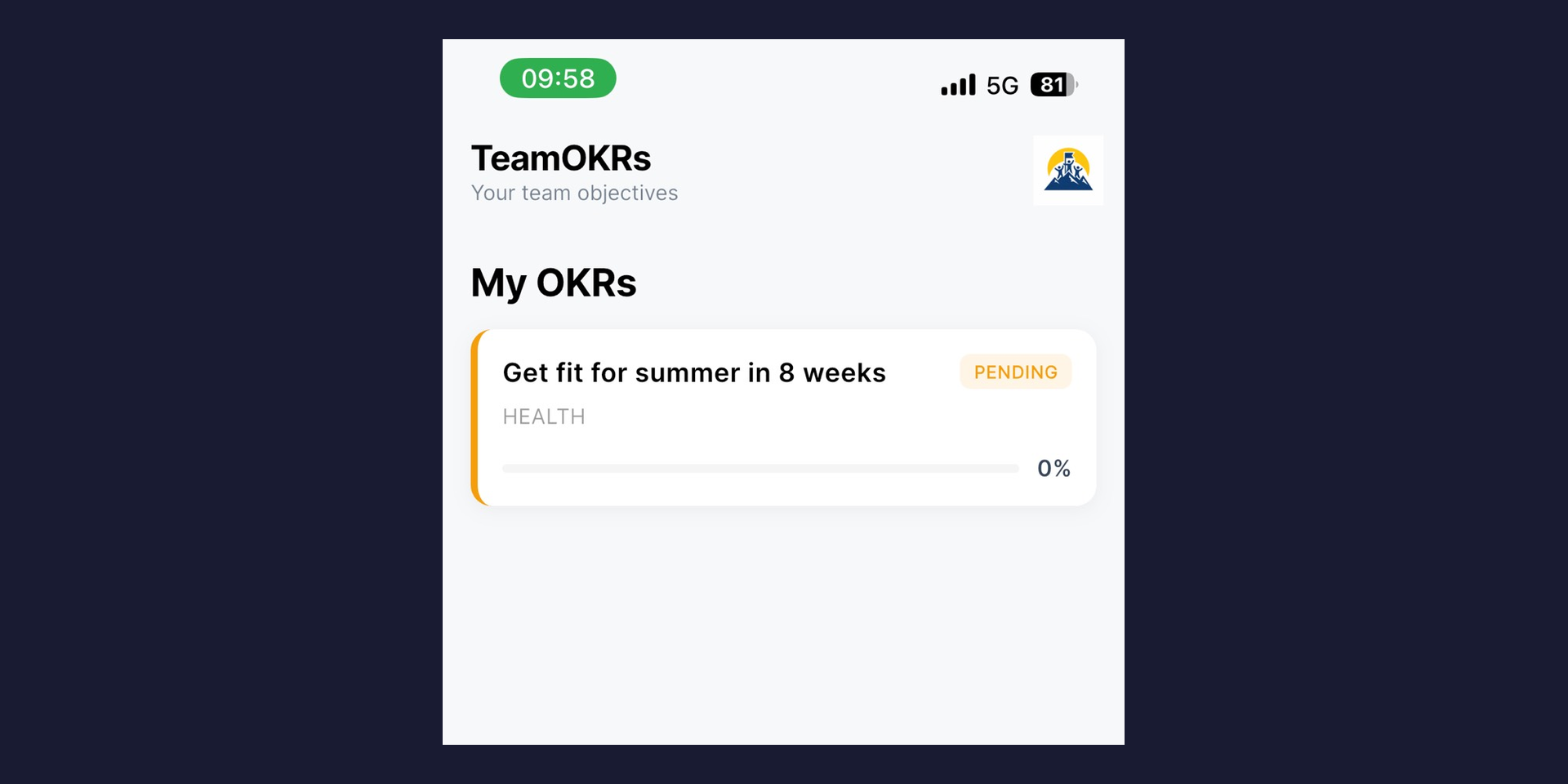
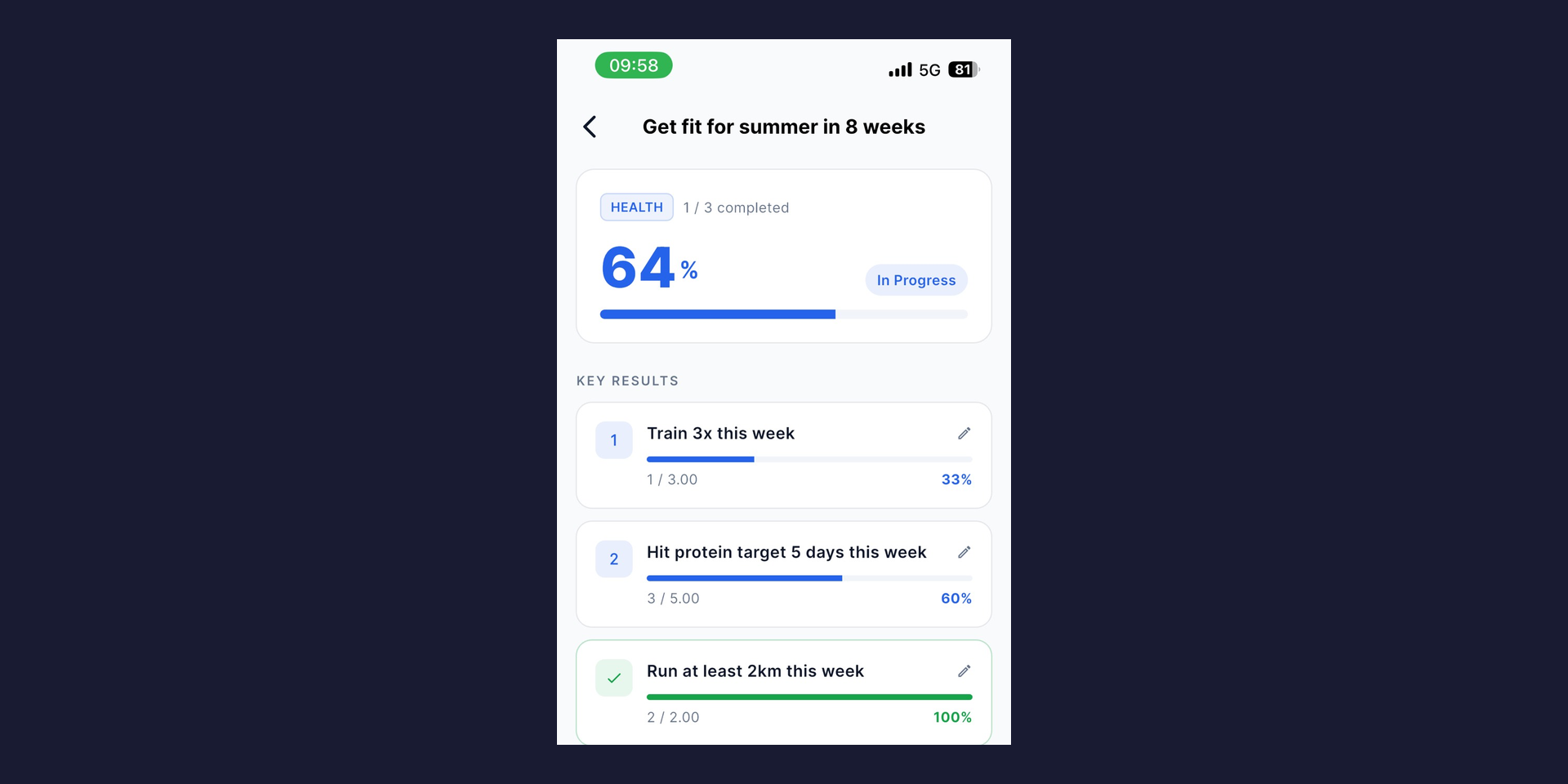
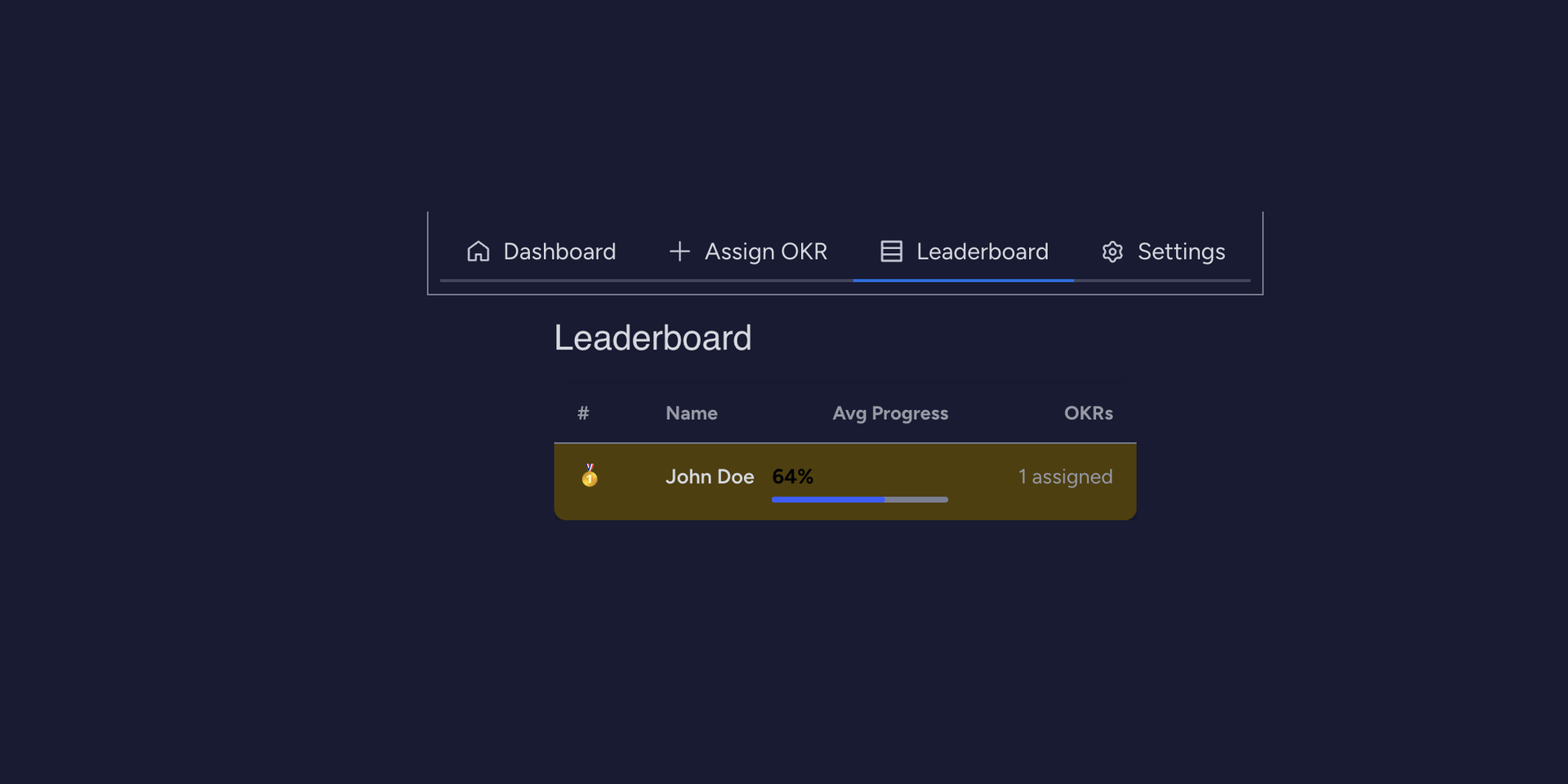
TeamOKRs turns your monday.com workspace into a client goal-tracking system for personal trainers and fitness coaches. Set a goal once, your client updates it from their phone — no more chasing progress over text, WhatsApp, or LINE.
How it works:
📌 Set a training goal right from monday.com — e.g. "Lose 5kg in 8 weeks" — with clear weekly targets like "3 cardio sessions per week." No separate app needed on your end.
📊 Your client tracks it themselves — They log sessions, weight, distance, or any target you set, right from the free mobile app. You see it update live.
🎯 One dashboard for every client — See who's on track and who's falling behind, across your entire client roster, in one leaderboard view.
🔒 Secure & private — Each client's data is private to your workspace. Encrypted in transit and at rest.
Key Features:
- Set training goals with multiple measurable weekly targets per client
- Clients log their own progress — no manual check-ins or spreadsheets
- Leaderboard to keep clients motivated and accountable
- Flexible deadlines per goal and per target — match any training program length
- Free plan: up to 100 active client goals
- Pro plan: unlimited client goals
Who is it for?
Independent personal trainers, fitness studio owners, and sports or rehab coaches who are managing client goals manually — on WhatsApp, LINE, spreadsheets, or paper. If you're juggling 5, 10, or 20+ clients and losing track of who's actually hitting their targets, TeamOKRs gives you one place to set goals and see real progress, without paying per client.
Security & Compliance
The app developer did not provide the security and compliance information for this app.
Reviews
No reviews yet.
Historical data
Installation history
We have data for December 28, 2024 onwards only. Collected sometime after 00:00 UTC daily.
Total number of installs
Change in total number of installs in last 1 day(s)
Compares the number of installs on each date with 1 days previously:
Max
Min
Current
Change in total number of installs in last 7 day(s)
Compares the number of installs on each date with 7 days previously:
Max
Min
Current
Change in total number of installs in last 30 day(s)
Compares the number of installs on each date with 30 days previously:
Max
Min
Current
Change in total number of installs in last 90 day(s)
Compares the number of installs on each date with 90 days previously:
Max
Min
Current
Change in total number of installs in last 180 day(s)
Compares the number of installs on each date with 180 days previously:
Max
Min
Current
Ratings history
Categories history
Each of the following is a yes/no answer, so the graphs show 1 for yes, and 0 for no.