Flexible sync between Asana tasks and monday.com items
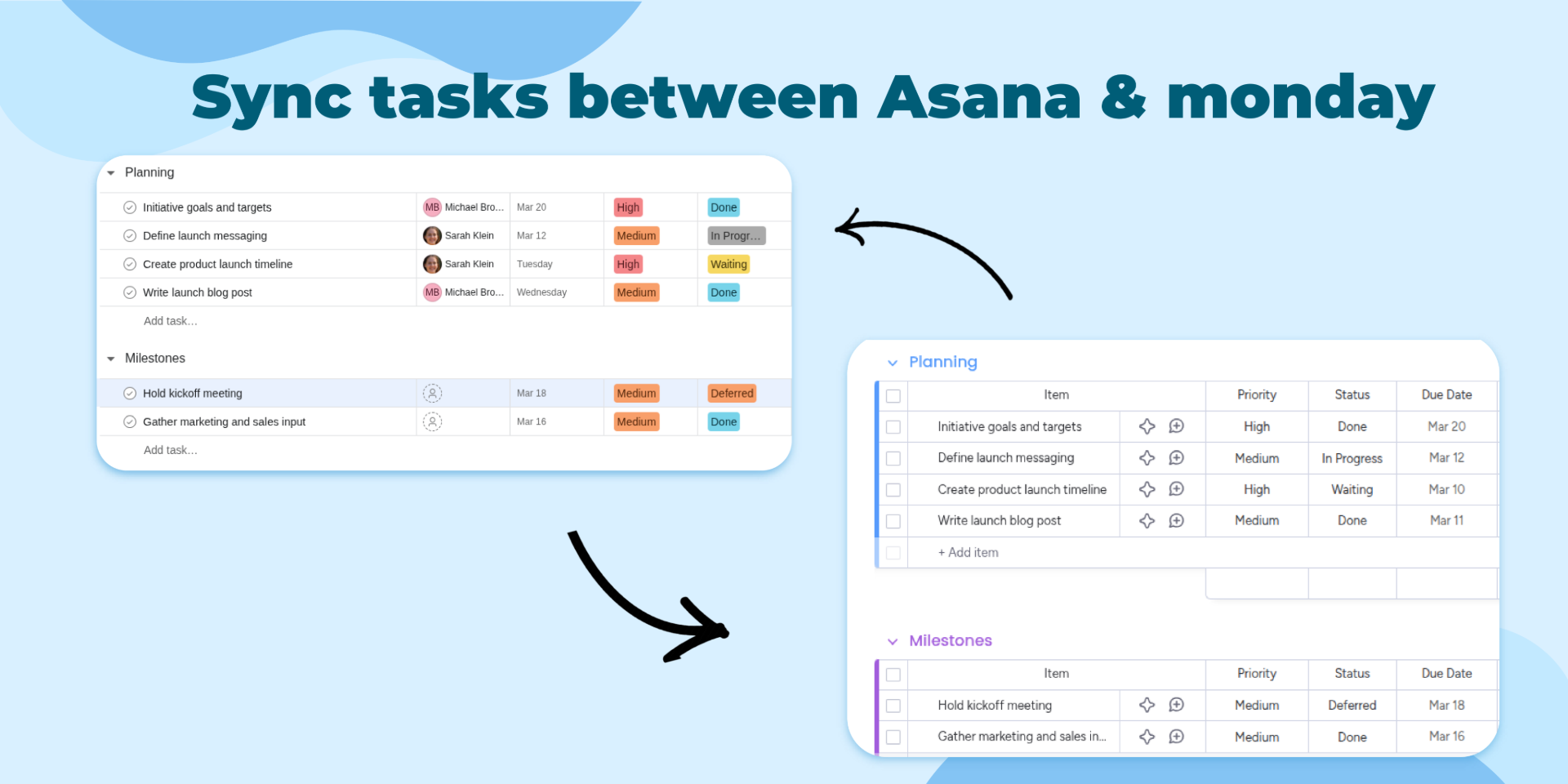
Asana Integration Plus helps teams sync monday.com and Asana without manual updates or the limits of the native integration. Automatically create monday.com items from Asana tasks, create Asana tasks from monday.com items, and keep future changes aligned so project managers, operations teams, and delivery teams can work in the platform they already use.
Why teams choose Asana Integration Plus
- Flexible sync between Asana and monday.com
- Dynamic field mapping, including custom fields
- Custom automation triggers to match your workflow
- Reliable real-time updates that keep both systems aligned
Key use cases
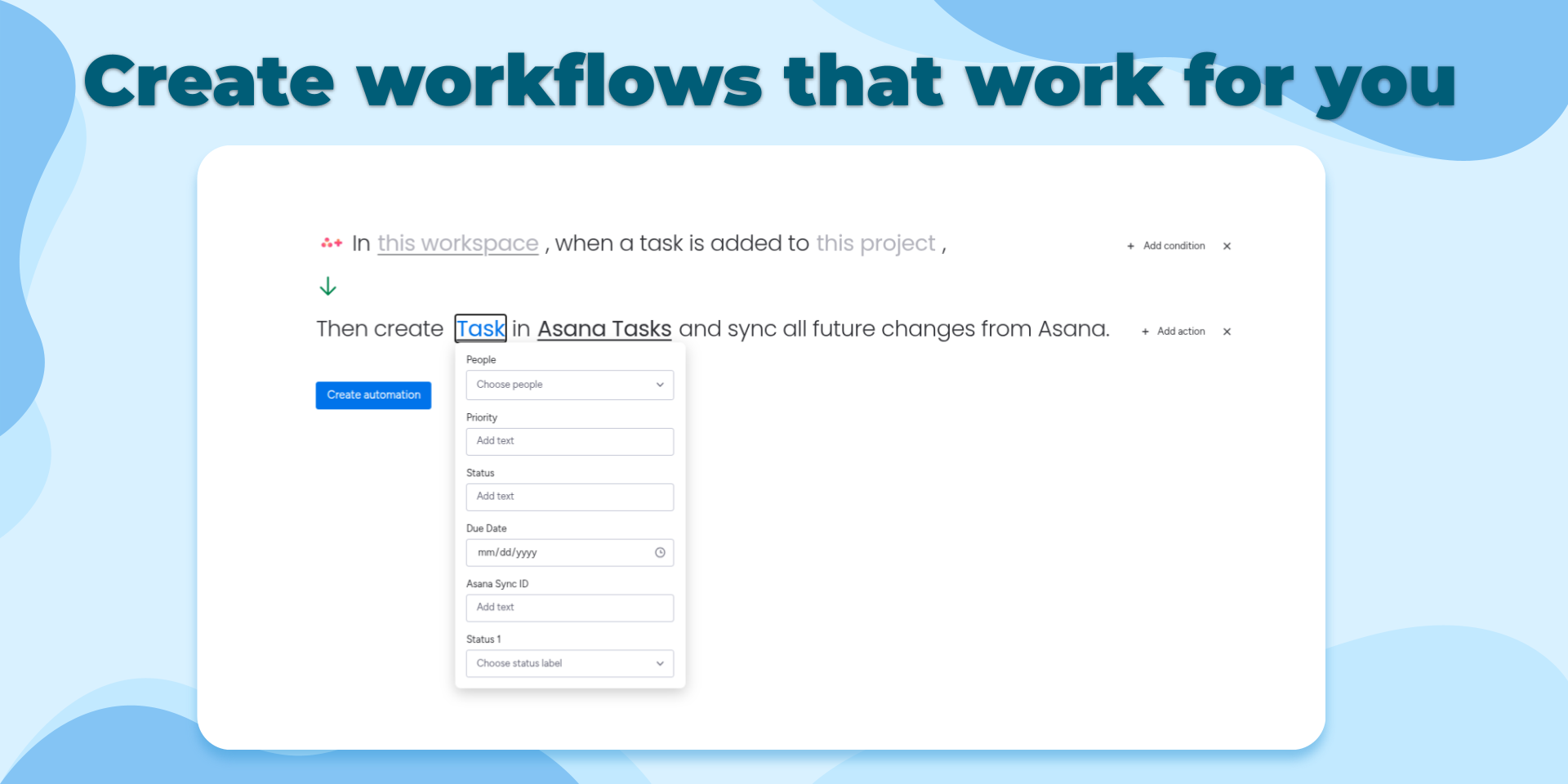
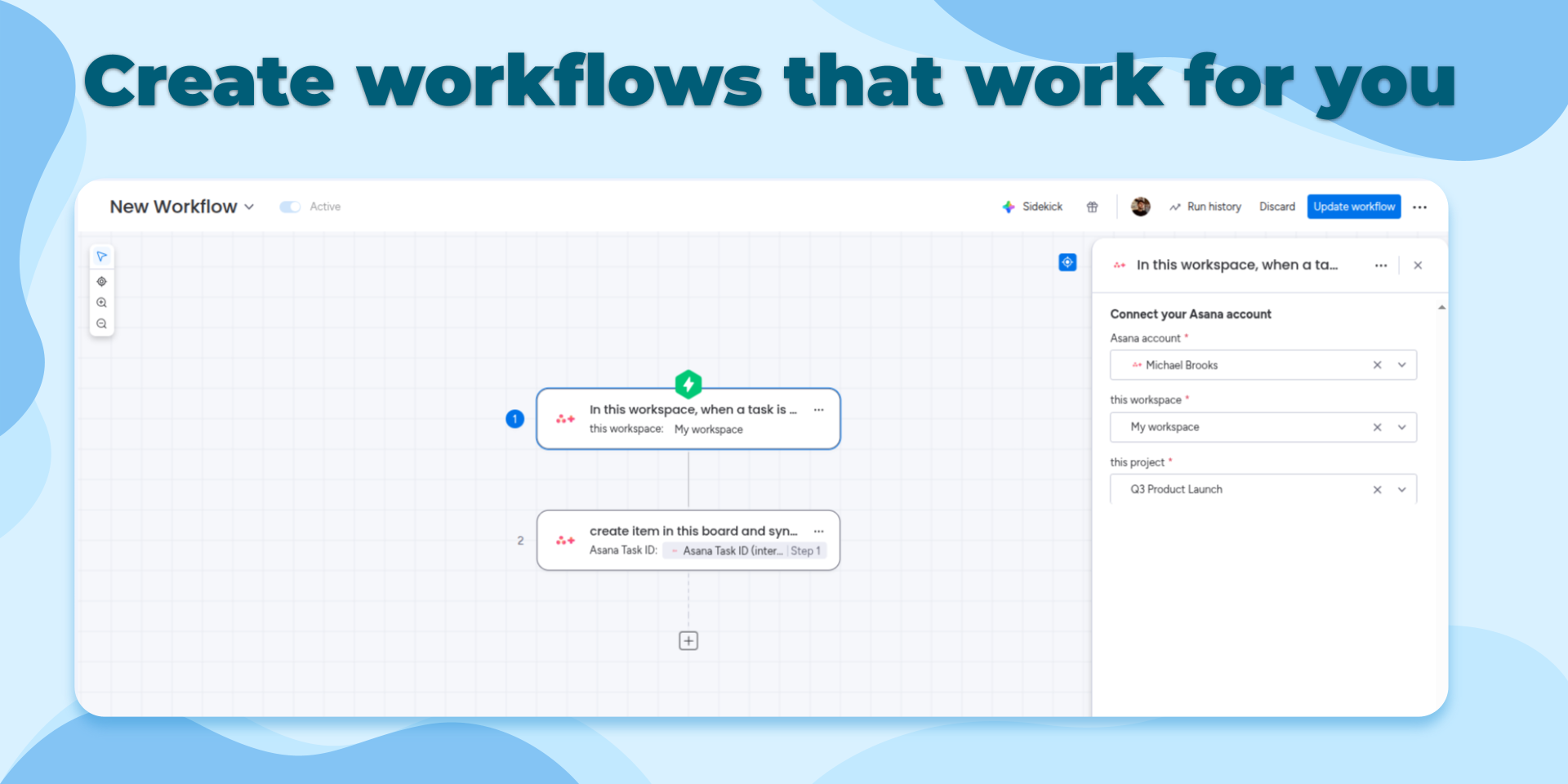
- Project intake: When a task is added to an Asana project, create a monday.com item and sync future changes automatically.
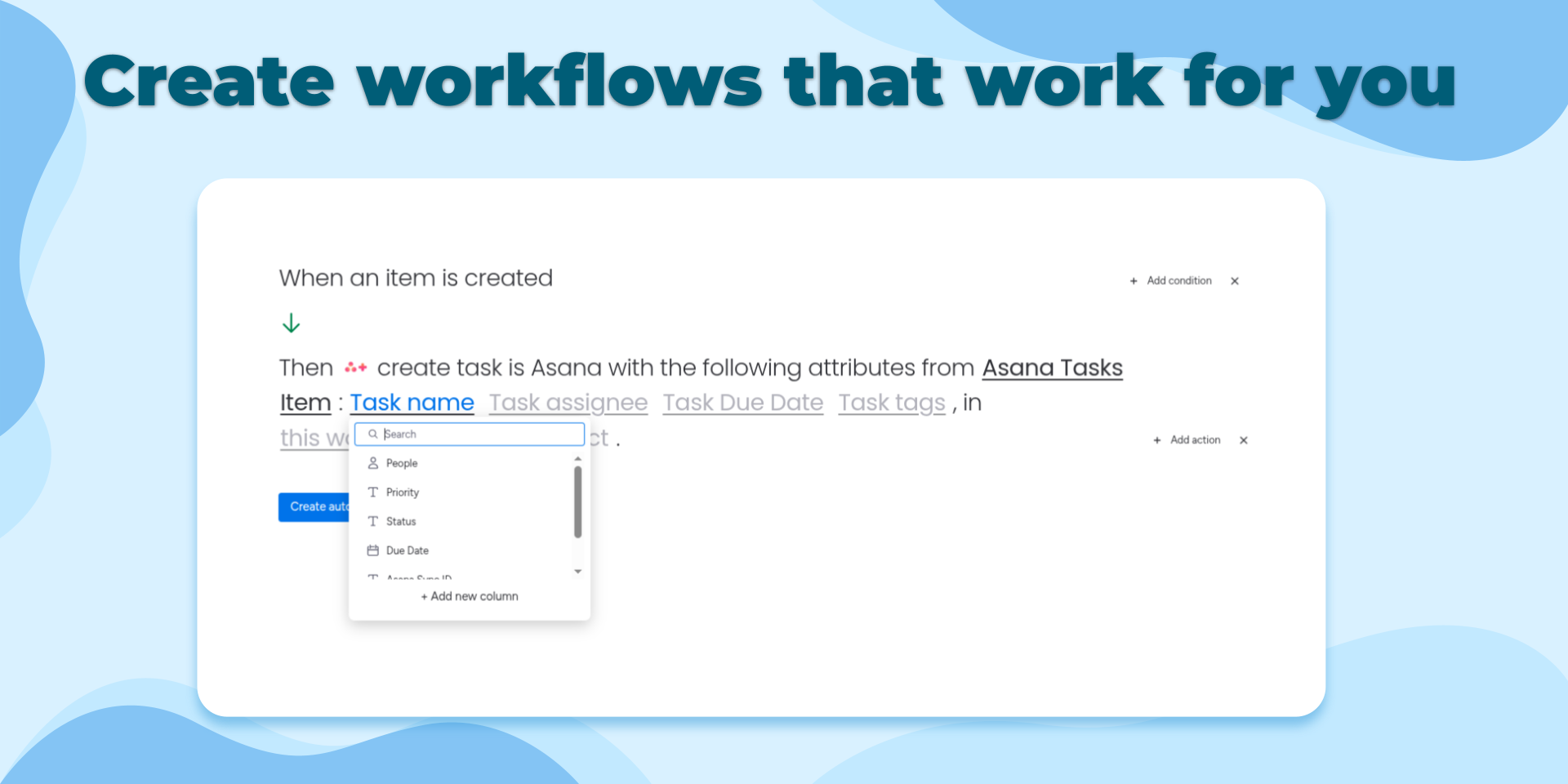
- Cross-team execution: When a new item is created in monday.com, generate the matching Asana task so execution teams can stay in Asana while stakeholders track work in monday.com.
- Completion handoff: When an Asana task is completed, create a follow-up item in monday.com for QA, onboarding, approvals, or the next stage of work.
Enterprise-grade security
Asana Integration Plus is natively hosted on monday.com's "monday code" solution, giving teams the highest level of security, compliance, and reliability. No external servers are involved, so your data stays protected within monday.com's infrastructure.
Have an idea or feature request? Reach out anytime at contact@stargateapps.io
Security & Compliance
The app developer did not provide the security and compliance information for this app.
Reviews
No reviews yet.
Historical data
Installation history
We have data for December 28, 2024 onwards only. Collected sometime after 00:00 UTC daily.
Total number of installs
Change in total number of installs in last 1 day(s)
Compares the number of installs on each date with 1 days previously:
Max
Min
Current
Change in total number of installs in last 7 day(s)
Compares the number of installs on each date with 7 days previously:
Max
Min
Current
Change in total number of installs in last 30 day(s)
Compares the number of installs on each date with 30 days previously:
Max
Min
Current
Change in total number of installs in last 90 day(s)
Compares the number of installs on each date with 90 days previously:
Max
Min
Current
Change in total number of installs in last 180 day(s)
Compares the number of installs on each date with 180 days previously:
Max
Min
Current
Ratings history
Categories history
Each of the following is a yes/no answer, so the graphs show 1 for yes, and 0 for no.