App metadata
ID: 10000919 • App ID: 10496502 • Listing updated: March 17, 2026 {
"id": 10000919,
"marketplace_developer_id": 100000032,
"app_id": 10496502,
"app_type": "app",
"security_info": null,
"gallery_assets": [
{
"url": "https://cdn.monday.com/marketplace/10000919/10000919_2025_8_5_7_10_25_akd0uj1.png",
"type": "image"
},
{
"url": "https://cdn.monday.com/marketplace/10000919/10000919_2025_8_5_7_10_33_vdhajc7.png",
"type": "image"
},
{
"url": "https://cdn.monday.com/marketplace/10000919/10000919_2025_8_5_7_10_37_dgjdvyx.png",
"type": "image"
}
],
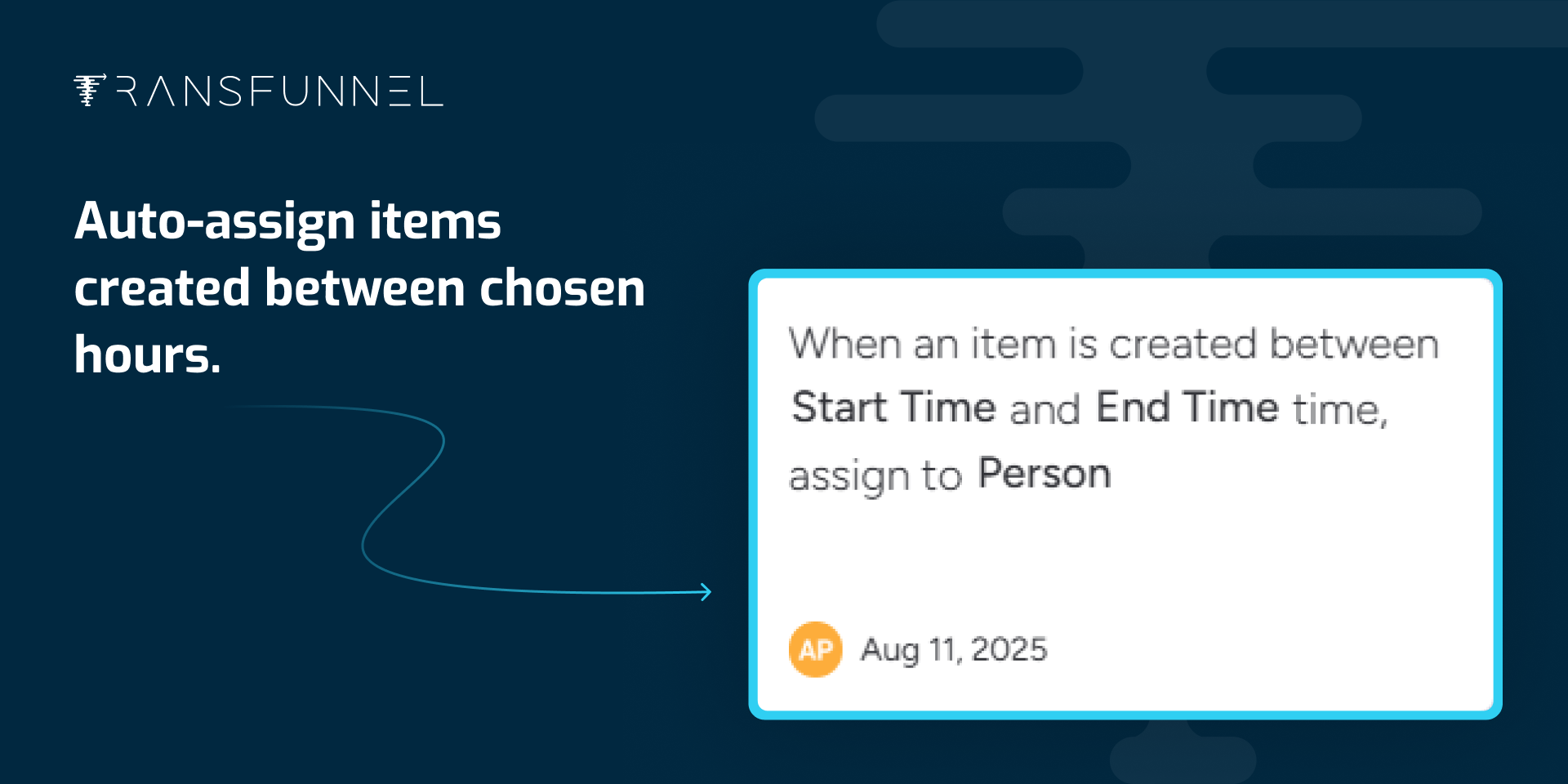
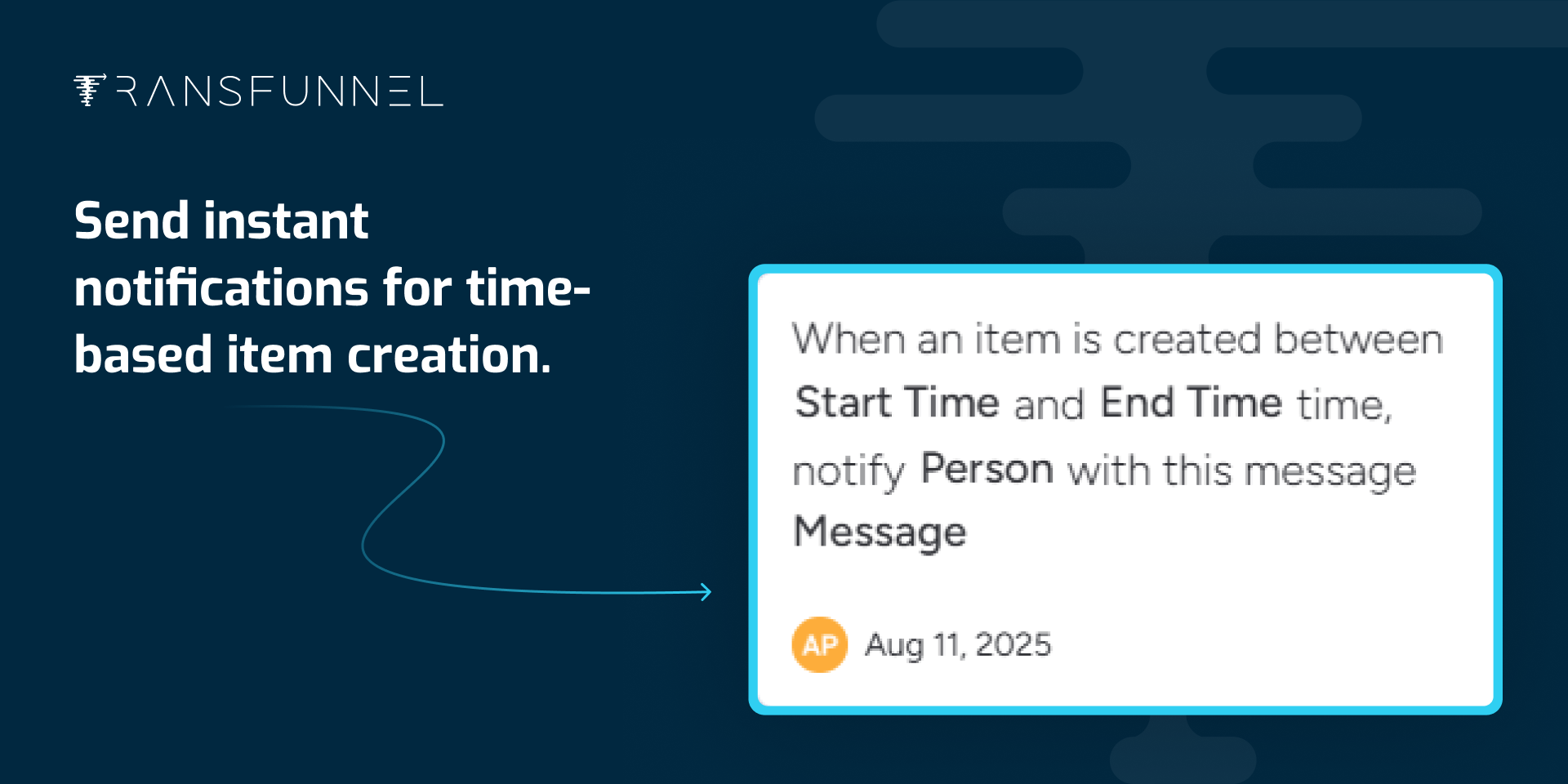
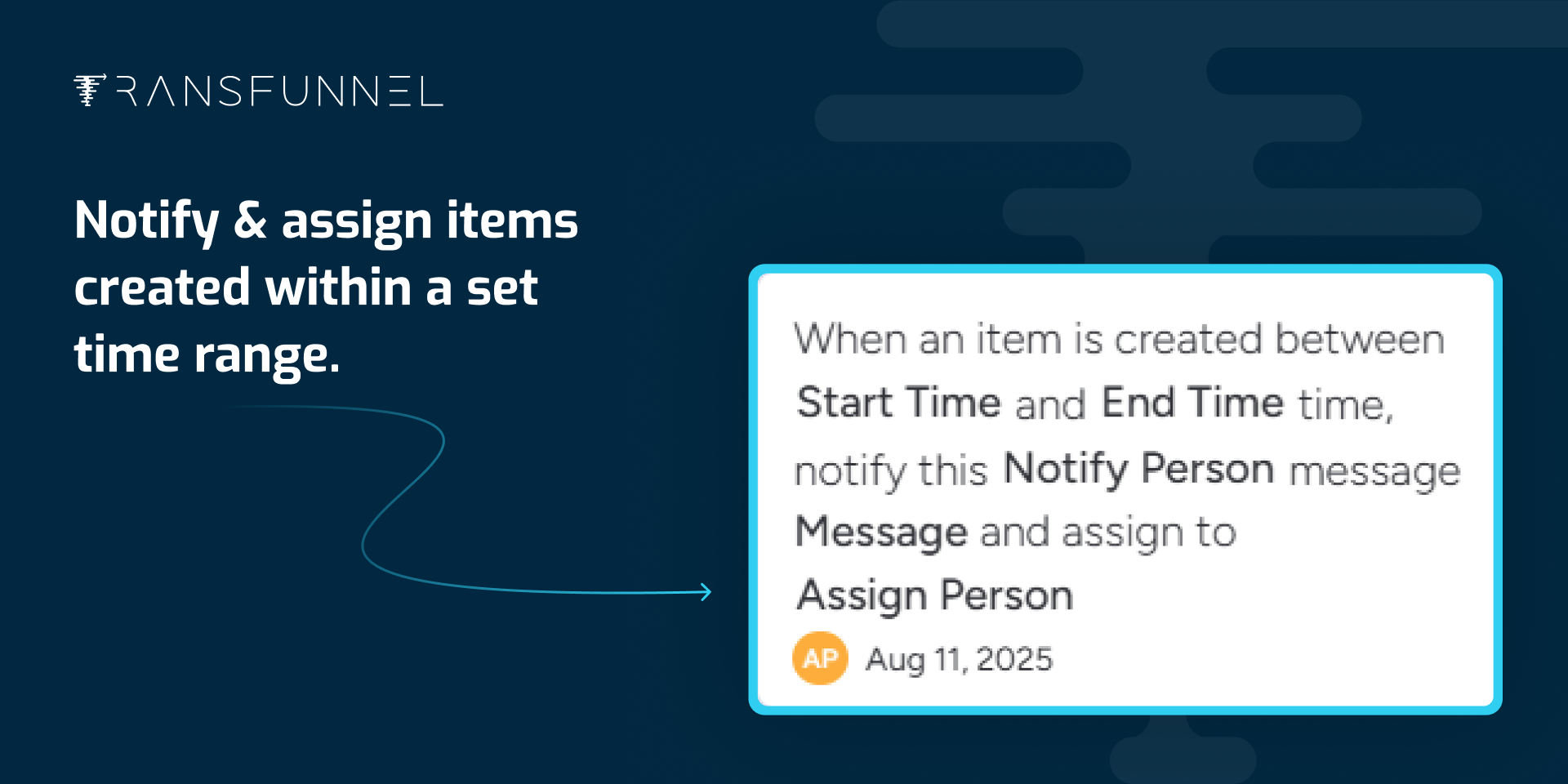
"description": "<p><strong>Time-Based Item Actions: Notify, Assign, Route & Auto-Sync Timelines</strong></p><p><strong>Time-Aware Item Creation Rules</strong></p><p>Want monday to take different actions depending on when an item is created?</p><p>That’s possible now!</p><p>Define your start and end times, and the app will automatically trigger the right workflow.</p><p>A game-changer if your team works in shifts, service windows, or different time zones.</p><p><strong>Notify & Assign Together</strong></p><p>When a new item is created within your chosen time range, the app will:</p><p>Instantly notify selected team members</p><p>Assign the item to the right owner</p><p>Perfect for routing tasks created during working hours directly to the right person.</p><p><strong>Auto-Assign During Specific Hours</strong></p><p>Need items created between certain times to always go to a specific team member?</p><p>Now you can — no manual assignment needed.</p><p>Great for shift-based teams, support desks, or on-call workflows.</p><p><strong>Time-Based Notifications</strong></p><p>Want to keep certain stakeholders updated only for items created in a time window?</p><p>The app can send real-time notifications without changing ownership.</p><p>Ideal for alerts, monitoring, or compliance checks.</p><p><br></p><p><strong>NEW: Auto-Update Timeline When Dates Change</strong></p><p>When <strong>Start Date</strong> or <strong>End Date</strong> changes, the <strong>Timeline </strong>column<strong> </strong>updates automatically.</p><p>No manual edits. No mismatched dates.</p><p>Keeps your timeline accurate, consistent, and reporting-ready at all times.</p><p><br></p><p><strong>Why Use This App?</strong></p><p>Control assignments & alerts by <strong>time of item creation</strong></p><p>Automatically sync <strong>timeline with date changes</strong></p><p>Perfect for teams with <strong>rotating shifts or service SLAs</strong></p><p>Boosts visibility & accountability by ensuring items reach the right person at the right time</p><p><br></p><p><strong>FAQs</strong></p><p>➡ <strong>Can I use multiple time rules?</strong></p><p>Yes, you can set up different automations for different time windows.</p><p>➡ <strong>Does it integrate with monday automations?</strong></p><p>Absolutely — it plugs right into monday’s native automation recipes.</p><p>➡ <strong>Can the Timeline update automatically when dates change?</strong></p><p>Yes. If Start Date or End Date is modified, the Timeline column will update instantly.</p><p><br></p><p>🤝<strong> Need Help?</strong></p><p>📩 Email: <a href=\"mailto:help@transfunnel.com\" rel=\"noopener noreferrer\" target=\"_blank\">help@transfunnel.com</a></p><p>🌐 Website: <a href=\"https://www.transfunnel.com/\" rel=\"noopener noreferrer\" target=\"_blank\">https://www.transfunnel.com</a></p><p>📅 Want a personalized walk-through? 👉 Book a Demo</p>",
"short_description": "Route & assign items by time for smarter workflow",
"thumbnail_url": "https://cdn.monday.com/marketplace/10000919/10000919_2025_8_5_7_9_26_b8q8tlp.png",
"logo_url": "https://cdn.monday.com/marketplace/10000919/10000919_2026_2_16_8_5_54_0z3eeg2.png",
"feedback_url": "ProductSupport@transfunnel.com",
"privacy_policy_url": "https://app.transfunnel.com/privacy-policy",
"featured": null,
"name": "AutoAssign TimeMate",
"how_to_use_url": "https://app.transfunnel.com/autoassign-timemate",
"external_pricing_url": null,
"keywords": "Auto Assign, Time based, Shifts, Round Robin, shift scheduling, rotating shifts, SLA management, IT helpdesk auto assignment, monday.com shift rotation automation,timeline",
"compliance_answers": [],
"created_at": "2025-09-05T07:07:12.000Z",
"updated_at": "2026-03-17T11:22:52.000Z",
"automation_app_id": null,
"marketplace_category_ids": [
7,
6,
5
],
"pinned_for_categories_ids": [],
"featured_for_categories_ids": [],
"pricing_data": "Free plan available",
"label": null,
"app_values": [
"Perfect for automations"
],
"security": false,
"display_in_template_store": false,
"acquisition_source": "No touch",
"is_connector": false,
"show_connections": null,
"terms_of_service_url": "https://app.transfunnel.com/terms-of-service",
"available_for_tiers": [],
"available_for_products": [],
"google_analytics_tag_id": null,
"is_solution": false,
"cta_override": null,
"app_scope_str": "boards:read,me:read,boards:write,notifications:write,webhooks:write,webhooks:read",
"app_client_id": "fcf8274198763870126ef93b65b487cc",
"app_color": "#1E673B",
"plans": [
{
"id": "10496502-1-free",
"appPlanId": "free",
"name": "Free",
"versionId": 1,
"isTrial": false,
"prices": {
"type": "standard",
"monthly": 0,
"yearly": 0
},
"versionState": "live",
"appId": 10496502,
"description": "Includes up to 50 actions per month",
"extraData": {
"bullets": [
"50 ops/month",
"Unlimited users",
"Email Support"
],
"monthlyFee": 0,
"yearlyFee": 0
},
"isFree": true,
"isRecommended": false,
"currency": "USD"
},
{
"id": "10496502-1-launch_plan",
"appPlanId": "launch_plan",
"name": "Launch",
"versionId": 1,
"isTrial": false,
"prices": {
"type": "standard",
"monthly": 8,
"yearly": 7
},
"versionState": "live",
"appId": 10496502,
"description": "Best for individuals with basic workflows",
"extraData": {
"bullets": [
"150 ops/month",
"Unlimited users",
"Email Support"
],
"monthlyFee": 8,
"yearlyFee": 7
},
"isFree": false,
"isRecommended": false,
"currency": "USD"
},
{
"id": "10496502-1-lift_plan",
"appPlanId": "lift_plan",
"name": "Lift",
"versionId": 1,
"isTrial": false,
"prices": {
"type": "standard",
"monthly": 20,
"yearly": 18
},
"versionState": "live",
"appId": 10496502,
"description": "Ideal for small teams getting started",
"extraData": {
"bullets": [
"750 ops/month",
"Unlimited users",
"Priority Support"
],
"monthlyFee": 20,
"yearlyFee": 18
},
"isFree": false,
"isRecommended": false,
"currency": "USD"
},
{
"id": "10496502-1-boost_plan",
"appPlanId": "boost_plan",
"name": "Boost",
"versionId": 1,
"isTrial": false,
"prices": {
"type": "standard",
"monthly": 45,
"yearly": 41
},
"versionState": "live",
"appId": 10496502,
"description": "For growing automation use cases",
"extraData": {
"bullets": [
"1500 ops/month",
"Unlimited users",
"Priority Support"
],
"monthlyFee": 45,
"yearlyFee": 41
},
"isFree": false,
"isRecommended": true,
"currency": "USD"
},
{
"id": "10496502-1-scale_plan",
"appPlanId": "scale_plan",
"name": "Scale",
"versionId": 1,
"isTrial": false,
"prices": {
"type": "standard",
"monthly": 85,
"yearly": 76
},
"versionState": "live",
"appId": 10496502,
"description": "Great for established teams expanding automation",
"extraData": {
"bullets": [
"5000 ops/month",
"Unlimited users",
"Onboarding Assistance"
],
"monthlyFee": 85,
"yearlyFee": 76
},
"isFree": false,
"isRecommended": false,
"currency": "USD"
},
{
"id": "10496502-1-flow_plan",
"appPlanId": "flow_plan",
"name": "Flow",
"versionId": 1,
"isTrial": false,
"prices": {
"type": "standard",
"monthly": 139,
"yearly": 126
},
"versionState": "live",
"appId": 10496502,
"description": "Operationally efficient scaling teams",
"extraData": {
"bullets": [
"10000 ops/month",
"Unlimited users",
"Onboarding Assistance"
],
"monthlyFee": 139,
"yearlyFee": 126
},
"isFree": false,
"isRecommended": false,
"currency": "USD"
},
{
"id": "10496502-1-surge_paln",
"appPlanId": "surge_paln",
"name": "Surge",
"versionId": 1,
"isTrial": false,
"prices": {
"type": "standard",
"monthly": 189,
"yearly": 169
},
"versionState": "live",
"appId": 10496502,
"description": "For high-volume or complex workflows",
"extraData": {
"bullets": [
"15000 ops/month",
"Unlimited users",
"Onboarding Assistance"
],
"monthlyFee": 189,
"yearlyFee": 169
},
"isFree": false,
"isRecommended": false,
"currency": "USD"
},
{
"id": "10496502-1-power_plan",
"appPlanId": "power_plan",
"name": "Power",
"versionId": 1,
"isTrial": false,
"prices": {
"type": "standard",
"monthly": 209,
"yearly": 189
},
"versionState": "live",
"appId": 10496502,
"description": "Designed for agencies and multi-team organizations",
"extraData": {
"bullets": [
"20000 ops/month",
"Unlimited users",
"Dedicated CSM"
],
"monthlyFee": 209,
"yearlyFee": 189
},
"isFree": false,
"isRecommended": false,
"currency": "USD"
},
{
"id": "10496502-1-infinity_plan",
"appPlanId": "infinity_plan",
"name": "Infinity",
"versionId": 1,
"isTrial": false,
"prices": {
"type": "standard",
"monthly": 999,
"yearly": 999
},
"versionState": "live",
"appId": 10496502,
"description": "Unlimited automations with VIP support",
"extraData": {
"bullets": [
"Unlimited ops/month",
"Unlimited users",
"Dedicated CSM"
],
"monthlyFee": 999,
"yearlyFee": 999
},
"isFree": false,
"isRecommended": false,
"currency": "USD"
},
{
"id": "10496502-2-free",
"appPlanId": "free",
"name": "Free",
"versionId": 2,
"isTrial": false,
"prices": {
"type": "standard",
"monthly": 0,
"yearly": 0
},
"versionState": "live",
"appId": 10496502,
"description": "Includes up to 20 actions per month",
"extraData": {
"bullets": [
"20 ops/month",
"Unlimited users",
"Email Support"
],
"monthlyFee": 0,
"yearlyFee": 0
},
"isFree": true,
"isRecommended": false,
"currency": "USD"
},
{
"id": "10496502-2-launch_plan",
"appPlanId": "launch_plan",
"name": "Launch",
"versionId": 2,
"isTrial": false,
"prices": {
"type": "standard",
"monthly": 8,
"yearly": 7
},
"versionState": "live",
"appId": 10496502,
"description": "Best for individuals with basic workflows",
"extraData": {
"bullets": [
"150 ops/month",
"Unlimited users",
"Email Support"
],
"monthlyFee": 8,
"yearlyFee": 7
},
"isFree": false,
"isRecommended": false,
"currency": "USD"
},
{
"id": "10496502-2-lift_plan",
"appPlanId": "lift_plan",
"name": "Lift",
"versionId": 2,
"isTrial": false,
"prices": {
"type": "standard",
"monthly": 20,
"yearly": 18
},
"versionState": "live",
"appId": 10496502,
"description": "Ideal for small teams getting started",
"extraData": {
"bullets": [
"750 ops/month",
"Unlimited users",
"Priority Support"
],
"monthlyFee": 20,
"yearlyFee": 18
},
"isFree": false,
"isRecommended": false,
"currency": "USD"
},
{
"id": "10496502-2-boost_plan",
"appPlanId": "boost_plan",
"name": "Boost",
"versionId": 2,
"isTrial": false,
"prices": {
"type": "standard",
"monthly": 45,
"yearly": 41
},
"versionState": "live",
"appId": 10496502,
"description": "For growing automation use cases",
"extraData": {
"bullets": [
"1500 ops/month",
"Unlimited users",
"Priority Support"
],
"monthlyFee": 45,
"yearlyFee": 41
},
"isFree": false,
"isRecommended": true,
"currency": "USD"
},
{
"id": "10496502-2-scale_plan",
"appPlanId": "scale_plan",
"name": "Scale",
"versionId": 2,
"isTrial": false,
"prices": {
"type": "standard",
"monthly": 85,
"yearly": 76
},
"versionState": "live",
"appId": 10496502,
"description": "Great for established teams expanding automation",
"extraData": {
"bullets": [
"5000 ops/month",
"Unlimited users",
"Onboarding Assistance"
],
"monthlyFee": 85,
"yearlyFee": 76
},
"isFree": false,
"isRecommended": false,
"currency": "USD"
},
{
"id": "10496502-2-flow_plan",
"appPlanId": "flow_plan",
"name": "Flow",
"versionId": 2,
"isTrial": false,
"prices": {
"type": "standard",
"monthly": 139,
"yearly": 126
},
"versionState": "live",
"appId": 10496502,
"description": "Operationally efficient scaling teams",
"extraData": {
"bullets": [
"10000 ops/month",
"Unlimited users",
"Onboarding Assistance"
],
"monthlyFee": 139,
"yearlyFee": 126
},
"isFree": false,
"isRecommended": false,
"currency": "USD"
},
{
"id": "10496502-2-surge_paln",
"appPlanId": "surge_paln",
"name": "Surge",
"versionId": 2,
"isTrial": false,
"prices": {
"type": "standard",
"monthly": 189,
"yearly": 169
},
"versionState": "live",
"appId": 10496502,
"description": "For high-volume or complex workflows",
"extraData": {
"bullets": [
"15000 ops/month",
"Unlimited users",
"Onboarding Assistance"
],
"monthlyFee": 189,
"yearlyFee": 169
},
"isFree": false,
"isRecommended": false,
"currency": "USD"
},
{
"id": "10496502-2-power_plan",
"appPlanId": "power_plan",
"name": "Power",
"versionId": 2,
"isTrial": false,
"prices": {
"type": "standard",
"monthly": 209,
"yearly": 189
},
"versionState": "live",
"appId": 10496502,
"description": "Designed for agencies and multi-team organizations",
"extraData": {
"bullets": [
"20000 ops/month",
"Unlimited users",
"Dedicated CSM"
],
"monthlyFee": 209,
"yearlyFee": 189
},
"isFree": false,
"isRecommended": false,
"currency": "USD"
},
{
"id": "10496502-2-infinity_plan",
"appPlanId": "infinity_plan",
"name": "Infinity",
"versionId": 2,
"isTrial": false,
"prices": {
"type": "standard",
"monthly": 999,
"yearly": 999
},
"versionState": "live",
"appId": 10496502,
"description": "Unlimited automations with VIP support",
"extraData": {
"bullets": [
"Unlimited ops/month",
"Unlimited users",
"Dedicated CSM"
],
"monthlyFee": 999,
"yearlyFee": 999
},
"isFree": false,
"isRecommended": false,
"currency": "USD"
}
],
"app_live_version": {
"updated_at": "2026-03-16T08:04:29.077Z",
"id": 13411160
},
"pricing_model": null,
"monetization": {
"monetizationType": "monday",
"hasFreePlan": true,
"hasPaidPlan": true,
"hasTrialPlan": false
},
"badges_data": {
"label": null,
"security": false,
"app_values": [
"Perfect for automations"
],
"pricing_data": "Free plan available",
"acquisition_source": "No touch",
"display_in_template_store": false
},
"data": {
"is_solution": false,
"is_connector": false,
"available_for_tiers": [],
"terms_of_service_url": "https://app.transfunnel.com/terms-of-service",
"available_for_products": []
},
"display": null,
"installsDelta": {
"totalInstalls": 8,
"sevenDays": 0,
"thirtyDays": 0,
"ninetyDays": 0
}
}