
Super Checklists
646 installs, since April 14, 2024. 20 installs/month. App updated September 19, 2024. Listing updated October 31, 2025.
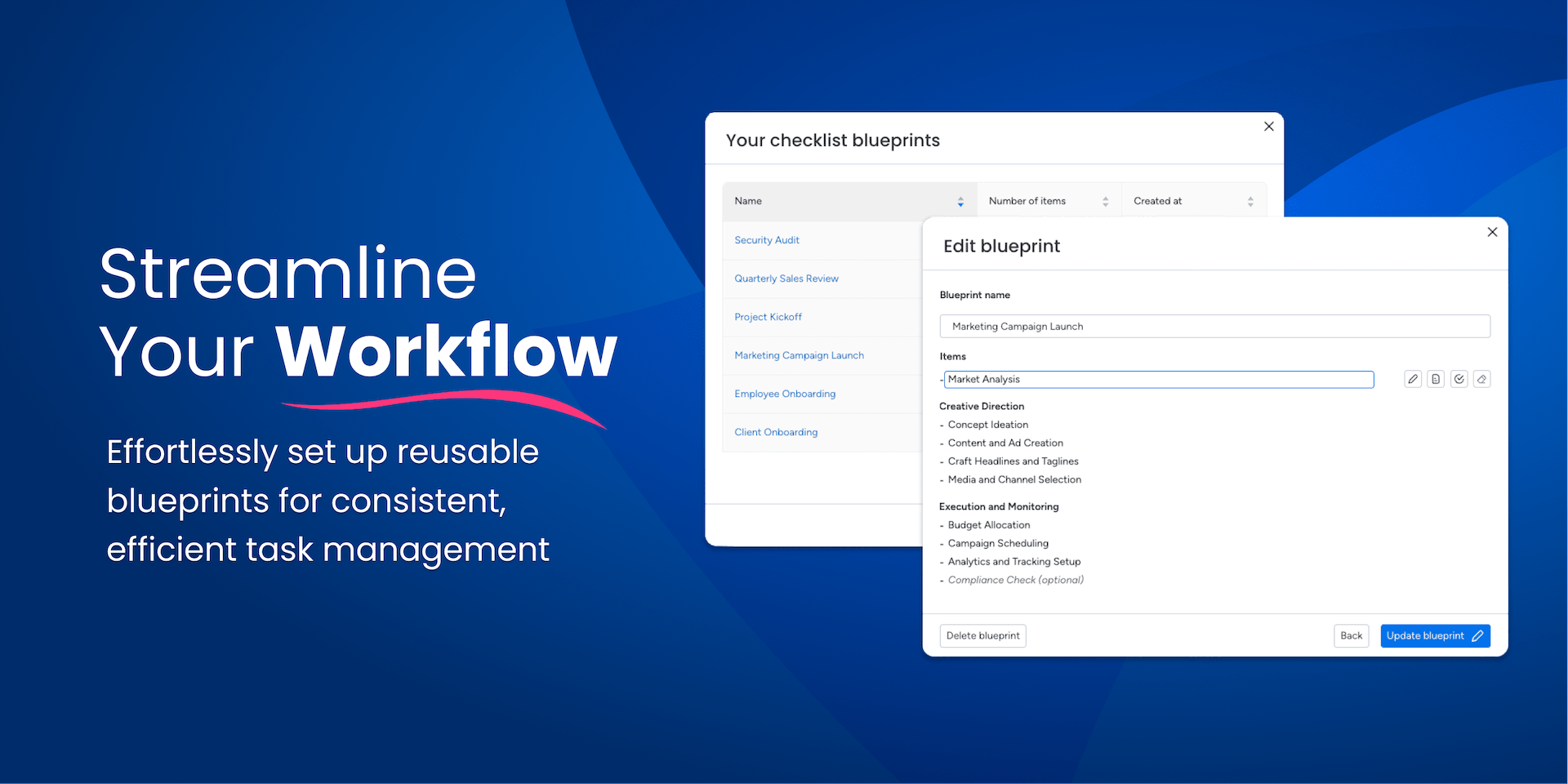
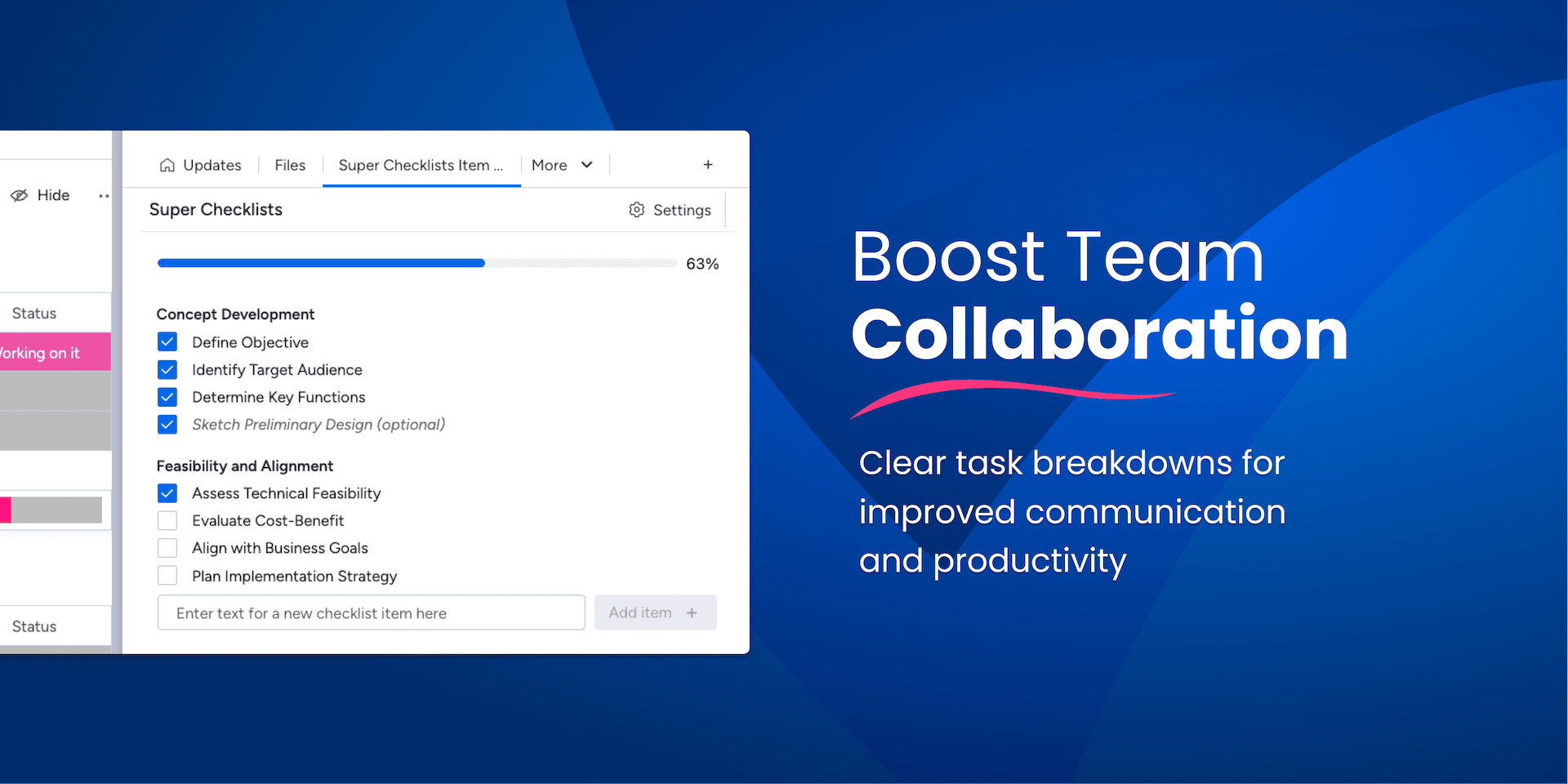
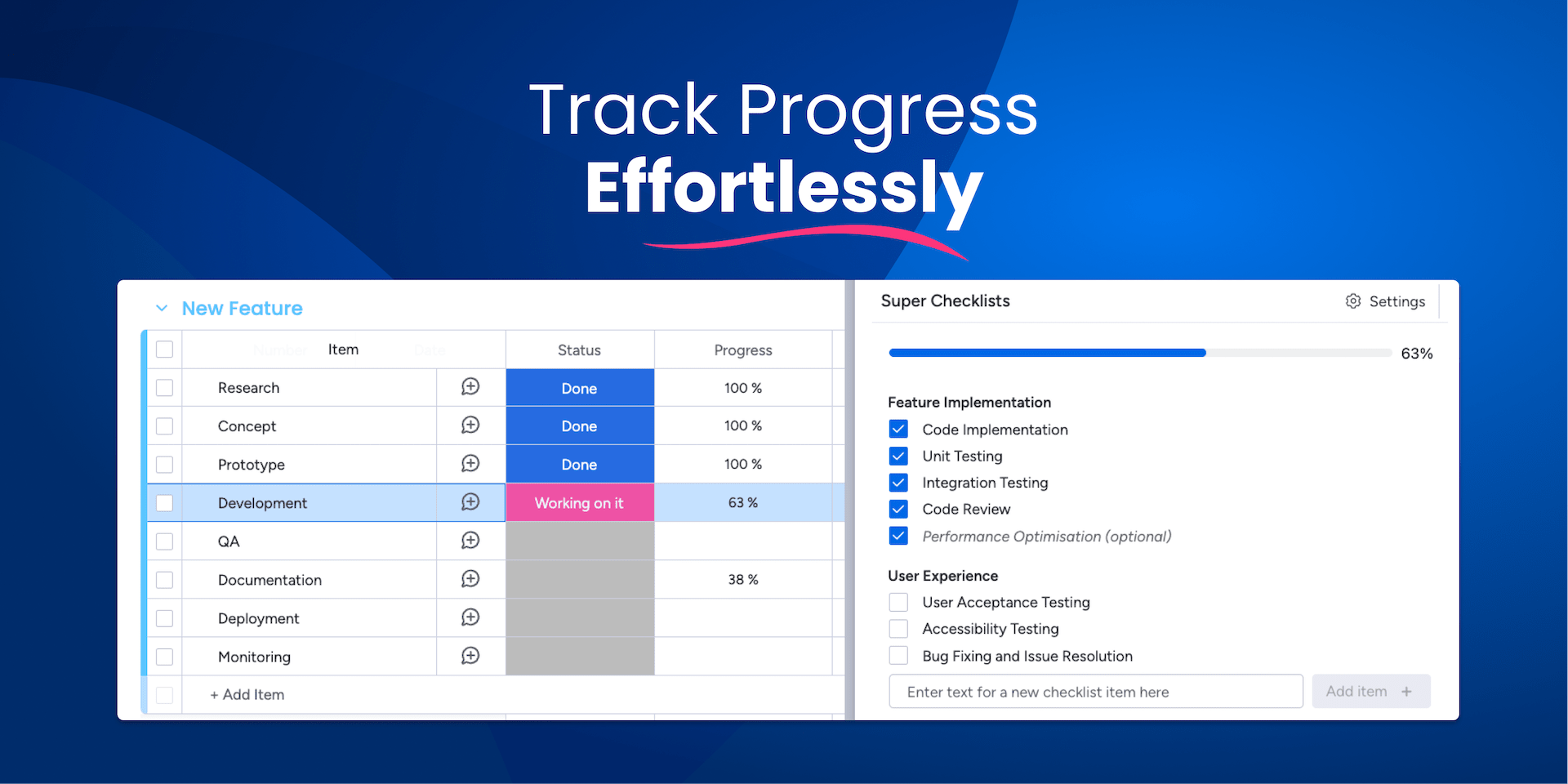
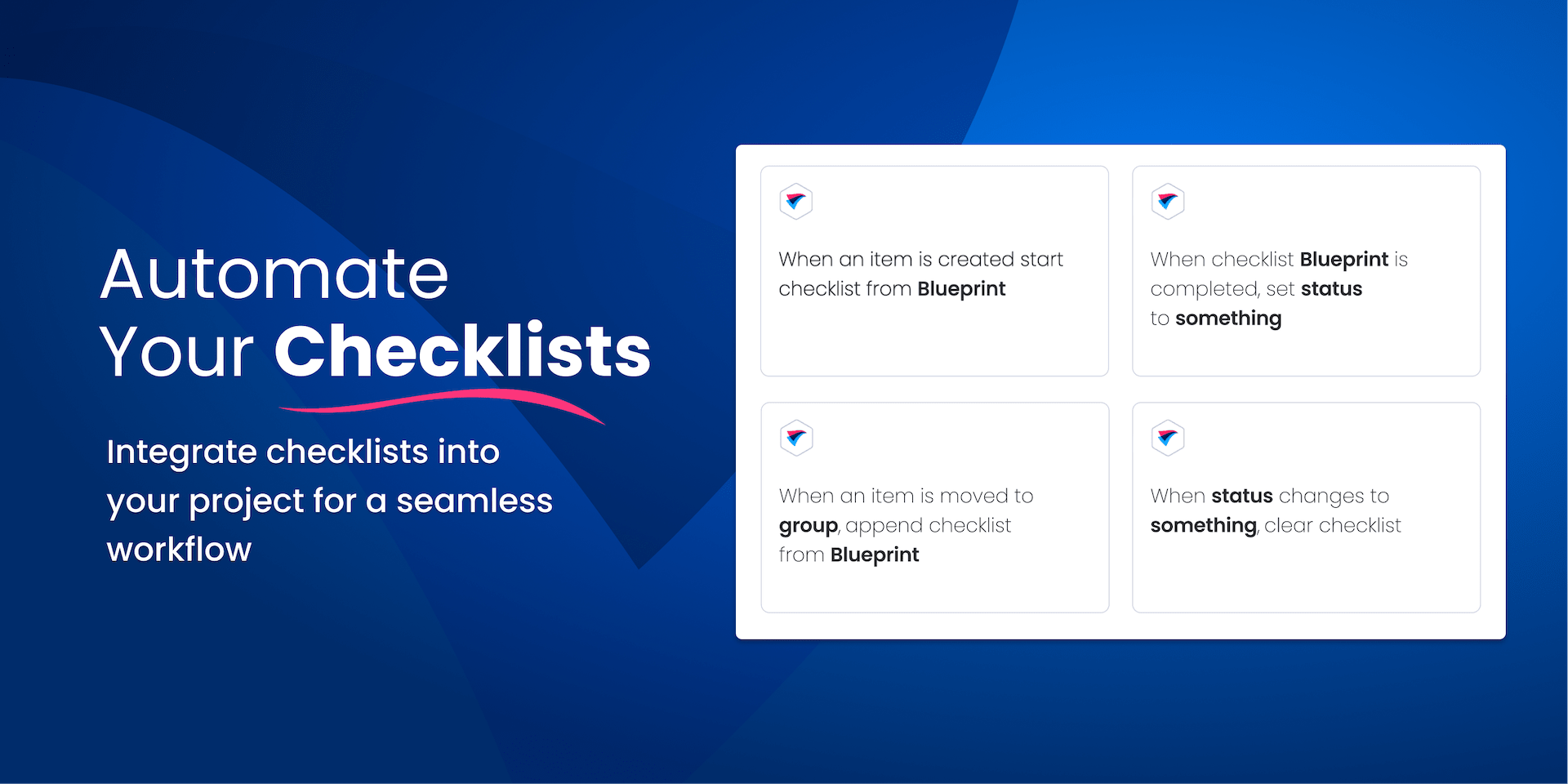
Better Task Management with Customizable Checklist Templates
Effortlessly Automate and Manage Checklists within monday.com 📋✨
Super Checklists is the ultimate solution for elevating your task management on monday.com. It enables users to create, automate, and manage checklists with ease, directly within the item view. This integration not only saves time but also enhances the precision of your workflow.
With our app, you can:
Automate Checklist Creation 🔄: Set up checklist templates that can be reused across different projects and teams. This feature is especially beneficial for repetitive tasks, ensuring consistency and efficiency.
Seamlessly Integrate with Your Workflow 🔗: Our checklists integrate smoothly with your monday.com environment, allowing you to manage tasks more effectively. Whether you're tracking project progress, organizing events, or handling daily operations, our app adapts to your needs.
Customizable for Various Use Cases 🛠️: Tailor your checklists to fit specific project requirements. From simple daily task lists to complex project milestones, our app caters to a wide range of use cases.
Improve Team Collaboration 👥: Enhance communication and collaboration within your team by providing clear and concise task breakdowns. Our checklists ensure everyone is on the same page, reducing misunderstandings and increasing productivity.
Experience the difference in your project management with Super Checklists. For more details on how to maximize its potential in your monday.com setup, visit our app documentation page.
Security & Compliance
Security
Does the developer periodically perform penetration testing?
Does the developer have a dedicated security and privacy point of contact for such issues or questions?
Does the app restrict redirects and forwards only to approved destinations, or show a warning when redirecting to potentially untrusted content?
Does the app protect against mass parameter assignment attacks?
Does the app perform encoding and sanitization on all user supplied parameters to protect against Cross-Site Scripting?
Does the developer protect all state-changing actions against Cross-Site Request Forgery (CSRF)?
Does the developer have mechanisms to notify monday.com in case of a security breach?
Does this developer have a process for installing application-level updates and security patches for the service (such as software packages and databases)?
Compliance
Is the app certified with the information security standard ISO/IEC 27001:2022?
Is the app compliant with the Health Insurance Portability and Accountability Act (HIPAA)?
Is the app certified with System and Organization Controls (SOC 2 or SOC 3)?
Is the app compliant with the General Data Protection Regulation (GDPR)?
Data
Does the app send any data outside of monday.com? If yes, indicate whether the data is customer-submitted (e.g., board names, item names, doc content) or non-customer-submitted (e.g., account ID, board ID, user ID).
Where does the app store logs data?
Where does the app store the app data?
Does the developer ensure application logs do not contain secrets or personally-identifiable information (PII)?
Is customer data segregated from the data of other customers (for example logically or physically)?
Privacy
Does the developer enforce multi-factor authentication on employees access to systems which may process customer data?
Does the developer protect access to customer data based on the principle of least privilege?
Reviews
MH: its okay as a list app and the price seems reasonable. however automations don’t seem to work with it unless you use the pre built ones. nothing appears in the automations list when trying to build an automation. Did email support but no answer. Shame
Historical data
Installation history
We have data for December 28, 2024 onwards only. Collected sometime after 00:00 UTC daily.
Total number of installs
Change in total number of installs in last 1 day(s)
Compares the number of installs on each date with 1 days previously:
Change in total number of installs in last 7 day(s)
Compares the number of installs on each date with 7 days previously:
Change in total number of installs in last 30 day(s)
Compares the number of installs on each date with 30 days previously:
Change in total number of installs in last 90 day(s)
Compares the number of installs on each date with 90 days previously:
Change in total number of installs in last 180 day(s)
Compares the number of installs on each date with 180 days previously:
Ratings history
Categories history
Each of the following is a yes/no answer, so the graphs show 1 for yes, and 0 for no.