
Bulk Edit + Undo
3 installs, since October 14, 2026. 3 installs/month. App updated September 11, 2026. Listing updated October 14, 2026.


Edit multiple items at once and undo in one click
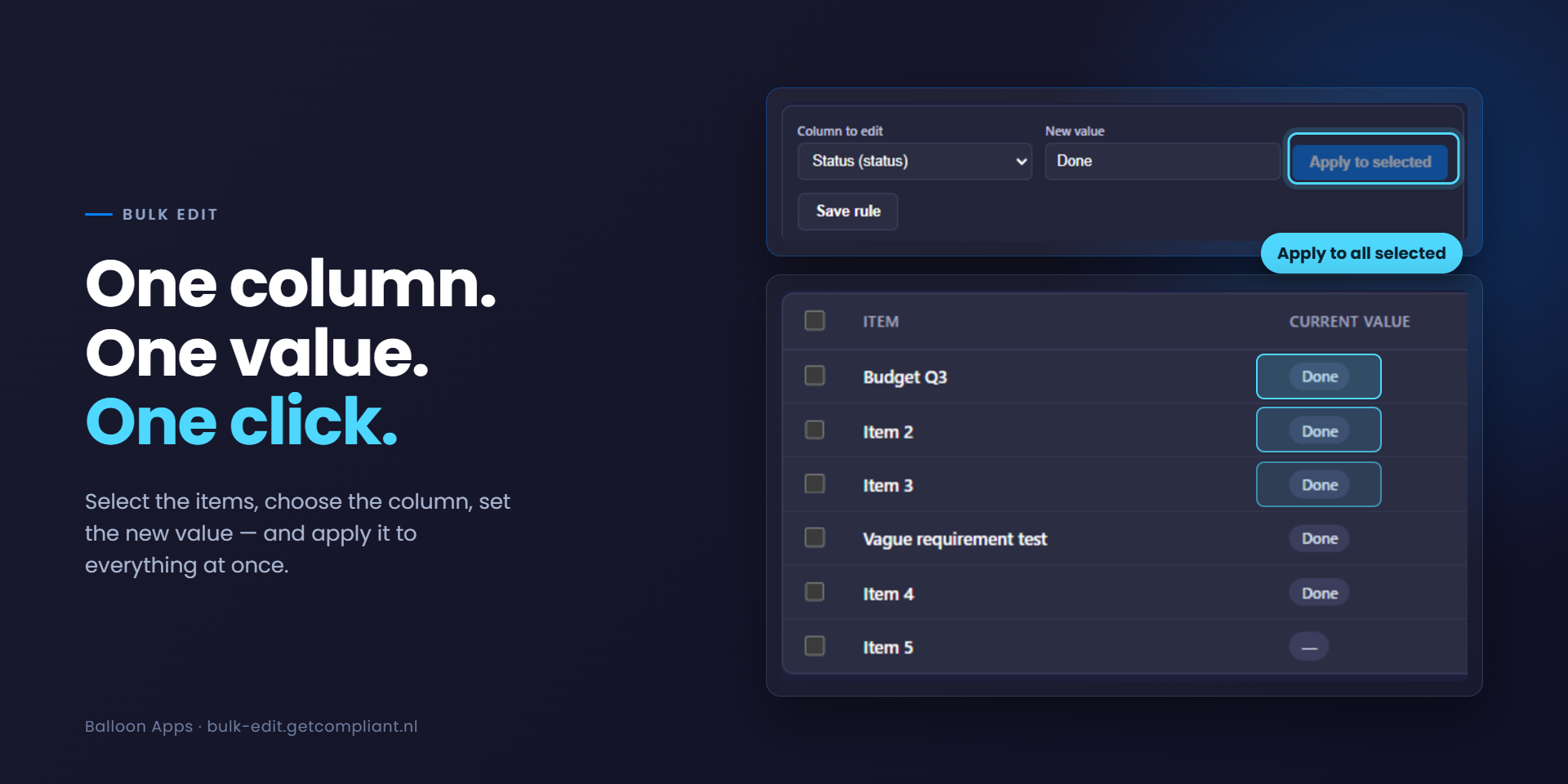
Bulk Edit + Undo helps monday.com teams change many items at once — and safely take it back if something goes wrong. Built for boards where status updates, deadline shifts, or reassignments happen in batches, not one item at a time.
What you get:
- Select any group of items on a board, apply a new value to a single column, and see it applied instantly — no more clicking into item after item to change the same field.
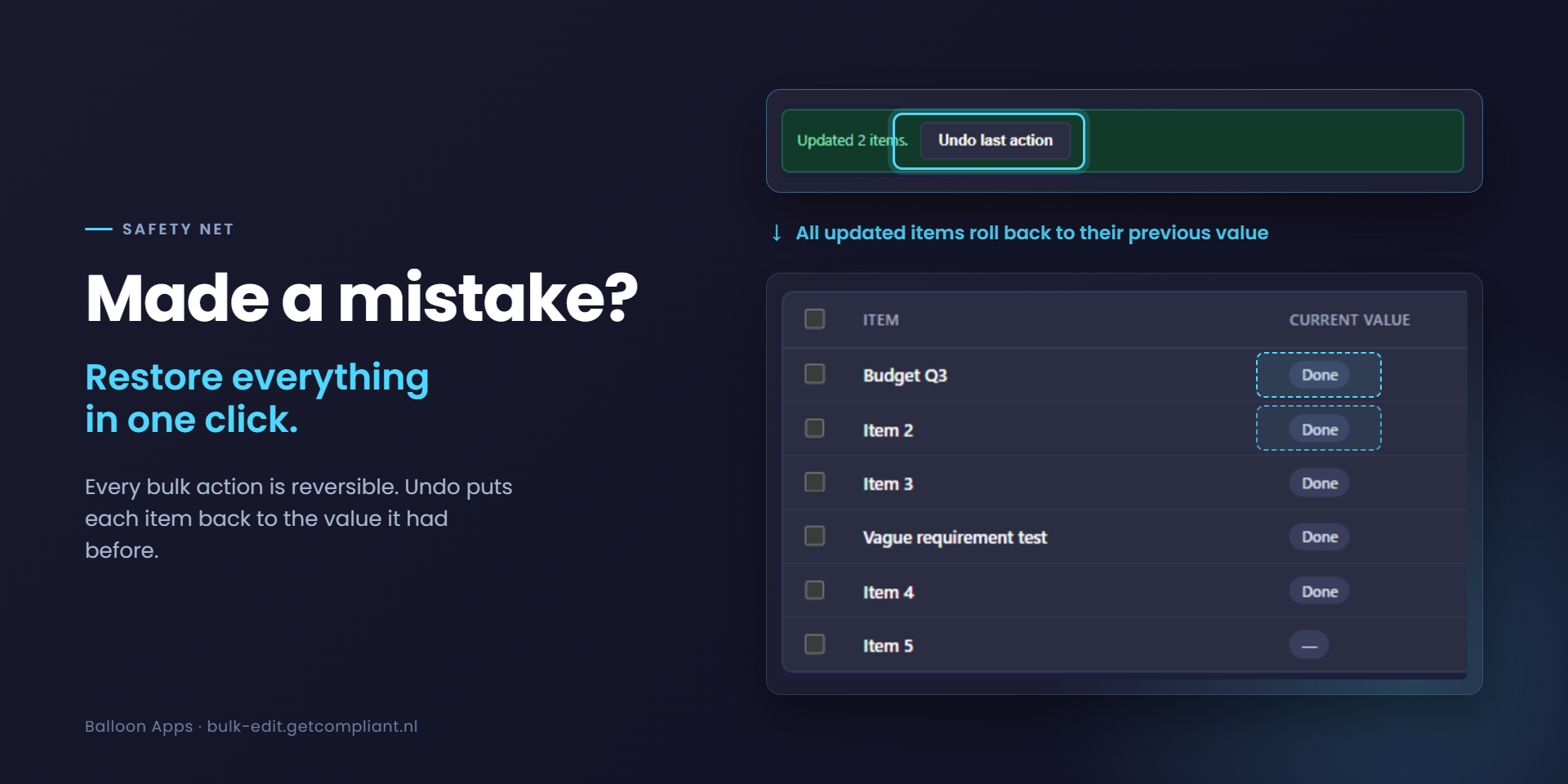
- Made a mistake, or picked the wrong column? One click restores every changed item to its exact previous value.
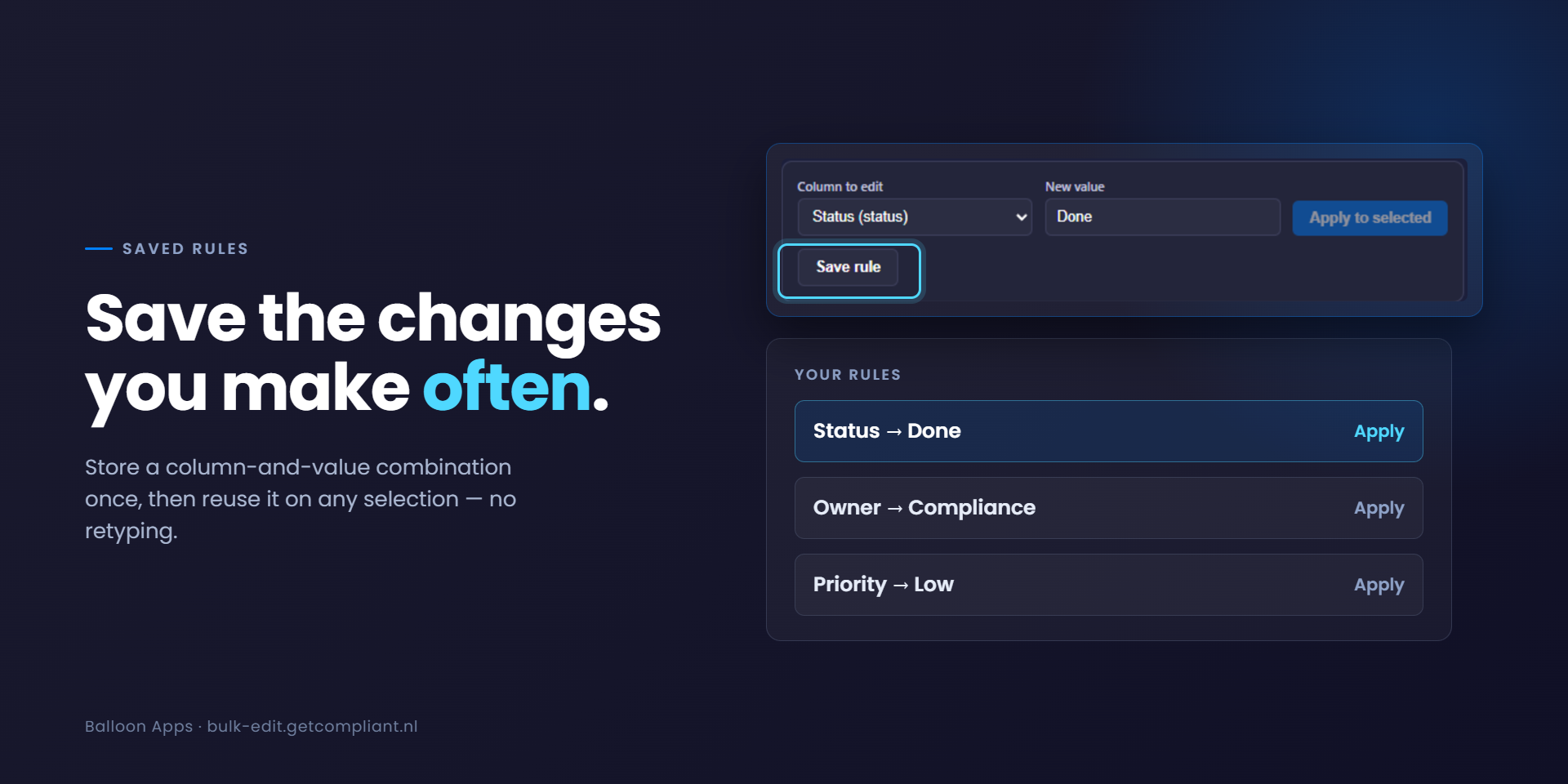
- Save the column + value combinations you use often as reusable rules, so repeat tasks take seconds instead of a full setup each time.
Who it's for: teams managing large boards — project trackers, sales pipelines, support queues — where the same change needs to reach dozens or hundreds of items, and mistakes at that scale are expensive to fix by hand.
Example: a sprint just ended and 40 items need their status moved from "Working on it" to "Done." Select them, pick the Status column, apply — done in seconds. If the wrong column was touched, Undo puts every item back exactly as it was.
Bulk Edit + Undo doesn't use any AI models — it's a deterministic tool that only changes what you explicitly tell it to.
Questions or feedback? Reach us at info@kyc-checks.nl — we typically respond within one business day.
Security & Compliance
The app developer did not provide the security and compliance information for this app.
Reviews
No reviews yet.
Historical data
Installation history
We have data for December 28, 2024 onwards only. Collected sometime after 00:00 UTC daily.
Total number of installs
Change in total number of installs in last 1 day(s)
Compares the number of installs on each date with 1 days previously:
Change in total number of installs in last 7 day(s)
Compares the number of installs on each date with 7 days previously:
Change in total number of installs in last 30 day(s)
Compares the number of installs on each date with 30 days previously:
Change in total number of installs in last 90 day(s)
Compares the number of installs on each date with 90 days previously:
Change in total number of installs in last 180 day(s)
Compares the number of installs on each date with 180 days previously:
Ratings history
Categories history
Each of the following is a yes/no answer, so the graphs show 1 for yes, and 0 for no.