
Board Undo
NaN installs, since October 8, 2026. 0 installs/month. App updated October 6, 2026. Listing updated October 8, 2026.
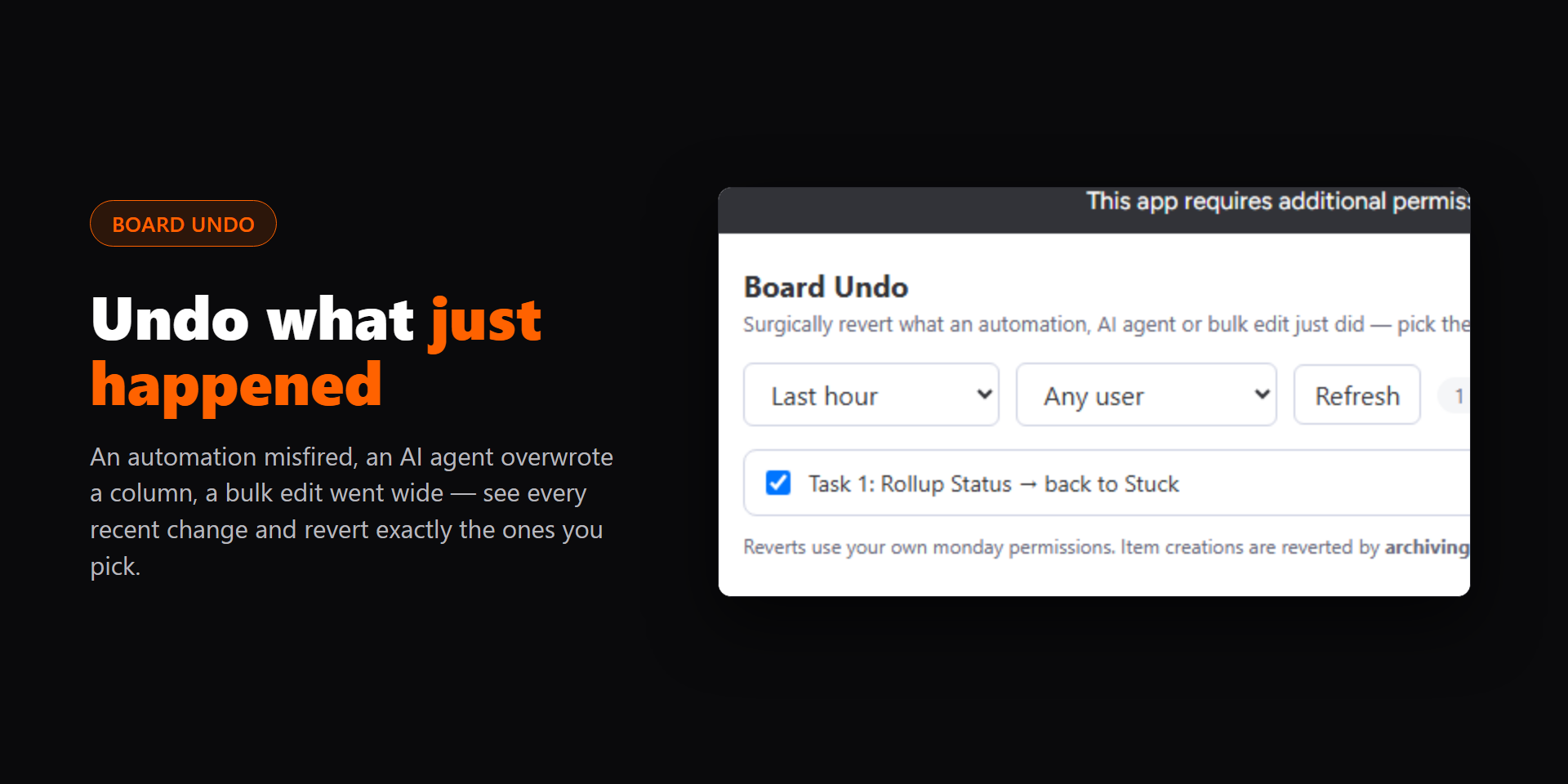
The AI-assisted undo button monday.com is missing.
Board Undo reverts what an automation, an integration, an AI agent or a bulk edit just did to your board, all at once. It is for teams whose boards are changed by more than people, and who need a clean way back when something goes wrong.
What you get
- Every recent change on the board in one list: column values, renames and new items, filtered by time window (15 minutes to 24 hours) and by person.
- Pick the changes to revert, or describe them in plain language, for example "the status changes the automation made after 2pm", and let monday AI tick them for you.
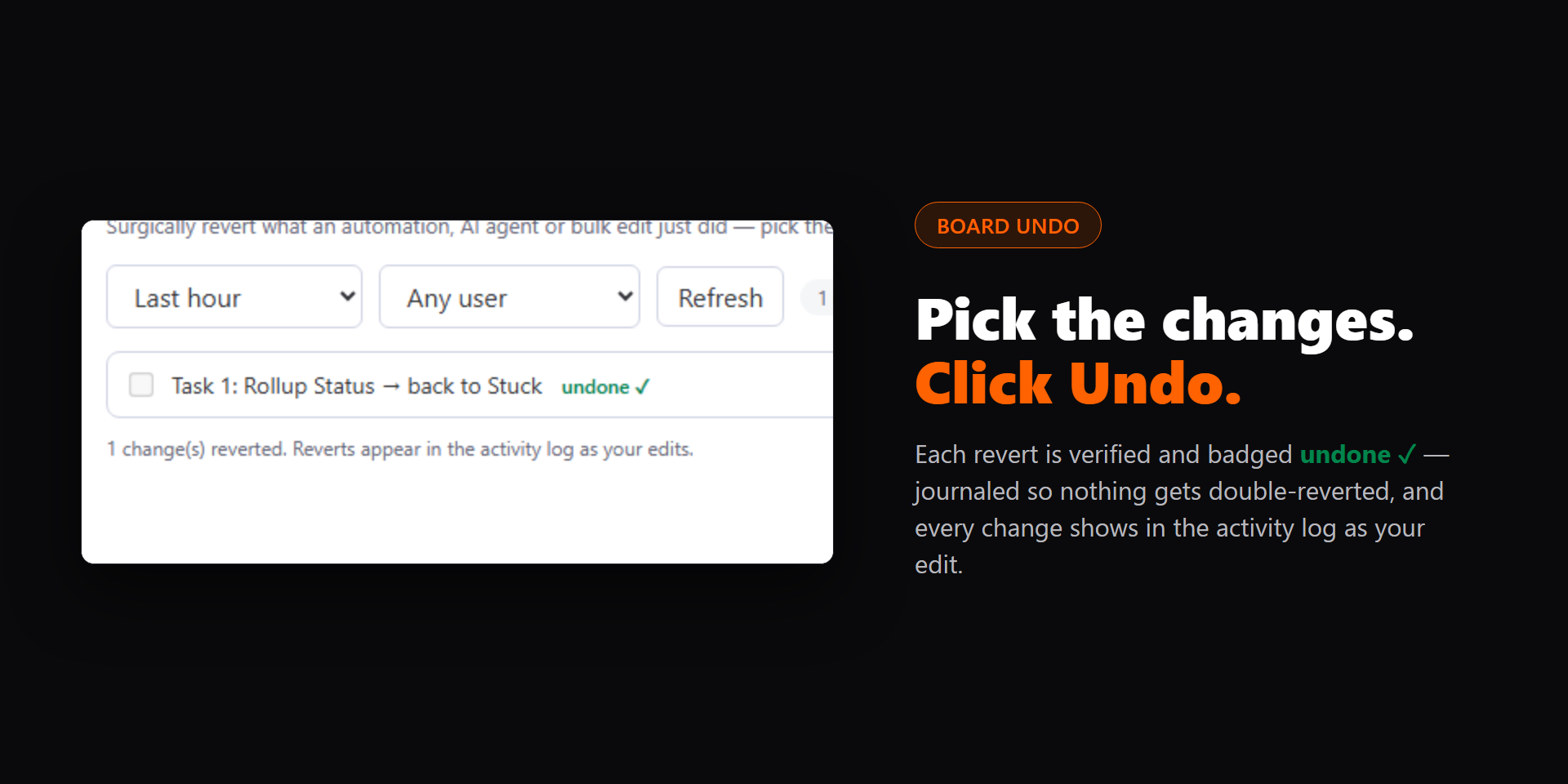
- Undo the whole selection in one click. Every revert runs with your own monday permissions and appears in the activity log under your name.
- An AI summary explains what happened in the window, so you can see a misfire before you fix it.
Safe by design
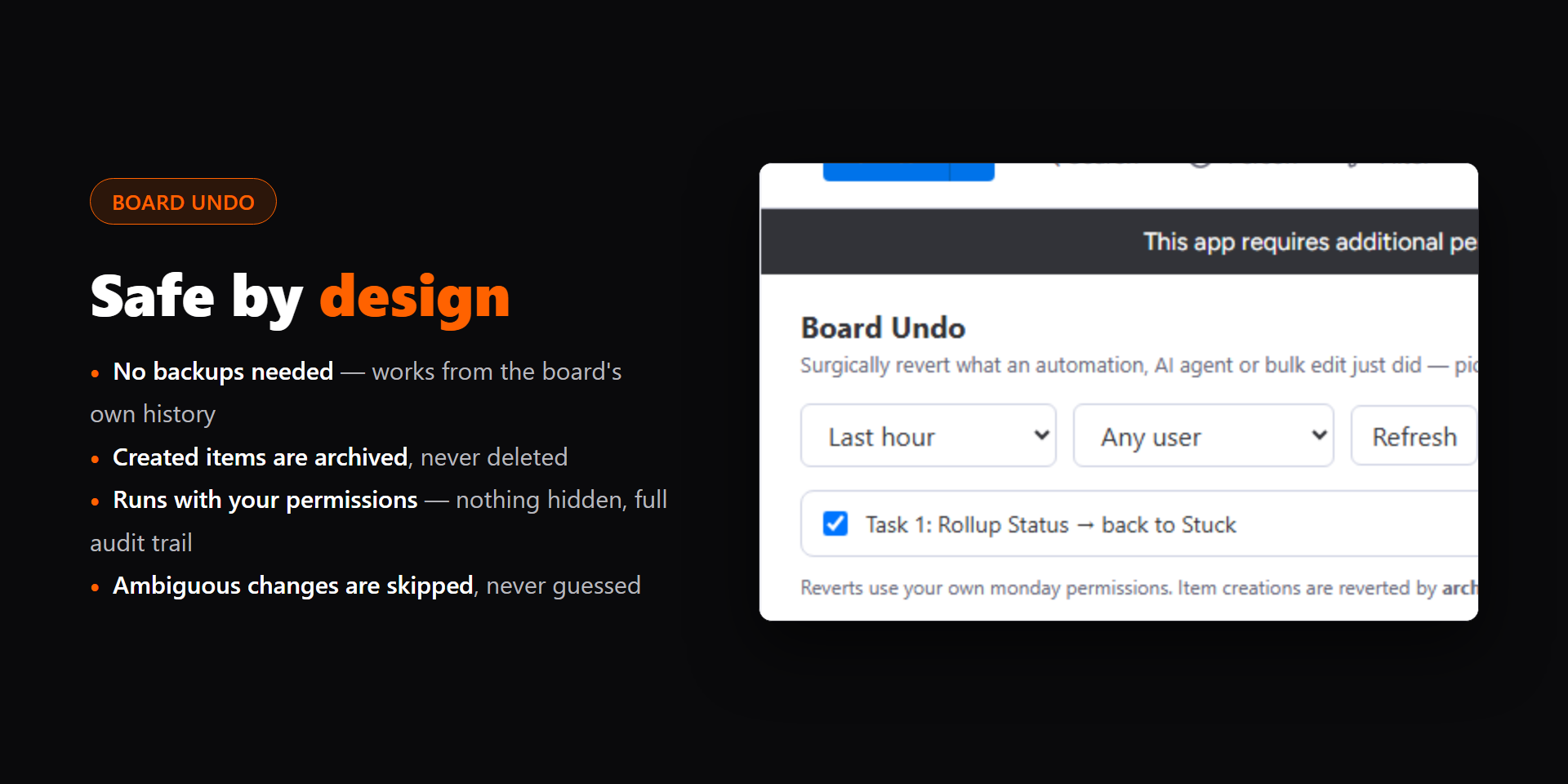
- Nothing is ever deleted: items created by mistake are archived, which monday lets you restore.
- Column types that can't be restored exactly are skipped, never guessed.
- AI only selects or summarizes. Nothing is undone without your click.
- The same change can't be undone twice.
Examples
- An automation set 60 items to Done by mistake: pick the window, tick its changes, click Undo selected.
- An AI agent renamed items overnight: filter to its changes and revert the renames.
- A bulk edit cleared a numbers column: put every value back in one click.
AI models
Board Undo's AI features use monday AI through monday's run_prompt API (the MONDAY_STANDARD model, which monday currently maps to Anthropic Claude Sonnet 4.6), with your account's own AI credits. If AI isn't available, the summary and selection fall back to standard versions.
Privacy
Board Undo runs entirely on monday code and in your browser with your own monday session. It stores no personal data and sends nothing outside monday.
Questions? Email luke@buildsbyluke.com. I reply within 24 hours.
Security & Compliance
The app developer did not provide the security and compliance information for this app.
Reviews
No reviews yet.
Historical data
Installation history
We have data for December 28, 2024 onwards only. Collected sometime after 00:00 UTC daily.
Total number of installs
Change in total number of installs in last 1 day(s)
Compares the number of installs on each date with 1 days previously:
Change in total number of installs in last 7 day(s)
Compares the number of installs on each date with 7 days previously:
Change in total number of installs in last 30 day(s)
Compares the number of installs on each date with 30 days previously:
Change in total number of installs in last 90 day(s)
Compares the number of installs on each date with 90 days previously:
Change in total number of installs in last 180 day(s)
Compares the number of installs on each date with 180 days previously:
Ratings history
Categories history
Each of the following is a yes/no answer, so the graphs show 1 for yes, and 0 for no.