
Formula Column Automation
NaN installs, since October 5, 2026. 0 installs/month. App updated September 30, 2026. Listing updated October 5, 2026.
Turn formula outputs into actionable board data
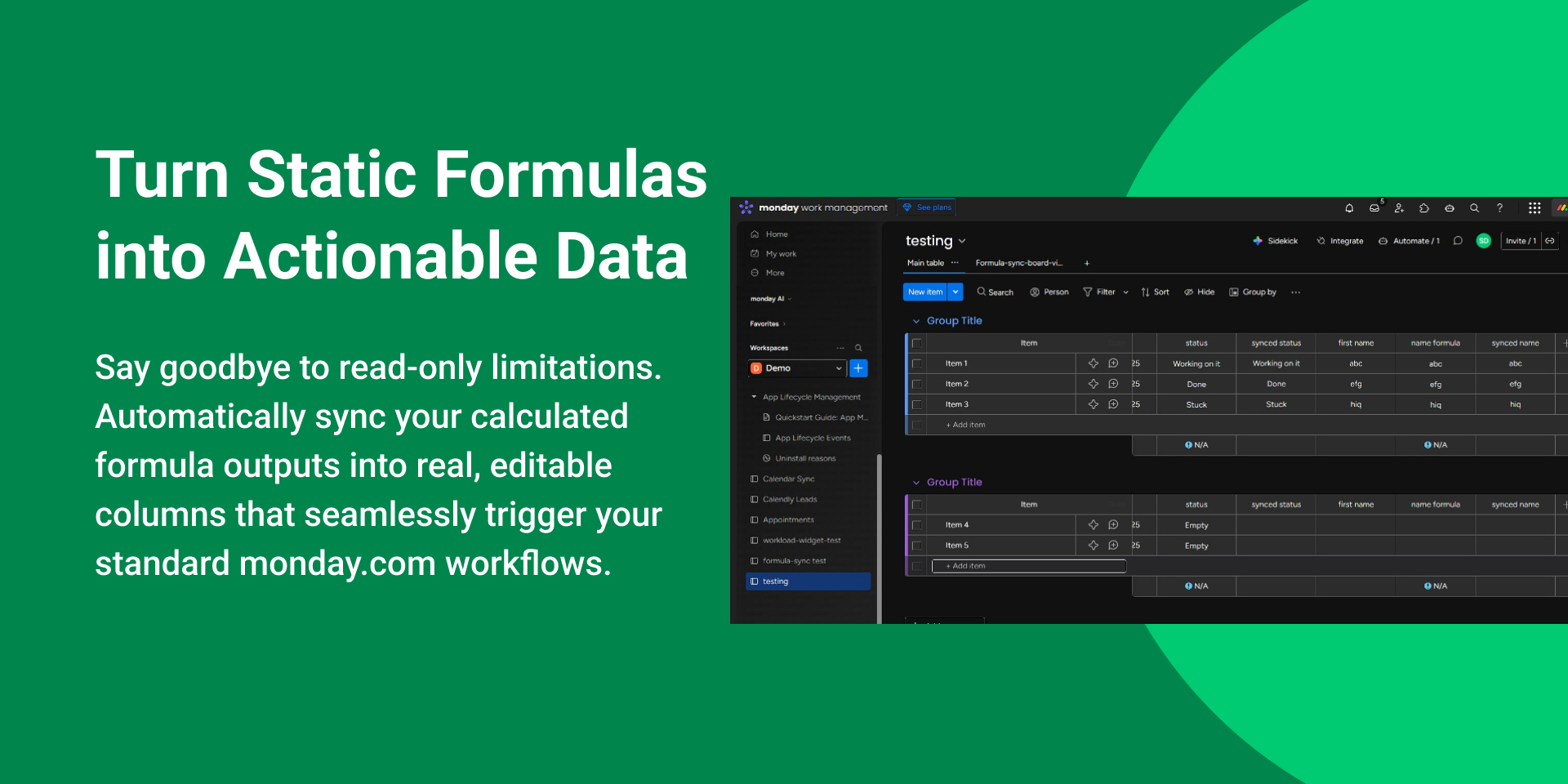
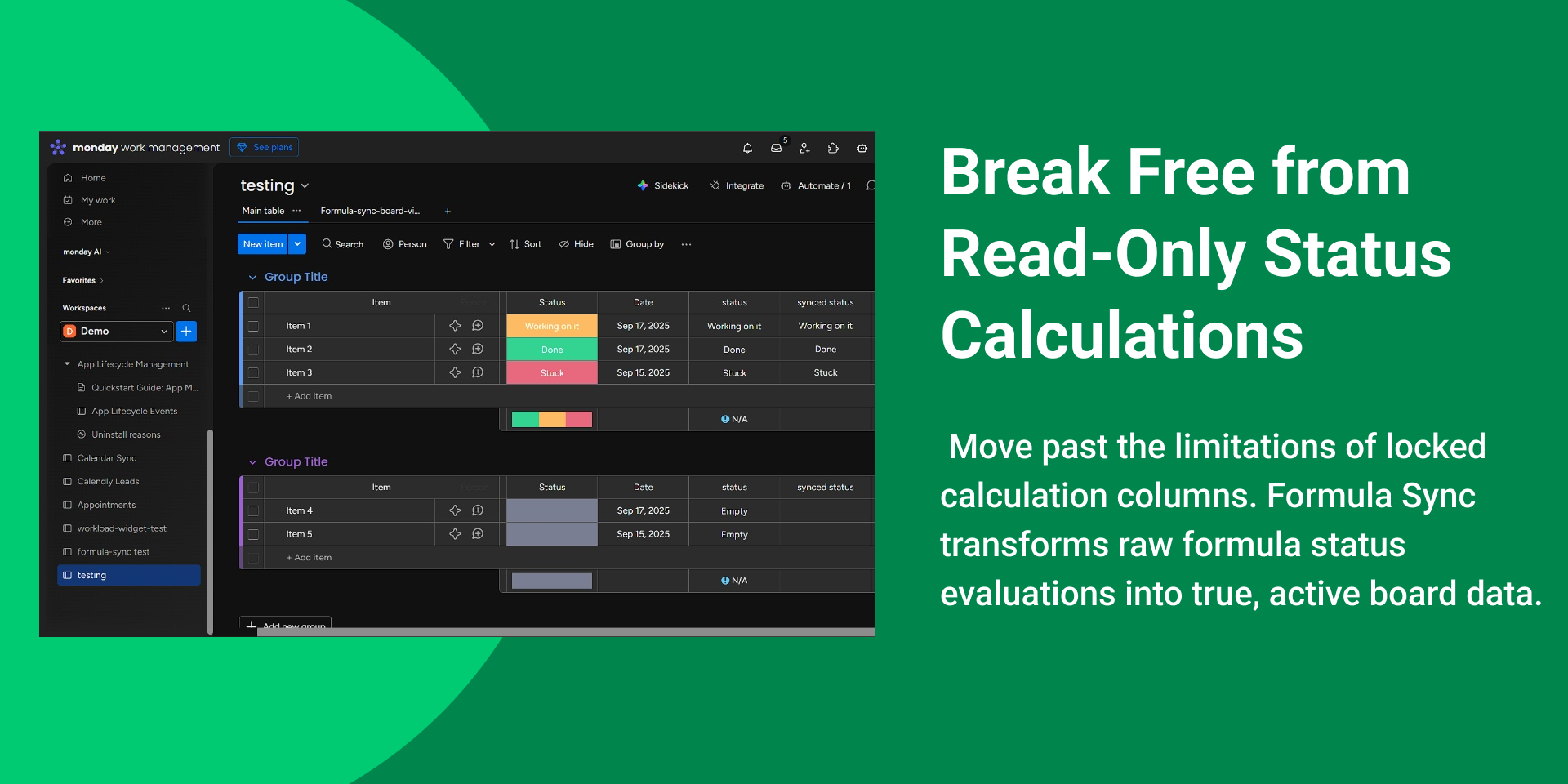
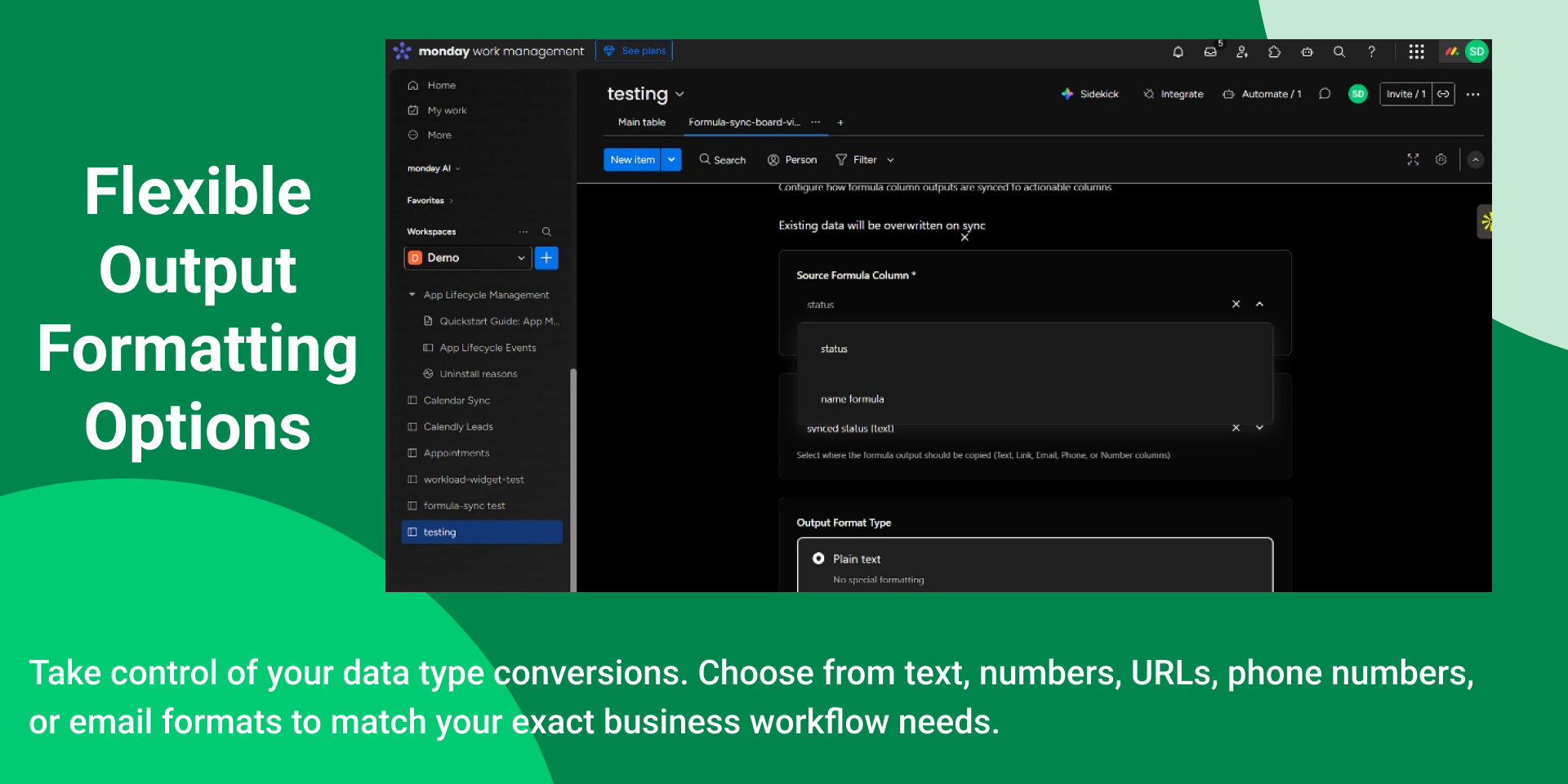
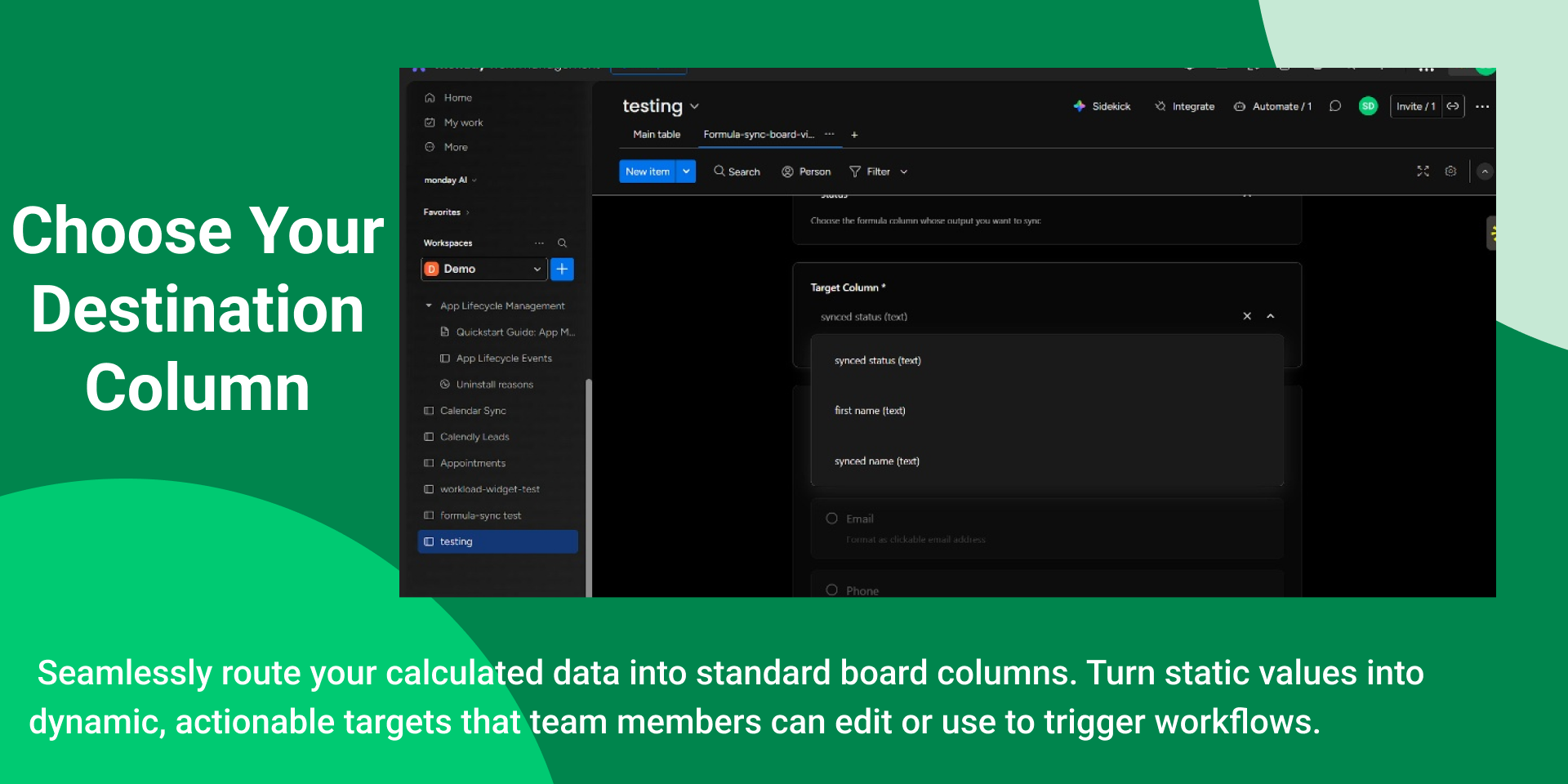
Formula Sync is a powerful integration for monday.com that solves a key limitation of formula columns by turning static, read-only formula results into actionable, interactive data inside boards. In monday.com, formula columns can only display calculated values and cannot be clicked, copied as links, or used directly in other workflows. Formula Sync bridges this gap by automatically calculating formula outputs and writing them into real, editable destination columns so they can be used as clickable emails, dialable phone numbers, navigable URLs, or map coordinates. The app works through a simple recipe-based configuration where users choose a source formula column, a target column, and an output format type such as text, email, phone, URL, coordinates, or numbers. Optional formatting rules can also be applied, including text transformations like uppercase, lowercase, or capitalization, number formatting such as zero-padding, and phone formatting styles for different regions including US, UK, India, and international formats. Once configured, the app securely stores the recipe settings and performs an initial full-board synchronization to populate the target column with the calculated values. After that, webhook-based automation ensures that whenever the underlying data changes, the formula result is recalculated and synced automatically so the destination column always stays updated. Formula Sync includes a responsive React-based interface built with monday.com’s design system, allowing users to configure sync recipes easily and monitor results directly within the board. A dedicated board view also provides a dashboard displaying items, synced outputs, and sync status indicators, along with search filtering, copy-to-clipboard functionality, and a manual “Sync All Now” option for bulk updates.
Security & Compliance
The app developer did not provide the security and compliance information for this app.
Reviews
No reviews yet.
Historical data
Installation history
We have data for December 28, 2024 onwards only. Collected sometime after 00:00 UTC daily.
Total number of installs
Change in total number of installs in last 1 day(s)
Compares the number of installs on each date with 1 days previously:
Change in total number of installs in last 7 day(s)
Compares the number of installs on each date with 7 days previously:
Change in total number of installs in last 30 day(s)
Compares the number of installs on each date with 30 days previously:
Change in total number of installs in last 90 day(s)
Compares the number of installs on each date with 90 days previously:
Change in total number of installs in last 180 day(s)
Compares the number of installs on each date with 180 days previously:
Ratings history
Categories history
Each of the following is a yes/no answer, so the graphs show 1 for yes, and 0 for no.