3 installs, since October 2, 2026. 3 installs/month. App updated September 30, 2026. Listing updated October 2, 2026.
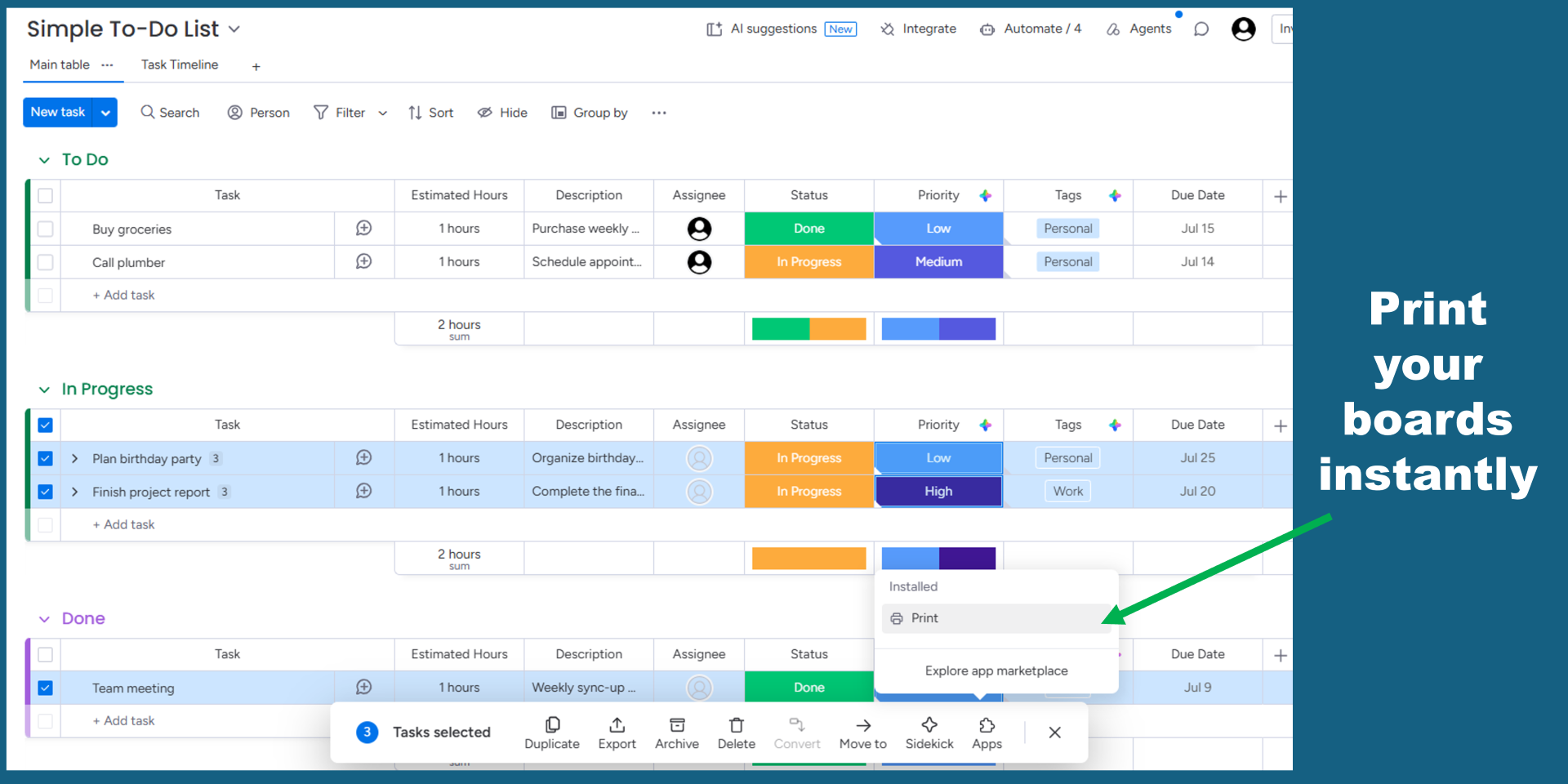
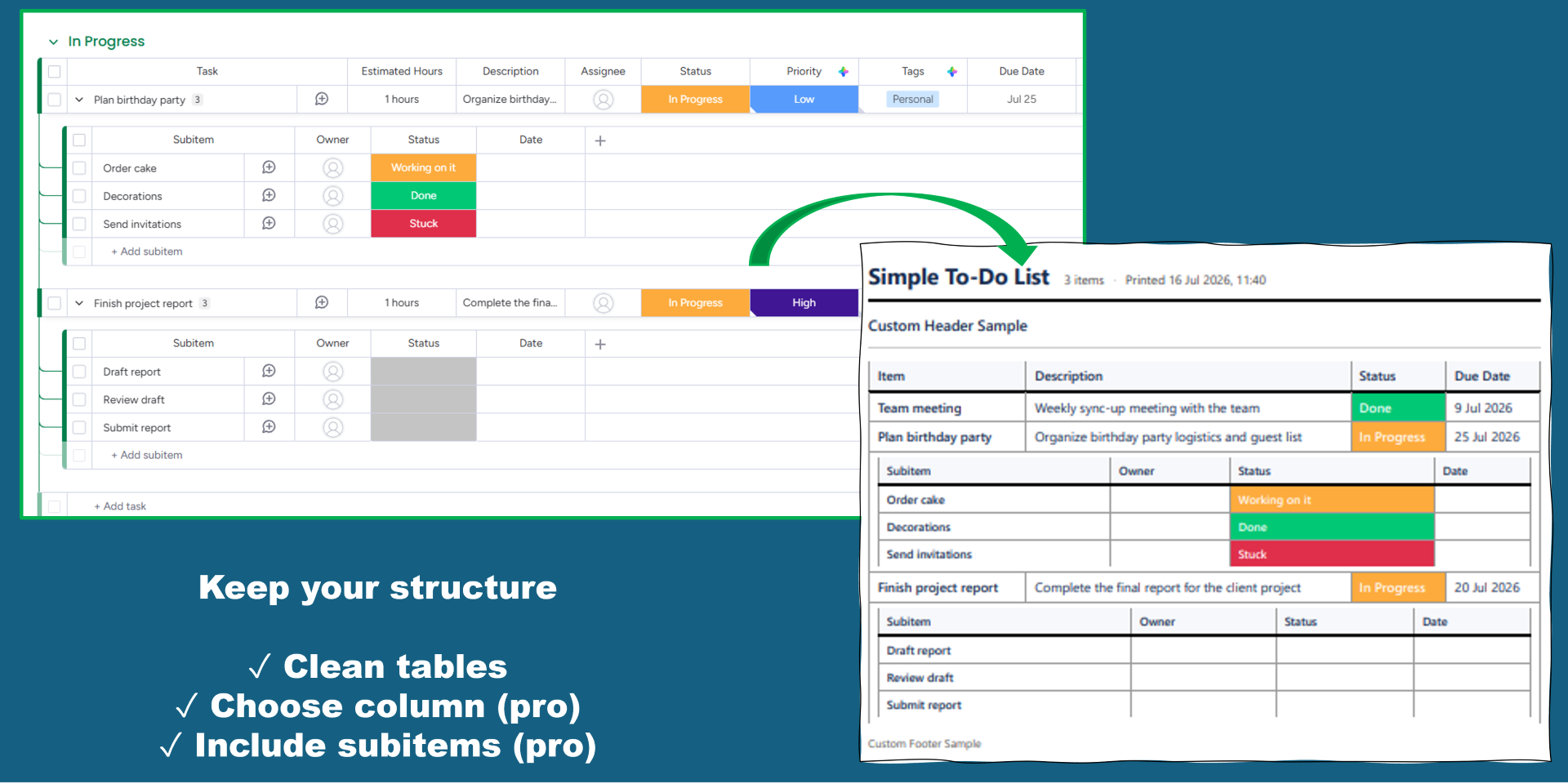
Print monday.com boards, groups & items in one click.
Easy print turns any board into a clean, print-ready document in one click. Open a board, from the apps submenu hit print, and get a professionally formatted layout of your groups and items - no manual copy-pasting into a spreadsheet or screenshotting the board.
Free:
- Unlimited printing
- Professional table layout
- Full support for boards, groups, and items
- A small watermark
Pro adds:
- No watermark
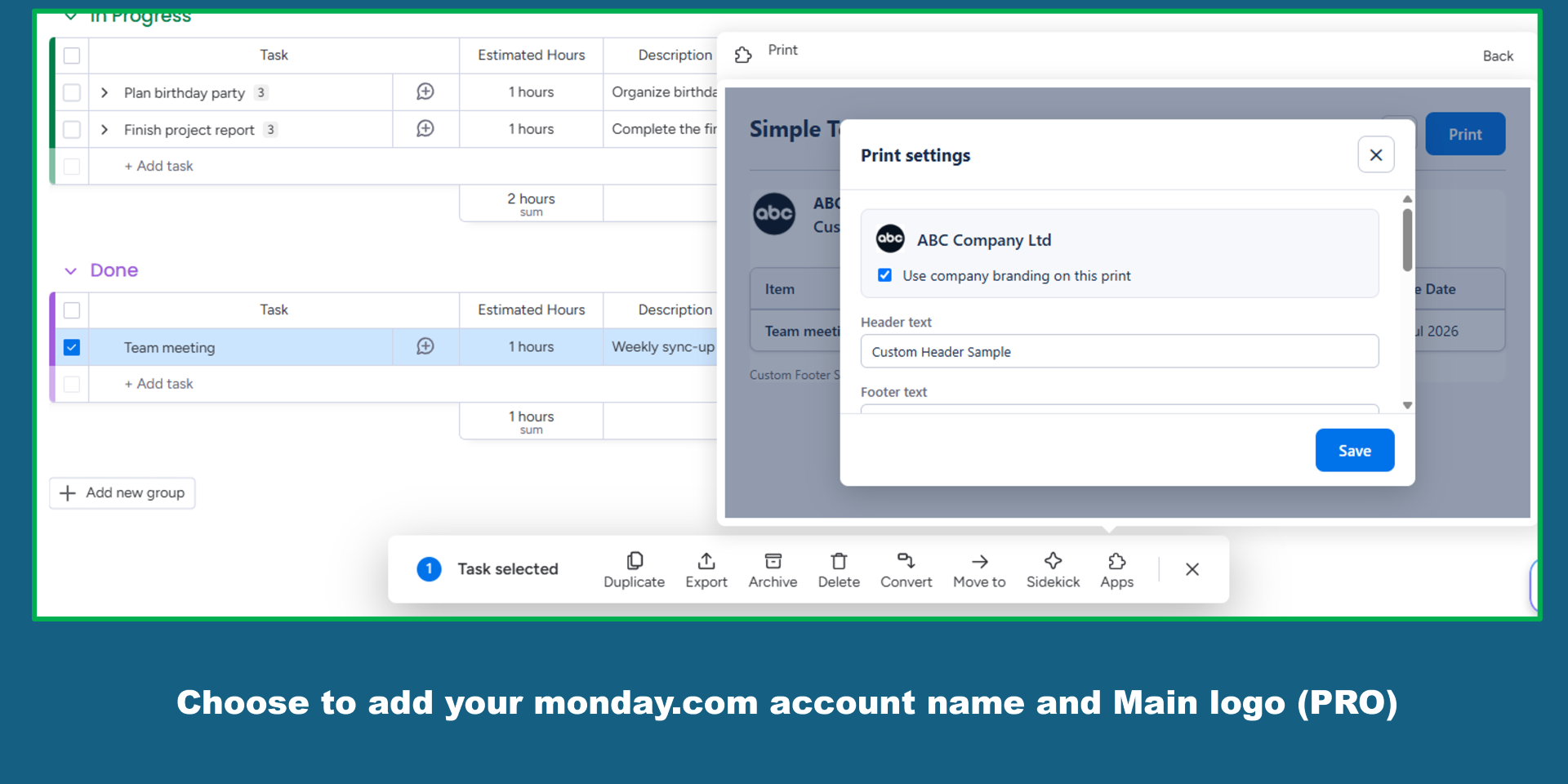
- Your logo from monday
- Custom header/footer text
- Column selection
- Printed timestamps
And more... Everything you need to hand a client, inspector, or teammate a document that looks like it came from your company, not a raw spreadsheet export.
Built for teams who need to share monday.com data with people who don't have a monday.com seat: site visits, audits, client handoffs, and paper trails.
Security & Compliance
The app developer did not provide the security and compliance information for this app.
Reviews
No reviews yet.
Historical data
Installation history
We have data for December 28, 2024 onwards only. Collected sometime after 00:00 UTC daily.
Total number of installs
Change in total number of installs in last 1 day(s)
Compares the number of installs on each date with 1 days previously:
Change in total number of installs in last 7 day(s)
Compares the number of installs on each date with 7 days previously:
Change in total number of installs in last 30 day(s)
Compares the number of installs on each date with 30 days previously:
Change in total number of installs in last 90 day(s)
Compares the number of installs on each date with 90 days previously:
Change in total number of installs in last 180 day(s)
Compares the number of installs on each date with 180 days previously:
Ratings history
Categories history
Each of the following is a yes/no answer, so the graphs show 1 for yes, and 0 for no.