
StatusTrail
6 installs, since September 22, 2026. 2 installs/month. App updated October 8, 2026. Listing updated October 11, 2026.
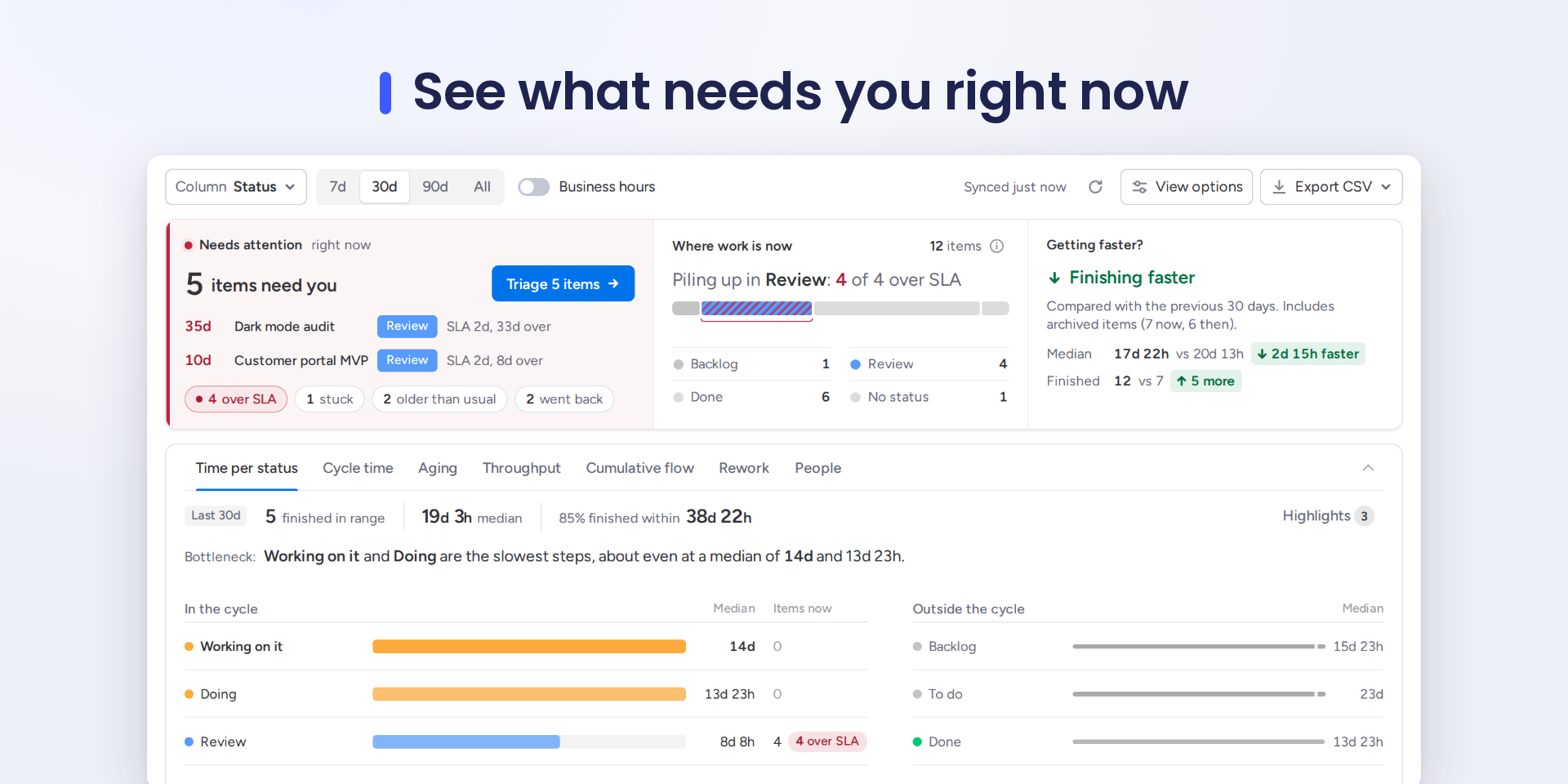
See what needs you now: time in status, SLA and flow charts
Open a board and see what needs you first: items over their SLA, stuck longer than usual, older than usual, or sent back to an earlier status. Triage them in one list, read each item's status history, and acknowledge it for the whole board.
What you get:
- Where work is now and whether you are getting faster than the previous period.
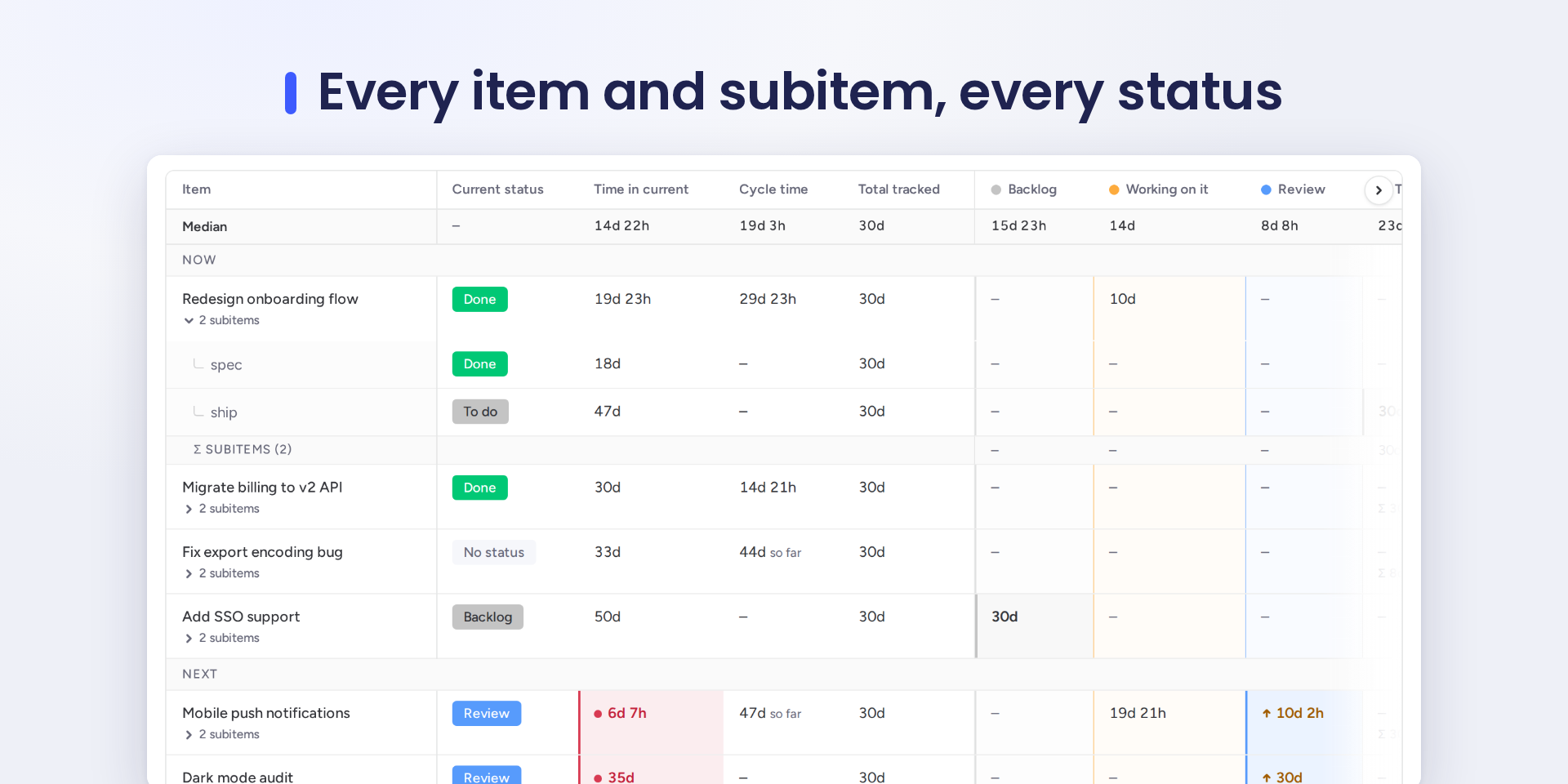
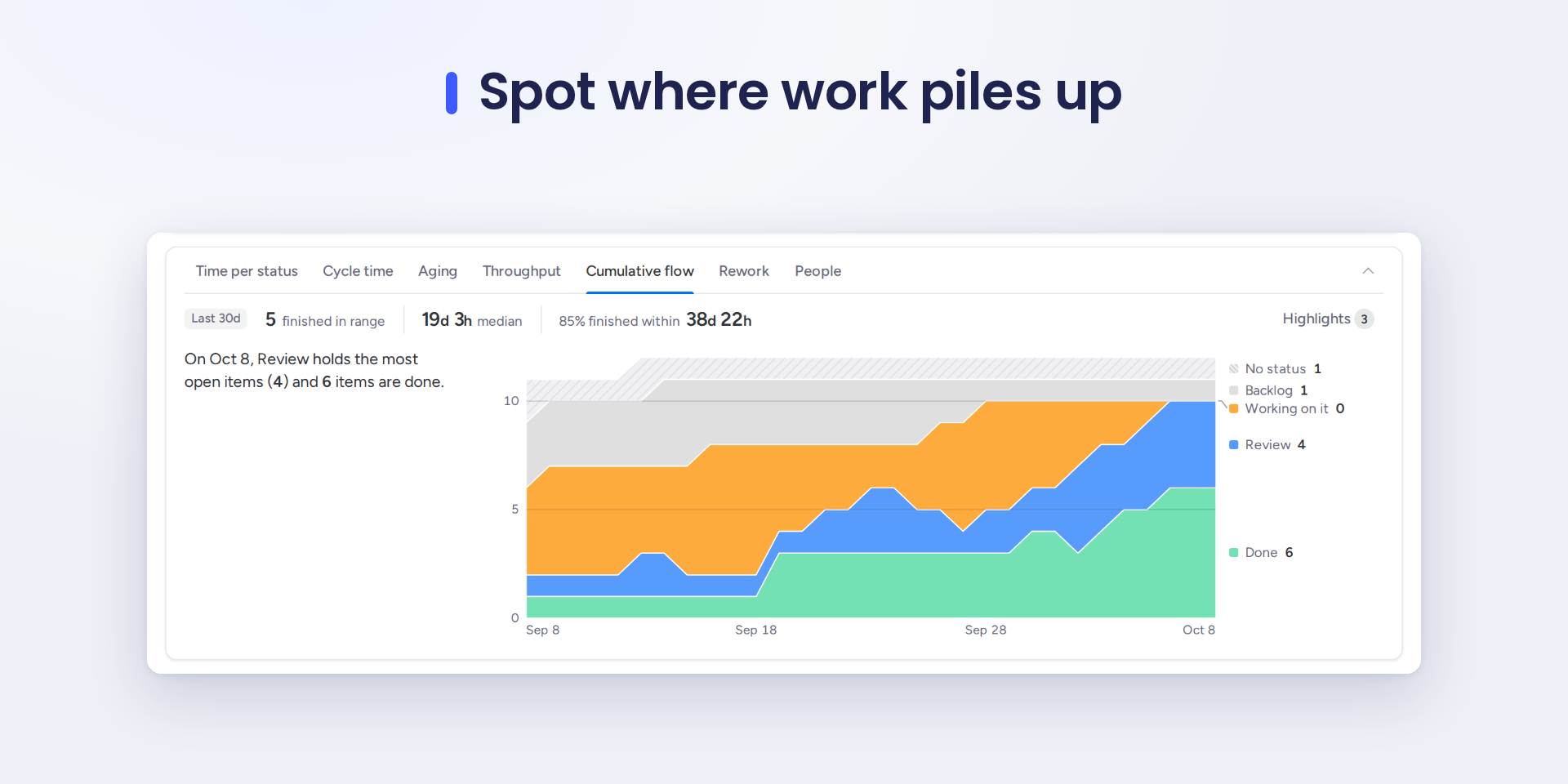
- Flow charts: time per status with the bottleneck named, cycle time, aging work in progress, throughput with a finish date forecast, cumulative flow, rework, and people when the board has a People column.
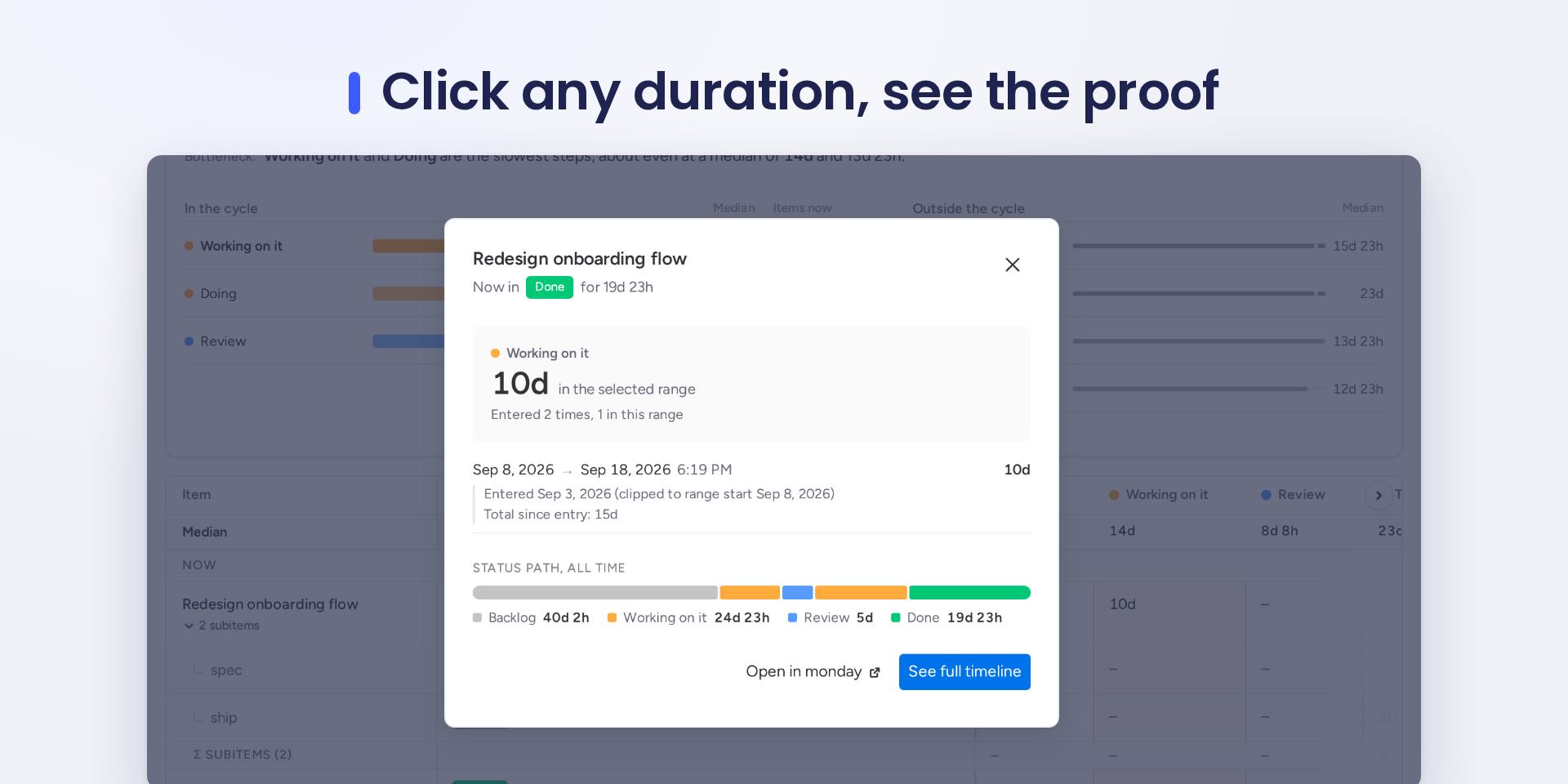
- Click any duration to see the status changes behind it, with dates, and open the item in monday.
- Subitems rolled up under their parent, per status.
- Business hours: working-time figures next to calendar time, and SLAs checked in working time.
- SLA thresholds per status, with suggestions from your own history.
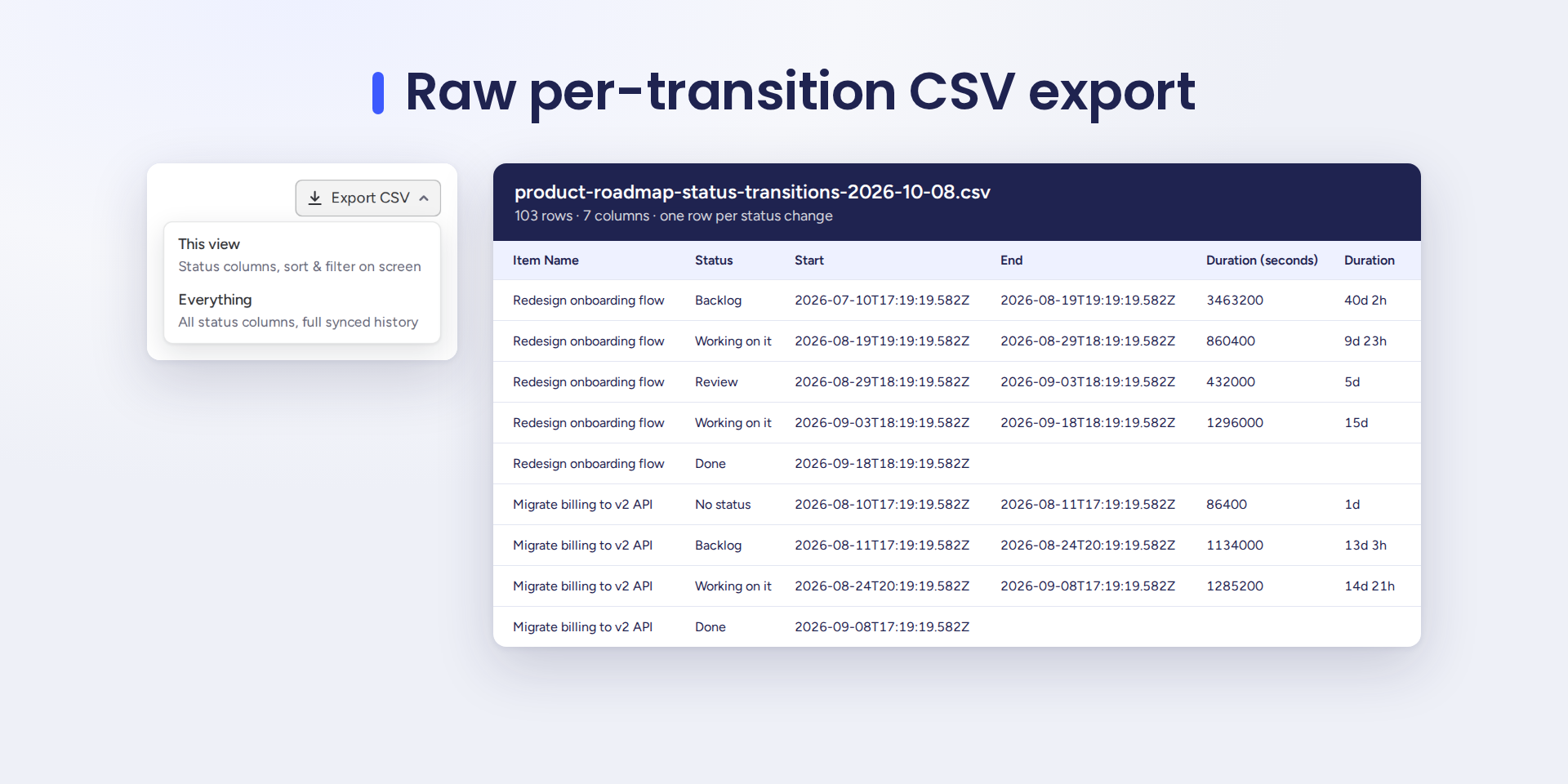
- CSV export of this view or the full history, with raw seconds and a per-transition audit trail.
- Saved views, and mirror columns traced back to their source board.
Zero setup: StatusTrail reads the board's own activity log, picks your busiest status column and shows where your items wait longest. It reopens instantly from cache.
Read-only by design: its only permission is boards:read. It cannot change your boards, and your data never leaves monday. No external servers, no third-party trackers.
Security & Compliance
The app developer did not provide the security and compliance information for this app.
Reviews
No reviews yet.
Historical data
Installation history
We have data for December 28, 2024 onwards only. Collected sometime after 00:00 UTC daily.
Total number of installs
Change in total number of installs in last 1 day(s)
Compares the number of installs on each date with 1 days previously:
Change in total number of installs in last 7 day(s)
Compares the number of installs on each date with 7 days previously:
Change in total number of installs in last 30 day(s)
Compares the number of installs on each date with 30 days previously:
Change in total number of installs in last 90 day(s)
Compares the number of installs on each date with 90 days previously:
Change in total number of installs in last 180 day(s)
Compares the number of installs on each date with 180 days previously:
Ratings history
Categories history
Each of the following is a yes/no answer, so the graphs show 1 for yes, and 0 for no.