App metadata ID: 10001273 • App ID: 11538715 • Listing updated: September 8, 2026 View app data JSON {
"id": 10001273,
"marketplace_developer_id": 100000258,
"app_id": 11538715,
"app_type": "app",
"security_info": {},
"gallery_assets": [
{
"url": "https://cdn.monday.com/marketplace/10001273/10001273_2026_8_8_13_32_44_rruuefh.png",
"type": "image"
},
{
"url": "https://cdn.monday.com/marketplace/10001273/10001273_2026_8_8_13_32_50_a02roww.png",
"type": "image"
},
{
"url": "https://cdn.monday.com/marketplace/10001273/10001273_2026_8_8_13_32_57_xjf31q.png",
"type": "image"
},
{
"url": "https://cdn.monday.com/marketplace/10001273/10001273_2026_8_8_13_33_4_k17yn9ji.png",
"type": "image"
},
{
"url": "https://cdn.monday.com/marketplace/10001273/10001273_2026_8_8_13_33_10_ag349nfk.png",
"type": "image"
},
{
"url": "https://cdn.monday.com/marketplace/10001273/10001273_2026_8_8_13_35_12_h97c4s6g.mp4",
"type": "video"
}
],
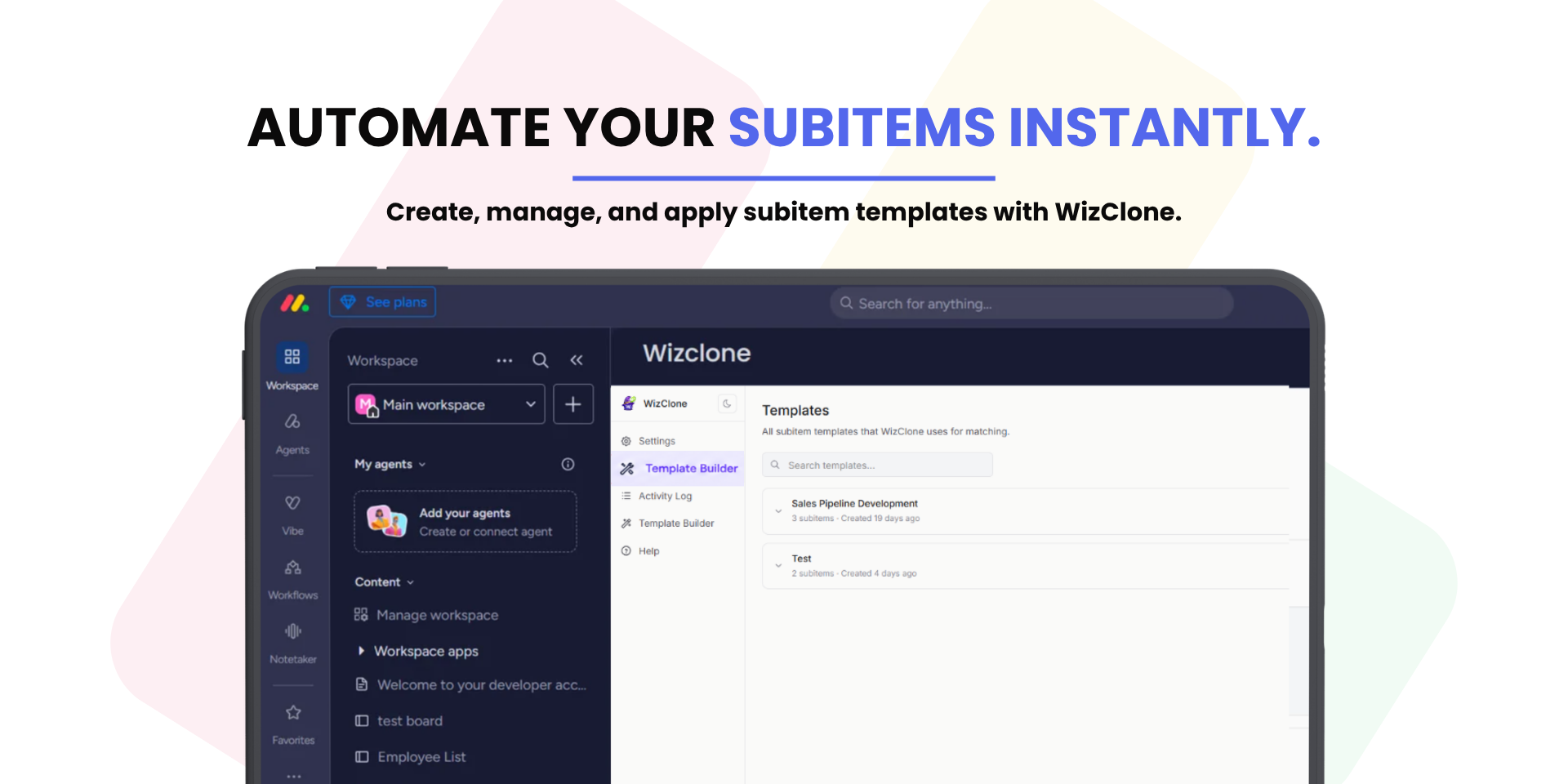
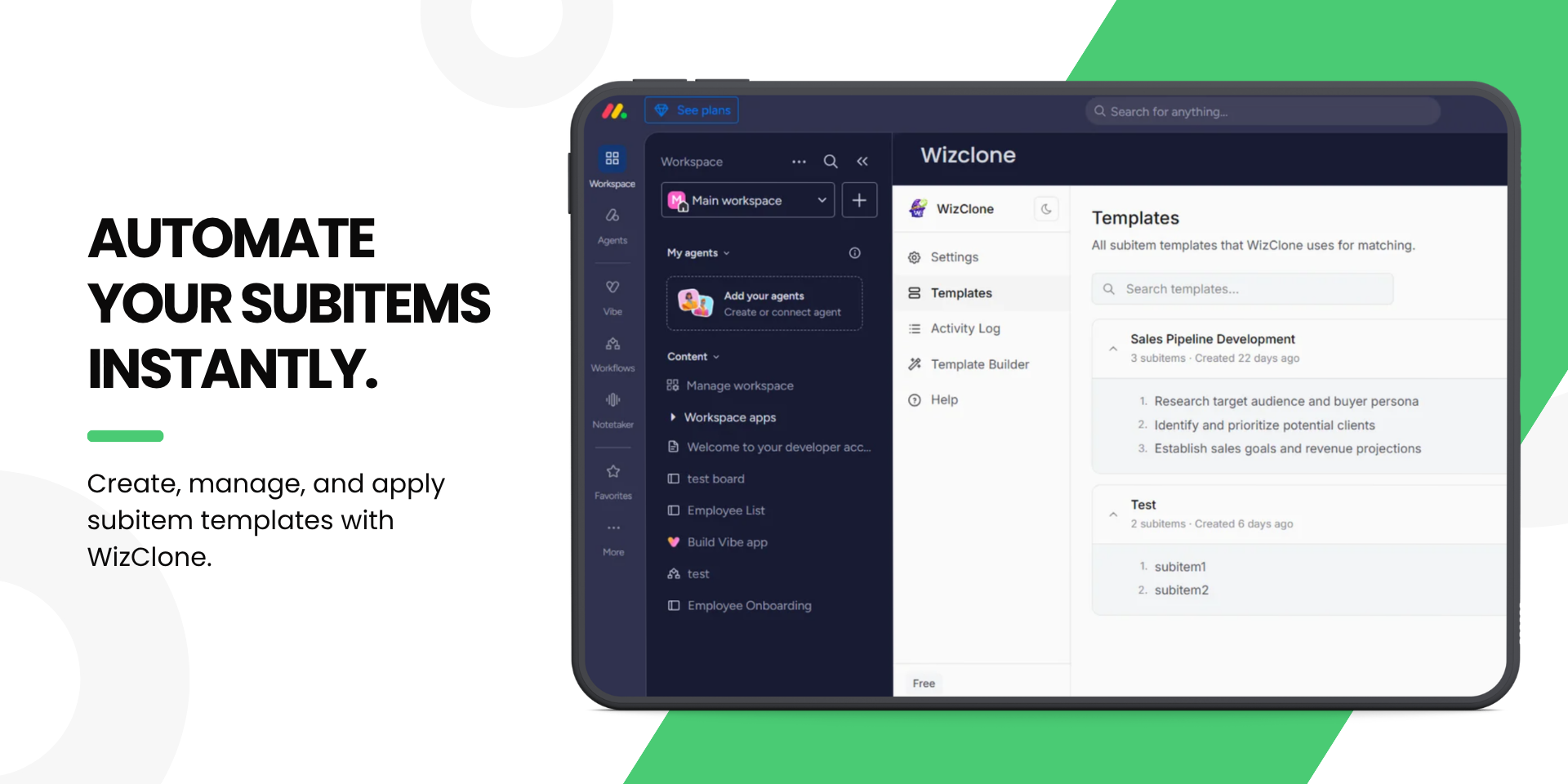
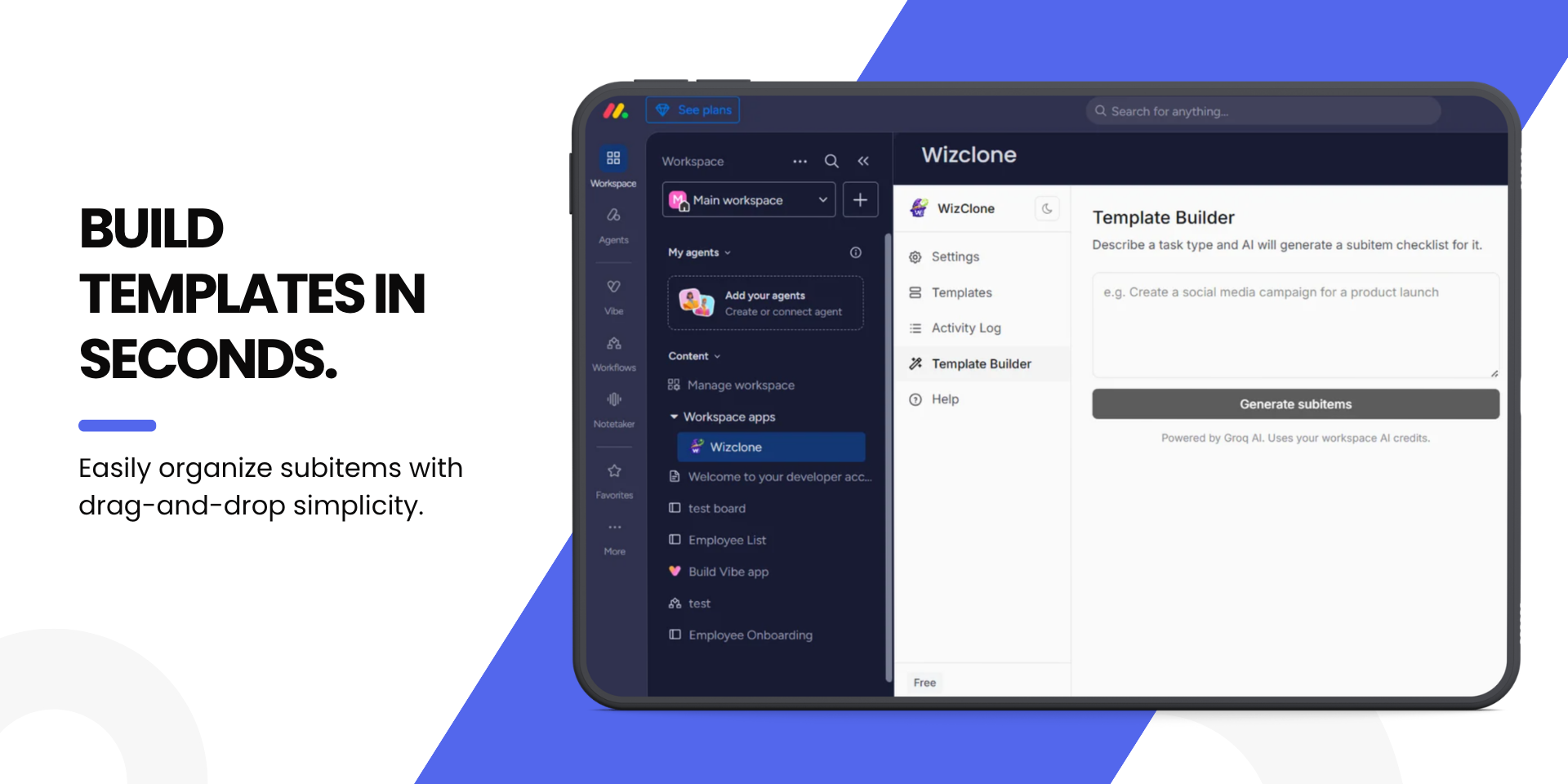
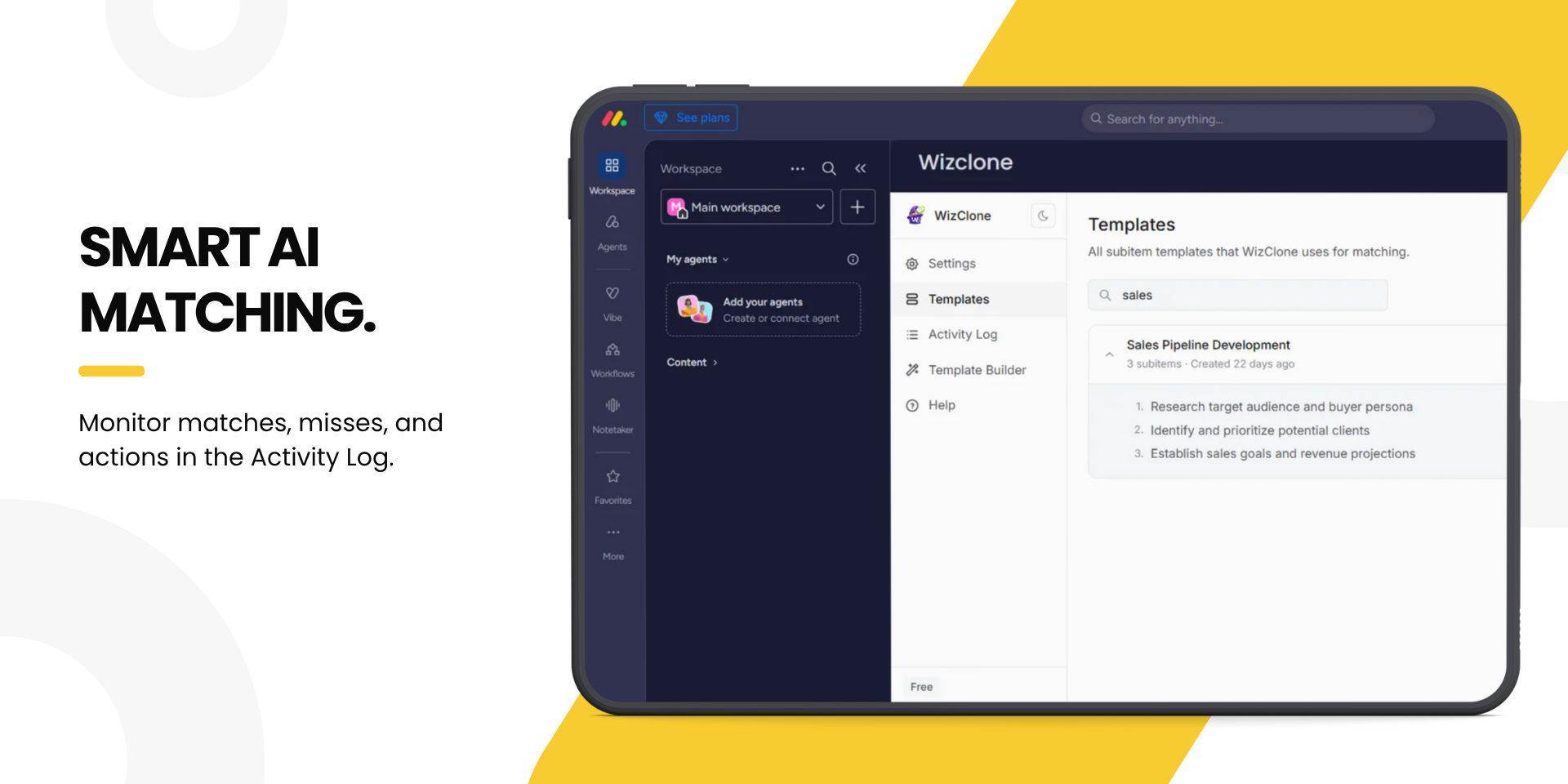
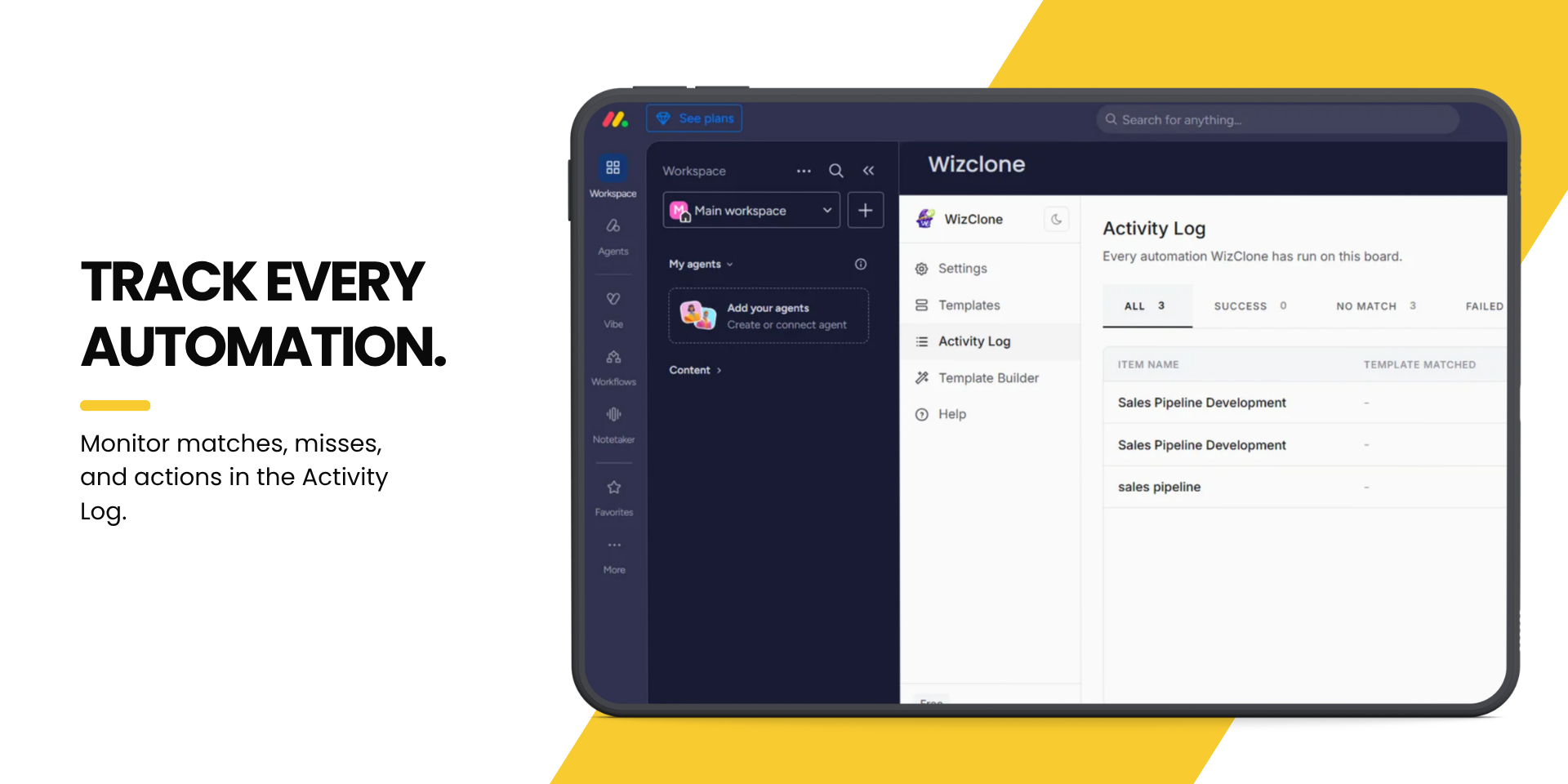
"description": "<p><strong>WizClone - AI-Powered Subitem Automation for </strong><a href=\"http://monday.com/\" rel=\"noopener noreferrer\" target=\"_blank\"><strong>monday.com</strong></a></p><p><strong>WizClone</strong> is an AI-powered app for <a href=\"http://monday.com/\" rel=\"noopener noreferrer\" target=\"_blank\"><strong>monday.com</strong></a> that automatically creates subitems from predefined templates whenever a new item is added to your board - eliminating repetitive manual work and standardizing processes.</p><p><strong>Key Features</strong></p><ul><li><strong>🤖 AI Template Matching</strong> - Matches new items with the most relevant template.</li><li><strong>⚡ Instant Subitem Creation</strong> - Generates subitems in real time as items are created.</li><li><strong>📝 Custom Templates</strong> - Build templates tailored to your workflows.</li><li><strong>🎯 Adjustable Matching Sensitivity</strong> - Fine-tune how strictly the AI matches names to templates.</li><li><strong>📊 Activity Log</strong> - Full visibility into every automation.</li></ul><p><strong>What It Solves</strong></p><p>WizClone automates subitem creation to reduce manual effort, minimize errors, and keep every task following a consistent structure - so your team can:</p><ul><li>Save hours of repetitive work weekly</li><li>Standardize workflows across projects</li><li>Cut onboarding time with predefined structures</li><li>Improve consistency and efficiency</li><li>Focus on high-value work</li></ul><p><strong>Who Is It For?</strong></p><p>Any team with repeatable workflows in <a href=\"http://monday.com/\" rel=\"noopener noreferrer\" target=\"_blank\">monday.com</a> - sales, marketing, HR, project management, operations, and development teams alike.</p><p><strong>Ready to Automate Your Workflow?</strong></p><p><strong>Install WizClone</strong> from the <a href=\"http://monday.com/\" rel=\"noopener noreferrer\" target=\"_blank\">monday.com</a> App Marketplace and start automating in minutes.</p><p>📅 <a href=\"https://calendly.com/tuesdaywizard/30min\" rel=\"noopener noreferrer\" target=\"_blank\"><strong>Book a personalized demo</strong></a></p><p>Or, if you have questions, we'd be happy to help you find the best automation solution for your team.</p>",
"short_description": "AI-powered subitem automation for monday.com boards",
"thumbnail_url": "https://cdn.monday.com/marketplace/10001273/10001273_2026_8_8_13_31_32_eh0usmi.png",
"logo_url": "https://cdn.monday.com/marketplace/10001273/10001273_2026_8_8_13_30_59_tc65u8a.png",
"feedback_url": "drtanvi@tuesdaywizards.com",
"privacy_policy_url": "https://tuesdaywizards.com/privacy-policy",
"featured": false,
"name": "Wizclone",
"how_to_use_url": "https://tuesdaywizards.com/wizclone/how-to-use",
"external_pricing_url": null,
"keywords": "automation,subitem,workflow,AI,template,monday.com,productivity,sales,project management,no-code",
"compliance_answers": [],
"created_at": "2026-09-08T13:27:29.000Z",
"updated_at": "2026-09-08T13:35:15.000Z",
"automation_app_id": null,
"marketplace_category_ids": [],
"pinned_for_categories_ids": [],
"featured_for_categories_ids": [],
"pricing_data": "14 days trial",
"label": null,
"app_values": [
"Everyday tasks"
],
"security": false,
"display_in_template_store": false,
"acquisition_source": "No touch",
"is_connector": false,
"show_connections": false,
"terms_of_service_url": "https://tuesdaywizards.com/tc",
"available_for_tiers": [],
"available_for_products": [],
"google_analytics_tag_id": null,
"is_solution": false,
"cta_override": null,
"app_scope_str": "me:read,boards:read,boards:write,workspaces:read,webhooks:write,account:read,ai:consume",
"app_client_id": "b3c7fe2fa5cb4612031324e1b1268b11",
"app_color": "#AC8C3B",
"plans": null,
"app_live_version": {
"updated_at": "2026-07-16T09:03:59.133Z",
"id": 16115066
},
"pricing_model": null,
"monetization": {
"monetizationType": "none",
"hasFreePlan": false,
"hasPaidPlan": false,
"hasTrialPlan": false
},
"badges_data": {
"security": false,
"app_values": [
"Everyday tasks"
],
"pricing_data": "14 days trial",
"acquisition_source": "No touch",
"display_in_template_store": false
},
"data": {
"is_solution": false,
"cta_override": null,
"is_connector": false,
"show_connections": false,
"available_for_tiers": [],
"terms_of_service_url": "https://tuesdaywizards.com/tc",
"available_for_products": [],
"google_analytics_tag_id": null
},
"display": null,
"installsDelta": {
"totalInstalls": 3,
"sevenDays": 0,
"thirtyDays": 0
}
}