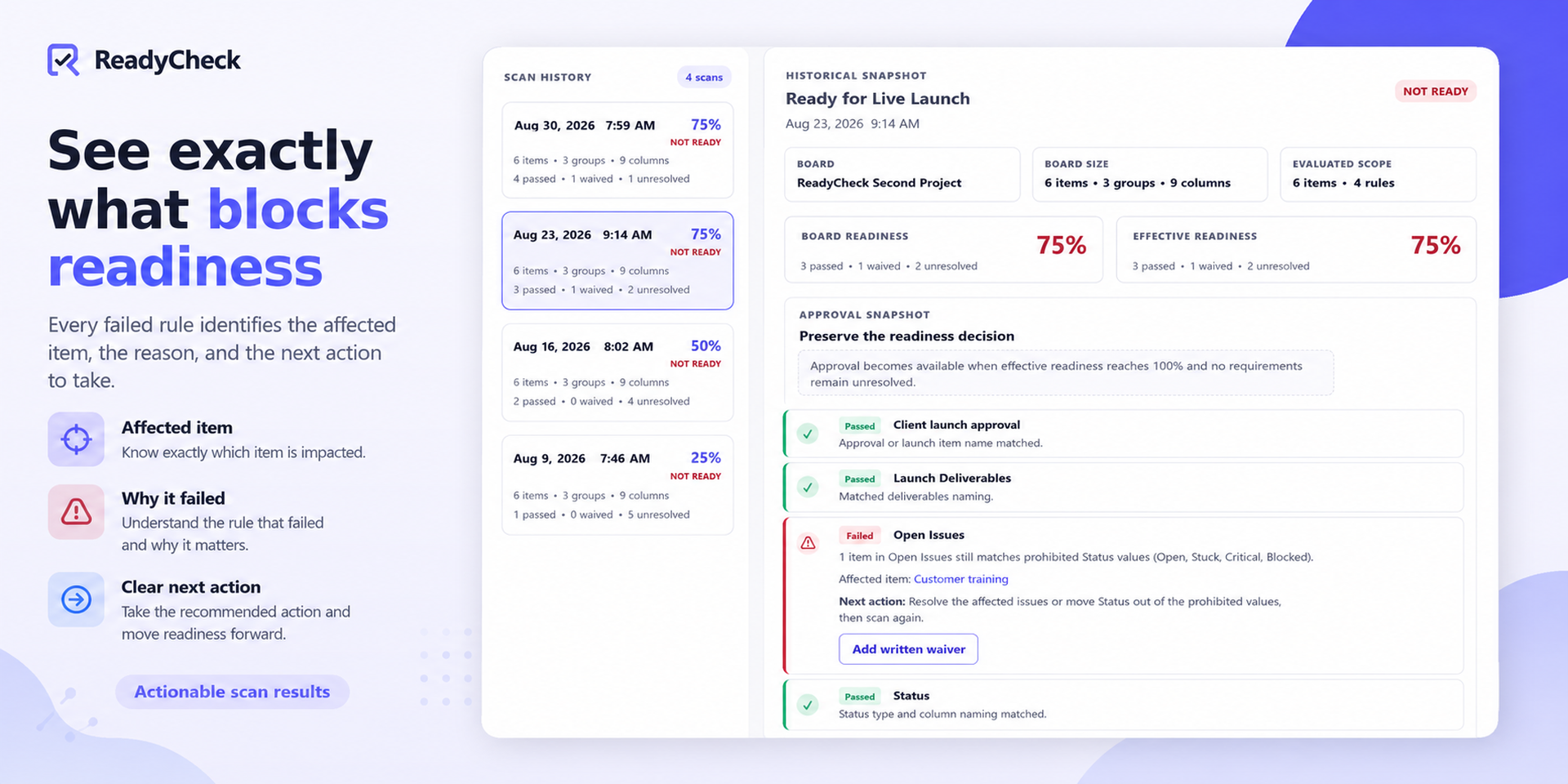
Find blockers before launches, approvals, and handoffs.
Know whether work is truly ready before it moves forward.
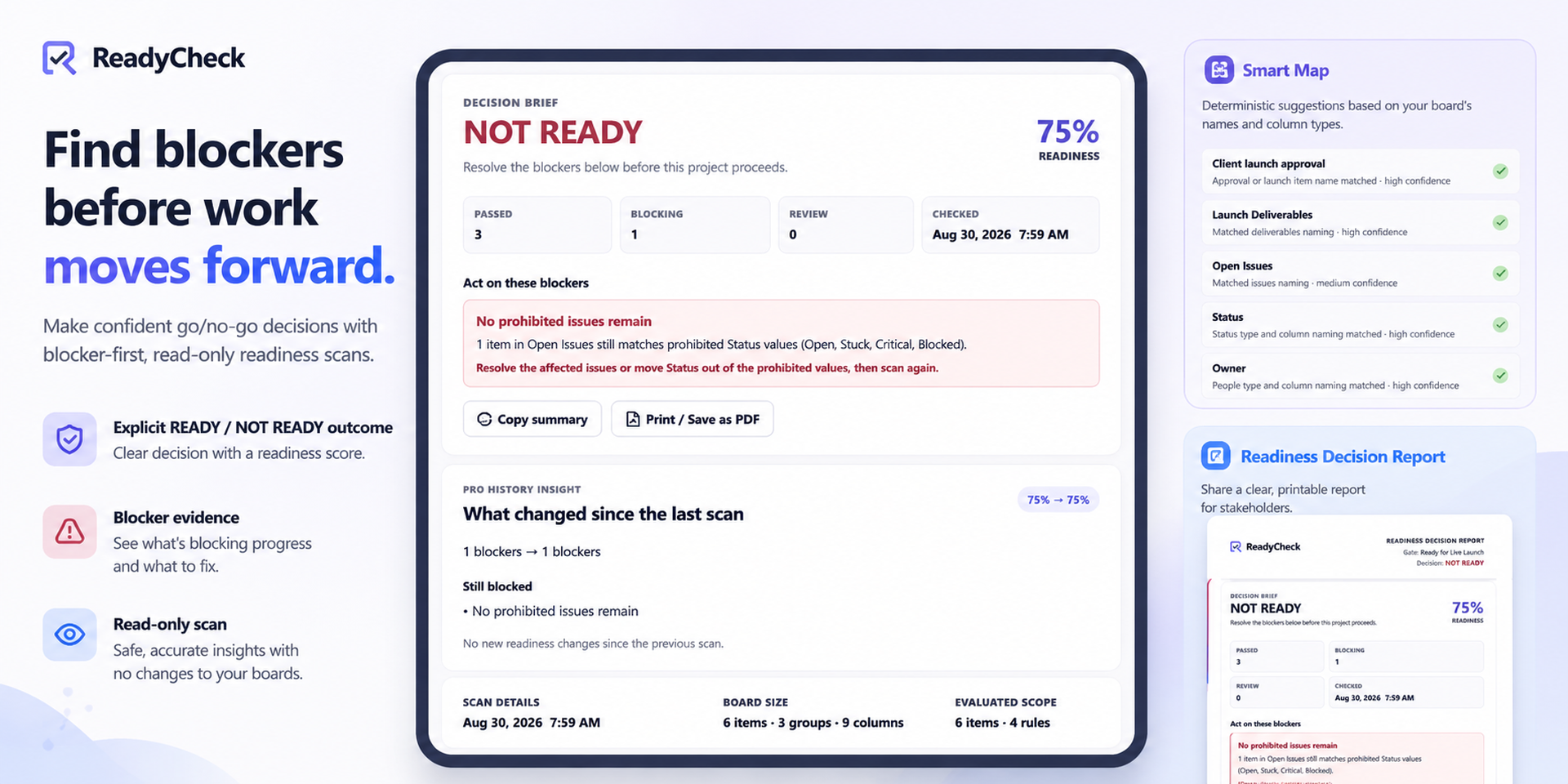
ReadyCheck is a read-only monday.com Board View for project managers, operations teams, PMOs, and team leads who need clearer decisions around launches, approvals, releases, handoffs, and go-live readiness.
Configure a readiness gate for your board, then run a scan against live monday.com data. ReadyCheck checks deliverables, required fields, open issues, status values, and a designated approval item without changing board items or modifying your workflow.
What ReadyCheck helps you do
Identify blockers before a launch, release, handoff, approval, or go-live decision
See which requirements passed and which remain unresolved
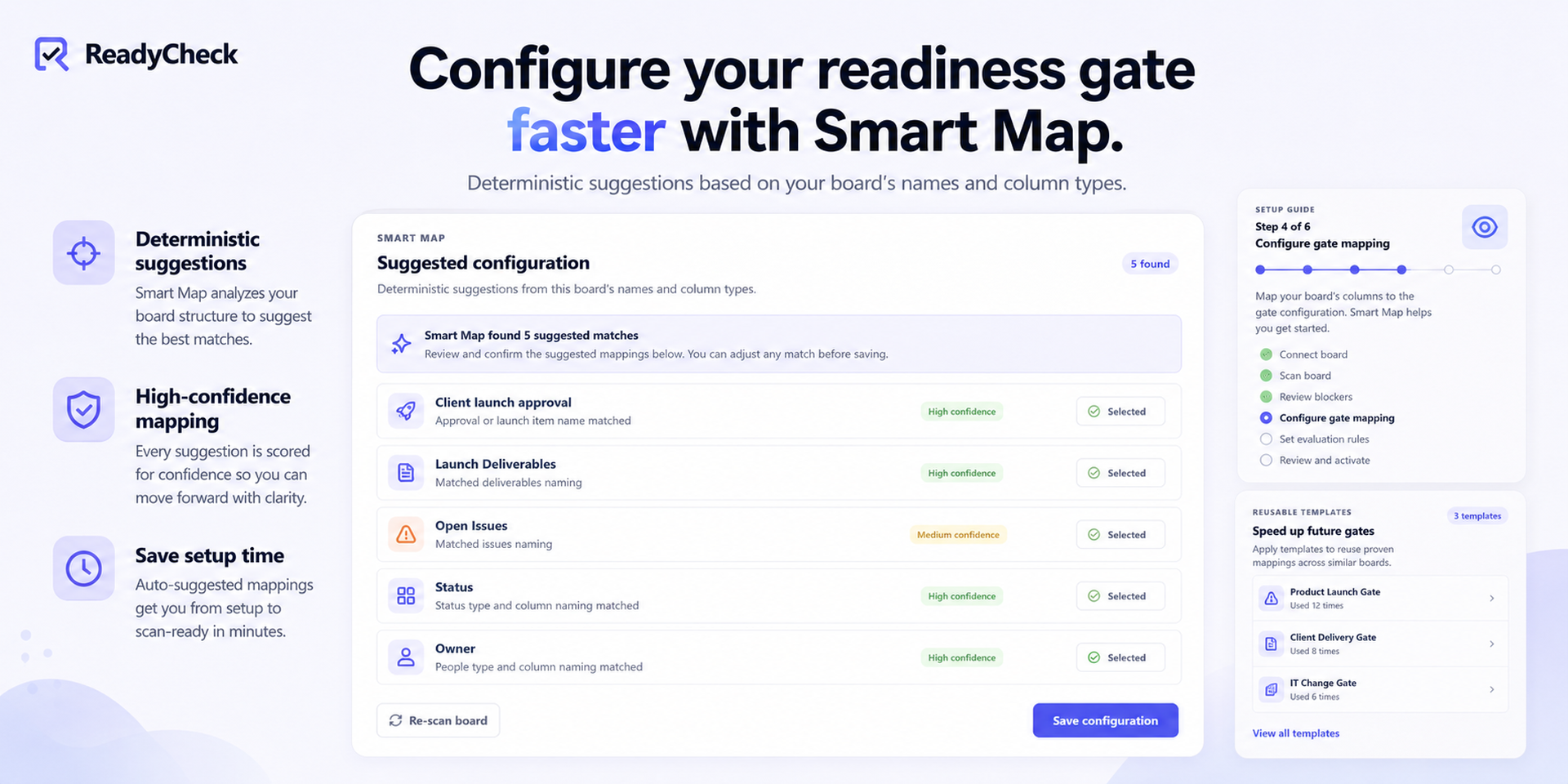
Configure board-specific readiness rules and approval workflows
Reuse consistent readiness gate templates across projects
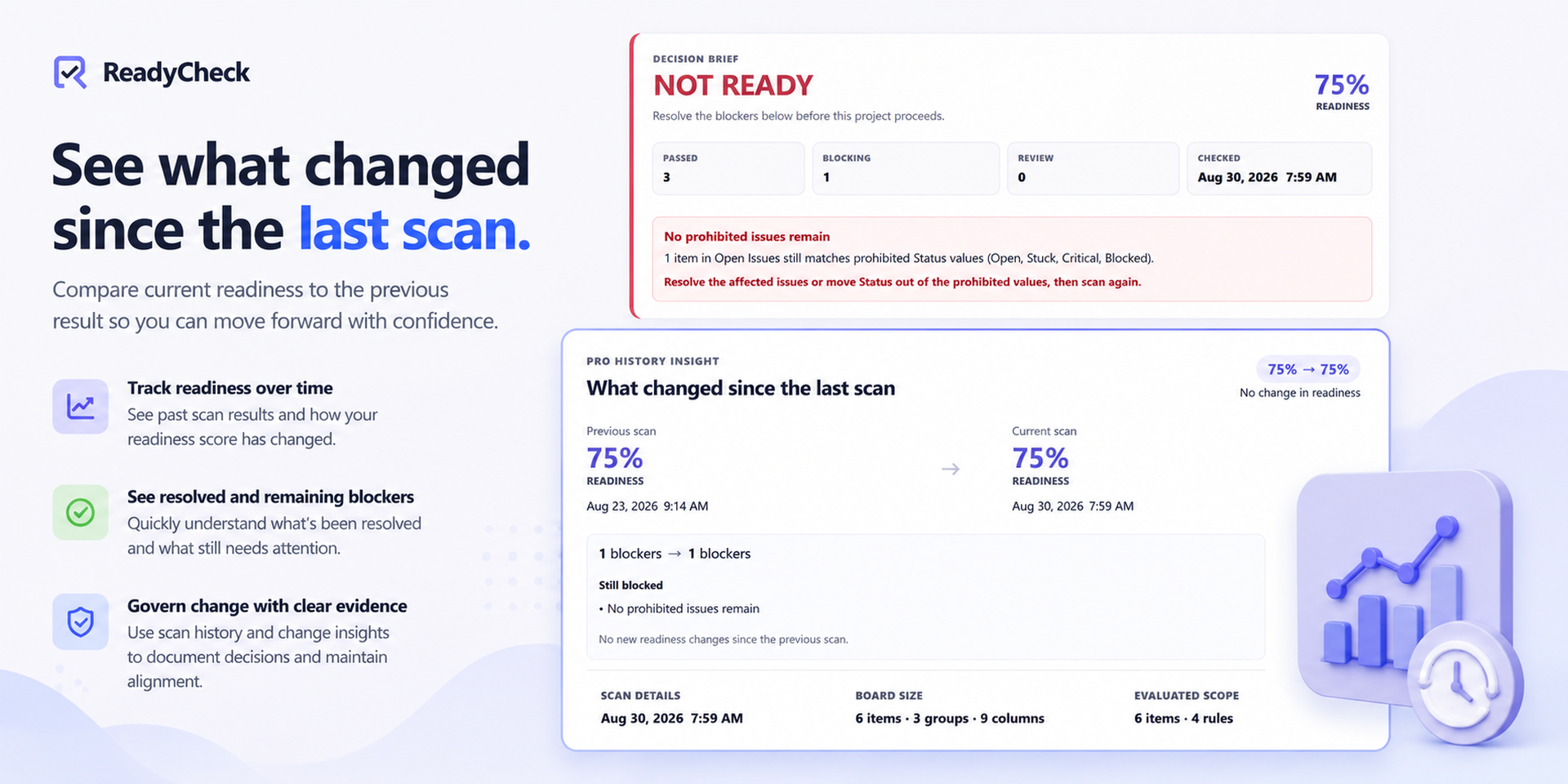
Track completed readiness scans and see what changed over time
Document written waivers and approval decisions
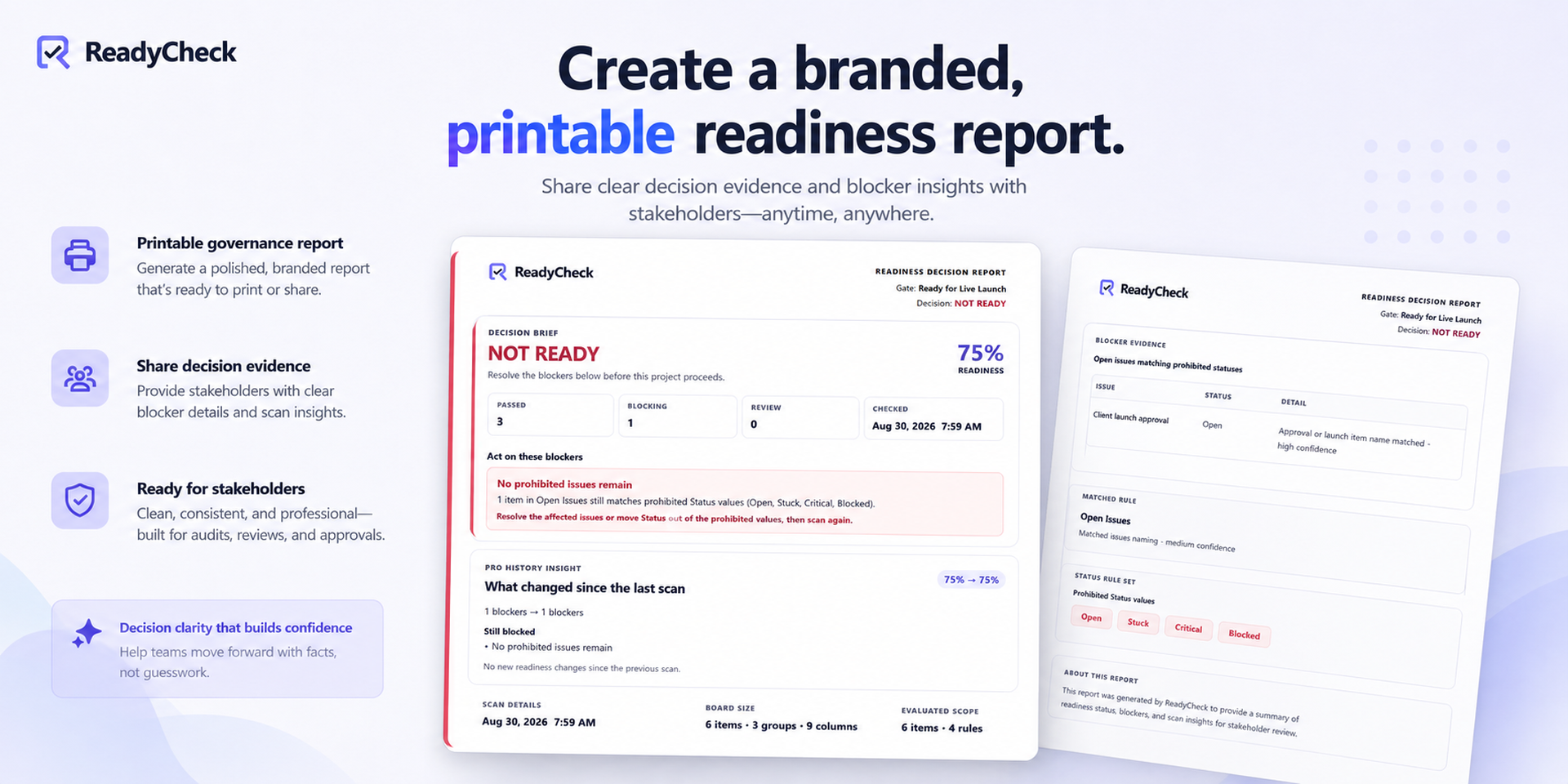
Preserve an audit trail for project governance and stakeholder review
Support clearer risk management with blocker-level evidence
Problems ReadyCheck solves
Teams often rely on scattered checklists, status columns, and manual reviews to decide whether work can proceed. That makes it easy to miss incomplete deliverables, unresolved issues, blank required fields, prohibited statuses, or missing approval.
ReadyCheck brings those checks together into a single READY or NOT READY result, with readiness percentage, blocker counts, and detailed evidence showing what failed and what needs attention.
This helps teams reduce avoidable delays, improve accountability, strengthen project governance, and make go/no-go decisions with better evidence.
Example use cases
Confirm product launch readiness
Review a client implementation before handoff
Validate release readiness or a deployment gate
Check campaign readiness before publishing
Run a go-live readiness check
Review blockers before an approval workflow moves forward
Document an exception with a written waiver
Preserve the final approval decision for later reference
ReadyCheck uses deterministic, rules-based checks. It does not use AI and does not modify monday.com board data.
Questions or support
Visit the ReadyCheck guide or contact us at support@getreadycheck.com.
Security & Compliance
The app developer did not provide the security and compliance information for this app.
Reviews
No reviews yet.
Historical data
Installation history
We have data for December 28, 2024 onwards only. Collected sometime after 00:00 UTC daily.
Total number of installs
Change in total number of installs in last 1 day(s)
Compares the number of installs on each date with 1 days previously:
Max
Min
Current
Change in total number of installs in last 7 day(s)
Compares the number of installs on each date with 7 days previously:
Max
Min
Current
Change in total number of installs in last 30 day(s)
Compares the number of installs on each date with 30 days previously:
Max
Min
Current
Change in total number of installs in last 90 day(s)
Compares the number of installs on each date with 90 days previously:
Max
Min
Current
Change in total number of installs in last 180 day(s)
Compares the number of installs on each date with 180 days previously:
Max
Min
Current
Ratings history
Categories history
Each of the following is a yes/no answer, so the graphs show 1 for yes, and 0 for no.