
Harmony
12 installs, since August 13, 2026. 6 installs/month. App updated September 9, 2026. Listing updated August 16, 2026.
Enterprise Service Management That Runs Itself
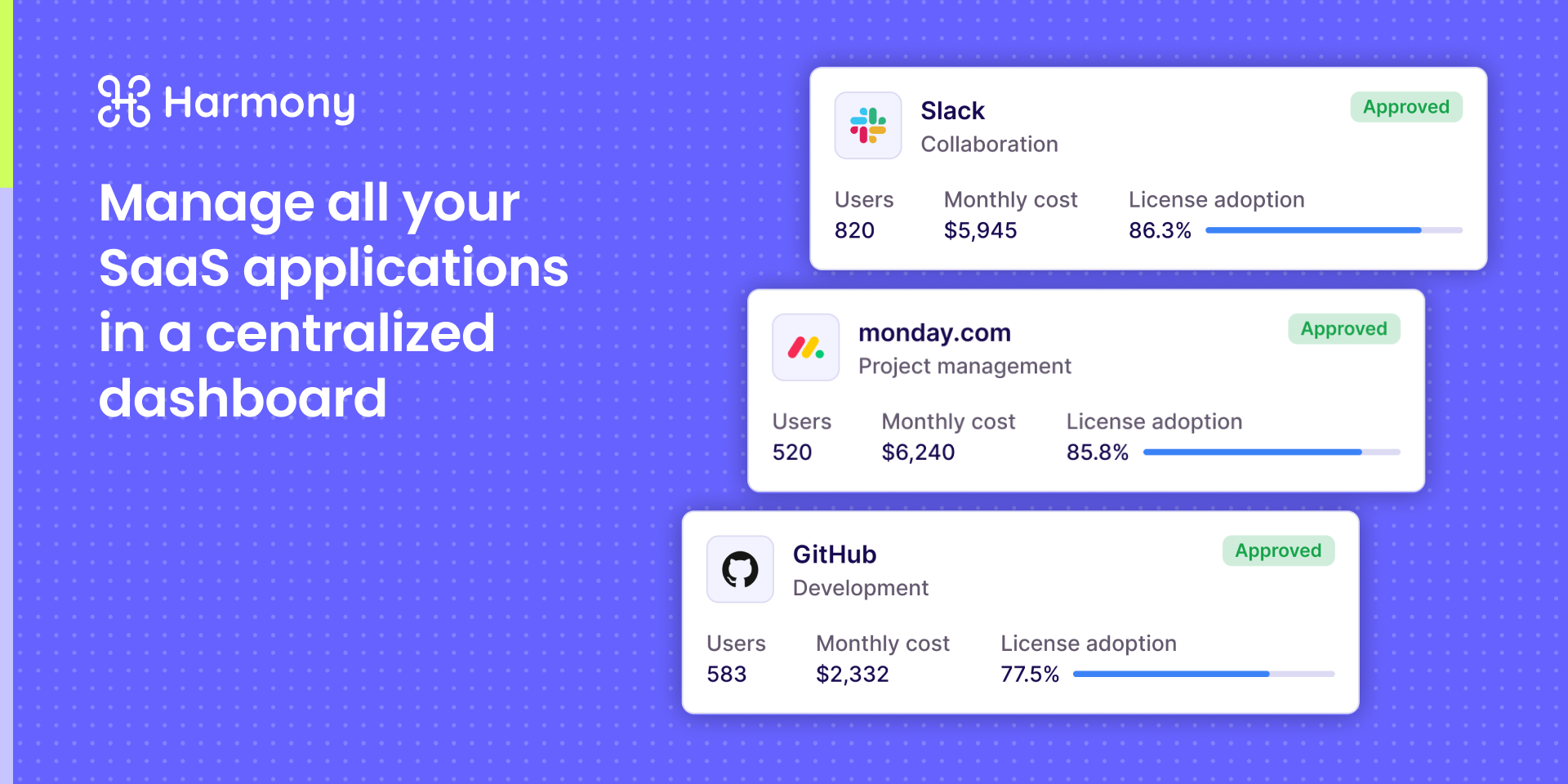
Harmony brings AI-native IT management directly into monday.com, giving IT teams a single place to handle service desk, SaaS management, and asset operations without switching tools.
What Harmony does for your IT team:
- AI-powered service desk - Automatically resolve, route, and respond to IT tickets using AI agents that understand context and take action, not just suggest answers
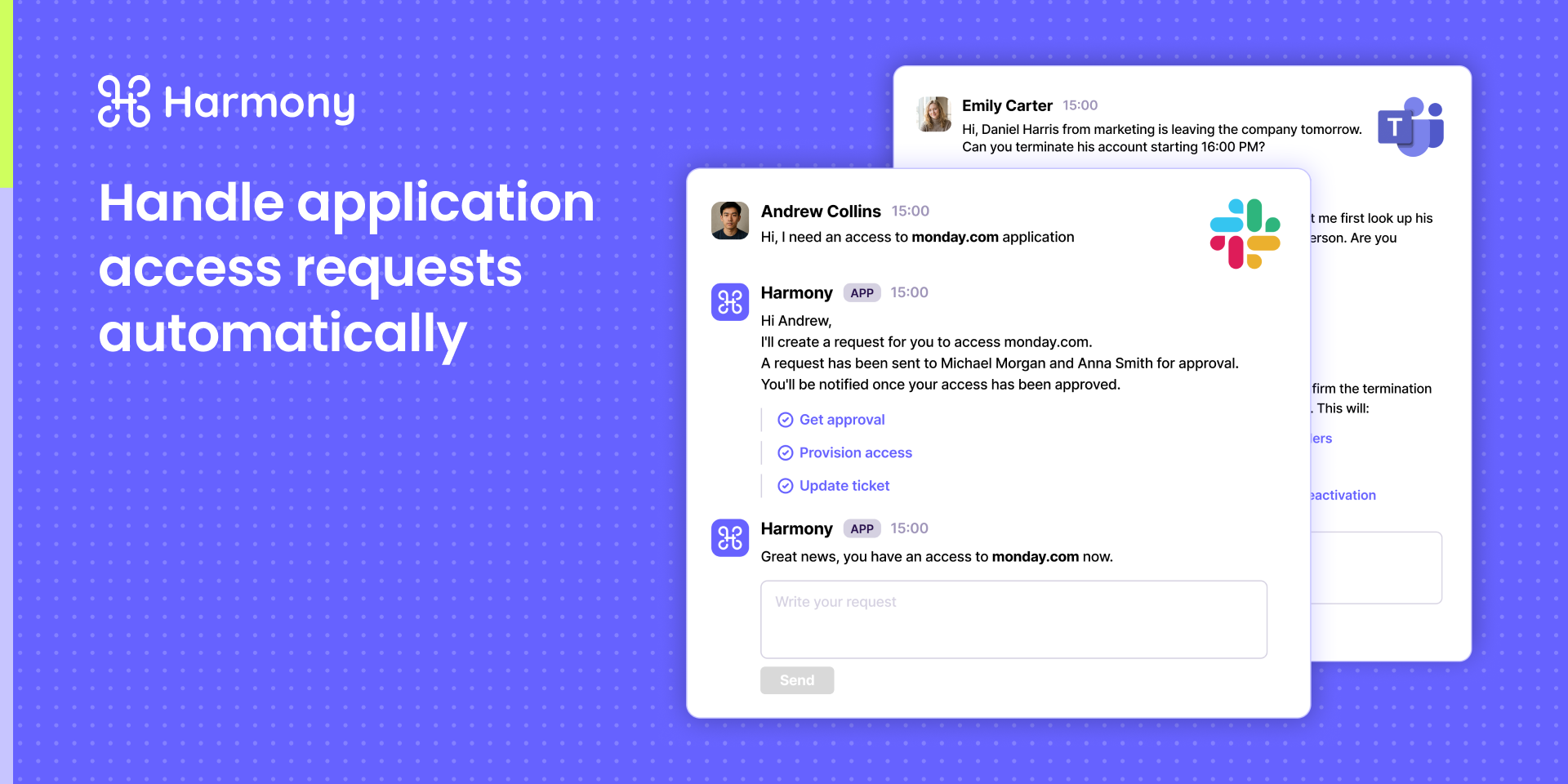
- SaaS user provisioning - Automatically provision new employees with the right apps and access the moment they're onboarded, triggered directly from monday.com workflows
- SaaS user de-provisioning - Instantly revoke access across all connected SaaS tools when an employee offboards, reducing security risk and eliminating license waste
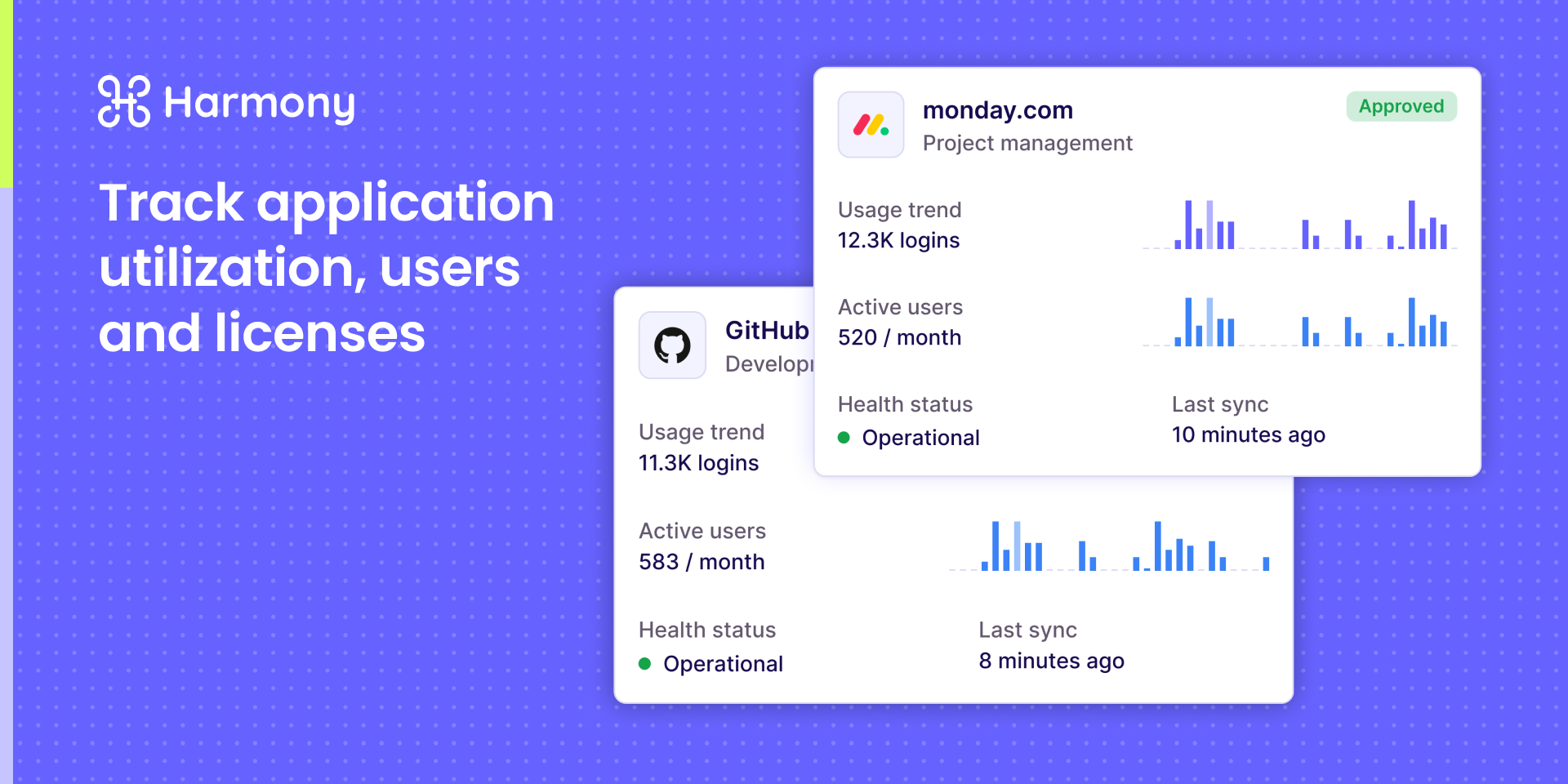
- Asset & device management - Track hardware and software assets tied to tickets and users, all visible inside your monday.com workspace
- Workflow automation - Trigger IT actions from monday.com boards: onboarding checklists, access requests, software approvals, and more
Authorization model: The integration is account-level, not per-user. A single admin who has access to both the Harmony account and the monday.com account sets up the connection once, and it applies for the entire organization - no individual monday.com users need to separately authorize Harmony.
Who it's for:
IT and IT ops teams at mid-market companies who want to automate repetitive work, enforce consistent access policies, and reduce ticket volume without stitching together multiple point solutions.
Example use cases:
- A new hire is added in monday.com and Harmony automatically provisions their Slack, Google Workspace, Zoom, and other tools
- An employee offboards and Harmony de-provisions access across all SaaS apps in seconds
Want to see it in action? Book a demo
How to Use
- An admin who has access to both your Harmony account and your monday.com account installs the Harmony app from the monday.com marketplace.
- This admin authorizes the connection once - this is a 1:1, account-to-account integration, not a per-user authorization. Individual monday.com users don't need to grant separate access.
- Once connected, Harmony will pull user information from the account, and you'll be able to create agents and workflows to run monday.com API requests.
Security & Compliance
The app developer did not provide the security and compliance information for this app.
Reviews
No reviews yet.
Historical data
Installation history
We have data for December 28, 2024 onwards only. Collected sometime after 00:00 UTC daily.
Total number of installs
Change in total number of installs in last 1 day(s)
Compares the number of installs on each date with 1 days previously:
Change in total number of installs in last 7 day(s)
Compares the number of installs on each date with 7 days previously:
Change in total number of installs in last 30 day(s)
Compares the number of installs on each date with 30 days previously:
Change in total number of installs in last 90 day(s)
Compares the number of installs on each date with 90 days previously:
Change in total number of installs in last 180 day(s)
Compares the number of installs on each date with 180 days previously:
Ratings history
Categories history
Each of the following is a yes/no answer, so the graphs show 1 for yes, and 0 for no.