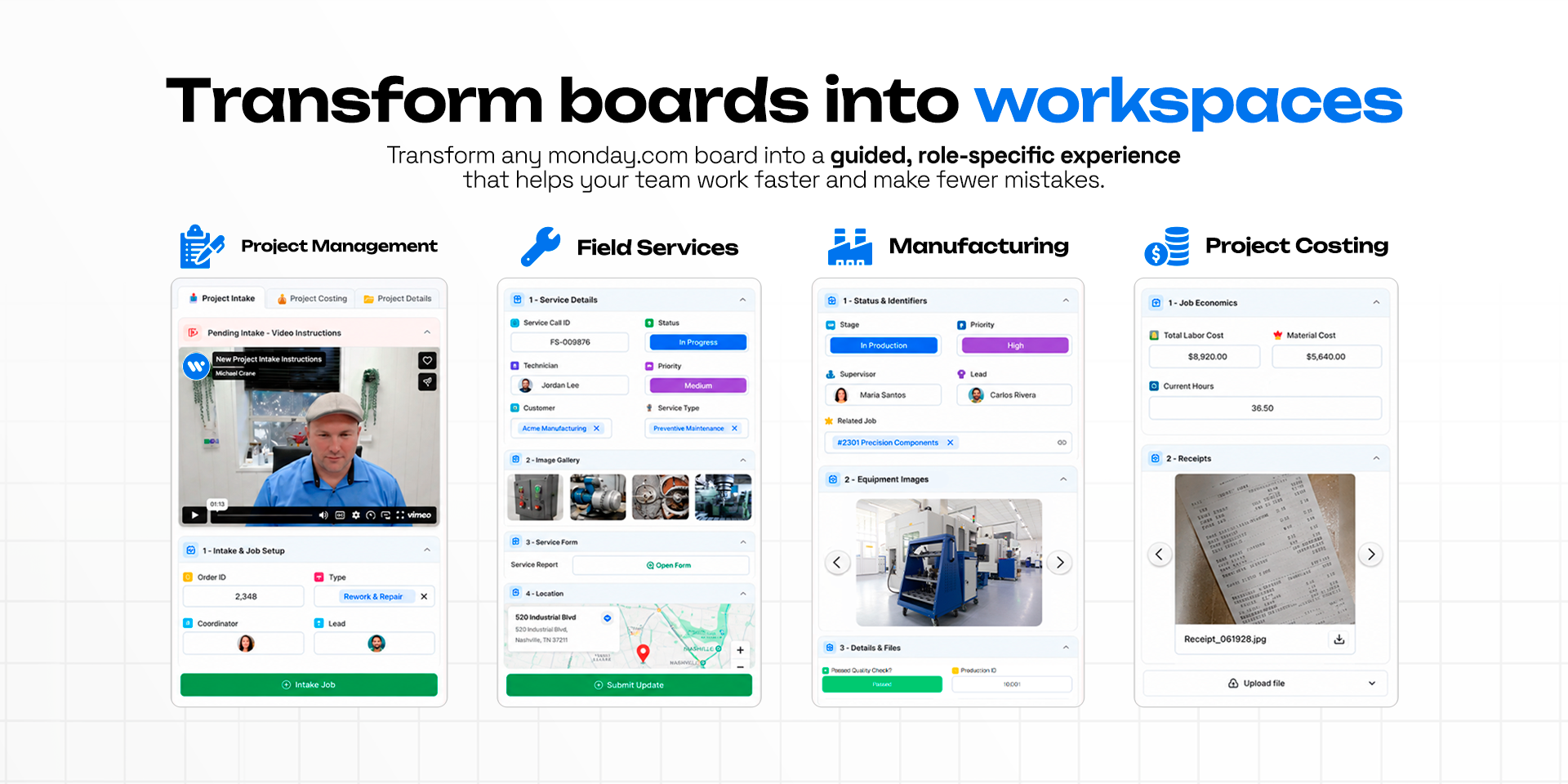
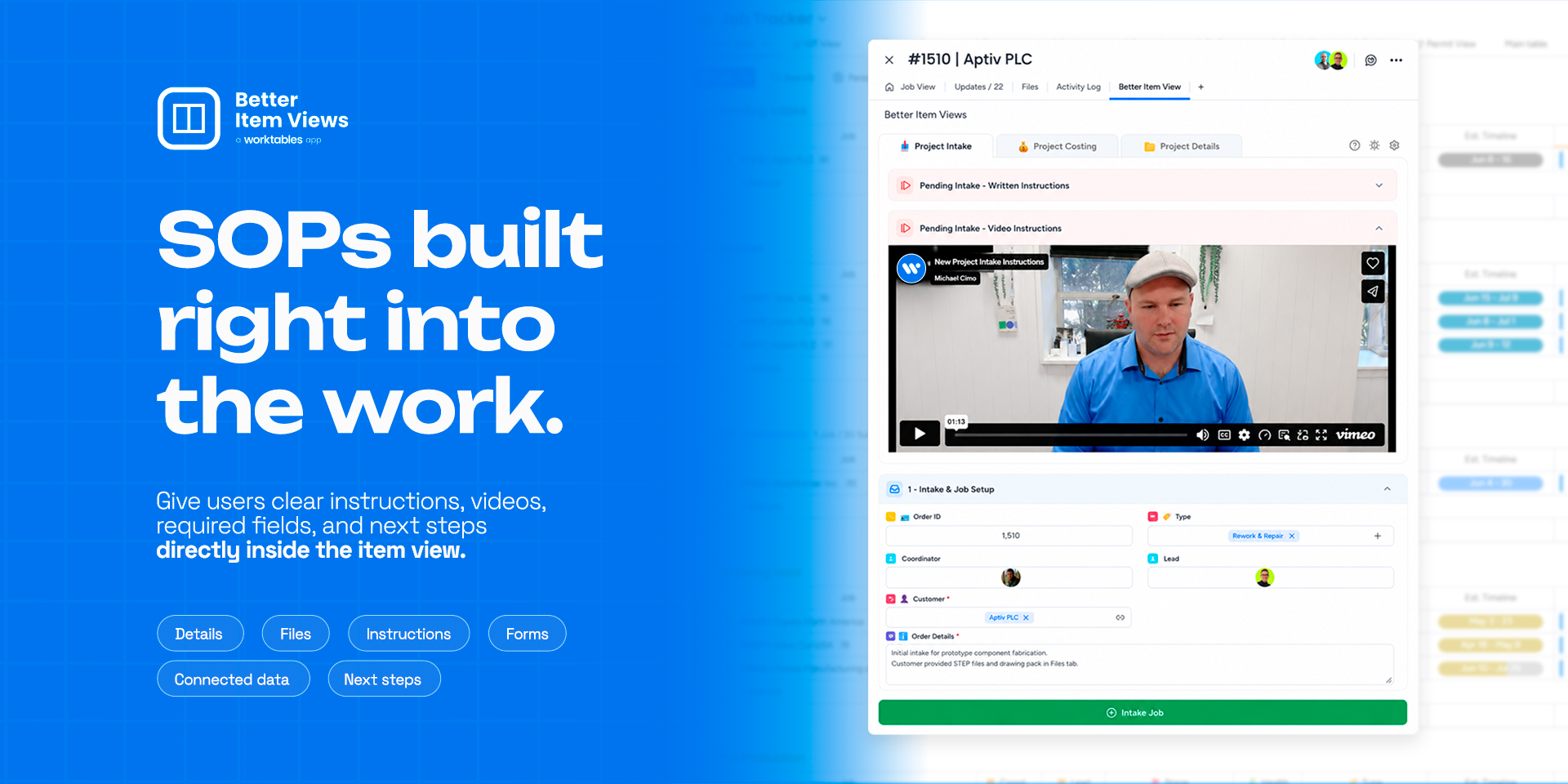
Transform every monday.com item into a fully customized workspace.
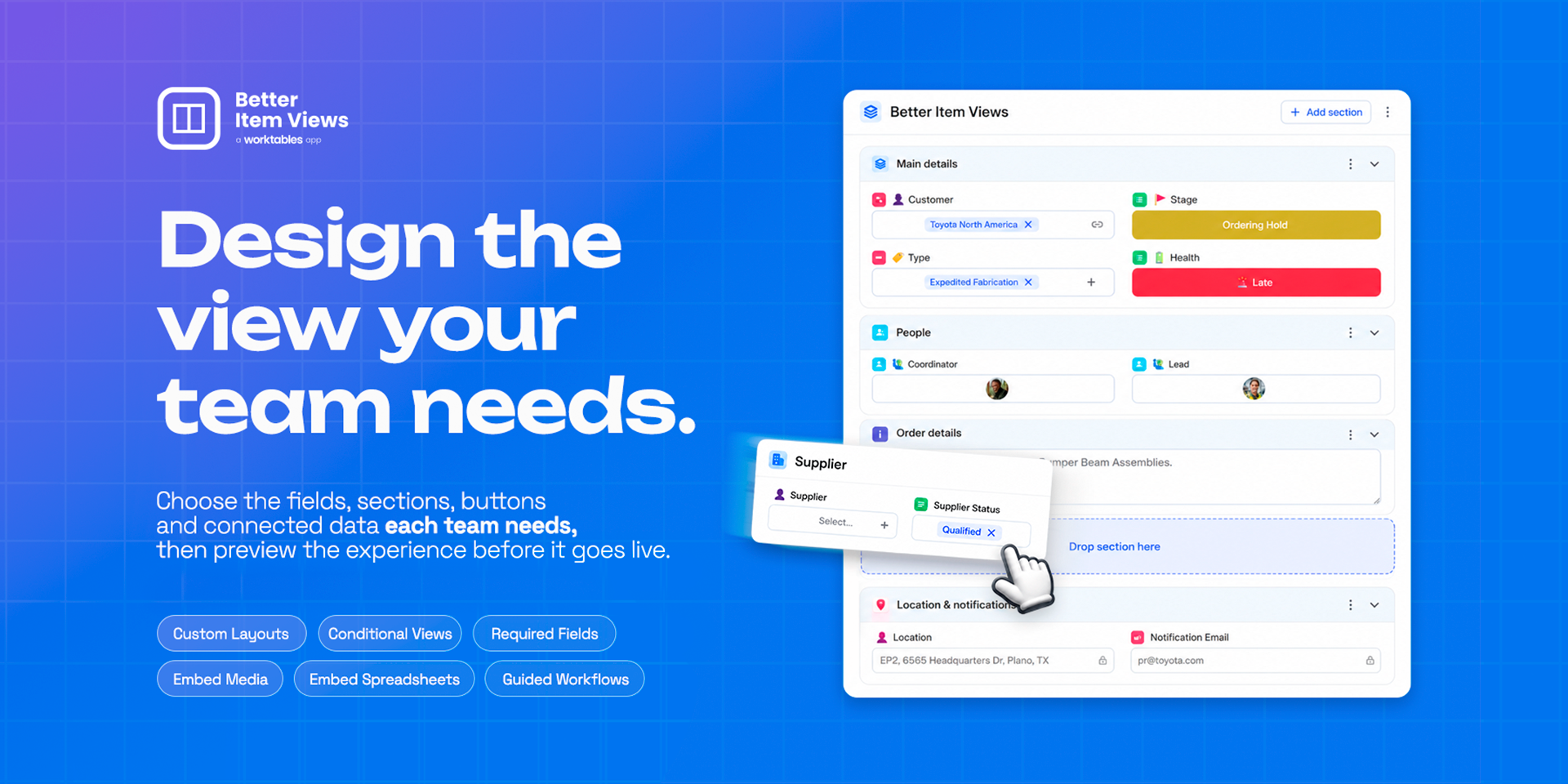
Better Item Views lets you design dynamic, interactive experiences that control what users see, how they interact, and when information appears. Create role-based item views with conditional sections, required fields, guided workflows, embedded documents, spreadsheets, PDFs, videos, maps, and more—all without changing your existing boards.
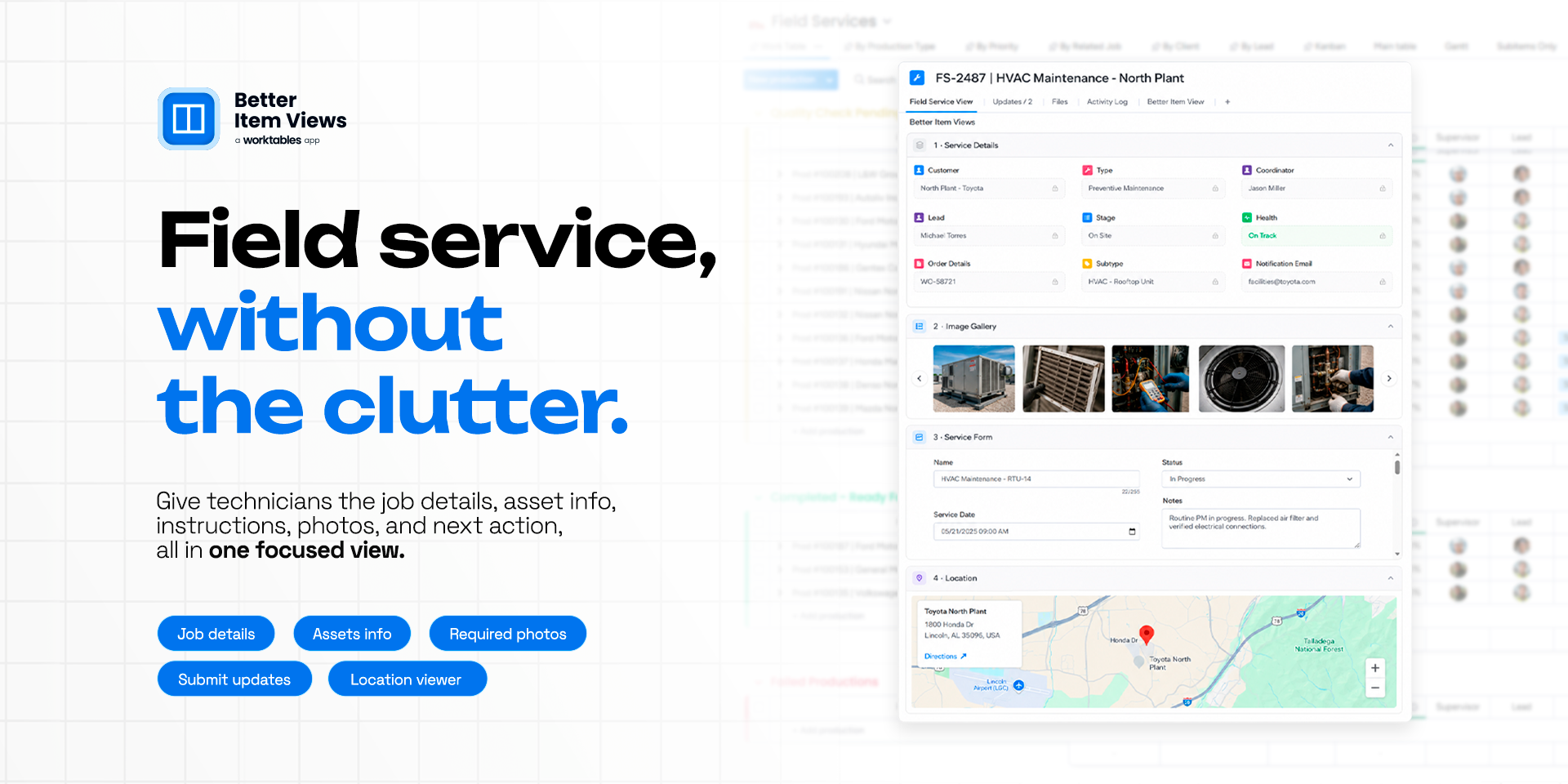
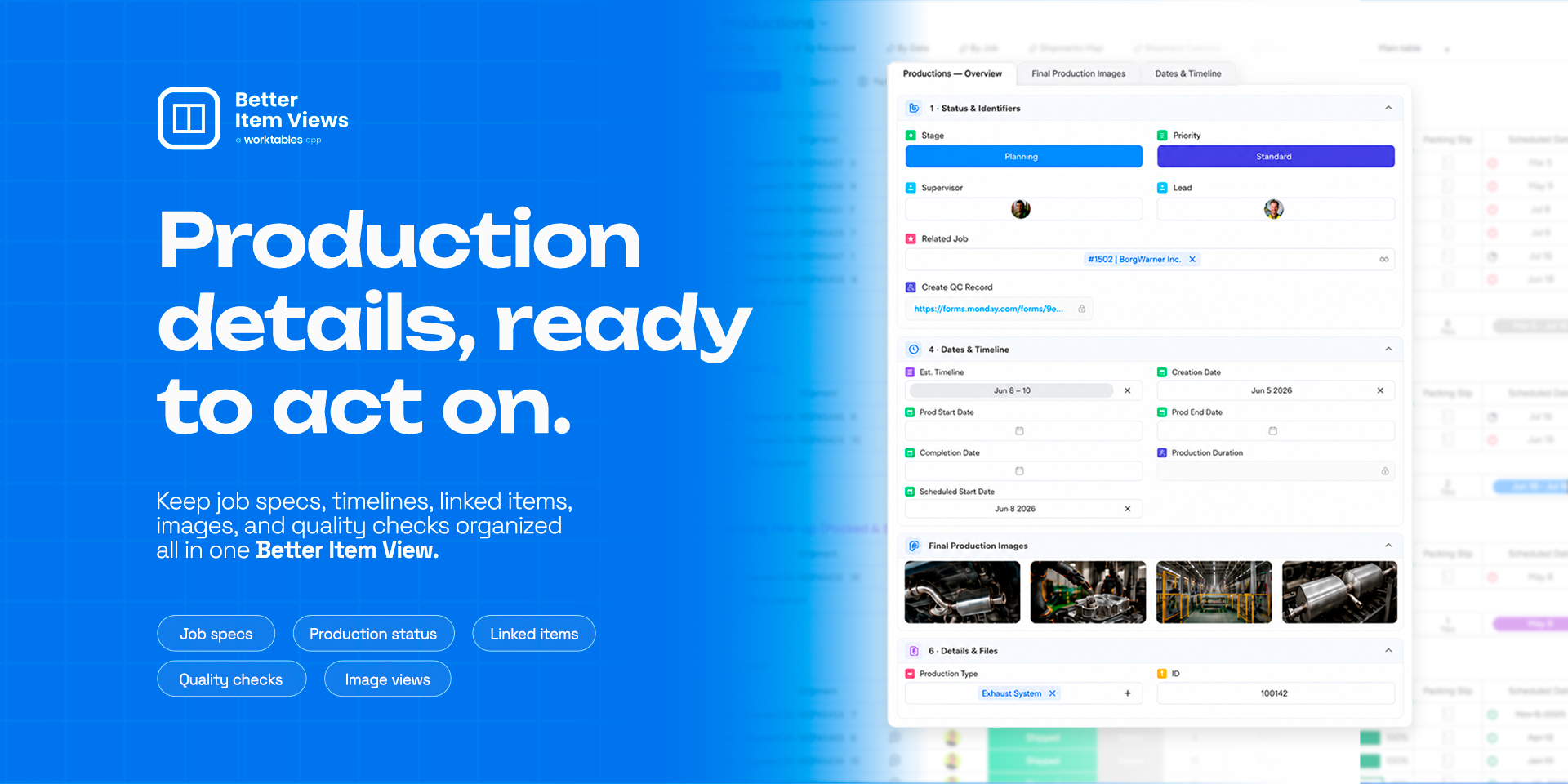
Replace cluttered item pages with focused experiences tailored to every department, workflow, and stage. Guide users through SOPs, inspections, service calls, production processes, project management, onboarding, quality control, CRM, and countless other workflows.
Key Features
🎨 Fully customizable item experiences
🎯 Conditional sections based on status, stage, role, or field values
✅ Required fields to improve data quality
🧭 Guided workflows with embedded SOPs, videos, and instructions
🗺️ Interactive map support for locations and job sites
🔗 Connected Item Card View to visualize connected records with image or video covers
🗂️ Subitem Card View to display subitems as visual mini cards with customizable image or video covers
📝 monday Forms integration for rich post-submission experiences
📱 Responsive interface optimized for desktop and mobile
Perfect for
Project Management, Manufacturing, Field Service, CRM, Construction, Quality Control, Asset Management, Inventory, Operations, HR, Maintenance, Service Dispatch, Estimating, Procurement, Installation Teams, and more.
Create the perfect monday.com experience for every team while improving adoption, reducing errors, standardizing processes, and helping users focus on what matters most.
Security & Compliance
The app developer did not provide the security and compliance information for this app.
Reviews
July 30, 2026
MC: Changed the way my team views and works in monday.com. we show what we want when we want. Maps, Pdfs, videos - its changed our entire experience
Historical data
Installation history
We have data for December 28, 2024 onwards only. Collected sometime after 00:00 UTC daily.
Total number of installs
Change in total number of installs in last 1 day(s)
Compares the number of installs on each date with 1 days previously:
Max
Min
Current
Change in total number of installs in last 7 day(s)
Compares the number of installs on each date with 7 days previously:
Max
Min
Current
Change in total number of installs in last 30 day(s)
Compares the number of installs on each date with 30 days previously:
Max
Min
Current
Change in total number of installs in last 90 day(s)
Compares the number of installs on each date with 90 days previously:
Max
Min
Current
Change in total number of installs in last 180 day(s)
Compares the number of installs on each date with 180 days previously:
Max
Min
Current
Ratings history
Categories history
Each of the following is a yes/no answer, so the graphs show 1 for yes, and 0 for no.