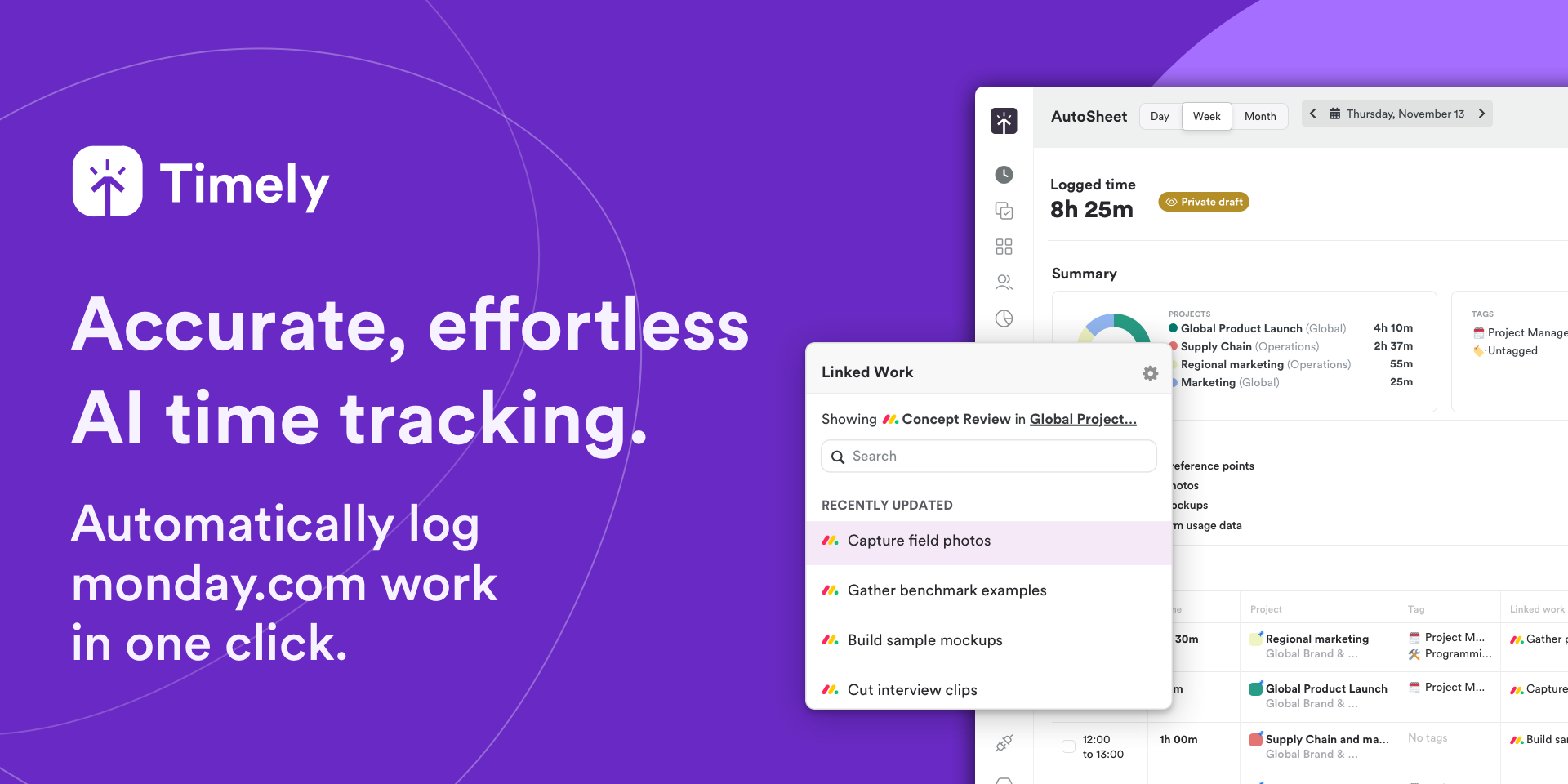
AI time tracking that auto-logs monday.com work in one click
The Timely integration brings automatic, AI-powered time tracking into monday.com, so your team can plan work where they already do it — and never lose a billable hour again. Projects, clients, tags, tasks, and users sync automatically, so there's no duplicate setup.
Work activity is securely captured in the background across every web and desktop app, then intelligently linked to your monday.com boards and items. Review and log an entire day in a single click — no timers, no manual entry, no chasing timesheets.
Auto-capture time across every app, linked directly to monday.com items
Generate AI timesheet drafts from real activity — hours are never missed or misallocated
Protect billable hours for faster, more accurate invoicing
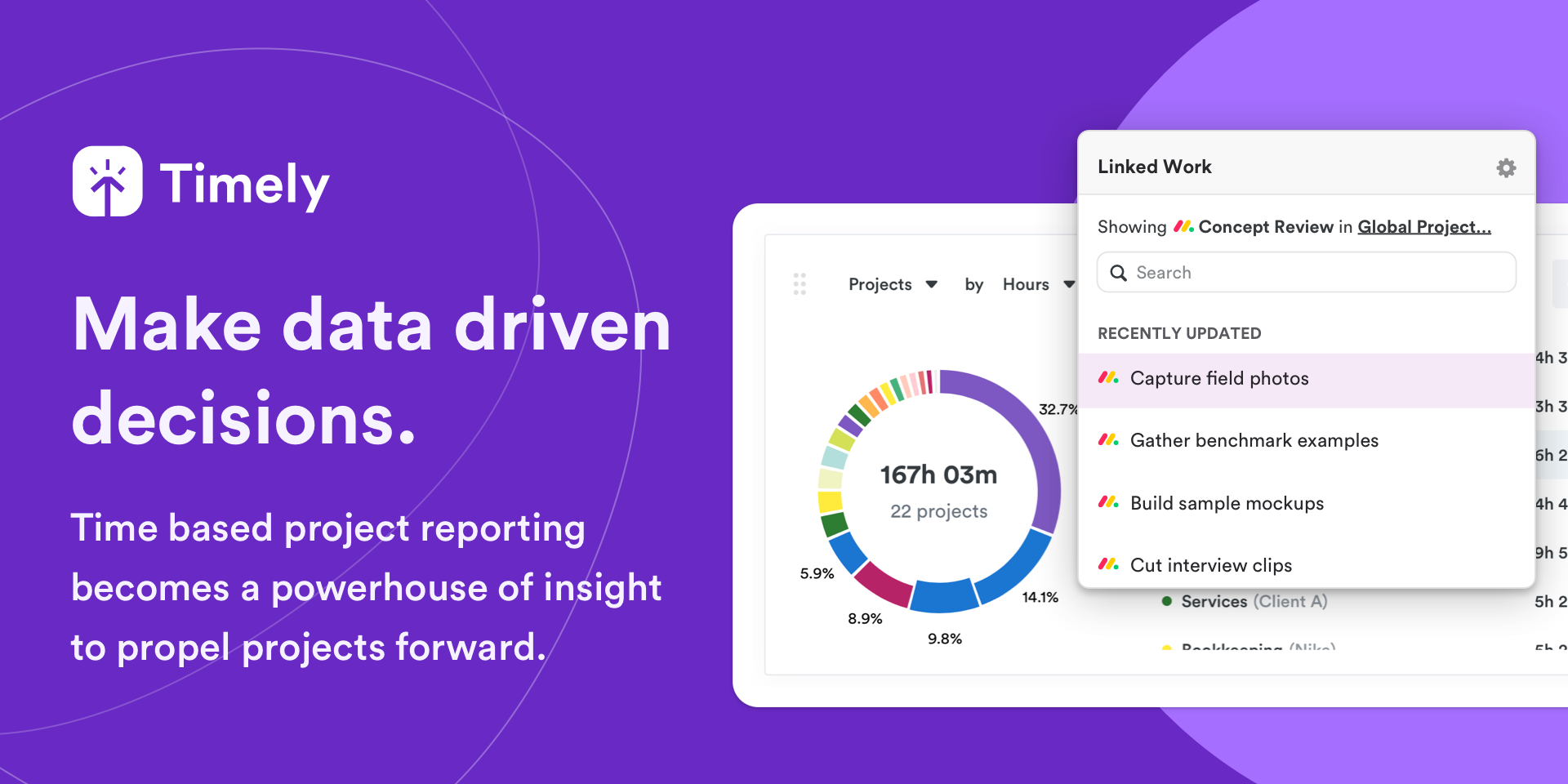
Visualize project budgets and activity in real-time
Built with Privacy by Design — activity stays private until a user logs it
Rated 4.8/5 on G2
How to connect:
In Timely, go to Integrations and select monday.com
An admin connects and authorizes the workspace via OAuth
Choose your import profile, then select workspaces and boards to sync
Hit Sync — boards, items, tags, and members import automatically
Install the Timely app to begin automatic time capture
Open any time entry, click Linked Work, and search by monday.com item to attribute time instantly. monday.com stays your source of truth — changes sync automatically.
Timely also connects with Zoom, GitHub, Google Calendar, Jira, Basecamp, and more, with real support via live chat and email.
Ready to try it? Visit timely.com to get a free trial and start syncing straight away.
Security & Compliance
The app developer did not provide the security and compliance information for this app.
Reviews
No reviews yet.
Historical data
Installation history
We have data for December 28, 2024 onwards only. Collected sometime after 00:00 UTC daily.
Total number of installs
Change in total number of installs in last 1 day(s)
Compares the number of installs on each date with 1 days previously:
Max
Min
Current
Change in total number of installs in last 7 day(s)
Compares the number of installs on each date with 7 days previously:
Max
Min
Current
Change in total number of installs in last 30 day(s)
Compares the number of installs on each date with 30 days previously:
Max
Min
Current
Change in total number of installs in last 90 day(s)
Compares the number of installs on each date with 90 days previously:
Max
Min
Current
Change in total number of installs in last 180 day(s)
Compares the number of installs on each date with 180 days previously:
Max
Min
Current
Ratings history
Categories history
Each of the following is a yes/no answer, so the graphs show 1 for yes, and 0 for no.