Compress images, PDFs, and zip files all inside monday.com
File Compress by ColumnMate automatically compresses images, shrinks PDFs, and bundles files into ZIPs directly inside monday.com. Built for teams that manage large volumes of files on their boards and need to reduce storage usage, speed up downloads, or keep projects organized without leaving monday.com.
What you get:
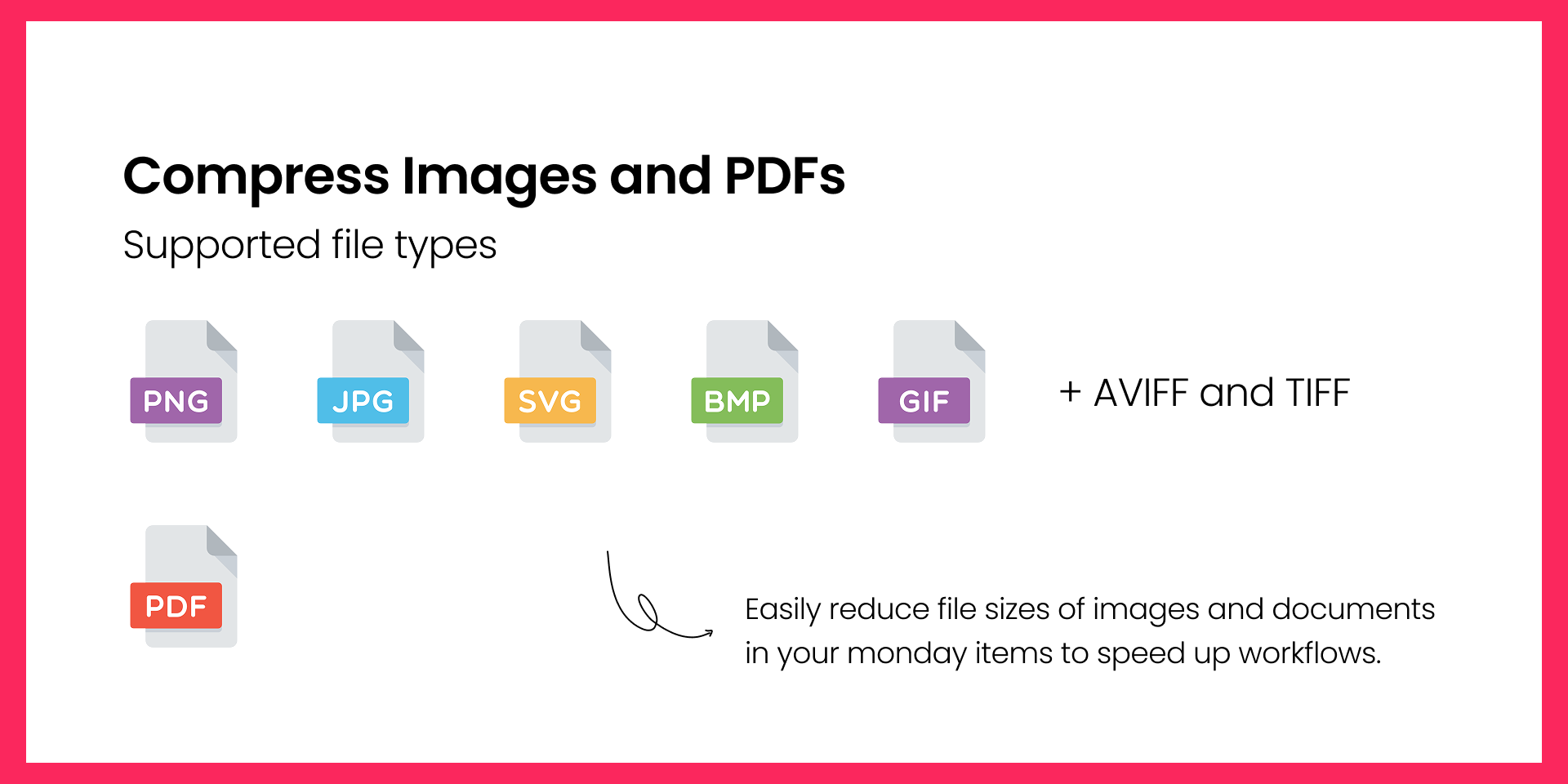
Compress Images -- Automatically reduce the size of JPEG, PNG, WebP, GIF, AVIF, TIFF, and BMP files. Choose from three compression levels (Low, Medium, High) to control the quality-to-size tradeoff.
Compress PDFs -- Shrink PDF documents while preserving readability. Ideal for contracts, invoices, and reports that need to be shared or archived.
Zip Files -- Bundle multiple files from any column into a single ZIP archive. Clean up cluttered boards and share lighter packages with clients.
Fully Automated -- Set up automation recipes that trigger on file uploads, status changes, or button clicks. No manual steps required after setup.
Secure -- Files are processed in memory and never stored on our servers. All data is encrypted in transit (TLS 1.2+) and at rest (AES-256).
Use cases:
A creative team uploads high-resolution images to a board. File Compress automatically creates optimized versions in a separate column for web use.
A project manager receives signed PDF contracts. The automation compresses them and saves a lighter copy for archiving.
A client-facing team bundles deliverable files into a single ZIP when the status changes to "Ready for Delivery."
Need help getting started? Contact us at support@loomroad.com
Built by ColumnMate -- tools that make monday.com columns work harder for you.
Security & Compliance
The app developer did not provide the security and compliance information for this app.
Reviews
No reviews yet.
Historical data
Installation history
We have data for December 28, 2024 onwards only. Collected sometime after 00:00 UTC daily.
Total number of installs
Change in total number of installs in last 1 day(s)
Compares the number of installs on each date with 1 days previously:
Max
Min
Current
Change in total number of installs in last 7 day(s)
Compares the number of installs on each date with 7 days previously:
Max
Min
Current
Change in total number of installs in last 30 day(s)
Compares the number of installs on each date with 30 days previously:
Max
Min
Current
Change in total number of installs in last 90 day(s)
Compares the number of installs on each date with 90 days previously:
Max
Min
Current
Change in total number of installs in last 180 day(s)
Compares the number of installs on each date with 180 days previously:
Max
Min
Current
Ratings history
Categories history
Each of the following is a yes/no answer, so the graphs show 1 for yes, and 0 for no.