Scan receipts with AI, approve & track reimbursements
Expense Manager for monday.com brings receipt scanning, approvals, and reimbursement tracking right into your boards. Capture an expense, let AI read the receipt, route it for approval, and follow it through to payout — all without leaving monday.com. Built for finance teams, managers, and anyone who submits or approves expenses.
What you get
• AI receipt scanning — upload a receipt and it auto-extracts the amount, vendor, date, tax, and currency, then fills in your item. No more manual typing.
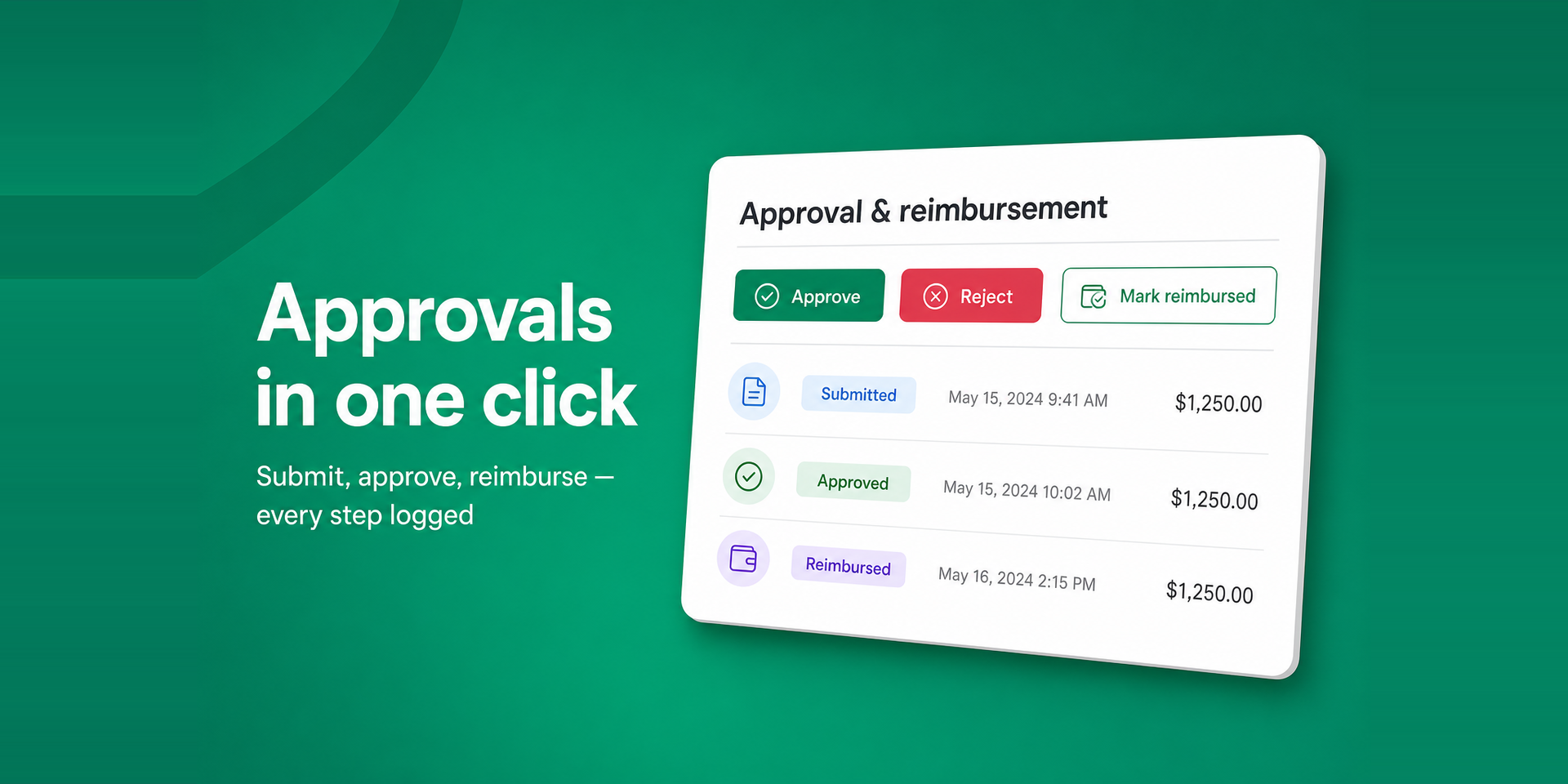
• Approvals & audit trail — submit, approve, reject, and reimburse, with every action logged for a clean audit history.
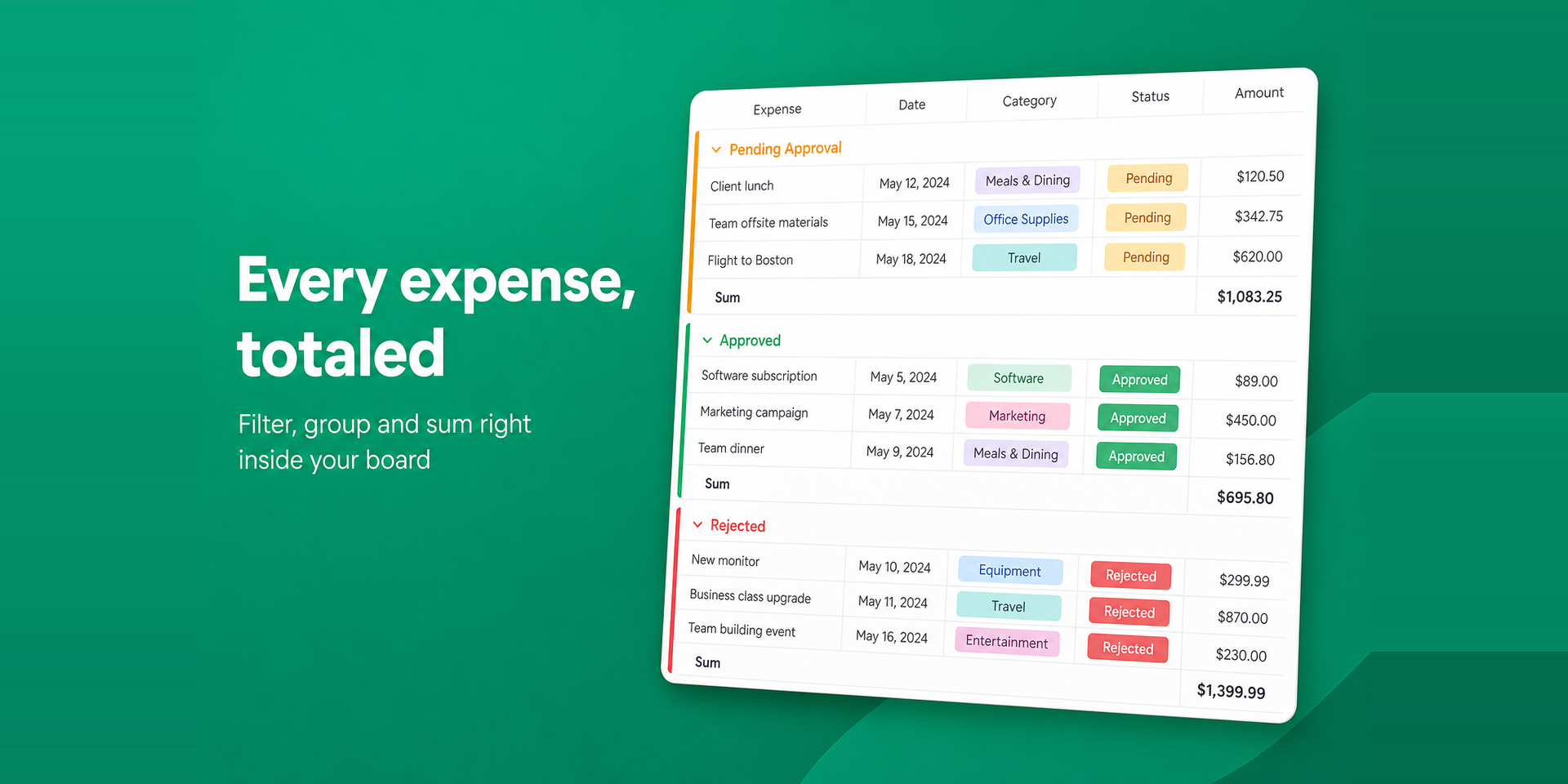
• Reimbursement tracking — see at a glance what's pending, approved, and paid.
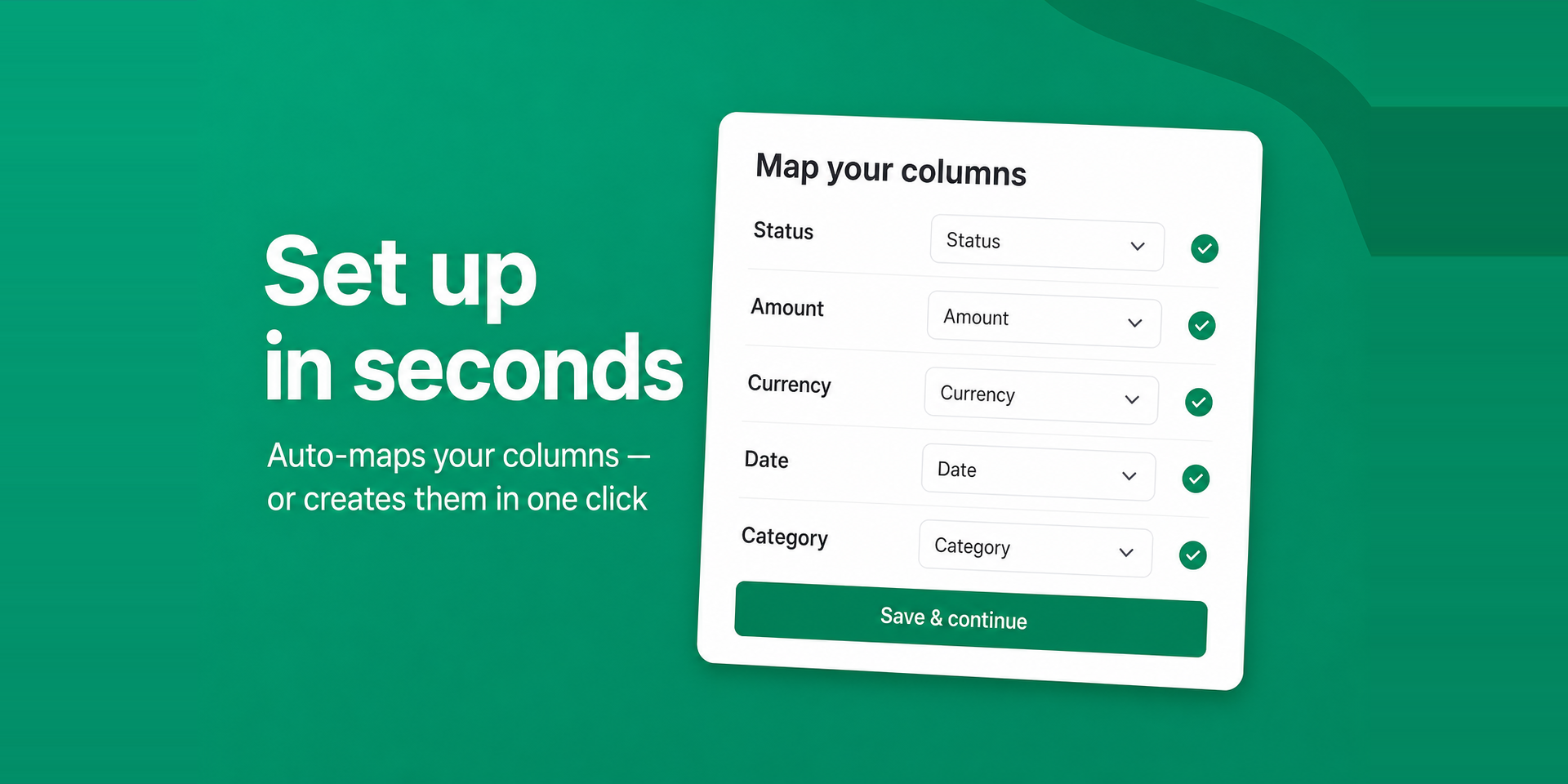
• Works on your board — map your existing columns or auto-create them in one click, and set approval thresholds per board.
Problems we solve
• Manual data entry and typos when logging expenses.
• Approvals scattered across chat, email, and spreadsheets.
• No single source of truth for what has been reimbursed.
Example use cases
• A team member snaps a lunch receipt; AI fills in the expense; their manager approves it in the item view.
• Finance reviews every "Pending" expense from the board view and marks each one reimbursed once paid.
AI models used
Expense Manager uses OpenAI GPT-4o-mini (vision) to read user-uploaded receipt images and extract the expense details. Images are sent to the OpenAI API solely for this extraction and are not used to train models. Receipt scanning is optional and user-initiated.
About Devloggic
Devloggic builds practical, secure apps for monday.com. Expense Manager runs on monday-code with row-level security, AES-256-GCM encryption at rest, and strict input validation on every request.
Security & Compliance
The app developer did not provide the security and compliance information for this app.
Reviews
No reviews yet.
Historical data
Installation history
We have data for December 28, 2024 onwards only. Collected sometime after 00:00 UTC daily.
Total number of installs
Change in total number of installs in last 1 day(s)
Compares the number of installs on each date with 1 days previously:
Max
Min
Current
Change in total number of installs in last 7 day(s)
Compares the number of installs on each date with 7 days previously:
Max
Min
Current
Change in total number of installs in last 30 day(s)
Compares the number of installs on each date with 30 days previously:
Max
Min
Current
Change in total number of installs in last 90 day(s)
Compares the number of installs on each date with 90 days previously:
Max
Min
Current
Change in total number of installs in last 180 day(s)
Compares the number of installs on each date with 180 days previously:
Max
Min
Current
Ratings history
Categories history
Each of the following is a yes/no answer, so the graphs show 1 for yes, and 0 for no.