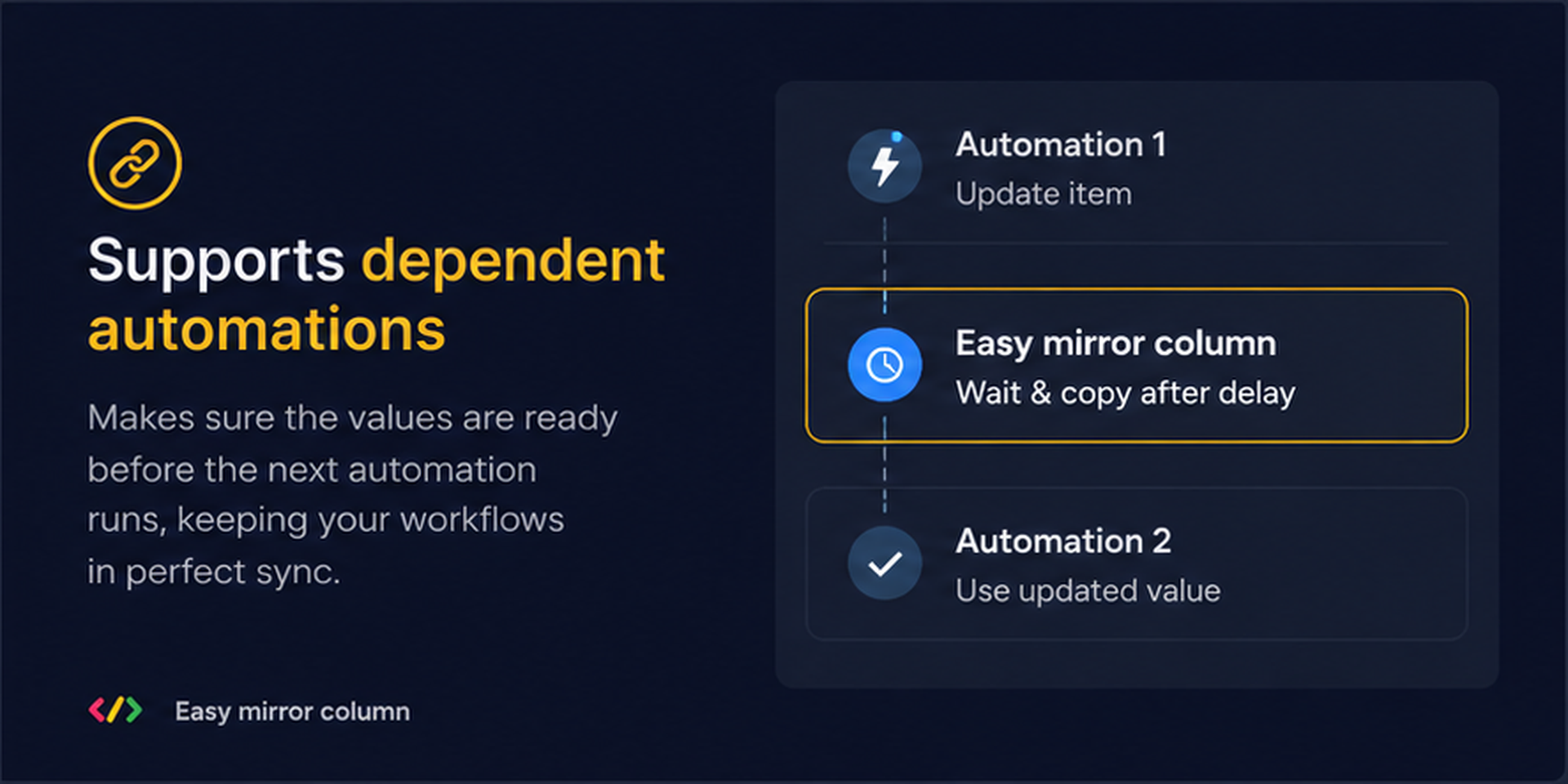
Mirror Columns are great for bringing information from connected boards into your workflow — but using Mirror Column values in monday.com automations isn't always easy.
Easy Mirror Column gives you simple, ready-to-use automation templates to copy Mirror Column values, synchronize supported columns, and use Formula results in Mirror Columns.
Less manual work. More powerful workflows.
🪞 Mirror Column Automation
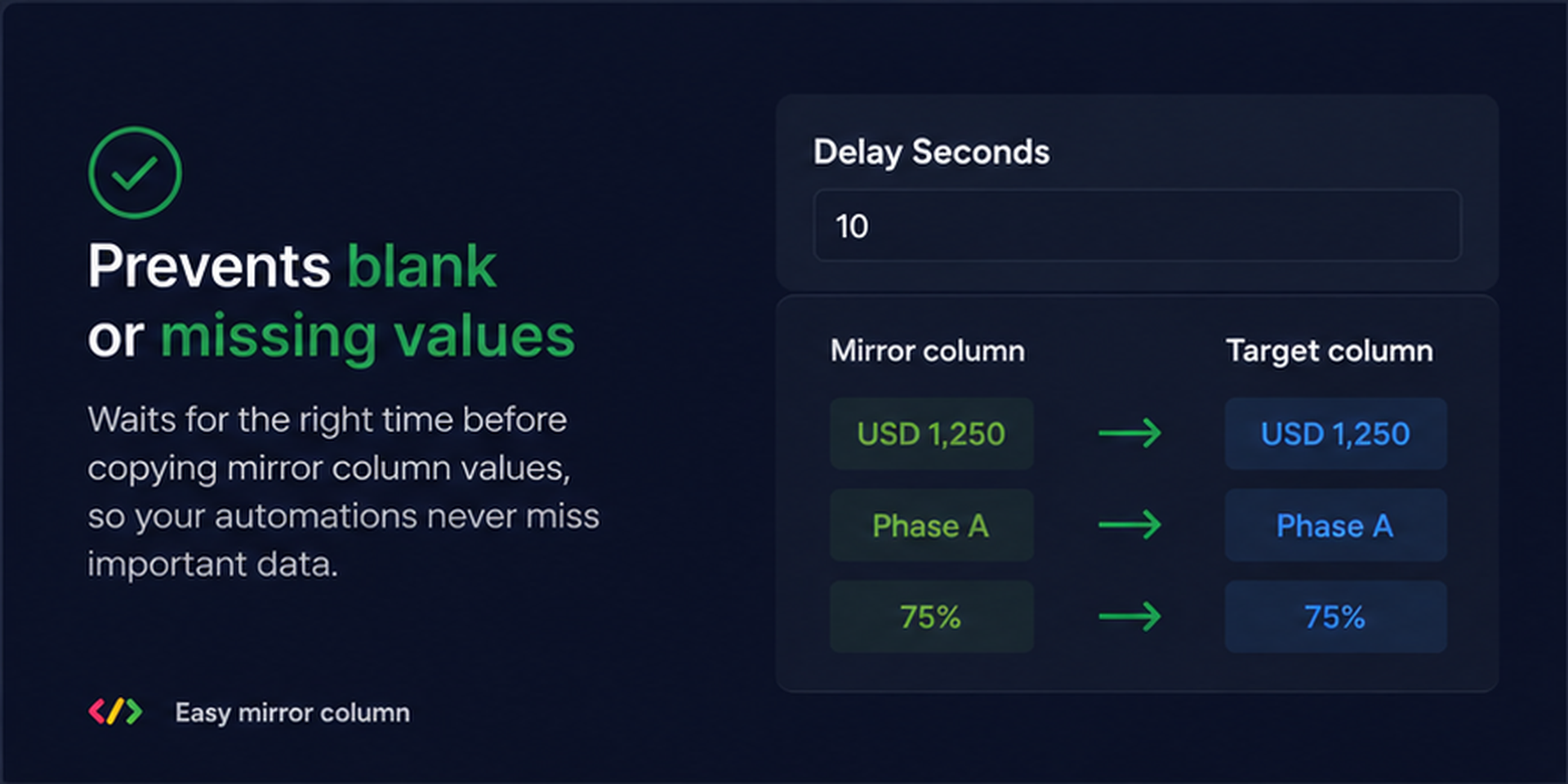
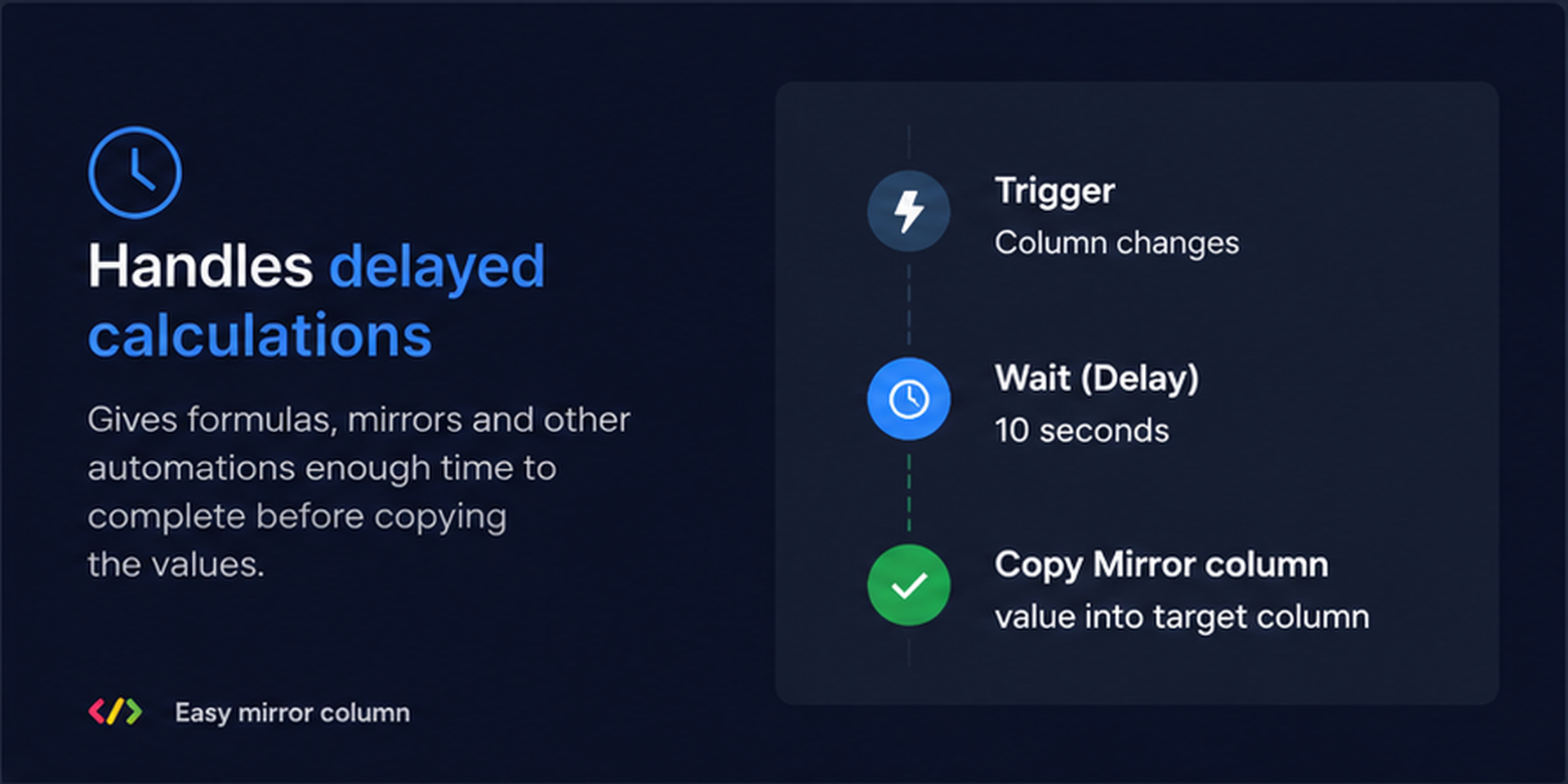
Copy Mirror Column values into supported target columns automatically when:
A Status changes
A column changes
An item is created
A supported automation trigger occurs
Keep important mirrored information available where your workflow needs it.
🧮 Formula Results → Mirror Columns
Need to use a Formula Column result in a Mirror Column?
Automatically calculate the Formula result and write it into your Mirror Column — making it easier to build workflows around calculated and connected data.
🔄 Copy & Sync Column Values
Move supported values between columns automatically with Copy Source Column → Target Column.
Keep your board data consistent without repeatedly copying information by hand.
⚡ Ready-to-Use Automation Templates
Get started quickly with pre-built workflows:
🪞 Copy Mirror Column → Target Column
Copy Mirror Column values into a supported column.
🔄 Copy Mirror Column → Target Column when Status Changes
Update your target column when a Status changes.
📋 Copy Mirror Column → Target Column when a Column Changes
Keep your target data updated automatically.
➕ Copy Mirror Column → Target Column when an Item is Created
Populate your target column when a new item is created.
🔗 Copy Source Column → Target Column
Automatically transfer supported column values.
🧮 Formula Result → Mirror Column
Bring Formula Column results into a Mirror Column.
✨ Why Easy Mirror Column?
✔ Automate Mirror Column values
✔ Reduce repetitive manual updates
✔ Keep supported columns synchronized
✔ Use Formula results in workflows
✔ Simplify connected board workflows
✔ Easy-to-configure automation templates
✔ Built for monday.com
💼 Perfect For
📊 Sales & CRM
📁 Project Management
🏢 Operations
📈 Reporting
🔗 Connected Boards
⚙️ Workflow Automation
Security & Compliance
The app developer did not provide the security and compliance information for this app.
Reviews
No reviews yet.
Historical data
Installation history
We have data for December 28, 2024 onwards only. Collected sometime after 00:00 UTC daily.
Total number of installs
Change in total number of installs in last 1 day(s)
Compares the number of installs on each date with 1 days previously:
Max
Min
Current
Change in total number of installs in last 7 day(s)
Compares the number of installs on each date with 7 days previously:
Max
Min
Current
Change in total number of installs in last 30 day(s)
Compares the number of installs on each date with 30 days previously:
Max
Min
Current
Change in total number of installs in last 90 day(s)
Compares the number of installs on each date with 90 days previously:
Max
Min
Current
Change in total number of installs in last 180 day(s)
Compares the number of installs on each date with 180 days previously:
Max
Min
Current
Ratings history
Categories history
Each of the following is a yes/no answer, so the graphs show 1 for yes, and 0 for no.