
CRM AutoSync
11 installs, since June 11, 2026. 2 installs/month. App updated June 15, 2026. Listing updated June 18, 2026.
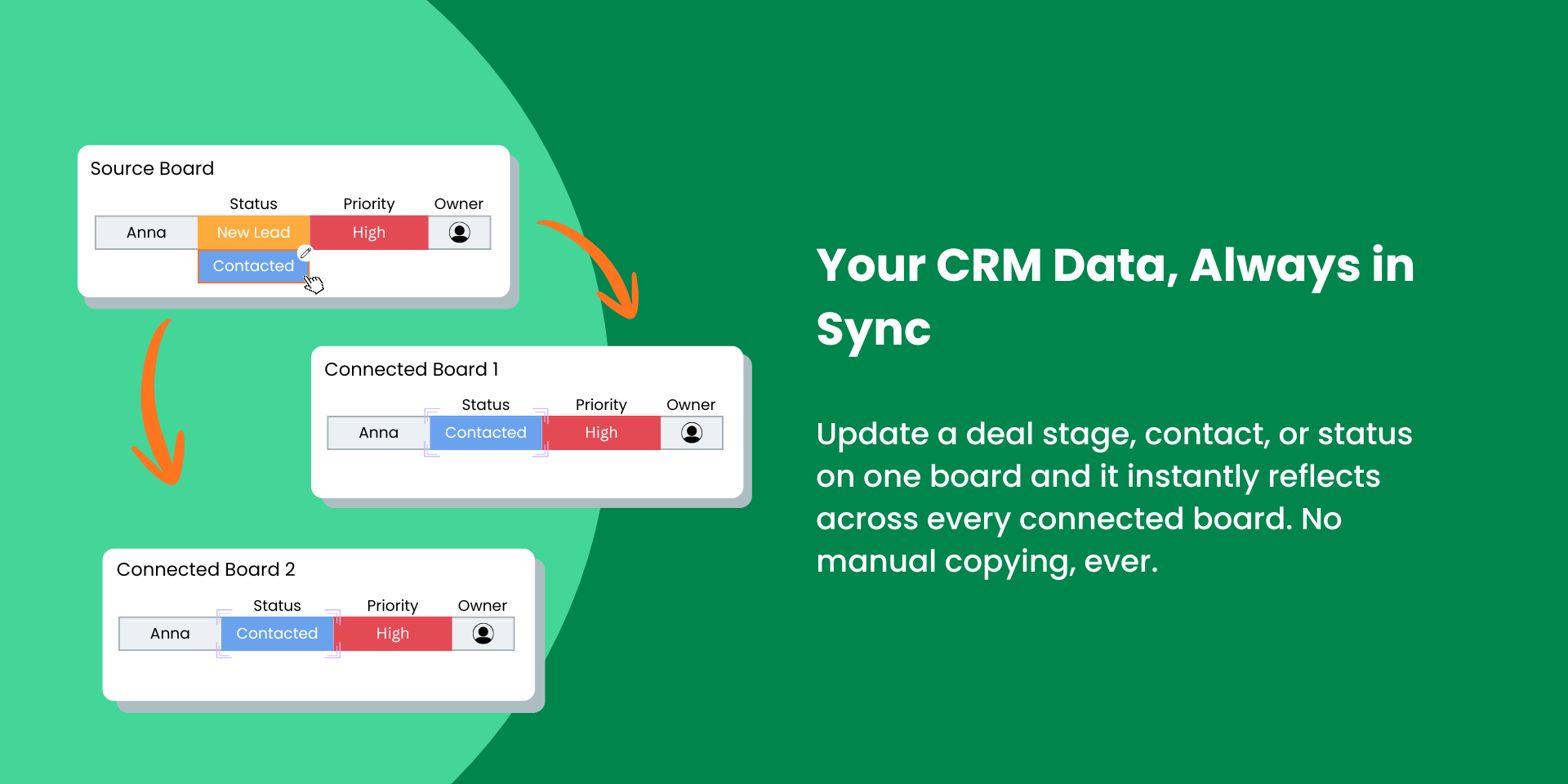
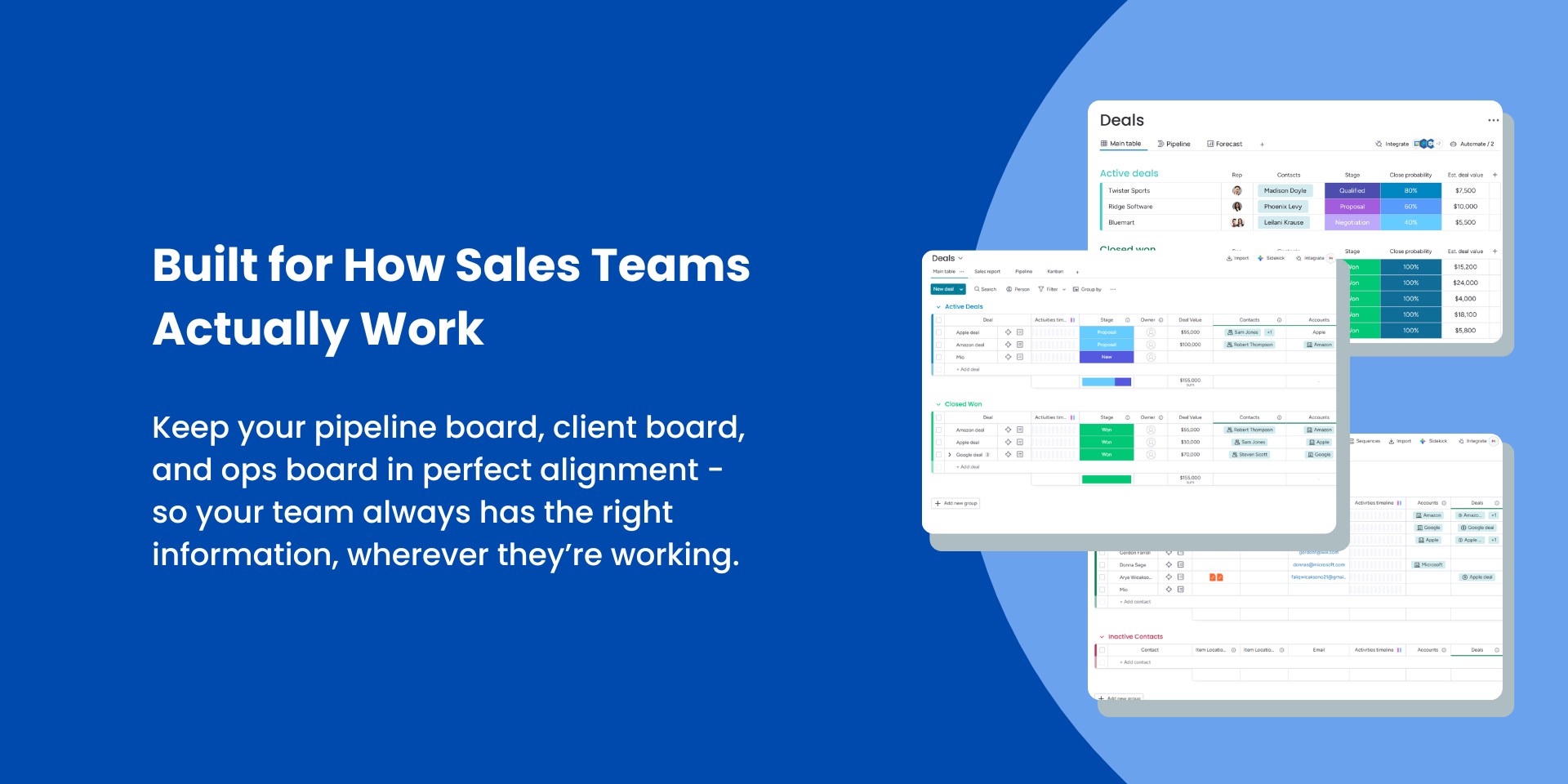

Stop copying data between boards. Sync automatically.
If you're using monday CRM, you already know the problem. Your leads board, your contacts board, your client-facing board — they all need the same data, but keeping them in sync means endless manual updates, copy-pasting, or brittle automations that break the moment someone renames a column.
CRM AutoSync fixes this properly. Connect your boards once, map your columns, and let the sync run automatically — in real time, in both directions.
Key Features
⚡ Toggleable bidirectional real-time sync — change a value on either board and it instantly updates everywhere else. No delays, no manual triggers.
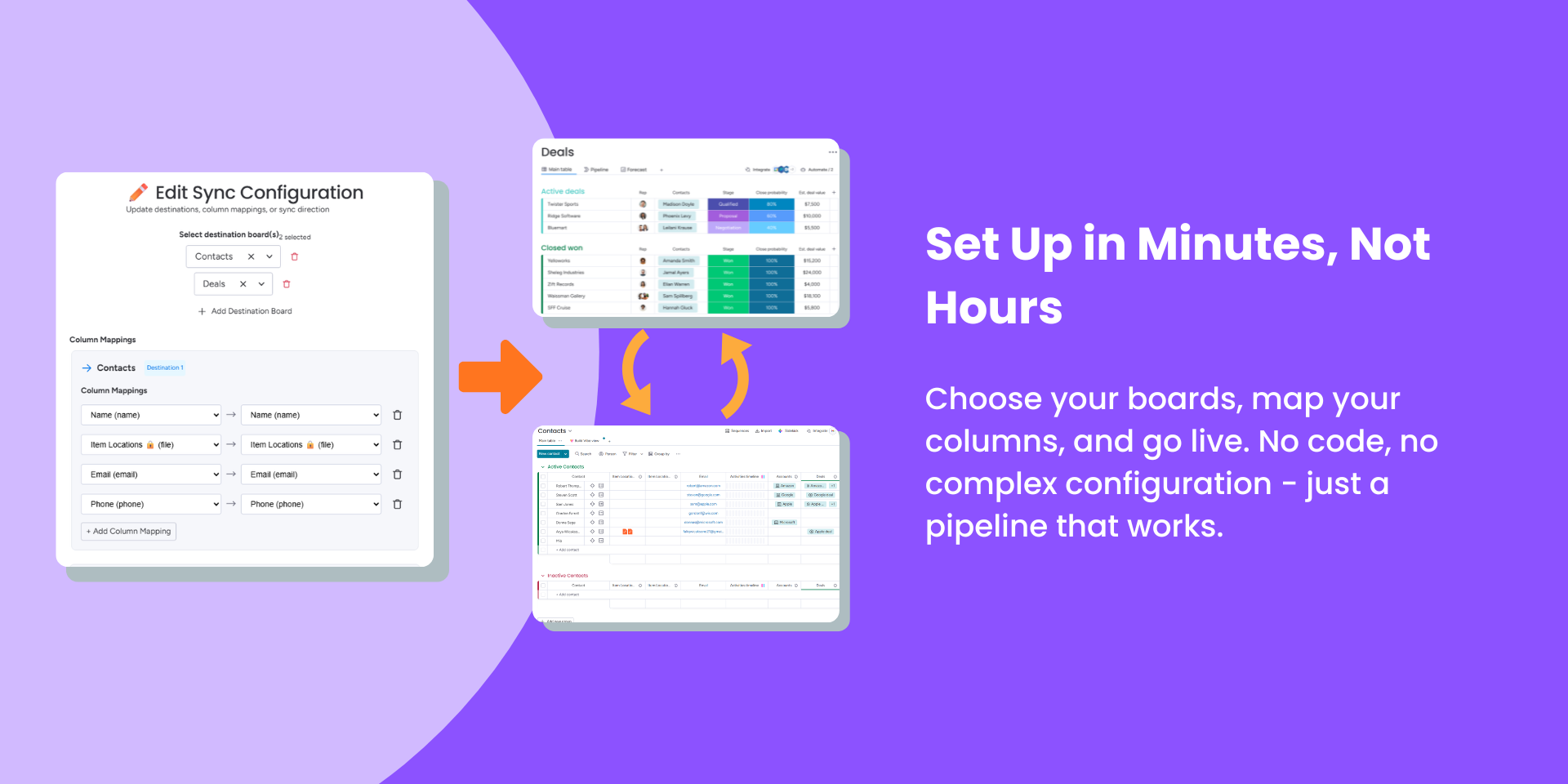
⚡ Custom column mapping — map any compatible column to any column on the destination board. Your column names don't need to match.
⚡ Multi-destination sync — sync one source board to multiple destination boards simultaneously in a single pipeline.
⚡ Bulk sync existing items — already have items on your boards? One click brings everything up to date before the real-time sync takes over.
⚡ Full pipeline management — create, edit, or delete sync pipelines at any time from inside monday.com. No code required.
Who it's for
✅ Sales teams keeping CRM, pipeline, and client boards aligned
✅ Ops teams syncing department boards with a master board
✅ Agencies managing client-facing boards alongside internal project boards
✅ Anyone who's tired of copy-pasting the same data across multiple boards
Setup in minutes
Install → open as a board view → choose your destination boards → map your columns → hit Create Pipeline. That's it. CRM AutoSync handles everything from there.
Built by Maple Apps
An independent developer building focused tools for the monday.com ecosystem. When you email support@mapleapps.io, you're talking directly to the person who built the app — expect a real reply, fast.
📖 Read the documentation ✉️ Contact support
Security & Compliance
Security
Does the developer periodically perform penetration testing?
Does the developer have a dedicated security and privacy point of contact for such issues or questions?
Does the app restrict redirects and forwards only to approved destinations, or show a warning when redirecting to potentially untrusted content?
Does the app protect against mass parameter assignment attacks?
Does the app perform encoding and sanitization on all user supplied parameters to protect against Cross-Site Scripting?
Does the developer protect all state-changing actions against Cross-Site Request Forgery (CSRF)?
Does the developer have mechanisms to notify monday.com in case of a security breach?
Does this developer have a process for installing application-level updates and security patches for the service (such as software packages and databases)?
Compliance
Is the app certified with the information security standard ISO/IEC 27001:2022?
Is the app compliant with the Health Insurance Portability and Accountability Act (HIPAA)?
Is the app certified with System and Organization Controls (SOC 2 or SOC 3)?
Is the app compliant with the General Data Protection Regulation (GDPR)?
Data
Does the app send any data outside of monday.com? If yes, indicate whether the data is customer-submitted (e.g., board names, item names, doc content) or non-customer-submitted (e.g., account ID, board ID, user ID).
Where does the app store logs data?
Where does the app store the app data?
Does the developer ensure application logs do not contain secrets or personally-identifiable information (PII)?
Is customer data segregated from the data of other customers (for example logically or physically)?
Privacy
Does the developer enforce multi-factor authentication on employees access to systems which may process customer data?
Does the developer protect access to customer data based on the principle of least privilege?
Reviews
No reviews yet.
Historical data
Installation history
We have data for December 28, 2024 onwards only. Collected sometime after 00:00 UTC daily.
Total number of installs
Change in total number of installs in last 1 day(s)
Compares the number of installs on each date with 1 days previously:
Change in total number of installs in last 7 day(s)
Compares the number of installs on each date with 7 days previously:
Change in total number of installs in last 30 day(s)
Compares the number of installs on each date with 30 days previously:
Change in total number of installs in last 90 day(s)
Compares the number of installs on each date with 90 days previously:
Change in total number of installs in last 180 day(s)
Compares the number of installs on each date with 180 days previously:
Ratings history
Categories history
Each of the following is a yes/no answer, so the graphs show 1 for yes, and 0 for no.