
Meeting Agenda
4 installs, since May 23, 2026. 0.7 installs/month. App updated May 23, 2026. Listing updated May 23, 2026.
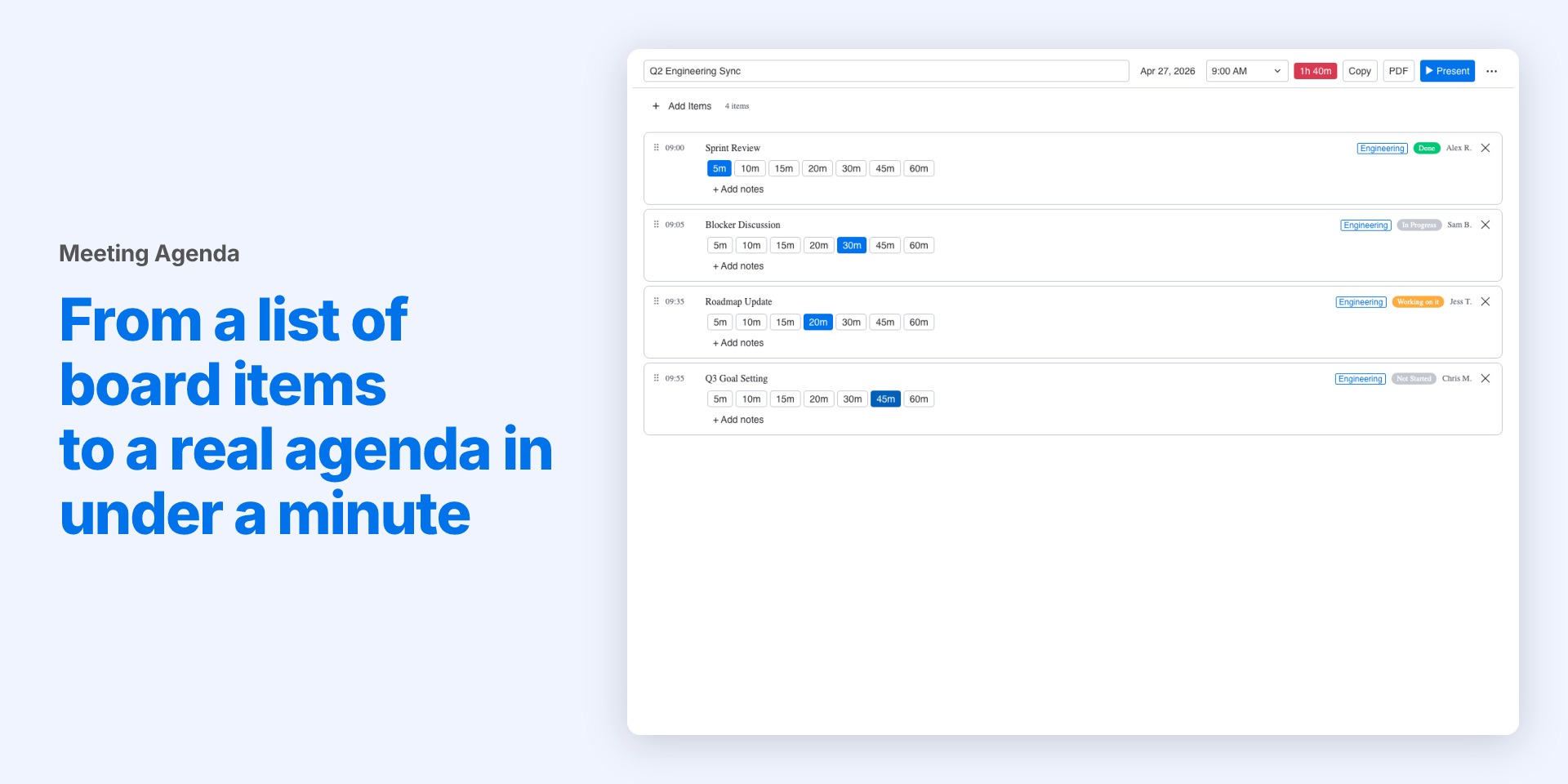
Board items → meeting agenda. Present live or export PDF.
Most meetings don't fail because people are unprepared. They fail because nobody agreed on what was getting covered, in what order, and for how long.
Meeting Agenda is a monday.com board view. Pick the items you want to cover, put them in order, set a duration for each, add a title and start time. That's your agenda.
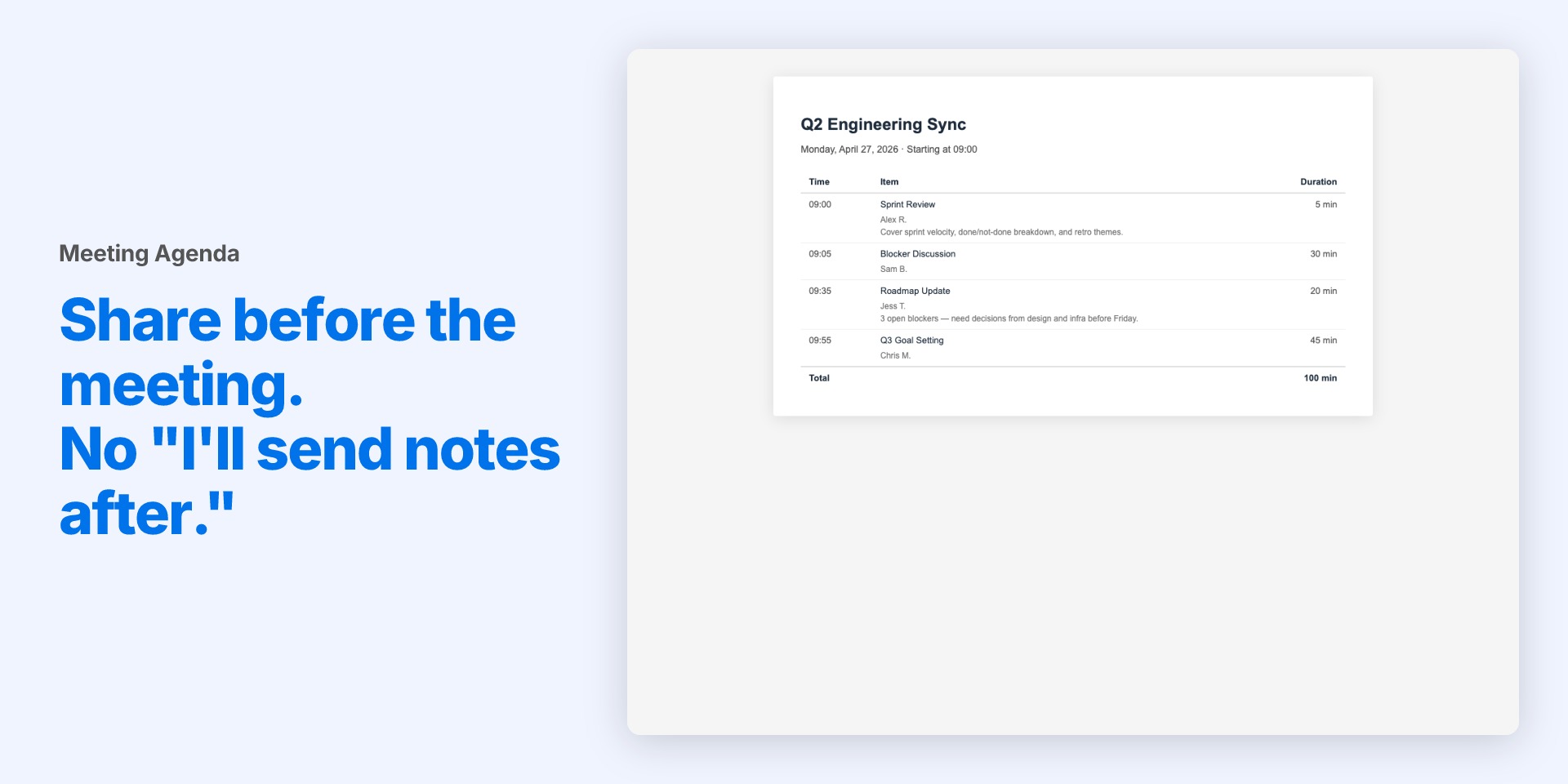
From there you have two options. Copy and paste the agenda into an email or doc (free), or export a clean PDF to send to attendees (free for up to 3, unlimited on Pro).
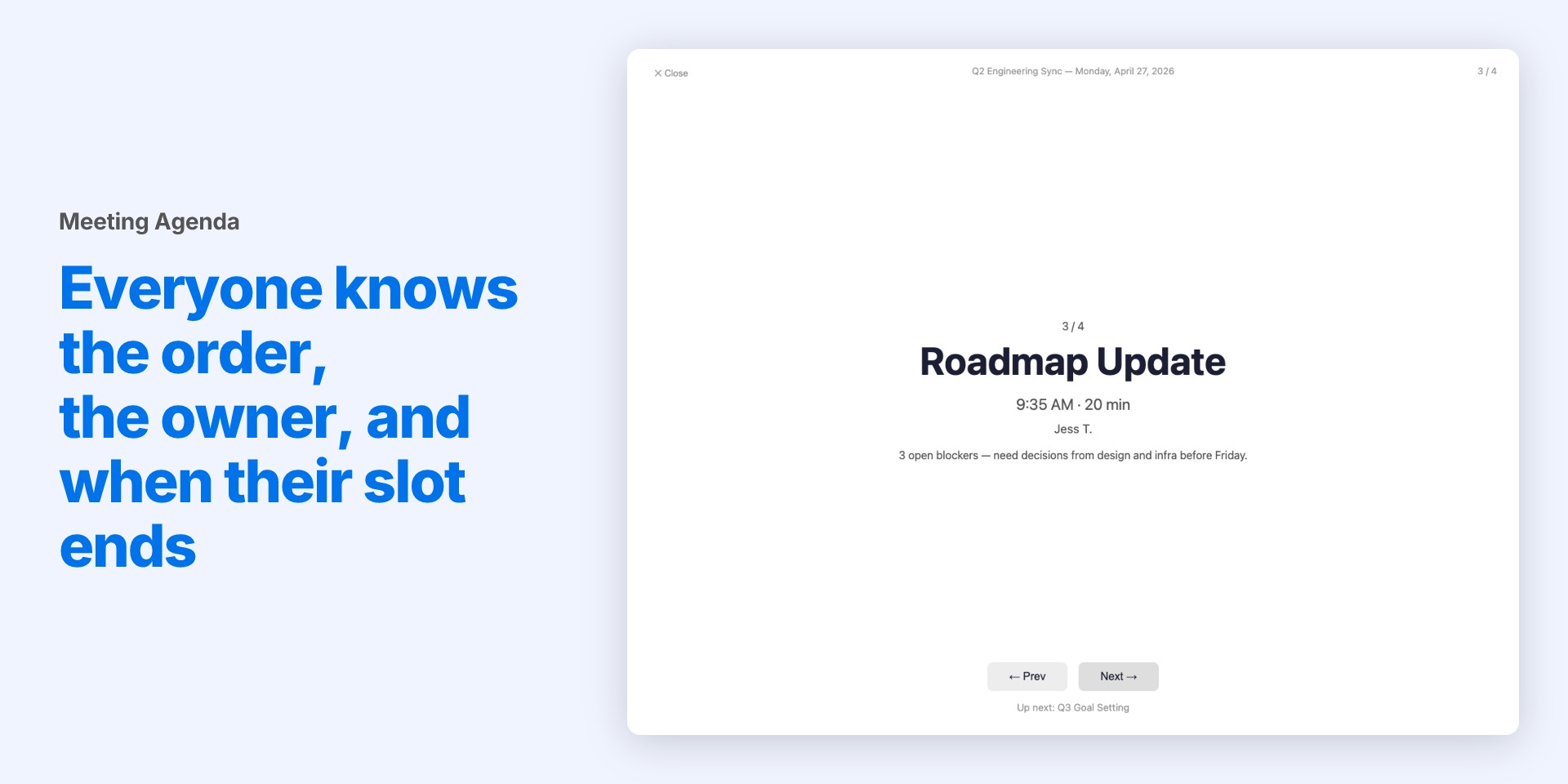
When the meeting starts, switch to Present Mode (Pro). One item at a time, full screen. Each slide shows the item title, your notes, what's coming up next, and the clock time the item should end by. No surprises. No "wait, how long do we have left on this one?"
No new tool to learn. No separate agenda app. It lives in the board you're already using.
Create meeting agendas with up to 100 items.
Security & Compliance
The app developer did not provide the security and compliance information for this app.
Reviews
No reviews yet.
Historical data
Installation history
We have data for December 28, 2024 onwards only. Collected sometime after 00:00 UTC daily.
Total number of installs
Change in total number of installs in last 1 day(s)
Compares the number of installs on each date with 1 days previously:
Change in total number of installs in last 7 day(s)
Compares the number of installs on each date with 7 days previously:
Change in total number of installs in last 30 day(s)
Compares the number of installs on each date with 30 days previously:
Change in total number of installs in last 90 day(s)
Compares the number of installs on each date with 90 days previously:
Change in total number of installs in last 180 day(s)
Compares the number of installs on each date with 180 days previously:
Ratings history
Categories history
Each of the following is a yes/no answer, so the graphs show 1 for yes, and 0 for no.