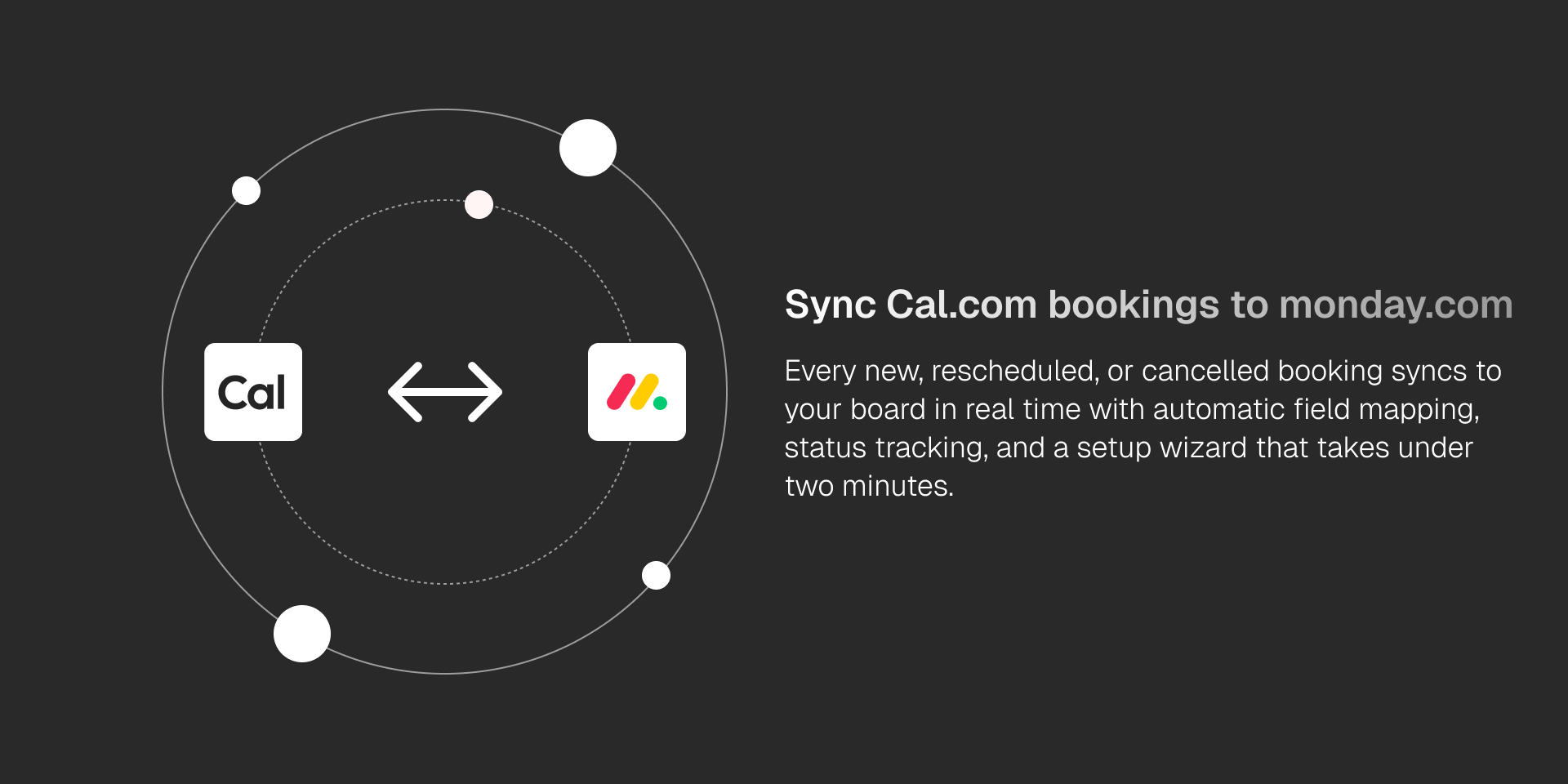
Cal.com Sync connects your Cal.com scheduling platform to monday.com, giving your team full visibility into bookings without leaving your board.If you've used Calendly or Google Calendar before, Cal.com works similarly, and this integration brings those bookings directly into your monday.com workflow.
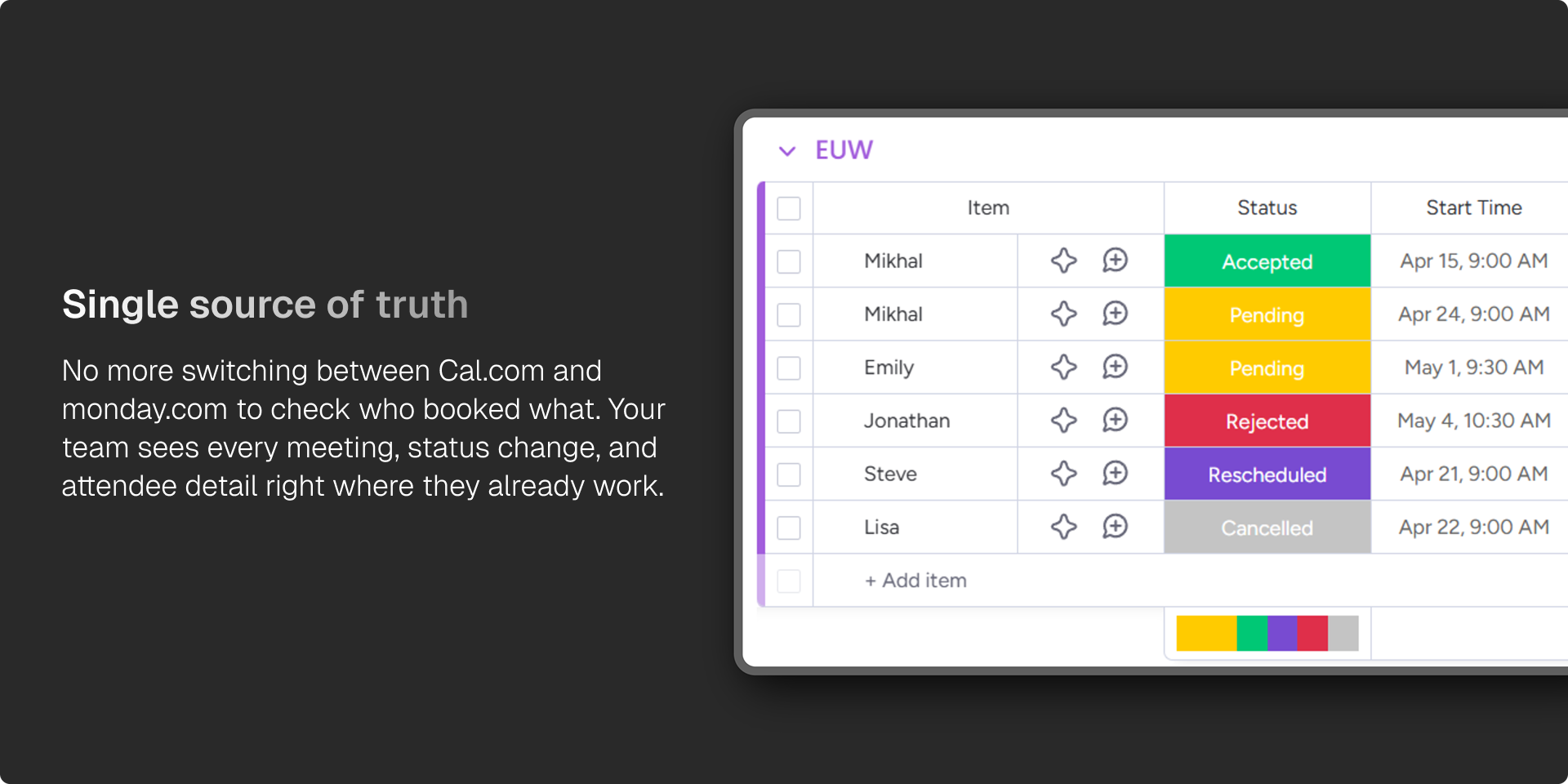
Once connected, Cal.com Sync automatically pulls existing bookings into a monday.com group and keeps them updated in real time. New bookings, reschedules, cancellations, meeting status changes, and no-shows are all reflected on your board within seconds.
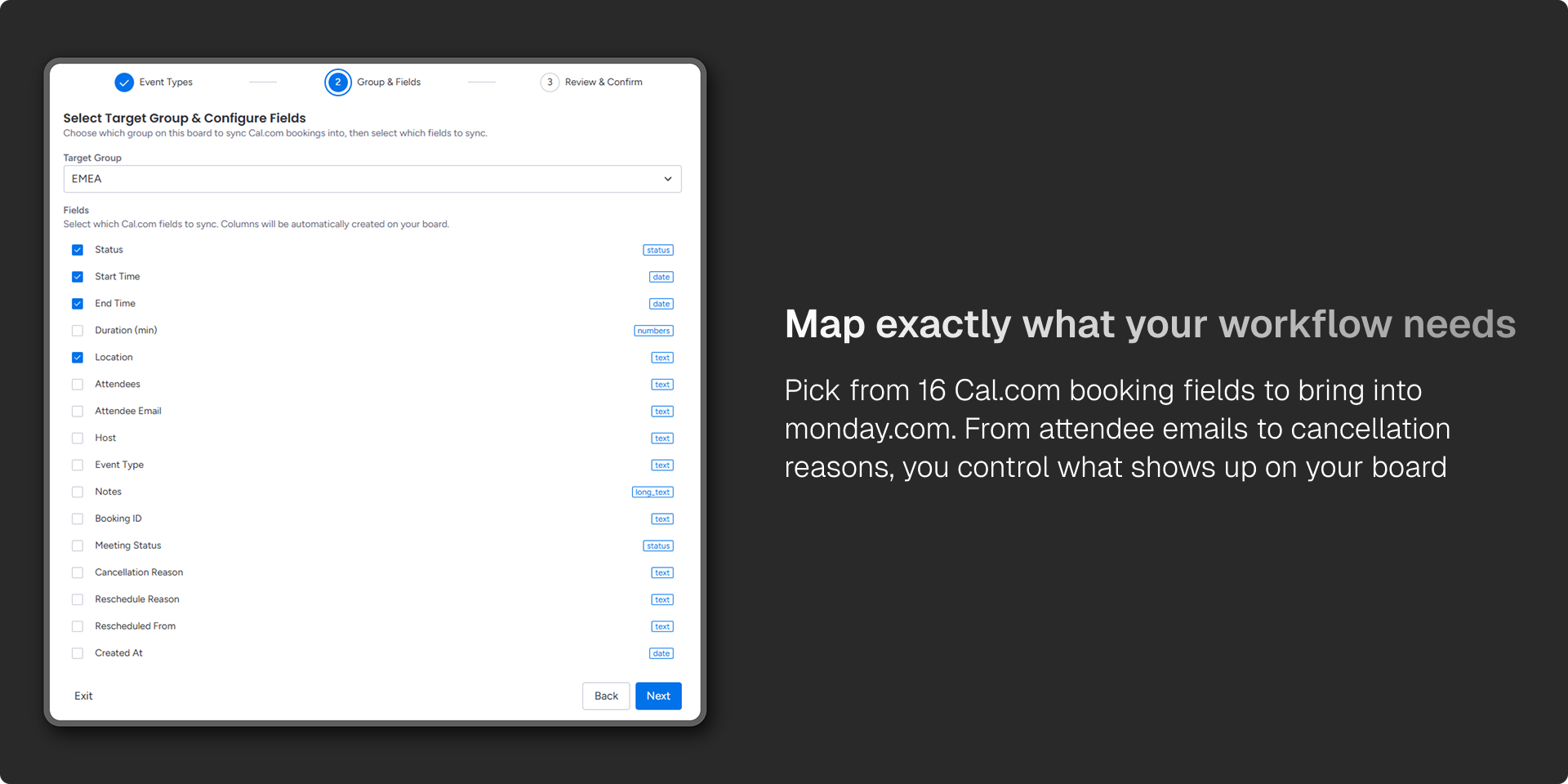
The setup takes under a minute. Connect your Cal.com account via OAuth, pick the event types you want to track, choose a target group on your board, and select which booking fields to map — including title, attendees, start and end times, location, duration, status, and more. Cal.com Sync handles column creation and mapping automatically.
Key capabilities:
Real-time sync — new bookings and status changes appear on your board instantly via webhooks.
Automatic field mapping — over 10 Cal.com booking fields map directly to monday.com columns.
Multi-user support — every team member can connect their own Cal.com account, so the whole team's schedule lives on one board.
Rescheduling tracking — rescheduled bookings are linked together with status and reason columns.
Cal.com Sync is built for teams that run on monday.com and schedule with Cal.com. If you're evaluating scheduling tools or switching from Calendly, it works the same way, your bookings land in monday.com automatically, no copy-pasting required.
— "Stop copy-pasting booking details and let the integration do it for you."
Security & Compliance
The app developer did not provide the security and compliance information for this app.
Reviews
No reviews yet.
Historical data
Installation history
We have data for December 28, 2024 onwards only. Collected sometime after 00:00 UTC daily.
Total number of installs
Change in total number of installs in last 1 day(s)
Compares the number of installs on each date with 1 days previously:
Max
Min
Current
Change in total number of installs in last 7 day(s)
Compares the number of installs on each date with 7 days previously:
Max
Min
Current
Change in total number of installs in last 30 day(s)
Compares the number of installs on each date with 30 days previously:
Max
Min
Current
Change in total number of installs in last 90 day(s)
Compares the number of installs on each date with 90 days previously:
Max
Min
Current
Change in total number of installs in last 180 day(s)
Compares the number of installs on each date with 180 days previously:
Max
Min
Current
Ratings history
Categories history
Each of the following is a yes/no answer, so the graphs show 1 for yes, and 0 for no.