Track time in status, find bottlenecks, boost productivity
Status Time for monday.com – Track Workflow Efficiency & Eliminate Bottlenecks
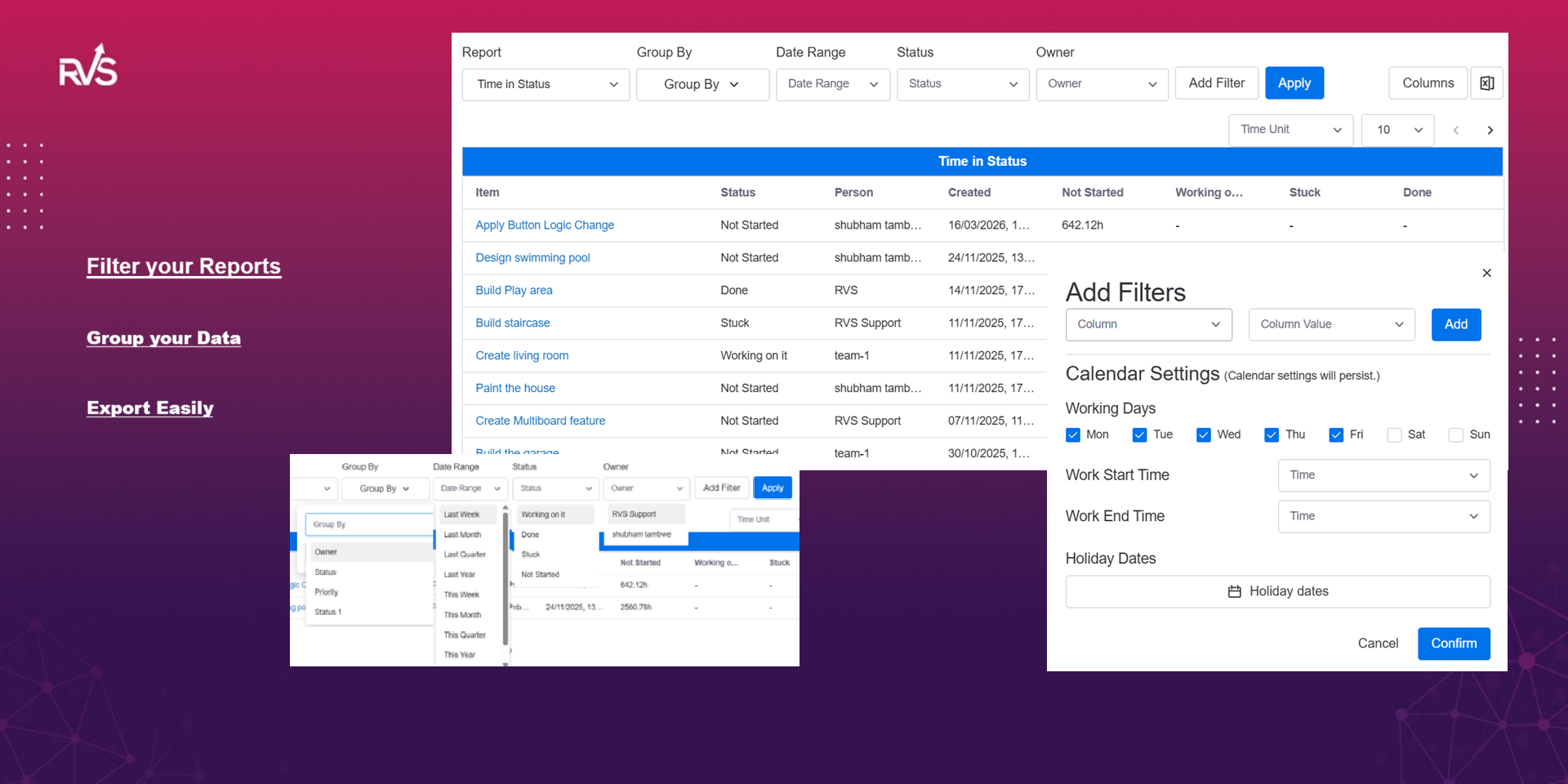
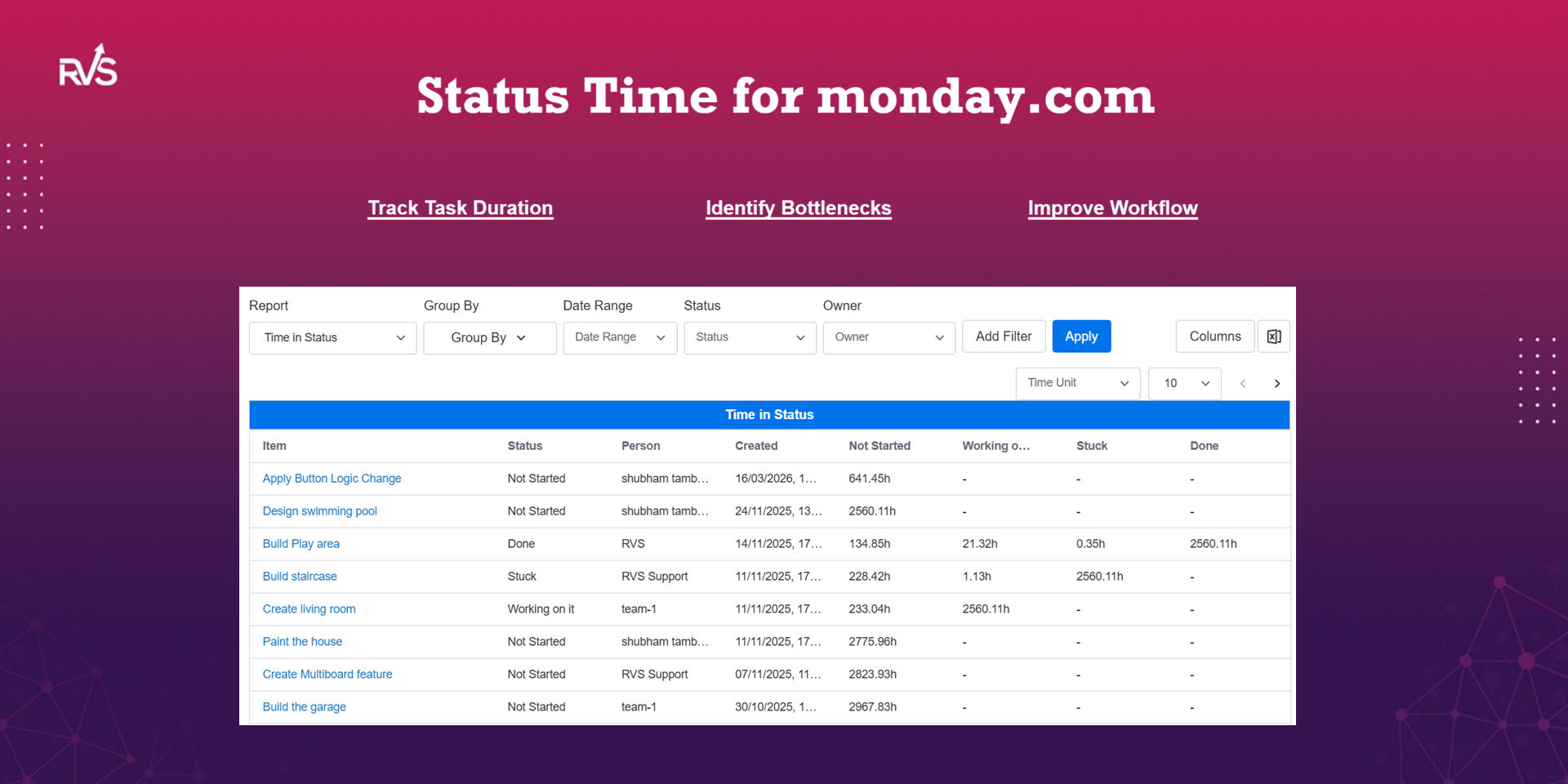
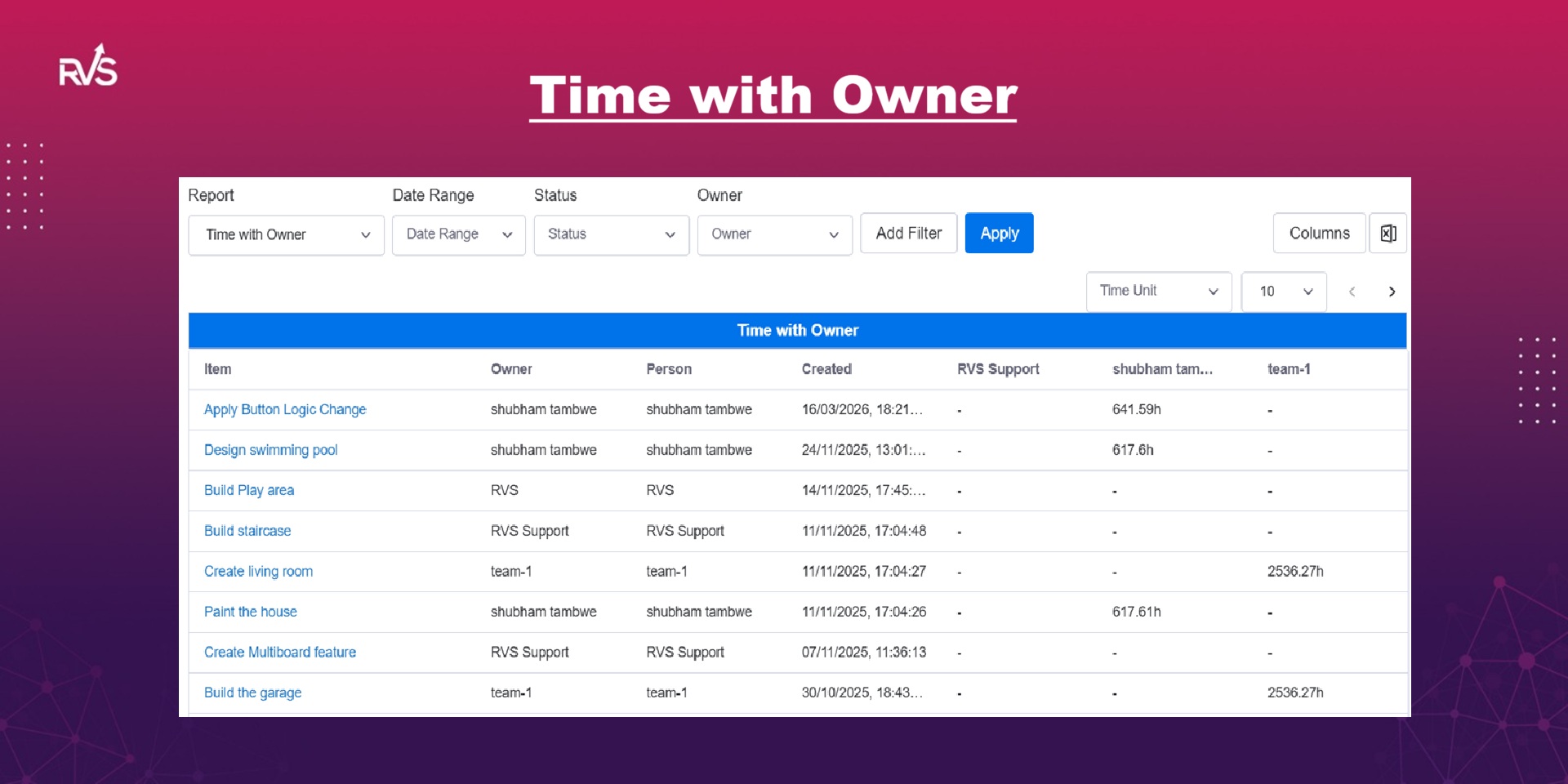
Understand exactly how long tasks spend in each status on your monday.com boards. Status Time gives you powerful workflow analytics to identify delays, improve cycle time, and optimize team performance.
Stop guessing where work slows down. With automated time tracking across statuses, you get clear visibility into how your processes actually perform—so you can make data-driven decisions and deliver faster.
🚀 Key Features:
Accurate Time in Status Tracking – Measure how long each item stays in every status automatically
Cycle Time & Lead Time Insights – Analyze end-to-end delivery performance
Bottleneck Detection – Instantly identify where work gets stuck
Visual Reports & Dashboards – Easy-to-understand charts for faster decision-making
Historical Data Analysis – Track trends and improve workflows over time
No Manual Time Tracking Needed – Fully automated and reliable
💡 Why Use Status Time?
Whether you're managing software development, operations, marketing, or support workflows, understanding time in status is critical to improving efficiency. This app helps teams reduce delays, increase throughput, and deliver work faster with complete transparency.
Perfect for Agile teams, project managers, and operations leaders who want deeper insights beyond standard monday.com reporting.
📈 Use Cases:
Sprint and delivery performance tracking
SLA and turnaround time monitoring
Workflow optimization and process improvement
Team productivity analysis
Gain full visibility into your workflows and turn your monday.com data into actionable insights with Status Time.
Security & Compliance
The app developer did not provide the security and compliance information for this app.
Reviews
No reviews yet.
Historical data
Installation history
We have data for December 28, 2024 onwards only. Collected sometime after 00:00 UTC daily.
Total number of installs
Change in total number of installs in last 1 day(s)
Compares the number of installs on each date with 1 days previously:
Max
Min
Current
Change in total number of installs in last 7 day(s)
Compares the number of installs on each date with 7 days previously:
Max
Min
Current
Change in total number of installs in last 30 day(s)
Compares the number of installs on each date with 30 days previously:
Max
Min
Current
Change in total number of installs in last 90 day(s)
Compares the number of installs on each date with 90 days previously:
Max
Min
Current
Change in total number of installs in last 180 day(s)
Compares the number of installs on each date with 180 days previously:
Max
Min
Current
Ratings history
Categories history
Each of the following is a yes/no answer, so the graphs show 1 for yes, and 0 for no.