App metadata ID: 10001155 • App ID: 10660546 • Listing updated: May 10, 2026 View app data JSON {
"id": 10001155,
"marketplace_developer_id": 10000155,
"app_id": 10660546,
"app_type": "app",
"security_info": {},
"gallery_assets": [
{
"url": "https://cdn.monday.com/marketplace/10001155/10001155_2026_3_29_14_42_57_8zpe79r.png",
"type": "image"
},
{
"url": "https://cdn.monday.com/marketplace/10001155/10001155_2026_3_29_14_43_8_kn1lsp4.png",
"type": "image"
},
{
"url": "https://cdn.monday.com/marketplace/10001155/10001155_2026_3_29_14_43_20_d4e3bz8.png",
"type": "image"
},
{
"url": "https://cdn.monday.com/marketplace/10001155/10001155_2026_3_29_14_43_31_kj14av2.png",
"type": "image"
},
{
"url": "https://cdn.monday.com/marketplace/10001155/10001155_2026_3_29_14_43_42_miay3pxh.png",
"type": "image"
},
{
"url": "https://cdn.monday.com/marketplace/10001155/10001155_2026_4_5_9_23_13_v1jhque.mp4",
"type": "video"
}
],
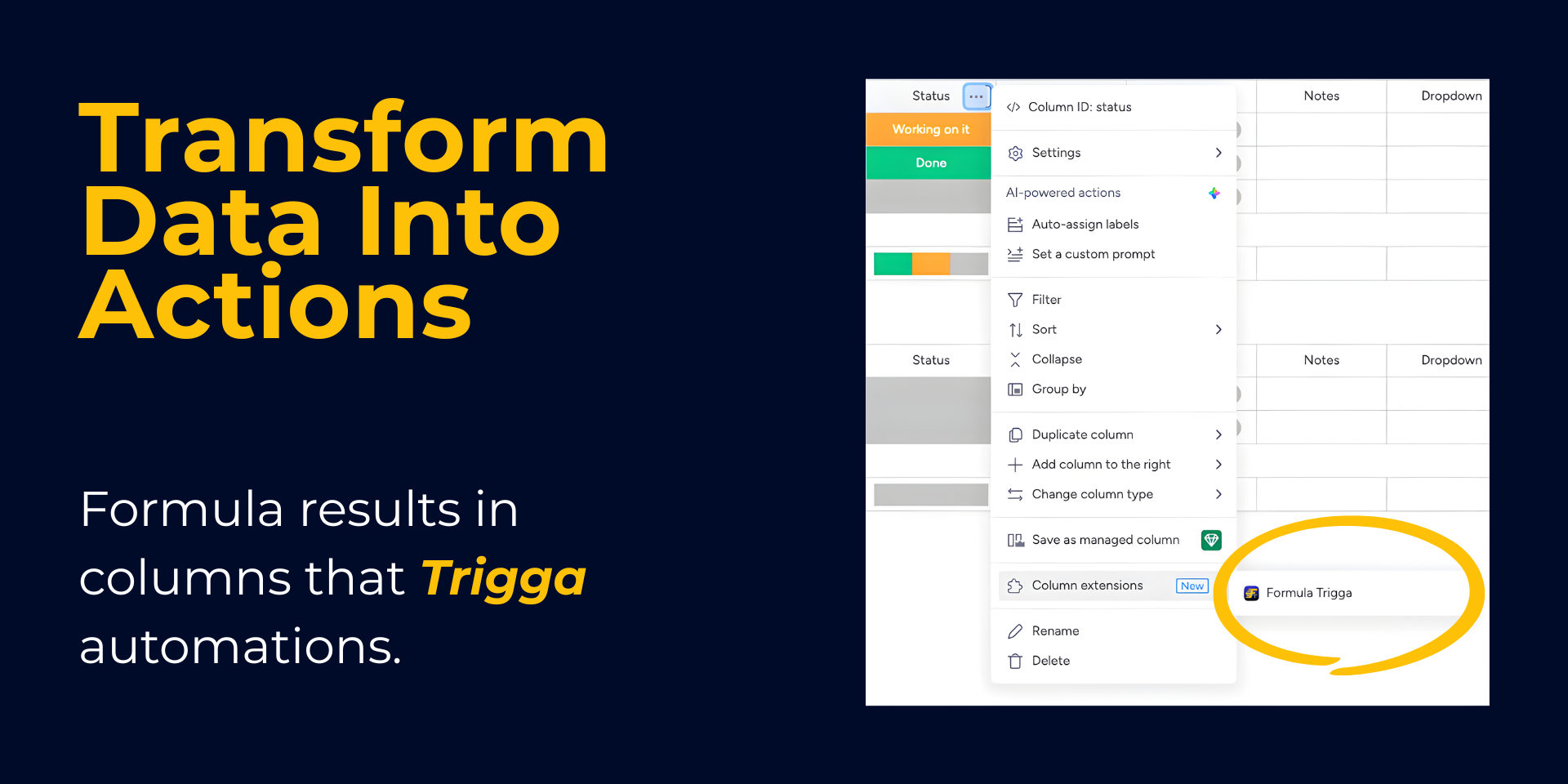
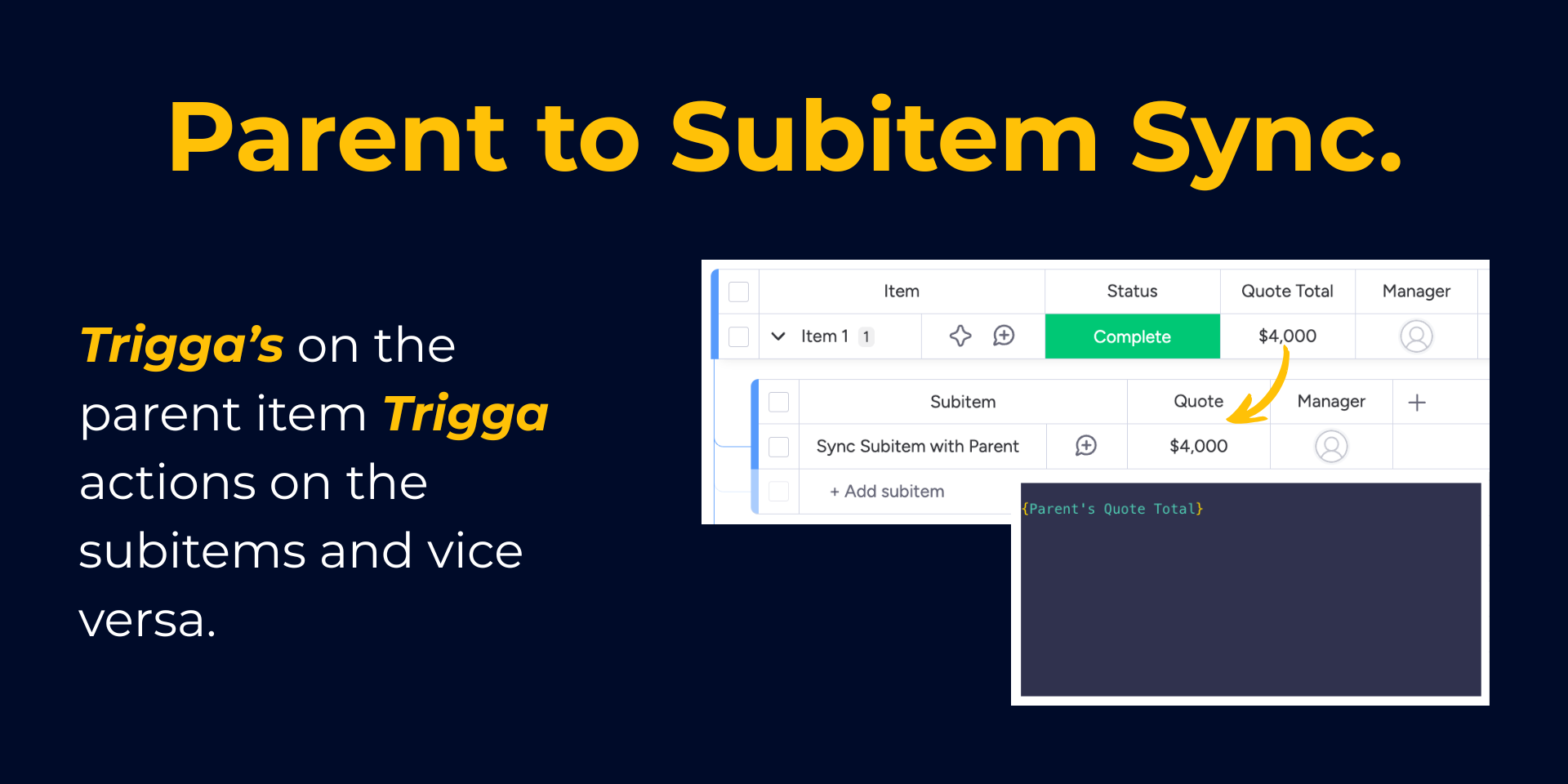
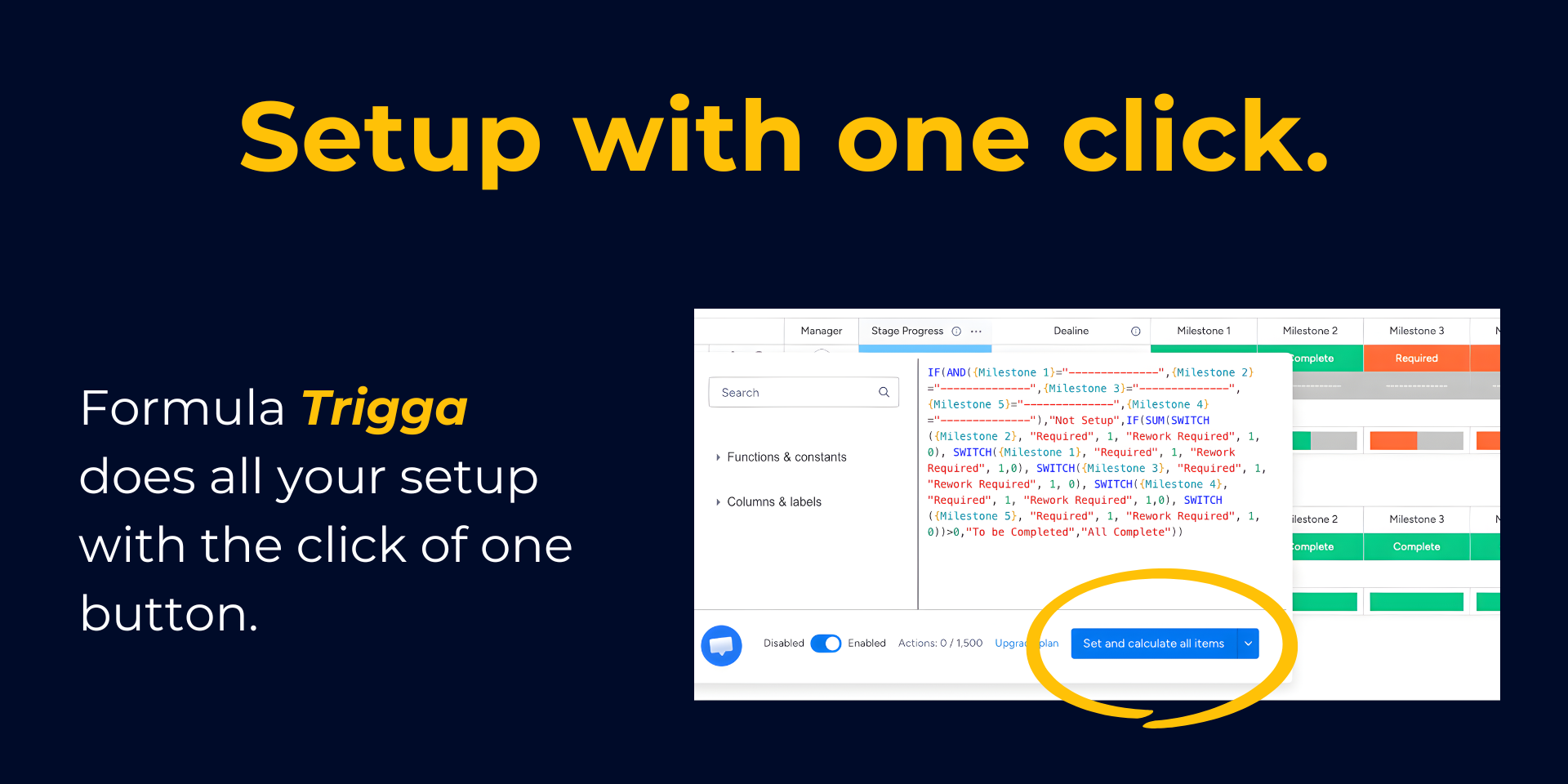
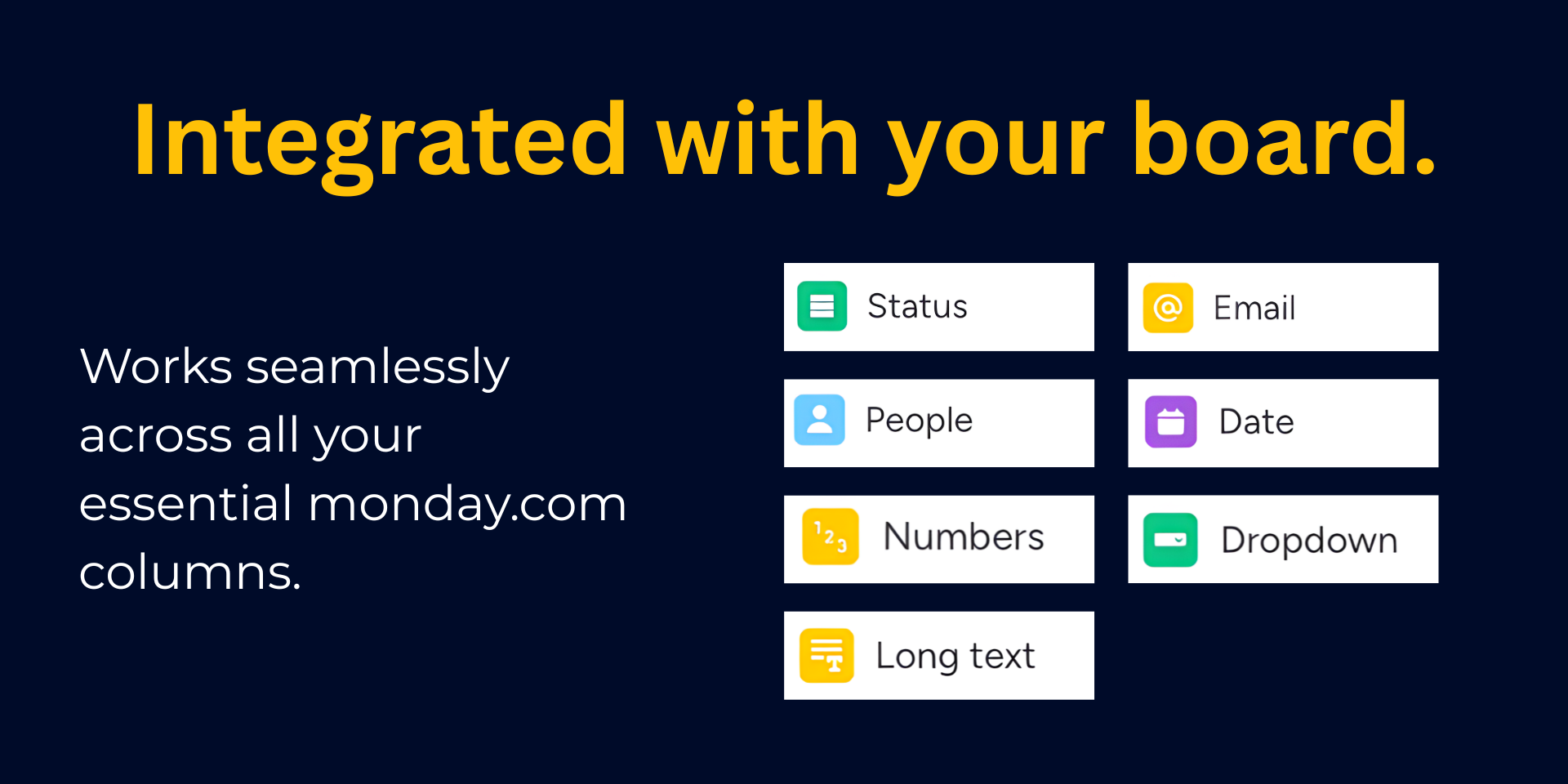
"description": "<p><a href=\"http://monday.com/\" rel=\"noopener noreferrer\" target=\"_blank\">monday.com</a>'s <a href=\"https://support.monday.com/hc/en-us/articles/360000403099\" rel=\"noopener noreferrer\" target=\"_blank\">formula column</a> computes values, but <strong>it can't trigger automations</strong>. That means:</p><ul><li>No status-change notifications</li><li>No deadline alerts</li><li>No downstream workflows from calculated results</li></ul><p><strong>Formula Trigga</strong> changes that. Write formulas for classic columns (<em>text, numbers, dates, status, email, dropdowns, people</em>) and your results will <strong>trigger automations like any other column update</strong>.</p><p><strong>Why teams choose Formula Trigga:</strong></p><ul><li>🧮 <strong>70+ formula functions</strong> — date math, text manipulation, conditional logic (IF, SWITCH, AND/OR), math operations, and more using the formula column syntax you already know</li><li>🔗 <strong>Subitem parent references</strong> — access parent board columns directly in subitem formulas</li><li>✅ <strong>Real-time validation</strong> — syntax errors, missing columns, and circular dependencies caught before you save</li><li>⚡ <strong>Batch calculation</strong> — apply formulas to all existing items at once with progress tracking</li><li>🩺 <strong>Formula Health View</strong> — monitors all formulas on your board, flags issues before they cause problems</li><li>📊 <strong>Quota transparency</strong> — see your automation execution usage in real time with threshold warnings</li></ul><p>Built for <a href=\"http://monday.com/\" rel=\"noopener noreferrer\" target=\"_blank\">monday.com</a> power users who need formulas and <a href=\"https://support.monday.com/hc/en-us/articles/360012474780\" rel=\"noopener noreferrer\" target=\"_blank\">automations</a> to work together. Replace fragile chains of helper automations with <em>a single formula that writes to a real column and triggers real workflows</em>.</p><p>🚀 <strong>Free trial included.</strong> Install and set your first formula in minutes.</p>",
"short_description": "Finally, a formula column that triggers automations",
"thumbnail_url": "https://cdn.monday.com/marketplace/10001155/10001155_2026_3_29_14_41_55_xtdzi72.png",
"logo_url": "https://cdn.monday.com/marketplace/10001155/10001155_2026_3_29_14_41_29_iqawxi2i.png",
"feedback_url": "team@apmdsoft.com",
"privacy_policy_url": "http://apmdsoft.com/privacy-policy/",
"featured": false,
"name": "Formula Trigga",
"how_to_use_url": "https://apmdsoft.com/how-to/formula-trigga",
"external_pricing_url": null,
"keywords": "formula,automation,calculation,subitems,date,math,trigger,workflow,status,conditional",
"compliance_answers": [],
"created_at": "2026-04-29T14:40:24.000Z",
"updated_at": "2026-05-10T17:47:56.000Z",
"automation_app_id": null,
"marketplace_category_ids": [
10000001,
7,
6
],
"pinned_for_categories_ids": [],
"featured_for_categories_ids": [],
"pricing_data": "14 days trial",
"label": null,
"app_values": [
"Everyday tasks"
],
"security": false,
"display_in_template_store": false,
"acquisition_source": "No touch",
"is_connector": false,
"show_connections": null,
"terms_of_service_url": "https://apmdsoft.com/terms-of-service/",
"available_for_tiers": [],
"available_for_products": [],
"google_analytics_tag_id": null,
"is_solution": false,
"cta_override": null,
"app_scope_str": "boards:read,boards:write,account:read,webhooks:read,webhooks:write,teams:read,users:read,notifications:write",
"app_client_id": "088914ffaf20d38833f83669f4e70115",
"app_color": {
"hsl": {
"h": 316.94117647058823,
"s": 0,
"l": 0,
"a": 1
},
"hex": "#000000",
"rgb": {
"r": 0,
"g": 0,
"b": 0,
"a": 1
},
"hsv": {
"h": 316.94117647058823,
"s": 0,
"v": 0,
"a": 1
},
"oldHue": 316.94117647058823,
"source": "hsv"
},
"plans": [
{
"id": "10660546-1-v1_basic_plan_5000_executions",
"appPlanId": "v1_basic_plan_5000_executions",
"name": "Starter",
"versionId": 1,
"isTrial": false,
"prices": {
"type": "standard",
"monthly": 59,
"yearly": 49
},
"versionState": "live",
"appId": 10660546,
"description": "Built for growing teams that need more control and consistency. Get up to 5,000 formula recalculations per month to run more powerful workflows with confidence.",
"extraData": {
"bullets": [
"Up to 5,000 formula recalculations/month",
"No user limits",
"All basic column support",
"Email & in-app chat support"
],
"monthlyFee": 59,
"yearlyFee": 49
},
"isFree": false,
"isRecommended": false,
"currency": "USD"
},
{
"id": "10660546-1-v1_basic_plan_1500_executions",
"appPlanId": "v1_basic_plan_1500_executions",
"name": "Lite",
"versionId": 1,
"isTrial": true,
"prices": {
"type": "standard",
"monthly": 24,
"yearly": 19
},
"versionState": "live",
"appId": 10660546,
"description": "Ideal for individuals and small teams getting started with advanced workflows. Includes up to 1,500 formula recalculations per month to automate repetitive work and save time.",
"extraData": {
"bullets": [
"Up to 1,500 formula recalculations/month",
"No user limits",
"All basic column support",
"Email & in-app chat support"
],
"monthlyFee": 24,
"yearlyFee": 19
},
"isFree": false,
"isRecommended": false,
"currency": "USD"
},
{
"id": "10660546-1-v1_basic_plan_250000_executions",
"appPlanId": "v1_basic_plan_250000_executions",
"name": "Enterprise",
"versionId": 1,
"isTrial": false,
"prices": {
"type": "standard",
"monthly": 849,
"yearly": 699
},
"versionState": "live",
"appId": 10660546,
"description": "For organizations that need maximum scale, flexibility, and support. Unlock up to 250,000 formula recalculations per month with enterprise-ready performance and customization.",
"extraData": {
"bullets": [
"Up to 250,000+ formula recalculations/month",
"No user limits",
"All basic column support",
"Dedicated onboarding",
"Dedicated priority support"
],
"monthlyFee": 849,
"yearlyFee": 699
},
"isFree": false,
"isRecommended": false,
"currency": "USD"
},
{
"id": "10660546-1-v1_basic_plan_20000_executions",
"appPlanId": "v1_basic_plan_20000_executions",
"name": "Growth",
"versionId": 1,
"isTrial": false,
"prices": {
"type": "standard",
"monthly": 124,
"yearly": 99
},
"versionState": "live",
"appId": 10660546,
"description": "Made for teams scaling their processes across more boards and use cases. Includes up to 20,000 formula recalculations per month for dynamic, high-impact automation.",
"extraData": {
"bullets": [
"Up to 20,000 formula recalculations/month",
"No user limits",
"All basic column support",
"Email & in-app chat support"
],
"monthlyFee": 124,
"yearlyFee": 99
},
"isFree": false,
"isRecommended": true,
"currency": "USD"
},
{
"id": "10660546-1-v1_basic_plan_50000_executions",
"appPlanId": "v1_basic_plan_50000_executions",
"name": "Pro",
"versionId": 1,
"isTrial": false,
"prices": {
"type": "standard",
"monthly": 211,
"yearly": 169
},
"versionState": "live",
"appId": 10660546,
"description": "Designed for power users managing more complex workflow logic. Get up to 50,000 formula recalculations per month for flexible, advanced automation at scale.",
"extraData": {
"bullets": [
"Up to 50,000 formula recalculations/month",
"No user limits",
"All basic column support",
"Email & in-app chat support"
],
"monthlyFee": 211,
"yearlyFee": 169
},
"isFree": false,
"isRecommended": false,
"currency": "USD"
},
{
"id": "10660546-1-v1_basic_plan_120000_executions",
"appPlanId": "v1_basic_plan_120000_executions",
"name": "Scale",
"versionId": 1,
"isTrial": false,
"prices": {
"type": "standard",
"monthly": 439,
"yearly": 349
},
"versionState": "live",
"appId": 10660546,
"description": "Best for high-volume teams and operationally intensive accounts. Includes up to 120,000 formula recalculations per month for fast, reliable workflow execution across the organization.",
"extraData": {
"bullets": [
"Up to 120,000 formula recalculations/month",
"No user limits",
"All basic column support",
"Email & in-app chat support",
"Setup assistance"
],
"monthlyFee": 439,
"yearlyFee": 349
},
"isFree": false,
"isRecommended": false,
"currency": "USD"
}
],
"app_live_version": {
"updated_at": "2026-07-21T14:38:47.675Z",
"id": 16249201
},
"pricing_model": null,
"monetization": {
"monetizationType": "monday",
"hasFreePlan": false,
"hasPaidPlan": true,
"hasTrialPlan": true
},
"badges_data": {
"security": false,
"app_values": [
"Everyday tasks"
],
"pricing_data": "14 days trial",
"acquisition_source": "No touch",
"display_in_template_store": false
},
"data": {
"is_solution": false,
"cta_override": null,
"is_connector": false,
"available_for_tiers": [],
"terms_of_service_url": "https://apmdsoft.com/terms-of-service/",
"available_for_products": [],
"google_analytics_tag_id": null
},
"display": null,
"installsDelta": {
"totalInstalls": 13,
"sevenDays": 0,
"thirtyDays": 0,
"ninetyDays": 3
}
}