Quick Updates helps monday.com teams stop typing the same Updates over and over. Create reusable update templates, personalize them with live item and board data, and post consistent updates to one item or many selected items in just a few clicks.
Built for project managers, operations teams, HR, sales, support, and any team that relies on monday.com Updates to keep work moving.
What you can do with Quick Updates
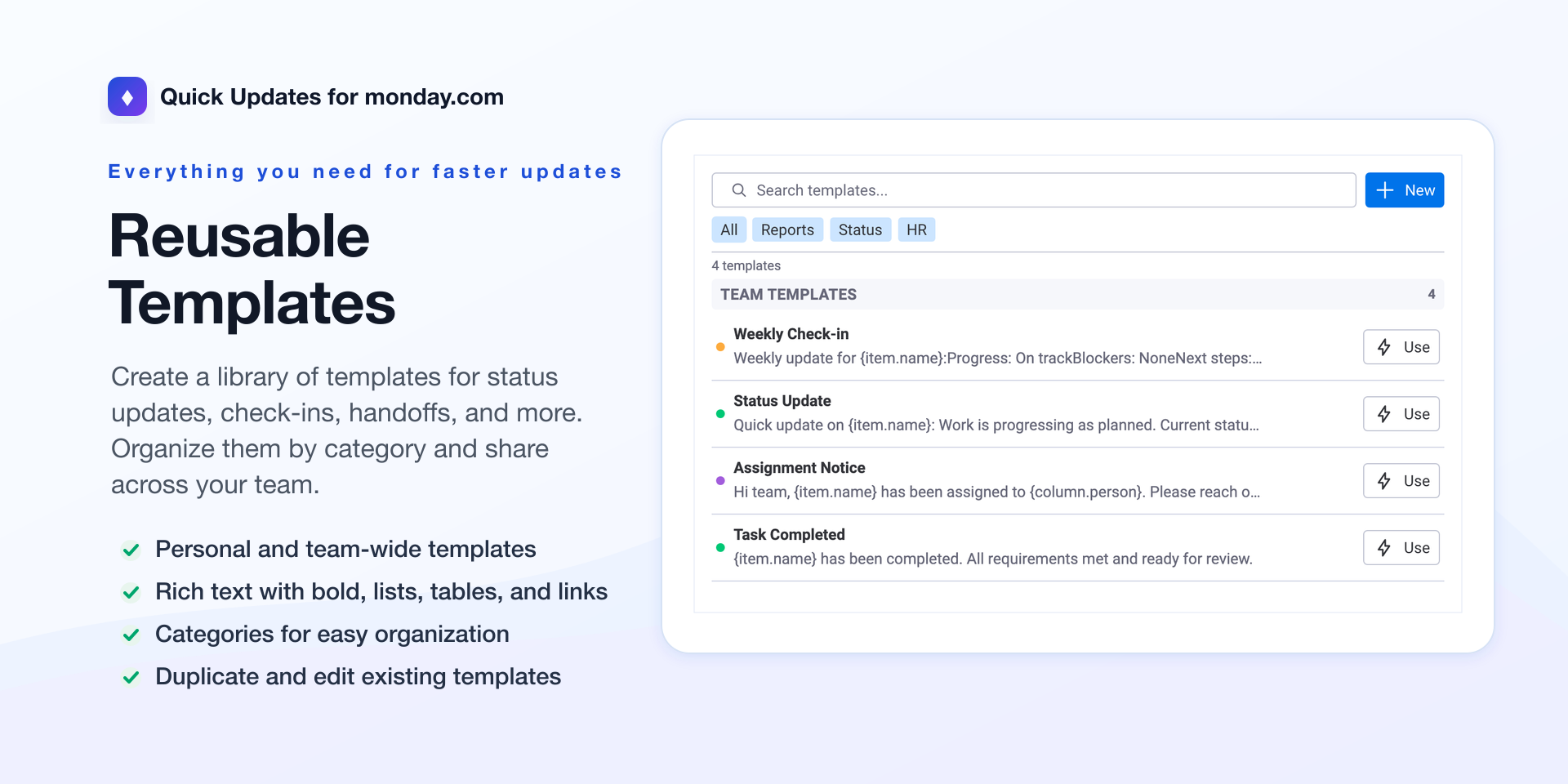
Create reusable update templates for status reports, handoffs, reminders, onboarding notes, follow-ups, and more.
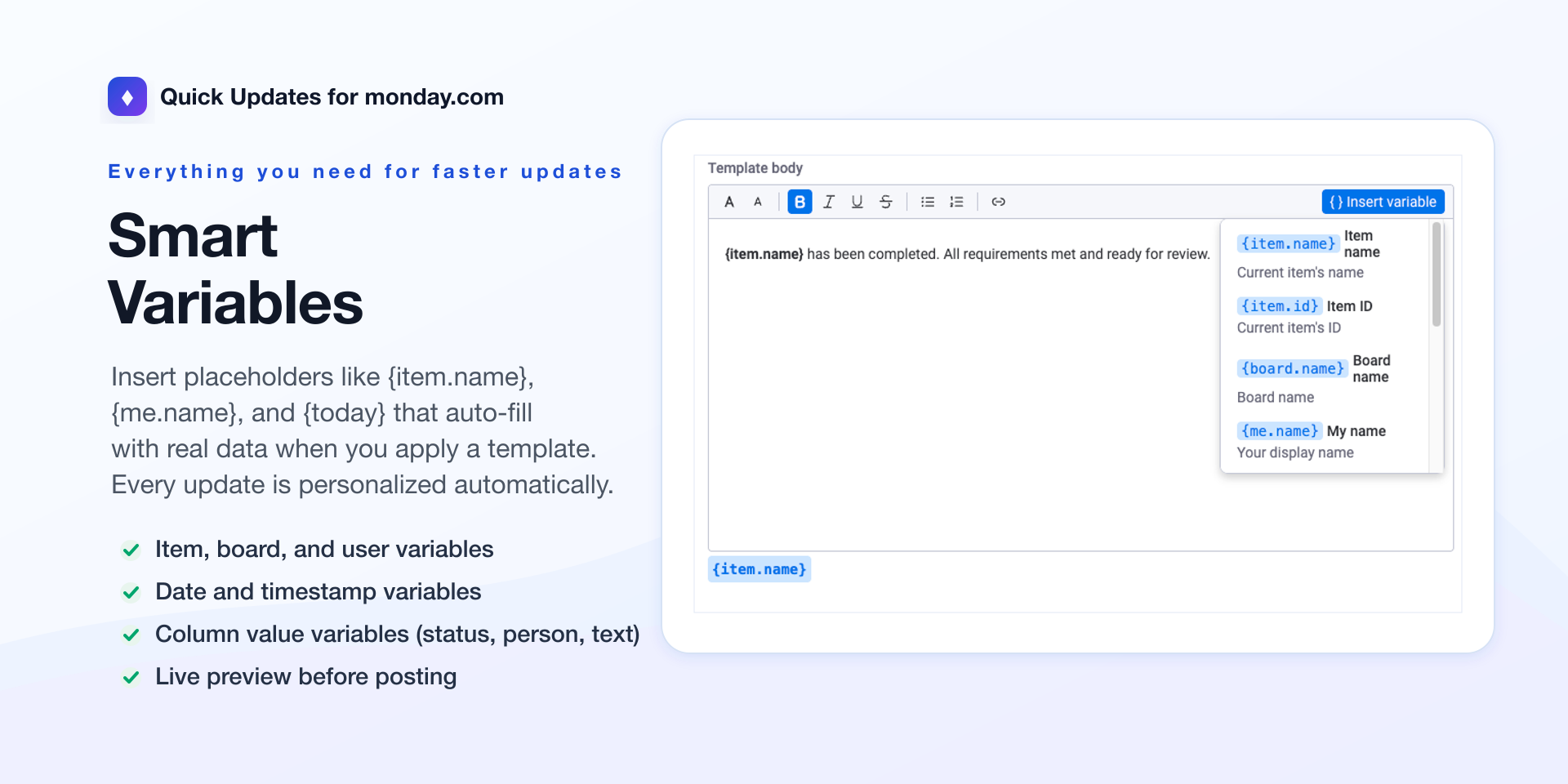
Personalize every message automatically with variables like {item.name}, {board.name}, {me.name}, {today}, and column values.
Send updates faster from an item view without copying, pasting, or rewriting the same message.
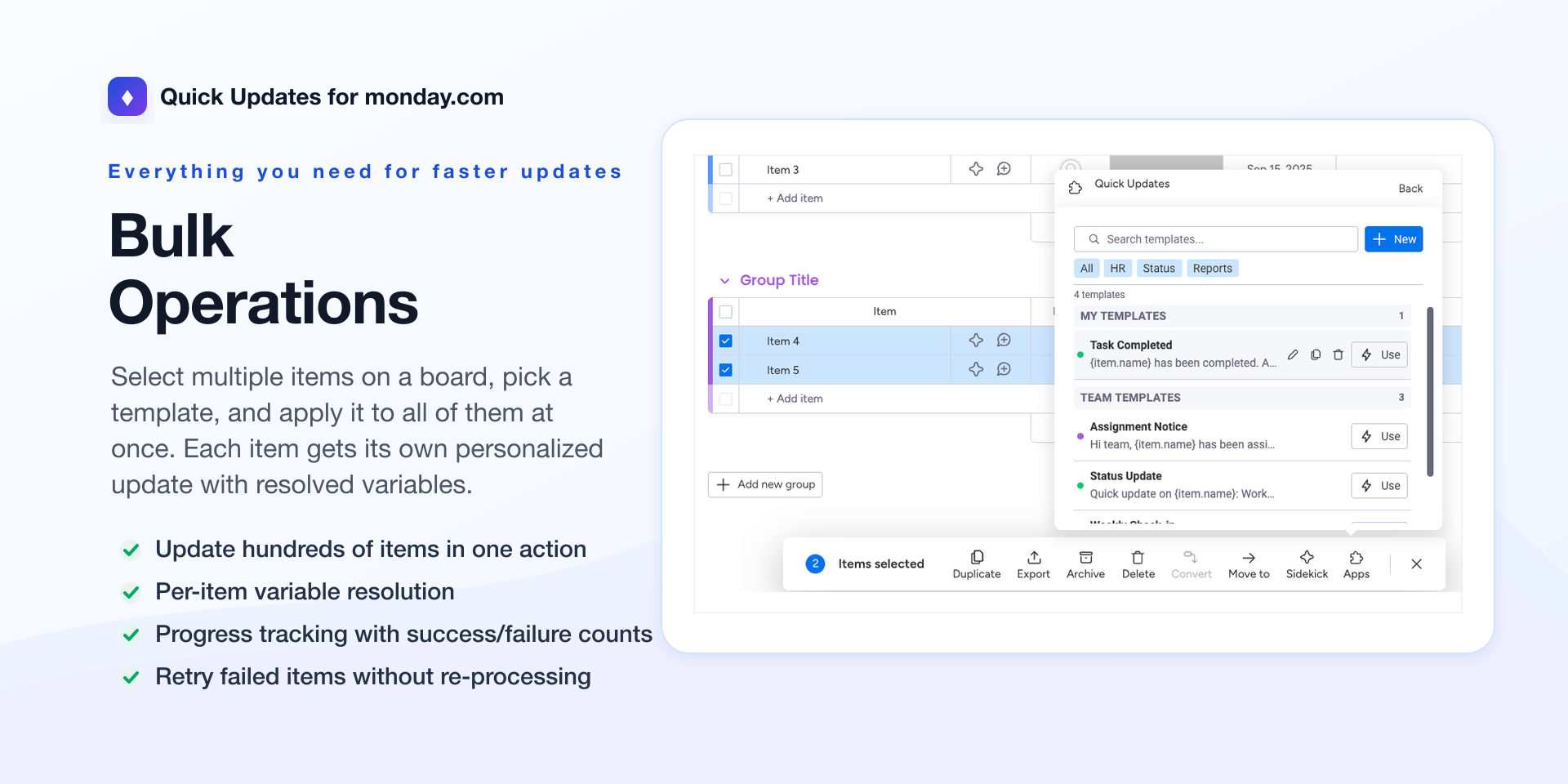
Apply templates in bulk to multiple selected items while keeping each update personalized to that item.
Organize templates with personal and team libraries, search, filters, and categories.
Preview before posting so your team can confirm exactly what will appear in monday.com Updates.
Keep communication consistent across projects, departments, client work, onboarding flows, and recurring reporting.
Common use cases
Post weekly project status updates using the same clean format every time.
Notify assignees when work moves into a new stage.
Add standardized completion notes to finished tasks.
Send client follow-up reminders across a sales or account management board.
Create HR onboarding messages that automatically include employee, board, or date details.
Quick Updates saves time, reduces manual errors, and helps teams keep monday.com Updates clear, consistent, and actionable.
Security & Compliance
The app developer did not provide the security and compliance information for this app.
Reviews
No reviews yet.
Historical data
Installation history
We have data for December 28, 2024 onwards only. Collected sometime after 00:00 UTC daily.
Total number of installs
Change in total number of installs in last 1 day(s)
Compares the number of installs on each date with 1 days previously:
Max
Min
Current
Change in total number of installs in last 7 day(s)
Compares the number of installs on each date with 7 days previously:
Max
Min
Current
Change in total number of installs in last 30 day(s)
Compares the number of installs on each date with 30 days previously:
Max
Min
Current
Change in total number of installs in last 90 day(s)
Compares the number of installs on each date with 90 days previously:
Max
Min
Current
Change in total number of installs in last 180 day(s)
Compares the number of installs on each date with 180 days previously:
Max
Min
Current
Ratings history
Categories history
Each of the following is a yes/no answer, so the graphs show 1 for yes, and 0 for no.