Import CSV & Excel with subitems and hierarchy support.
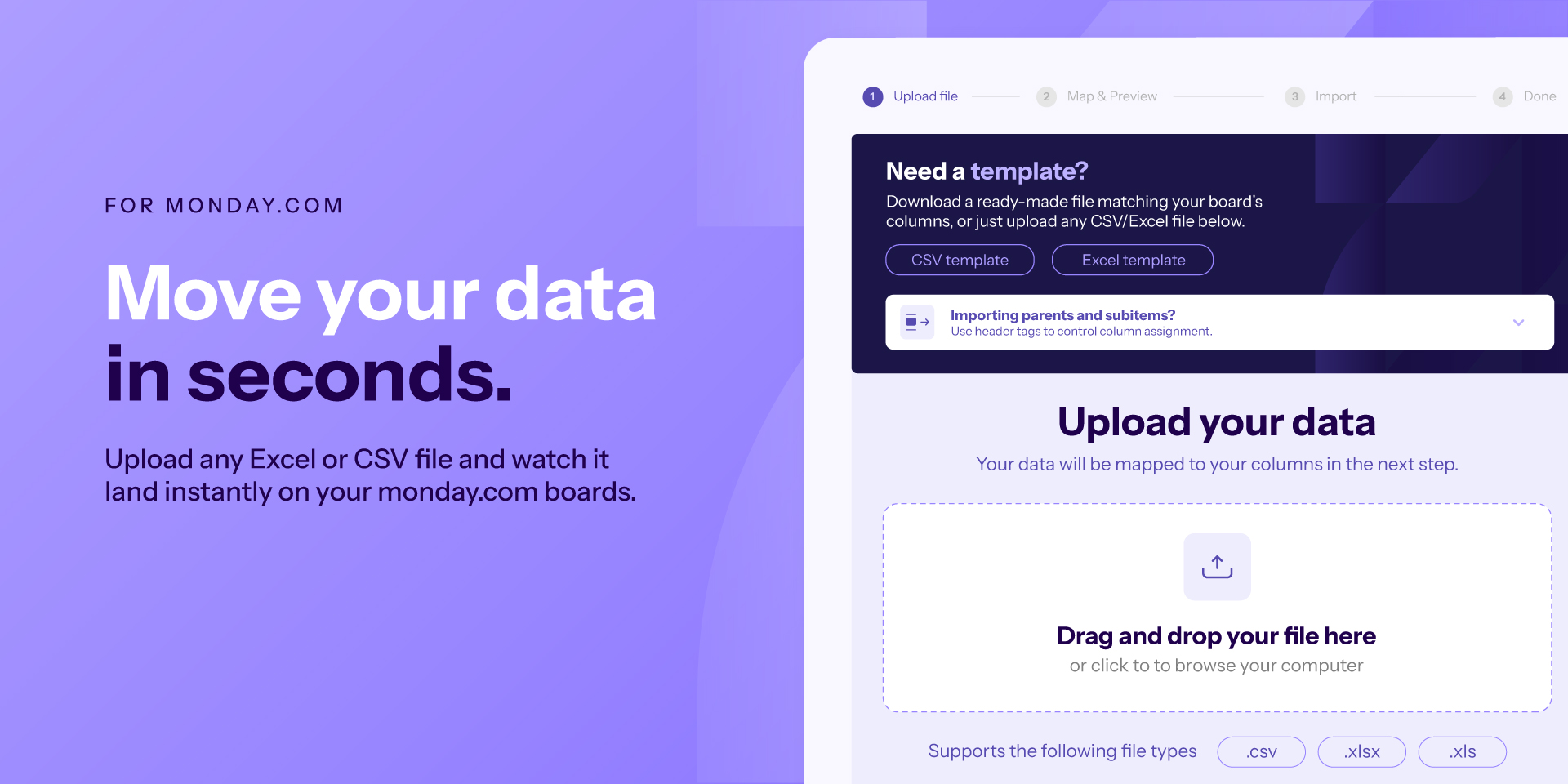
Ripple Import helps teams bring spreadsheet data into monday.com quickly, accurately, and with far less manual work. Import from CSV, XLSX, and multi-sheet Excel files, preview your data before anything is created, map columns to your board, and import into an existing board or into a new board created from the file.
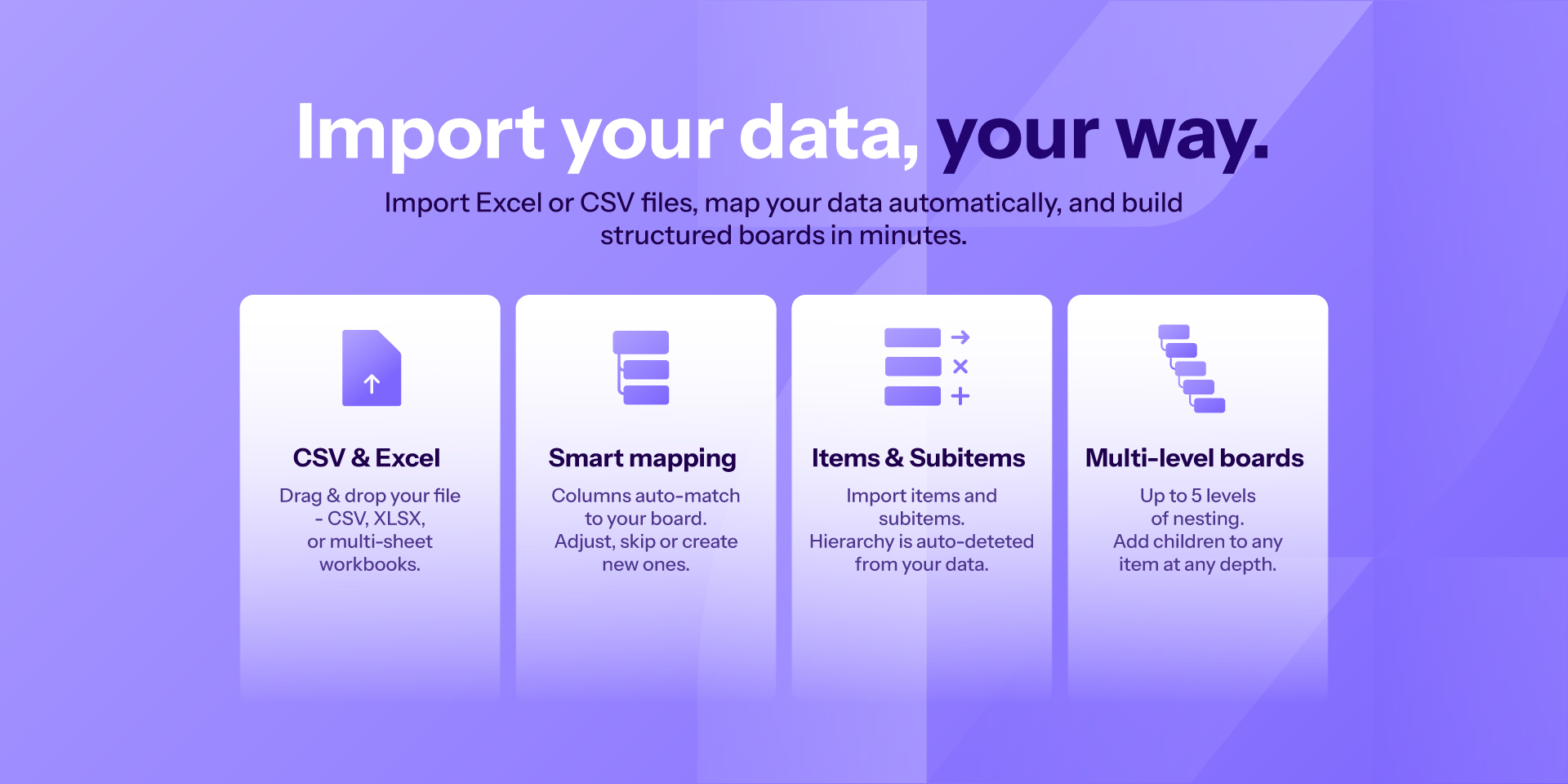
Built for teams working with both simple and structured datasets, Ripple Import supports items, subitems, and multi-level boards. Whether you are importing a flat table, a parent-child structure, or a deeper hierarchy, the app gives you more control over how your data is created inside monday.com. Hierarchy can be detected from a type or level column, a parent reference column, or indentation, and users can also add subitems under an existing item.
Ripple Import includes pre-import validation to help prevent failed imports. Before import starts, the app validates projected board column capacity against monday.com limits:
Existing board: current board columns + net new columns required by the selected mapping
New board: base board columns + columns created from the file mapping
If the selected setup would exceed monday.com’s board column limit, Ripple Import blocks the import early and tells the user how to adjust mapping (for example, skip or consolidate columns) before continuing.
With Ripple Import, teams can:
Import data from CSV and Excel files into monday.com
Preview and map columns before import
Create missing columns when needed
Import into the current board or create a new board from the uploaded file
Import items, subitems, and multi-level structures
Choose how to handle duplicates
Validate rows before import
Skip invalid rows and download an issues CSV for review
Cancel an import safely and return to the preview step
How to use
Open Ripple Import on your target monday board.
Upload a CSV/XLSX file (or choose a sheet from a multi-sheet workbook).
Choose where to import:
into the current board
into a new board created from your file
Review and adjust column mapping:
map to existing columns,
create new columns when needed
or skip unnecessary columns.
Configure hierarchy and duplicate-handling settings if needed.
Preview data and run validation checks.
Start import. If there are invalid rows, you can skip them and download an issues CSV for review.
Ripple Import is ideal for teams working with project plans, customer lists, inventory sheets, operational exports, and structured task data that already lives in spreadsheets and needs to be moved into monday.com in a cleaner, more efficient way.
Security & Compliance
The app developer did not provide the security and compliance information for this app.
Reviews
No reviews yet.
Historical data
Installation history
We have data for December 28, 2024 onwards only. Collected sometime after 00:00 UTC daily.
Total number of installs
Change in total number of installs in last 1 day(s)
Compares the number of installs on each date with 1 days previously:
Max
Min
Current
Change in total number of installs in last 7 day(s)
Compares the number of installs on each date with 7 days previously:
Max
Min
Current
Change in total number of installs in last 30 day(s)
Compares the number of installs on each date with 30 days previously:
Max
Min
Current
Change in total number of installs in last 90 day(s)
Compares the number of installs on each date with 90 days previously:
Max
Min
Current
Change in total number of installs in last 180 day(s)
Compares the number of installs on each date with 180 days previously:
Max
Min
Current
Ratings history
Categories history
Each of the following is a yes/no answer, so the graphs show 1 for yes, and 0 for no.