Connect monday.com boards with Discord channels and commands
Real-time notifications, right where your team is
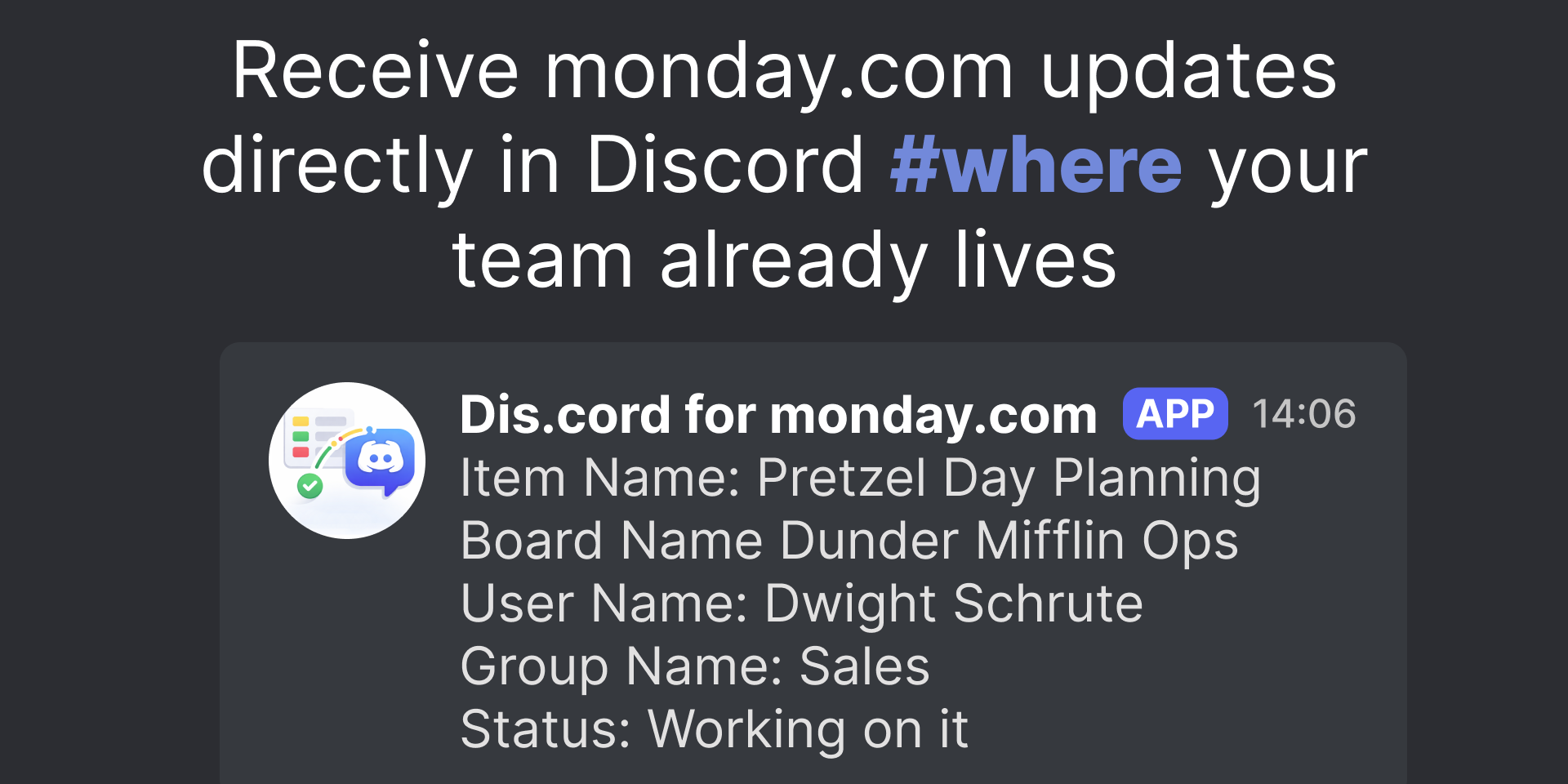
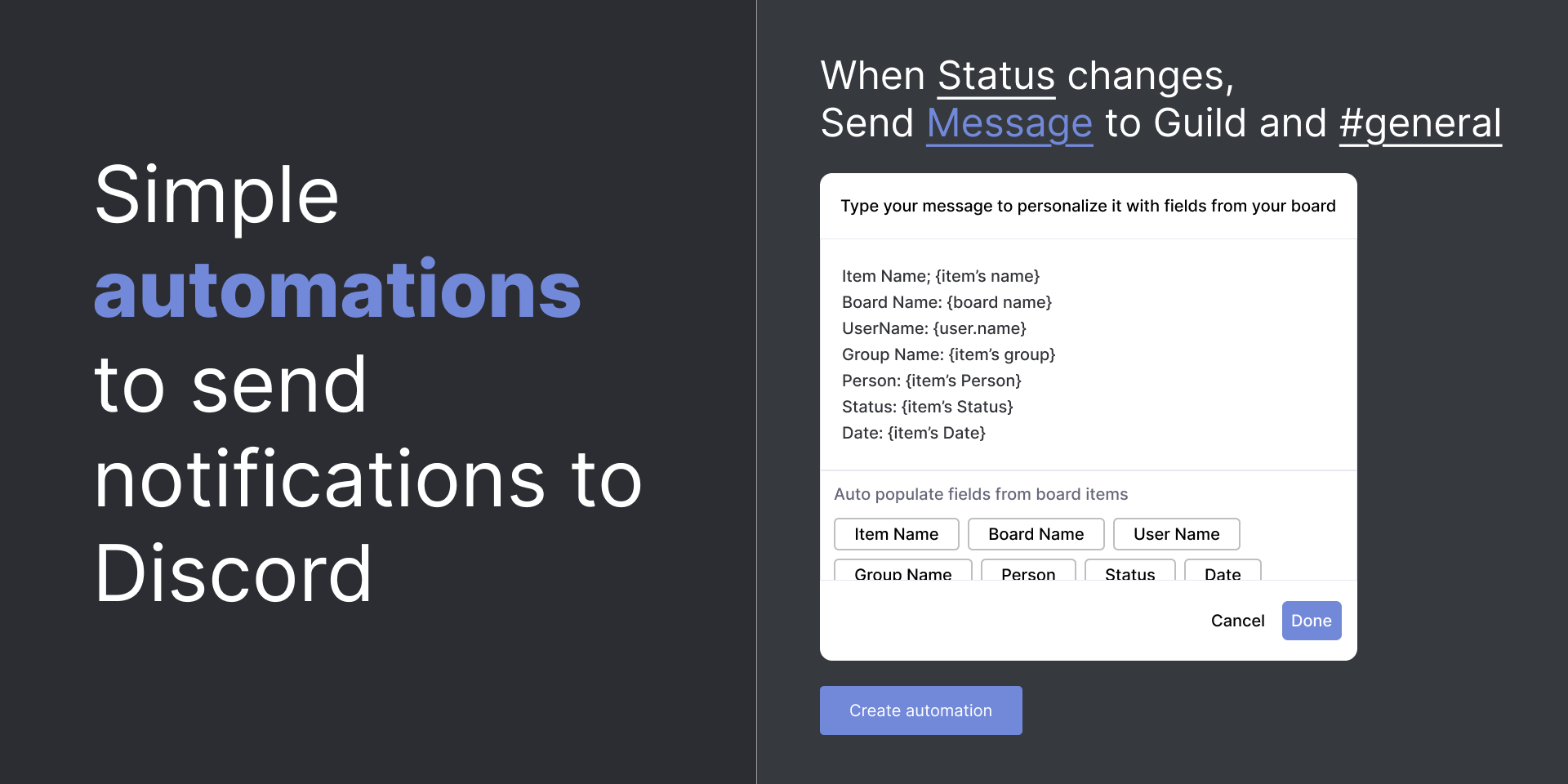
Get instant Discord notifications whenever key events happen in monday.com — item creation, status changes, assignments, updates, and more. Choose which events trigger notifications, customize the message with board fields, and deliver them to any Discord channel you want.
Take action without switching tools
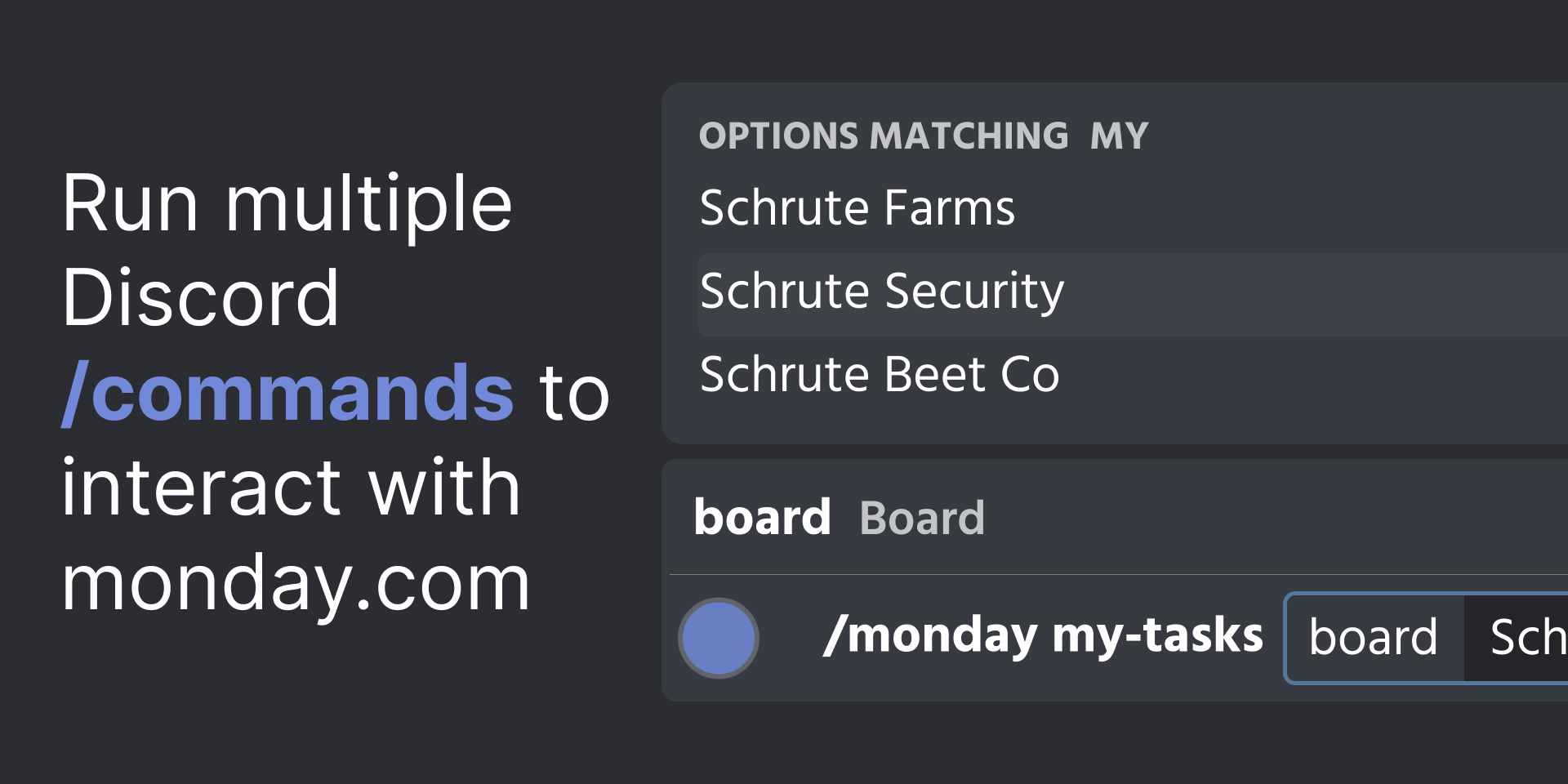
Use Discord slash commands to interact with monday.com directly from Discord. Supported commands include:
📋 Create new items on any board
🔄 Update item statuses
👤 Assign users to tasks
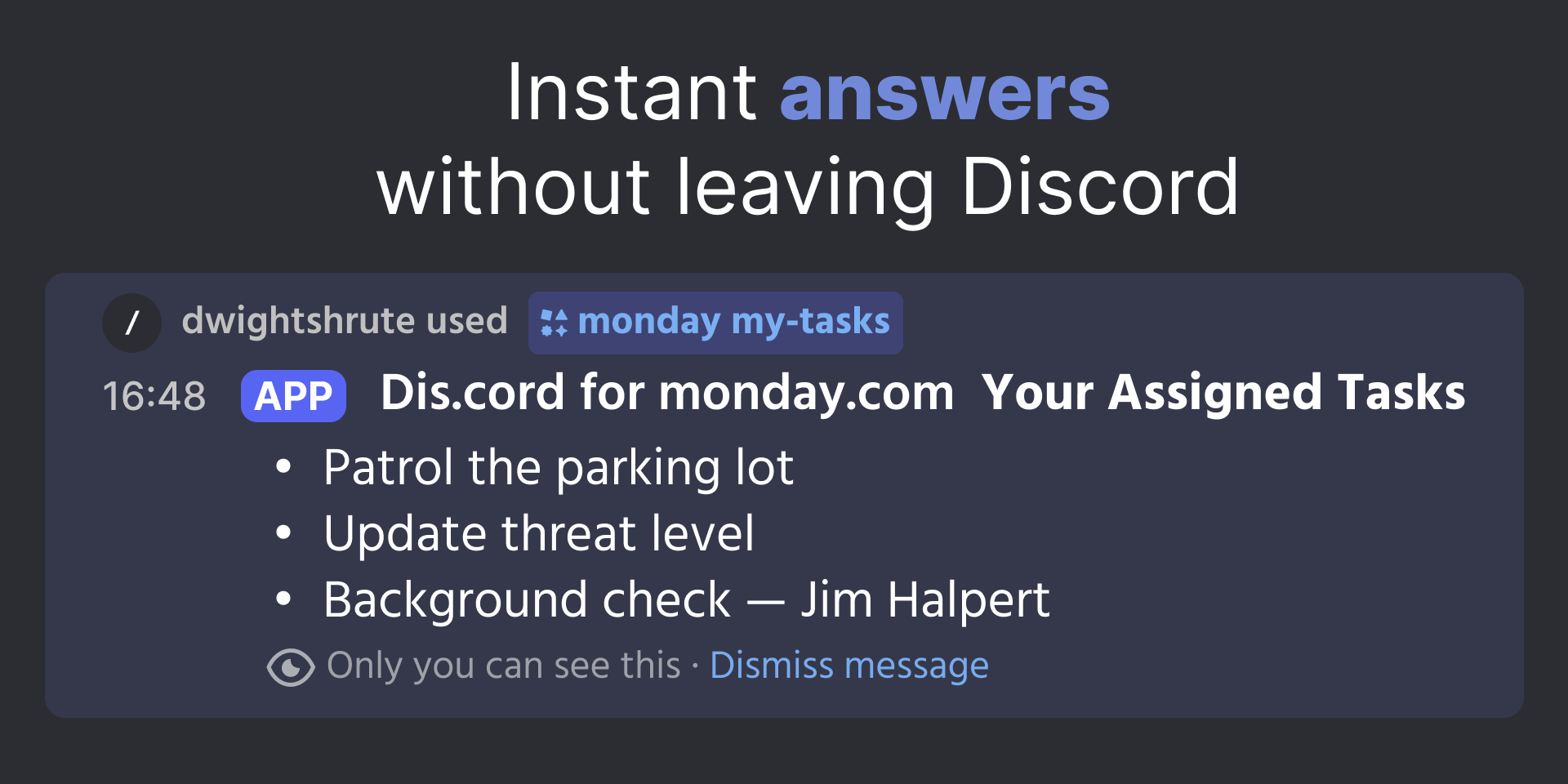
✅ View your assigned tasks instantly
All actions are reflected in monday.com in real time.
Secure and reliable
OAuth authentication with both monday.com and Discord ensures every action is performed by an authorized user only.
Built for Discord-first teams Ideal for teams that rely on Discord as their primary communication hub and want tighter operational alignment with their monday.com workflows — reducing context switching, improving response times, and keeping everyone on the same page.
Security & Compliance
The app developer did not provide the security and compliance information for this app.
Reviews
No reviews yet.
Historical data
Installation history
We have data for December 28, 2024 onwards only. Collected sometime after 00:00 UTC daily.
Total number of installs
Change in total number of installs in last 1 day(s)
Compares the number of installs on each date with 1 days previously:
Max
Min
Current
Change in total number of installs in last 7 day(s)
Compares the number of installs on each date with 7 days previously:
Max
Min
Current
Change in total number of installs in last 30 day(s)
Compares the number of installs on each date with 30 days previously:
Max
Min
Current
Change in total number of installs in last 90 day(s)
Compares the number of installs on each date with 90 days previously:
Max
Min
Current
Change in total number of installs in last 180 day(s)
Compares the number of installs on each date with 180 days previously:
Max
Min
Current
Ratings history
Categories history
Each of the following is a yes/no answer, so the graphs show 1 for yes, and 0 for no.