Blink Payment
32 installs, since January 28, 2026. 2 installs/month. App updated September 10, 2026. Listing updated October 11, 2026.
Create and track one-off or recurring payment links.
Streamline your payment collection with Blink Payment, built directly into monday.com.
Generate secure Paylinks in seconds without leaving your board, copying data between platforms, or manually tracking payment status.
Why Blink Paylinks integration for monday.com?
Our app brings Blink Payment's secure processing into your monday.com workflow, automating everything from link creation to status updates.
Key Features:
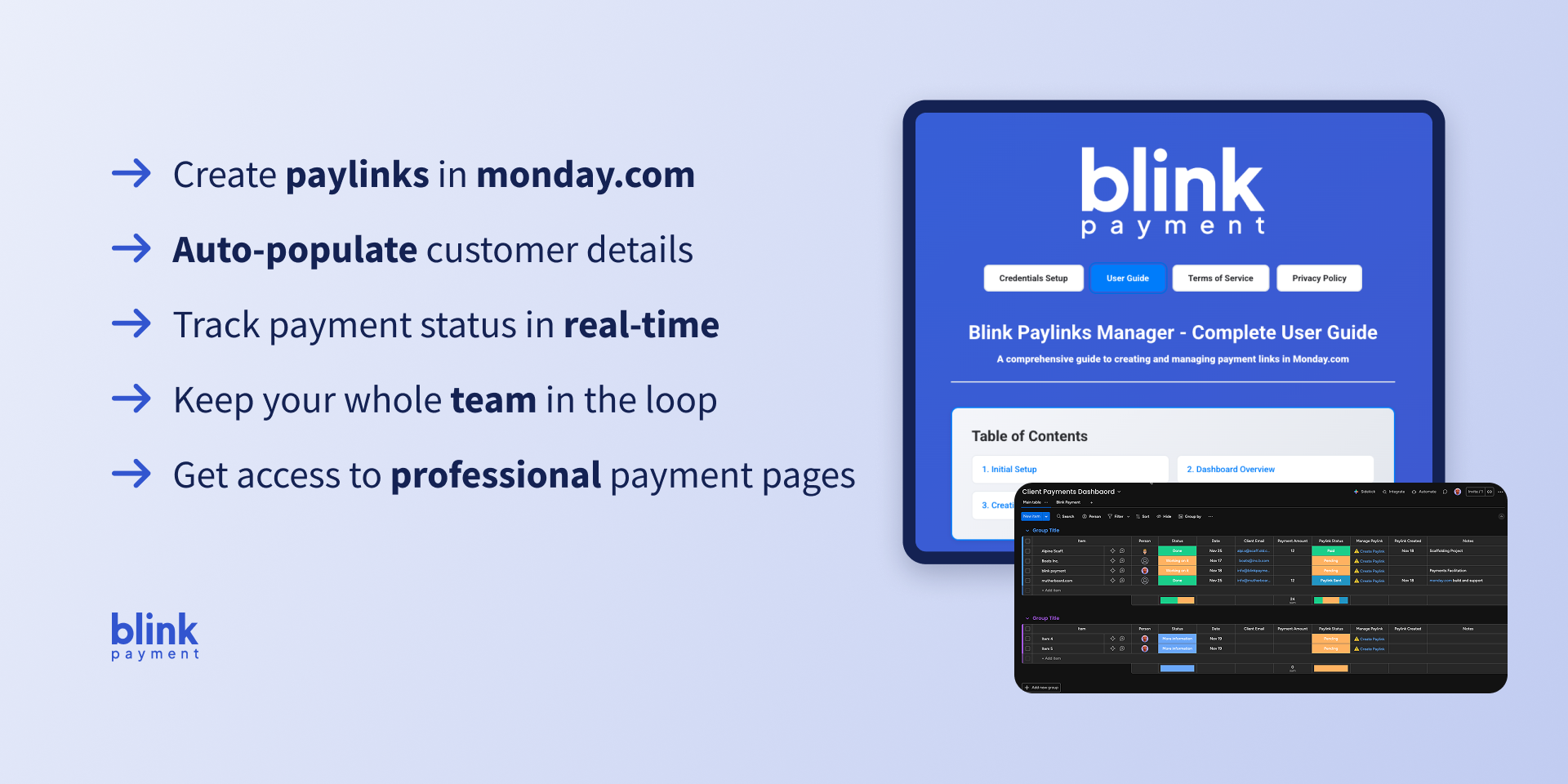
- One-Click Paylink Creation - Generate Paylinks instantly with pre-populated customer data, or set an item to "Ready for Payment" and the Paylink is created and emailed
- In-app Automations - Build rules from dropdowns, no monday automation builder needed.
- Recurring Payment Plans - Bill your client once and automatically collect payments on a set schedule. Your customer only needs to provide payment details once. Blink collects every following instalment, and your board shows collected totals. Cancel any time from the recurring tab.
- Automatic Board Updates - Payment statuses sync on their own within minutes of payment, keeping your team informed without manual updates, no automation setup required.
- Cancel, Resend and Balance Paylinks - Cancel or resend a Paylink from the Sent tab, and send a balance link when a customer part pays.
- Open Banking Payments - Record a bank transfer with its Blink reference; a second team member or Blink confirms it.
- Payment Alerts - Get notifications the moment a payment lands or a recurring instalment is collected.
- Smart Column Management - Creates and repairs the required columns.
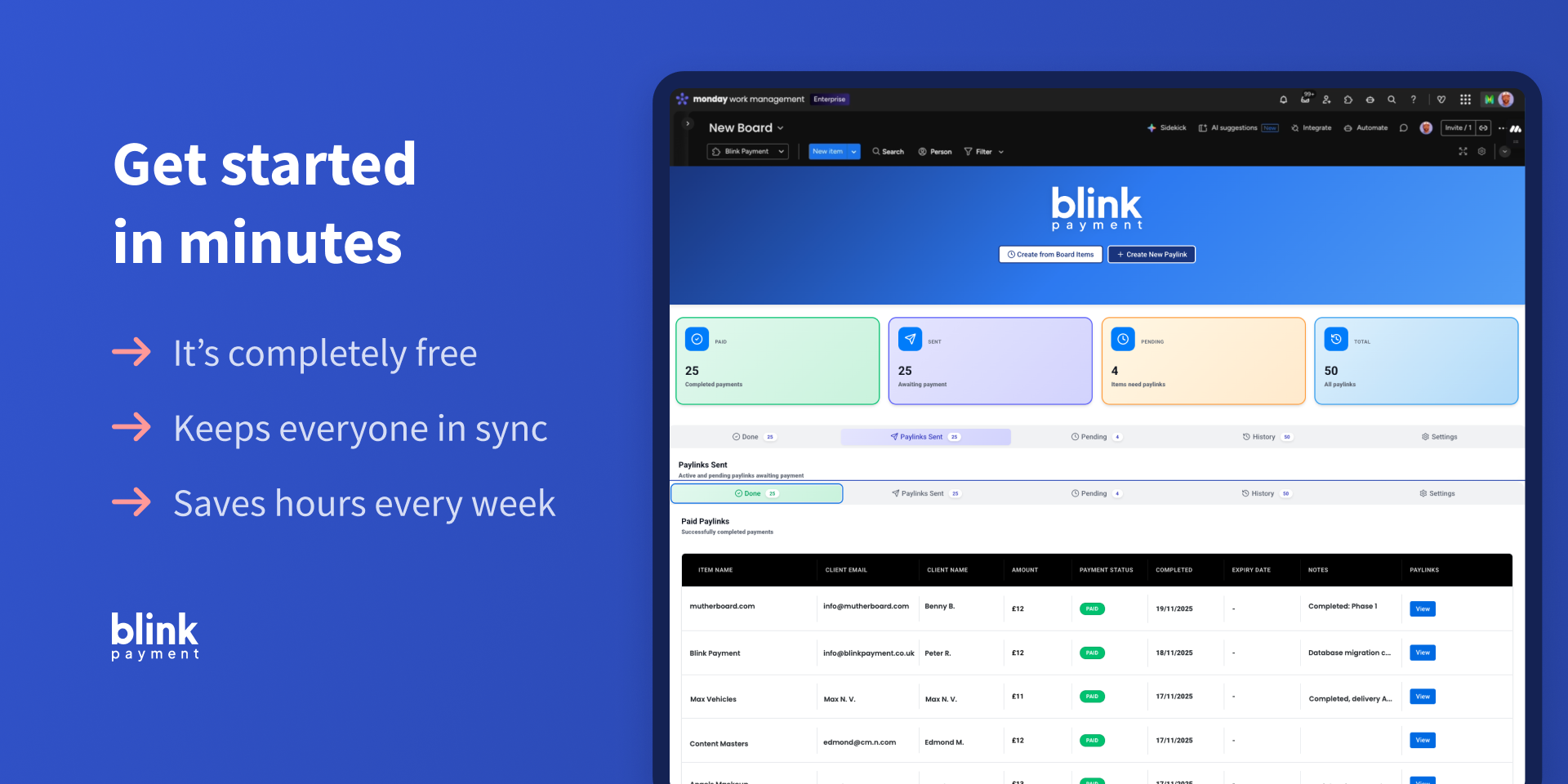
- Dashboard Overview - Track payments, active Paylinks, and pending items at a glance
- Email Notifications - Customers receive payment requests automatically
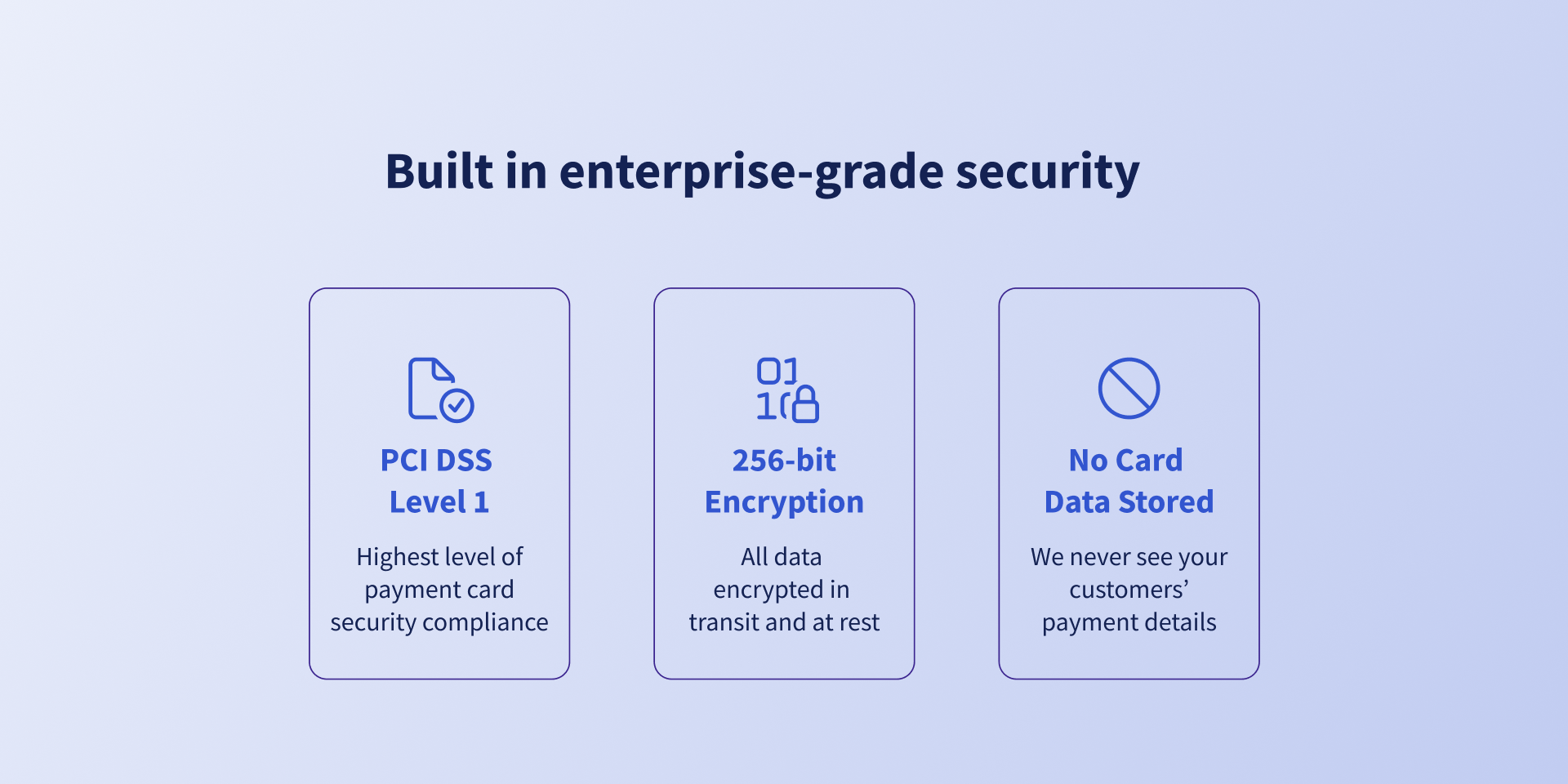
- Secure Credential Storage - Enterprise-grade encryption keeps API credentials safe
Perfect For:
Agencies, freelancers, and consultancies that bill clients regularly — set up a recurring plan once instead of raising the same invoice monthly.
What's New in V6 (October 2026)
- Create Paylinks from a status, with in-app automations
- Cancel, resend and balance Paylinks
- Open Banking payments recorded and confirmed
- Real paid dates; expiry dates enforced by Blink
Security & Compliance
The app developer did not provide the security and compliance information for this app.
Reviews
RM: Made taking payments so much easier and faster and gave us real time visibility of payment status.
Historical data
Installation history
We have data for December 28, 2024 onwards only. Collected sometime after 00:00 UTC daily.
Total number of installs
Change in total number of installs in last 1 day(s)
Compares the number of installs on each date with 1 days previously:
Change in total number of installs in last 7 day(s)
Compares the number of installs on each date with 7 days previously:
Change in total number of installs in last 30 day(s)
Compares the number of installs on each date with 30 days previously:
Change in total number of installs in last 90 day(s)
Compares the number of installs on each date with 90 days previously:
Change in total number of installs in last 180 day(s)
Compares the number of installs on each date with 180 days previously:
Ratings history
Categories history
Each of the following is a yes/no answer, so the graphs show 1 for yes, and 0 for no.