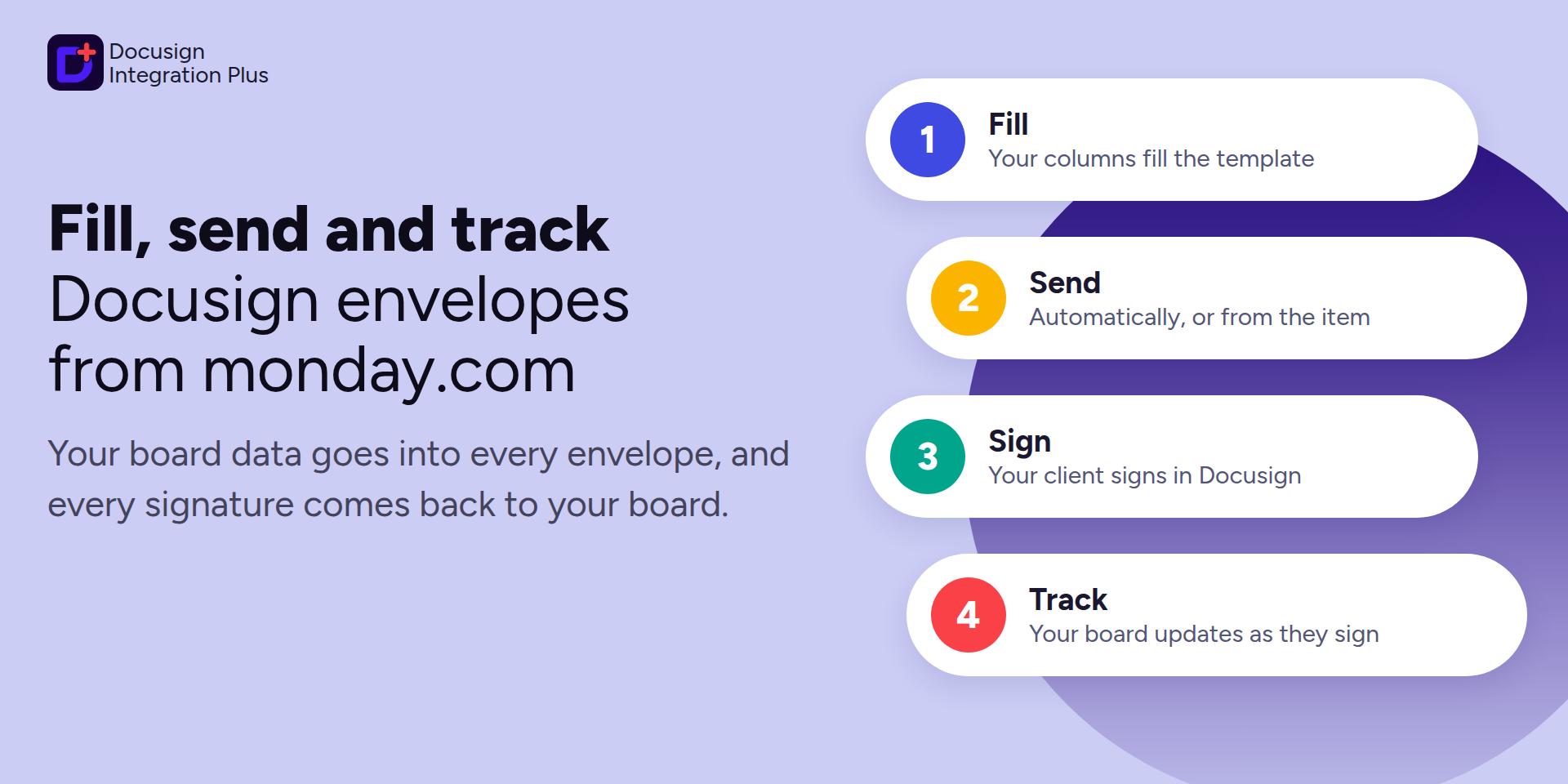
Fill, send and track Docusign envelopes from monday.com
Fill Docusign templates with your monday.com data, send envelopes from your board, and keep every item up to date as people sign.
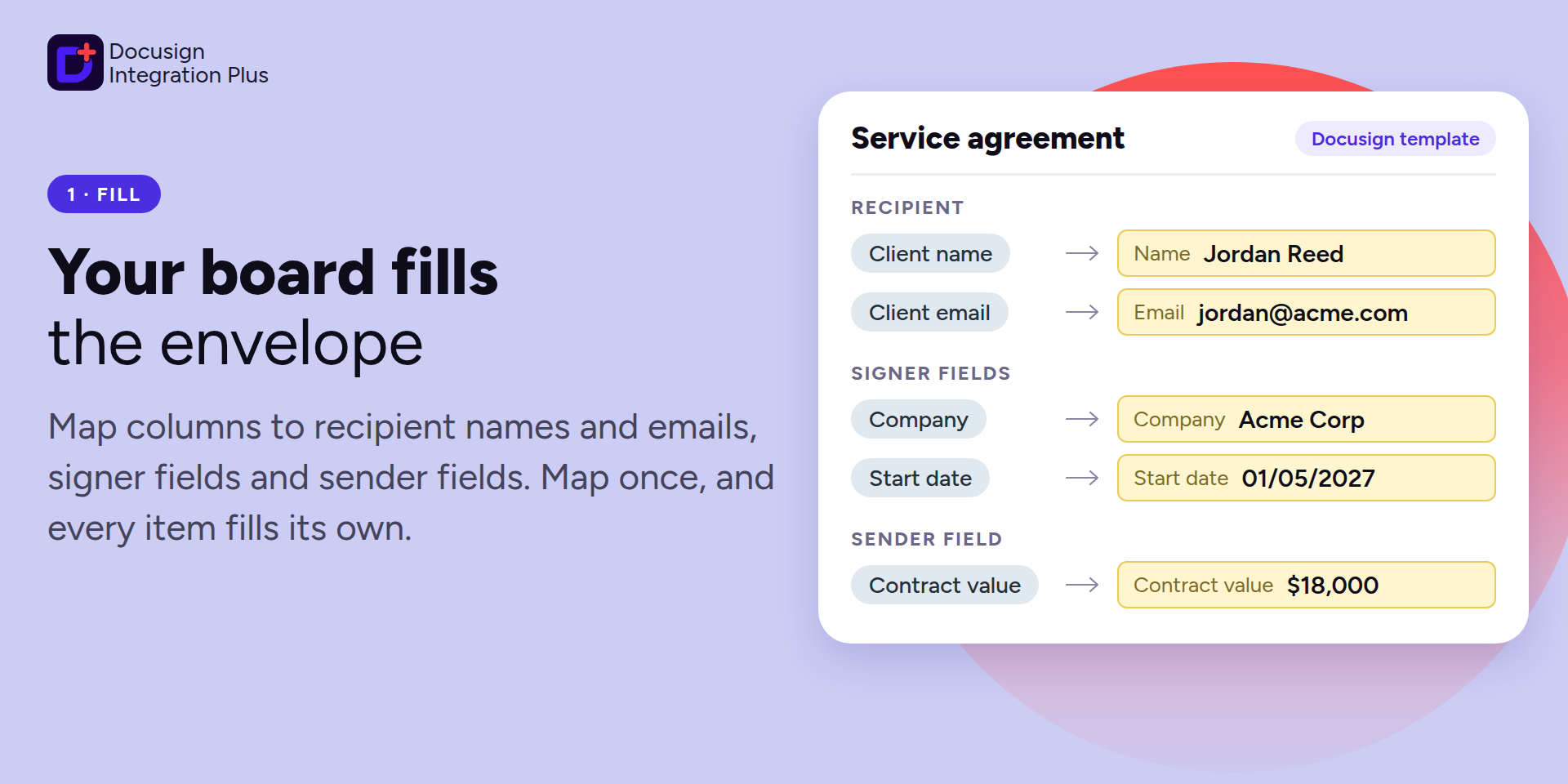
📝 Your board fills the envelope
Map your columns to:
• Recipient names and emails
• Signer fields, like text, numbers, and dates
• Sender fields, the template's prefill fields
• Email subject and body
Map it once, and every item fills its own envelope.
📤 A template, your files, or both
• Docusign template, filled from your columns
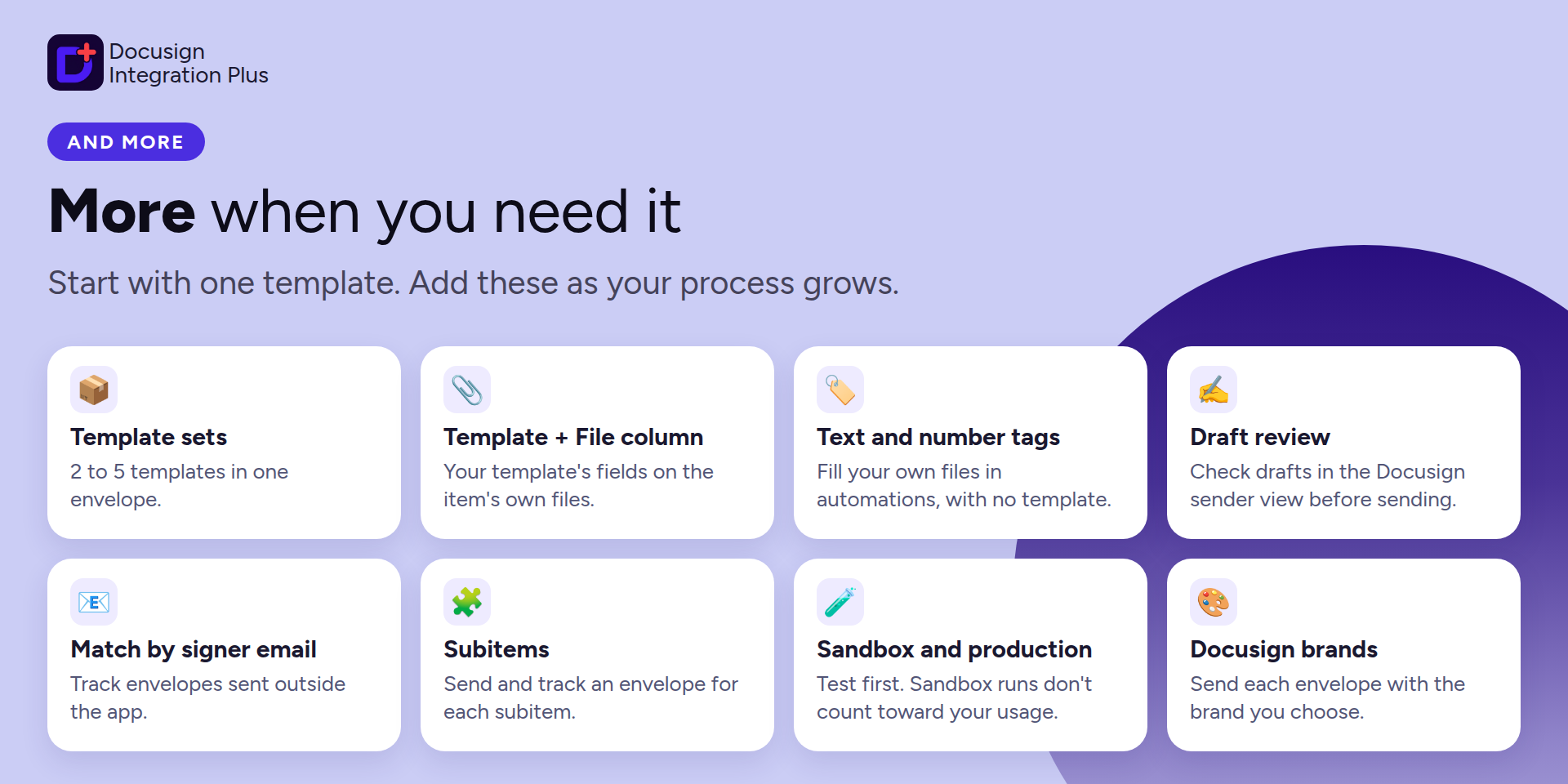
• Template + File column: your template's fields with the item's files
• File column with no template: in automations, tags like \s1\ and \t1\ place and fill the fields
• Template sets: 2 to 5 templates in one envelope, so each person signs once
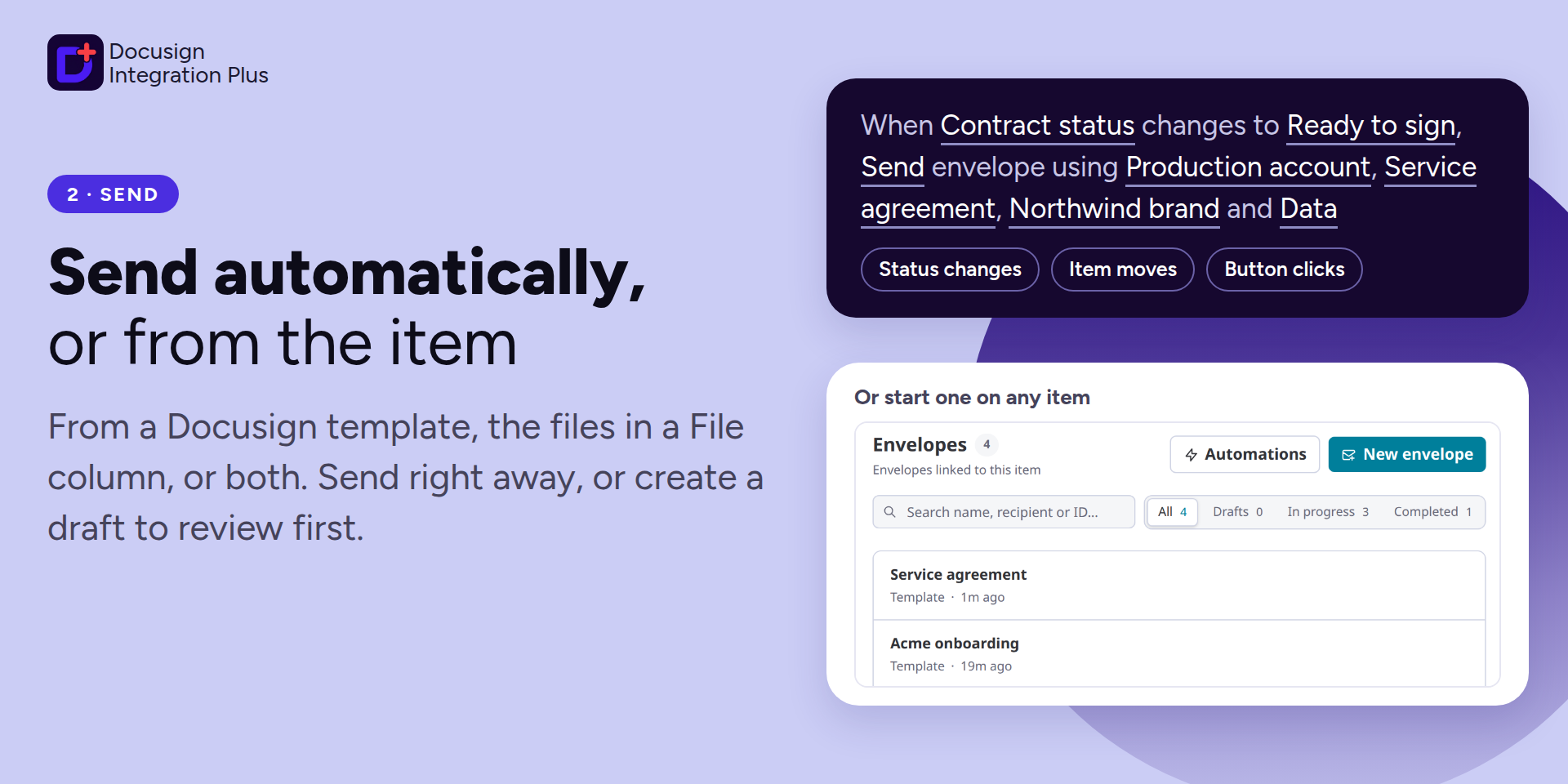
⚡ Send automatically or from the item
• Send when statuses change, items move, or buttons are clicked
• Or start an envelope in the item view and map it there
• Create a draft first and review it in the Docusign sender view
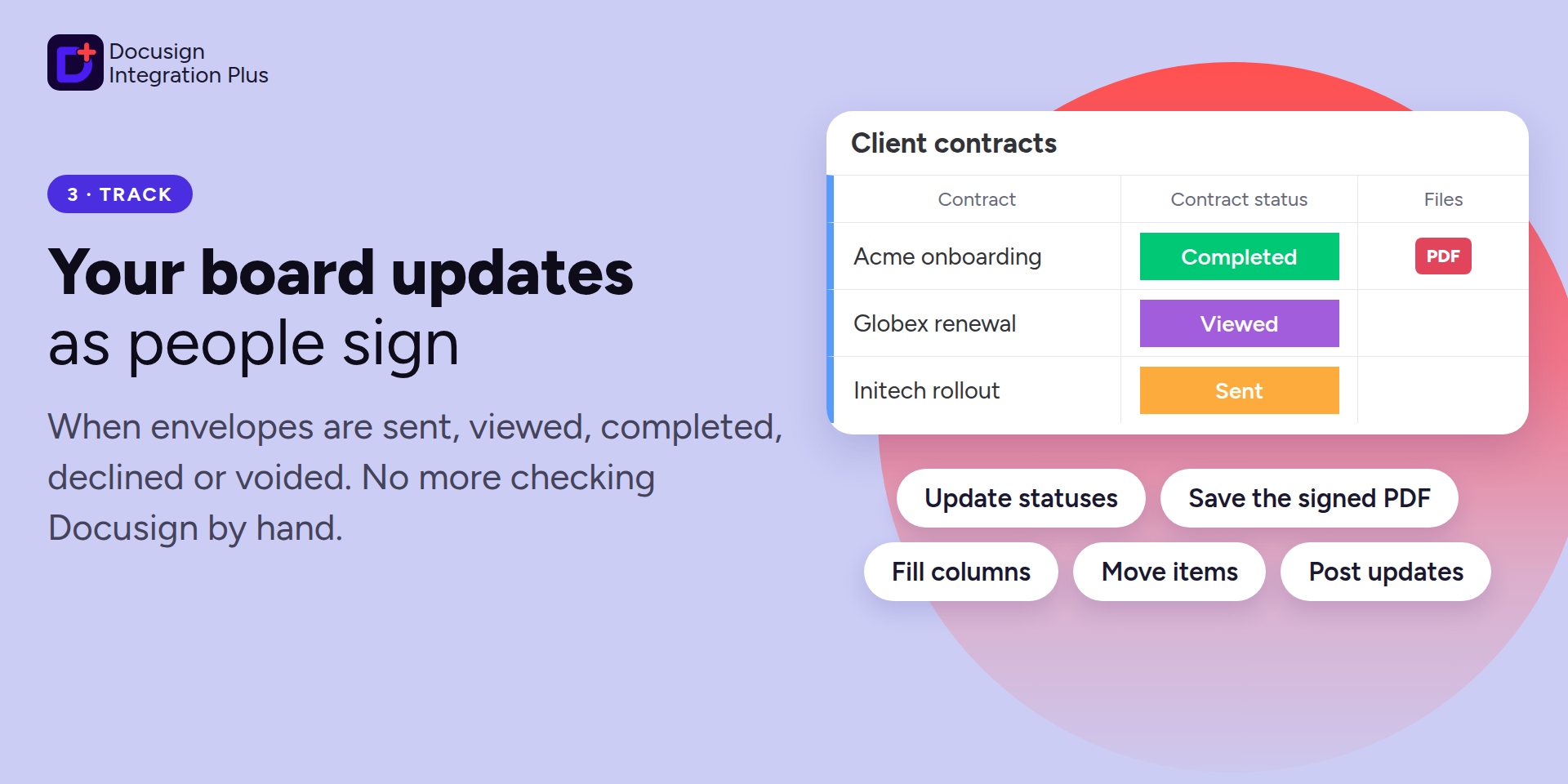
🔄 Docusign → monday.com
• Update statuses when envelopes are sent, viewed, completed, declined, or voided
• Move items between groups or boards
• Fill columns with signer and envelope details
• Save the signed PDF to a File column
🎯 Smart Envelope Matching
Updates go to the item that sent the envelope, or match by signer email to track envelopes sent outside the app.
👀 Follow every signer
See each signer's progress, read the activity log, and void envelopes from the item view.
🔌 Reconnect in place
If a Docusign sign-in expires, the app flags it. Sign in again and your automations work without changes.
📋 Pure Automation Recipes
15 templates built with monday.com's sentence-based automations.
Who It's For
Sales, HR, Legal, and Operations teams.
Your data and access
Runs on monday code in the US, EU, AU, and IL regions. Your mapped data and files go to Docusign to create the envelope. The app does not keep your documents or field values.
Security & Compliance
The app developer did not provide the security and compliance information for this app.
Reviews
October 22, 2026
AB: Great app and outstanding support! The team listened to our needs, quickly developed the functionality we needed, and helped us get everything working smoothly. Excellent product and truly responsive customer support. Highly recommended!
Historical data
Installation history
We have data for December 28, 2024 onwards only. Collected sometime after 00:00 UTC daily.
Total number of installs
Change in total number of installs in last 1 day(s)
Compares the number of installs on each date with 1 days previously:
Max
Min
Current
Change in total number of installs in last 7 day(s)
Compares the number of installs on each date with 7 days previously:
Max
Min
Current
Change in total number of installs in last 30 day(s)
Compares the number of installs on each date with 30 days previously:
Max
Min
Current
Change in total number of installs in last 90 day(s)
Compares the number of installs on each date with 90 days previously:
Max
Min
Current
Change in total number of installs in last 180 day(s)
Compares the number of installs on each date with 180 days previously:
Max
Min
Current
Ratings history
Categories history
Each of the following is a yes/no answer, so the graphs show 1 for yes, and 0 for no.