Stylized emails, even from passwordless shared mailboxes
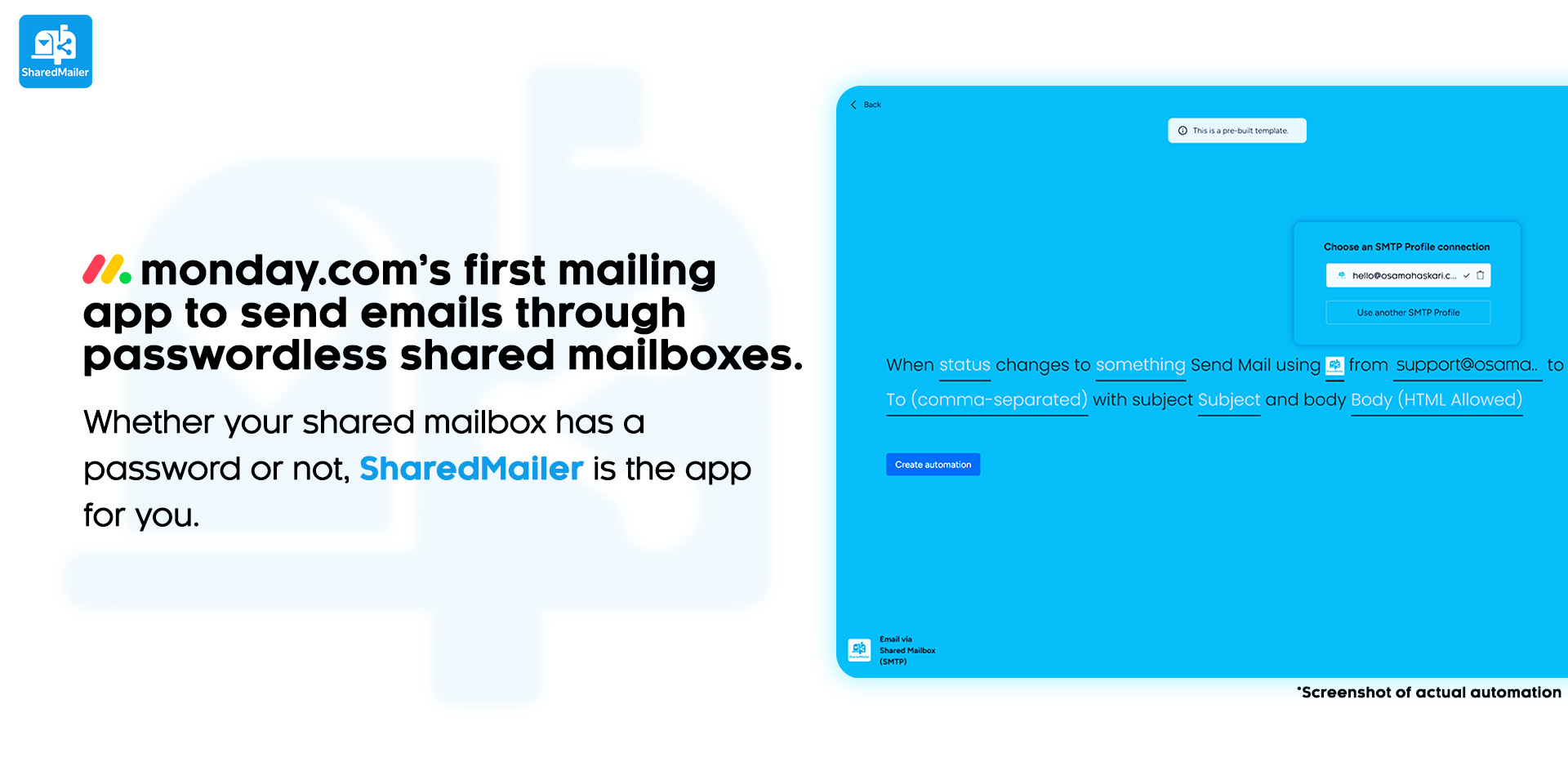
SharedMailer brings professional, automated emailing to monday.com. Send from shared mailboxes, personal, or primary accounts - including passwordless shared mailboxes - so beautifully styled (or plain) replies are sent from the correct mailboxes. Built for teams needing branded, reliable communication at scale.
What you’ll get
• Send from SharedMailboxes - with or without a password - plus personal and primary accounts. No limits on mailbox type.
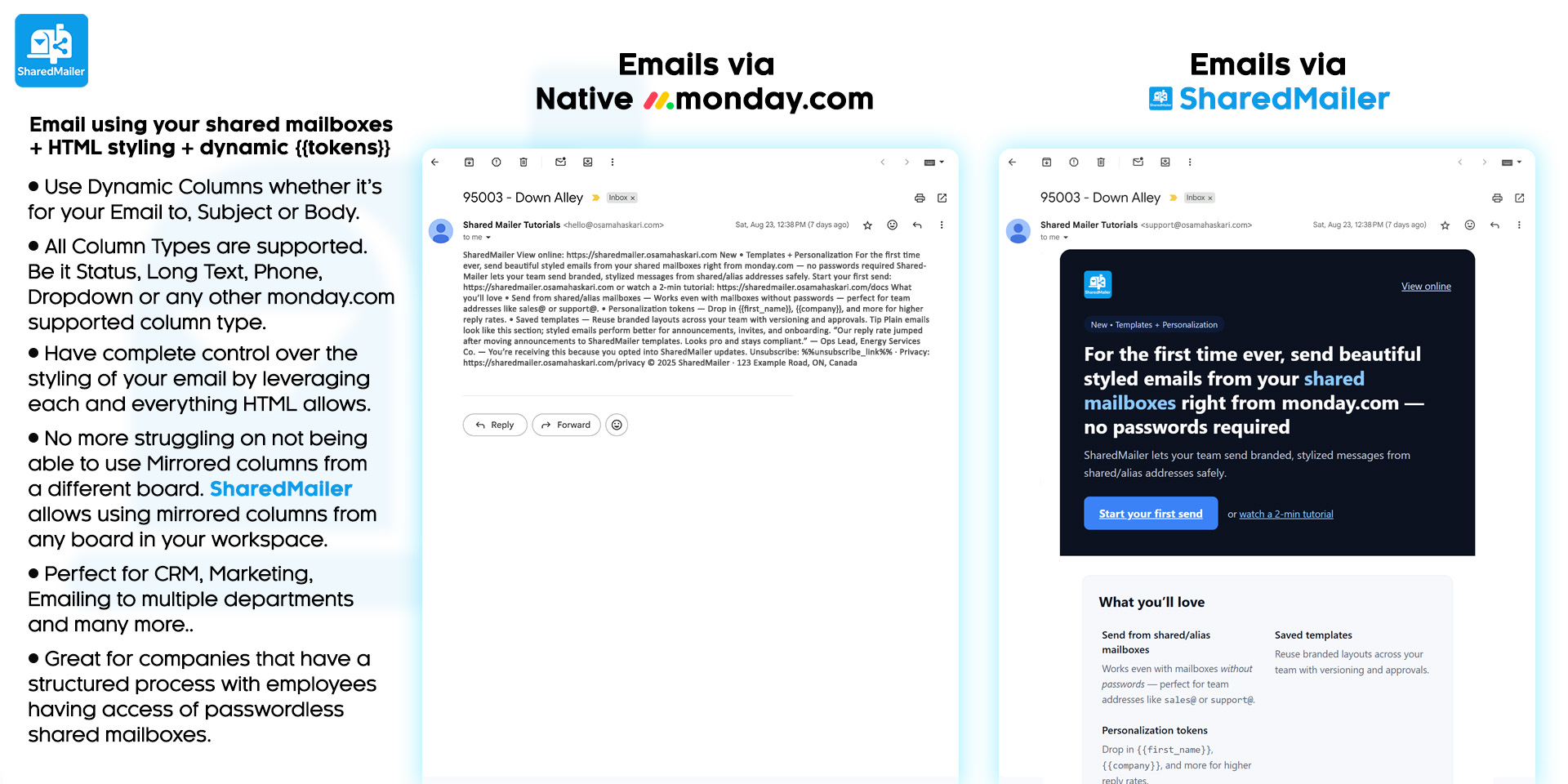
• Use any HTMLcomposer - do rich HTML/CSS styling for professional emails: responsive layouts, images, tables, custom fonts, polished signatures.
• Dynamic Column Mapping - personalize subjects/bodies with {{tokens}} from board columns.
• All Column Types Supported - works with Mirror and Connect boards.
• Dynamic Recipients - build the “To” address from Email/People/Mirrored columns.
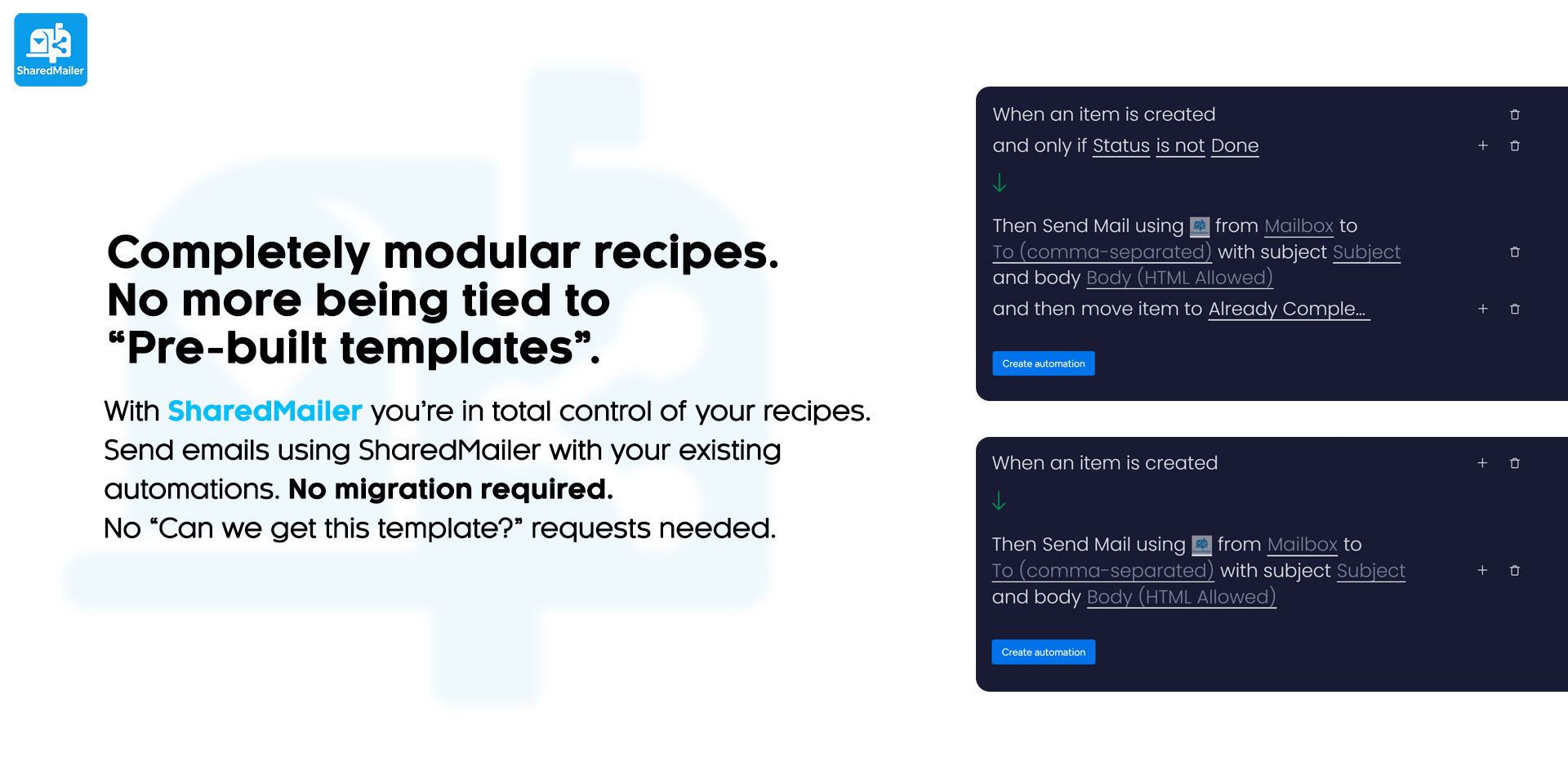
• Pre-built & Custom Recipes - one-click status-triggered recipe or the atomic Send Email action block with any monday.com trigger.
• Bulk Sending - Hard limit of 100 emails per 5-minute window per account.
• Secure by Design - credentials live in monday.com’s native credential manager; nothing is stored outside your account.
• Works with Your Stack - Microsoft 365, Gmail/Google Workspace, and SMTP.
Problems we solve
• Passwordless shared mailboxes: send as mailbox via your account’s delegated access - no thinking “How do I login to an email account without a password?” No direct login needed. Just use your account with mailbox access and you’re ready to go!
• Use any email account that supports SMTP (shared, personal, primary). No limits.
• Eliminate manual copy-paste: all column types (including mirrored) pull live board data automatically.
• Need complex automation? Our action block allows you to send emails from anycustom monday.com automation you already have - let SharedMailer bring your flows to life.
• No more boring plain-text emails - send fully styled, brand-consistent HTML Emails.
Typical use cases
• Customer support: auto-send email when status changes to “Resolved.”
• Project updates: weekly rollups or policy notices or onboarding emails using mirrored data.
• Transactional/Update Emails: send emails to users with their specific information fetched from columns including mirrored columns.
The app developer did not provide the security and compliance information for this app.
Reviews
August 19, 2026
CL: Really easy to use and useful app 🌟 Customer support are also very helpful and responsive. Highly recommended! Thanks so much!
April 24, 2026
RH: The developer is very responsive and consistently provides updates. The app has been reliable with zero issues and delivers great value compared to other service providers.
Historical data
Installation history
We have data for December 28, 2024 onwards only. Collected sometime after 00:00 UTC daily.
Total number of installs
Change in total number of installs in last 1 day(s)
Compares the number of installs on each date with 1 days previously:
Max
Min
Current
Change in total number of installs in last 7 day(s)
Compares the number of installs on each date with 7 days previously:
Max
Min
Current
Change in total number of installs in last 30 day(s)
Compares the number of installs on each date with 30 days previously:
Max
Min
Current
Change in total number of installs in last 90 day(s)
Compares the number of installs on each date with 90 days previously:
Max
Min
Current
Change in total number of installs in last 180 day(s)
Compares the number of installs on each date with 180 days previously:
Max
Min
Current
Ratings history
Categories history
Each of the following is a yes/no answer, so the graphs show 1 for yes, and 0 for no.