Run Shopify CRM, B2B sales and fulfillment in monday.com
BoostSync for Shopify brings orders, customers, products, B2B companies, wholesale automations and more into your existing monday.com boards. More than a basic sync, it maps your store once and keeps records aligned with less manual work, less monitoring, and no duplicates. It’s a robust, managed Shopify integration built for real operational workflows in monday.com.
Real-Time Data - we don’t just sync new items, we track all updates and ensure that what you see in monday.com is live data
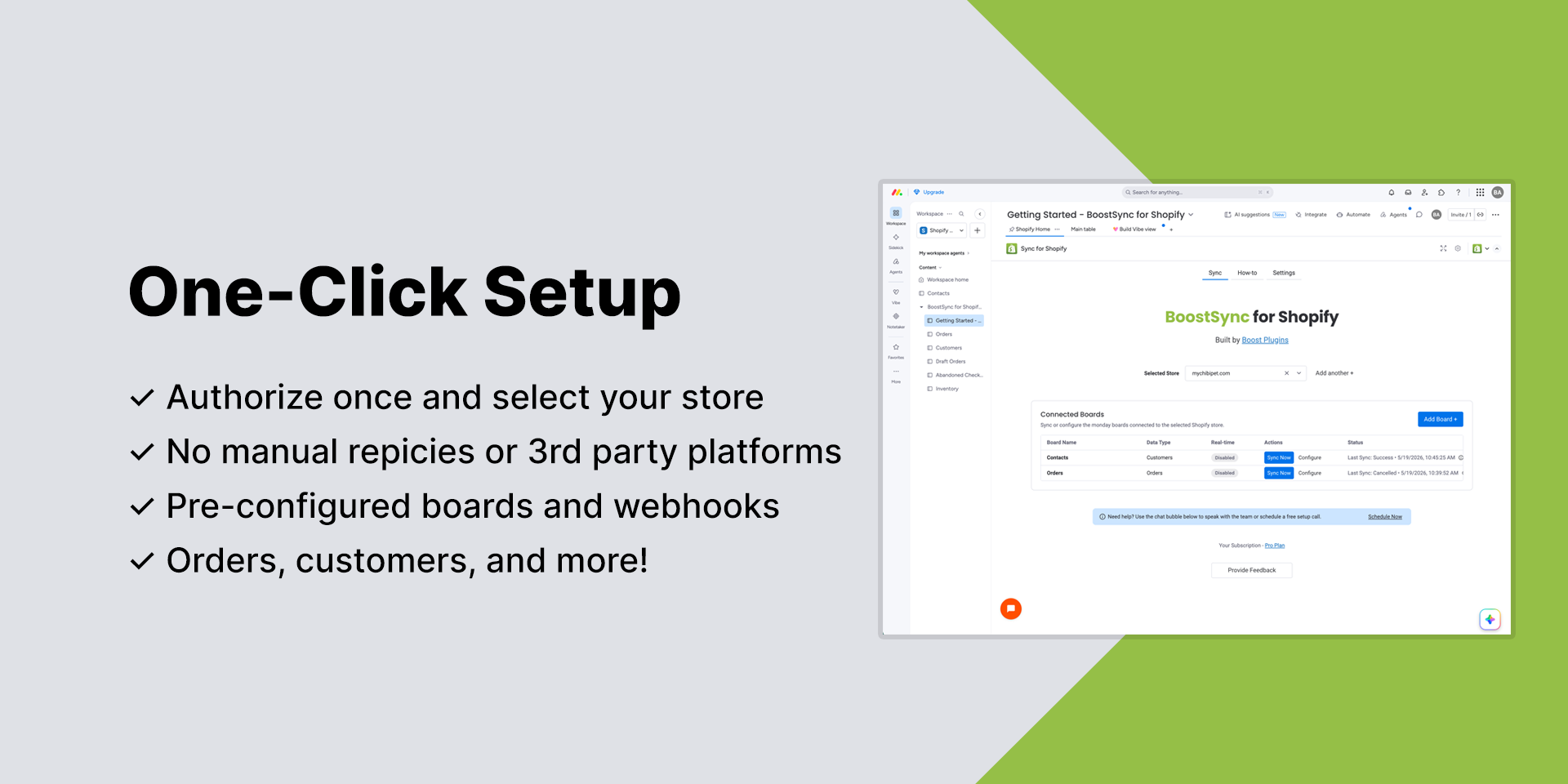
Easy Setup - simply select your store in the setup board and your data syncs automatically, no recipes or board mapping.
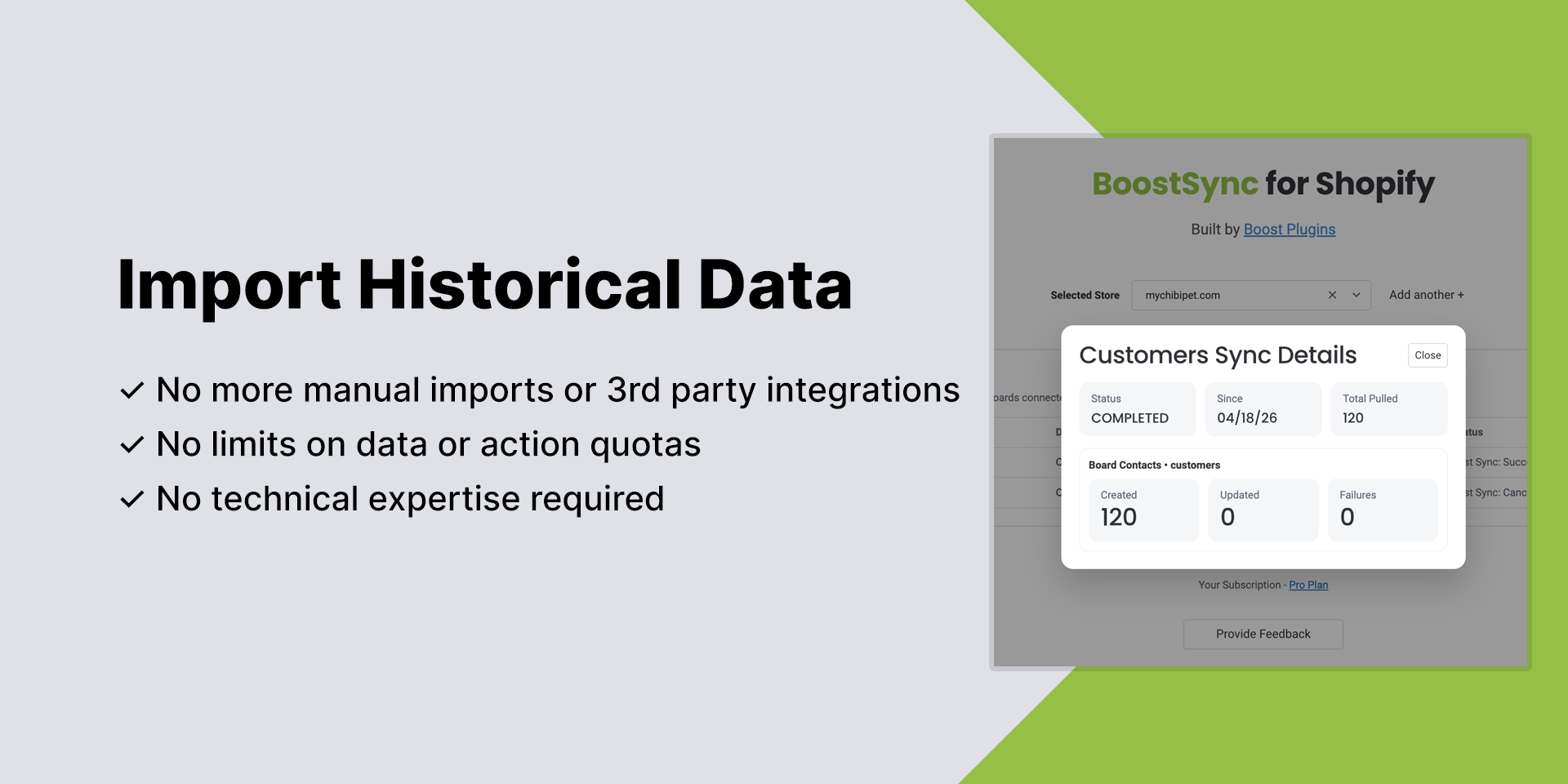
Historical Data - import all of your historical shop data for analysis with a click of a button, no more headaches downloading spreadsheets or 3rd party sync integrations
Link Existing Items - you have the ability to link board items to existing Shopify data. Great if you have existing CRM boards in monday!
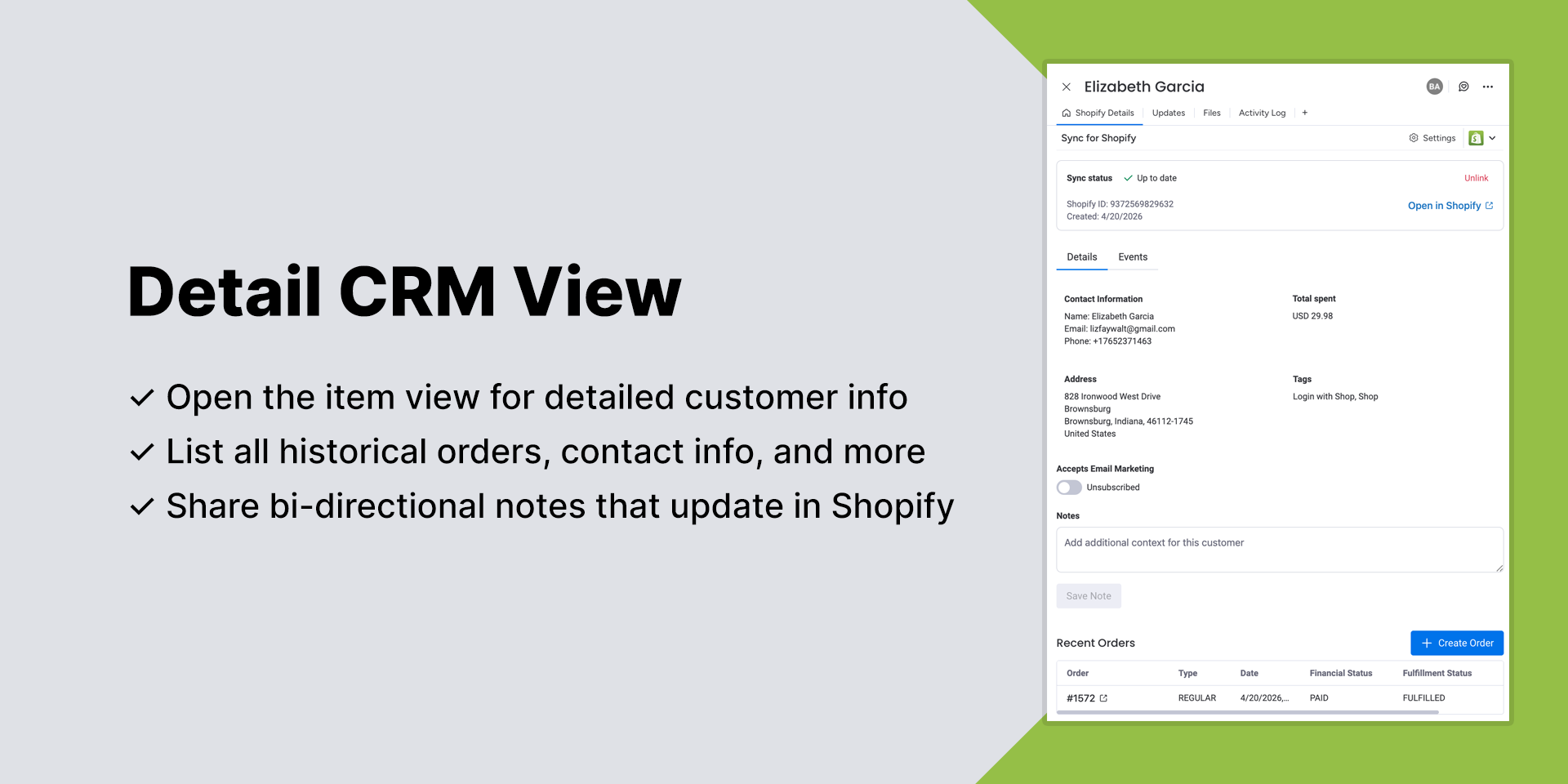
Interactive Item Views - check out the various item views to edit shipping addresses, create new customer orders or list contacts within a B2B company
Excellent Customer Support - our team is ready 24/7 to help you get started or build out new features that are unique to you
🔑 Key Features
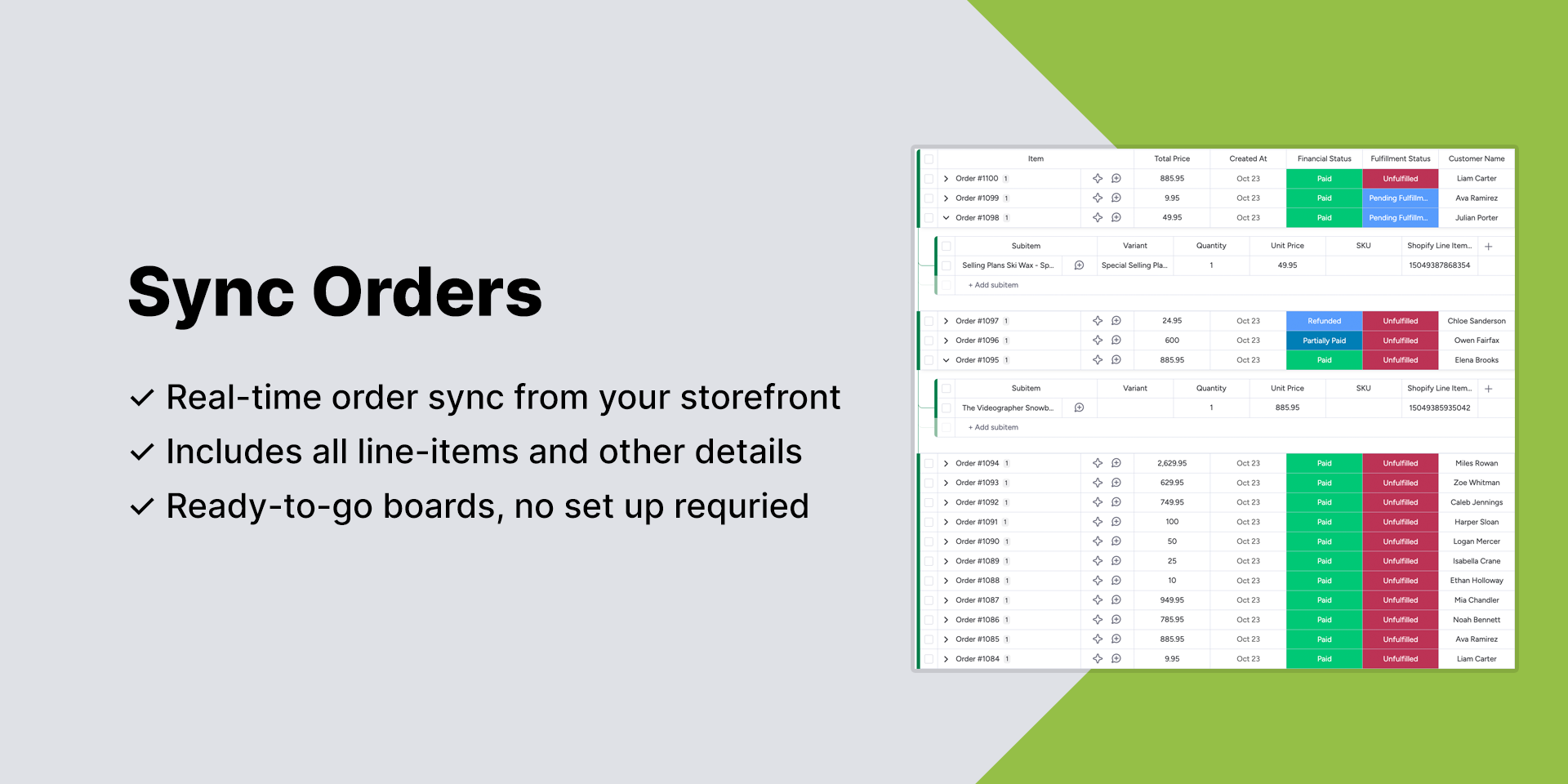
Orders - track fulfillment, cancellations, and returns in real time
Customers - mirror customer details and segment them in monday.com for follow-ups
B2B Companies - map and aggregate your Shopify B2B companies for wholesale
Historical Data Import - immediately start importing all historical data to get up and running quickly
Shared Notes - sync notes on items bi-directionally between the two platforms
Custom Filters - customize which data gets synced based on tags, location, etc.
Products & Inventory - keep product data synced across your workflows
Multiple Stores - one app for all your stores
🚀 Try It Free
Install directly from the monday.com Marketplace, start a 14-day free trial, and only pay once you’re convinced.
Security & Compliance
Security
Does the developer periodically perform penetration testing?
Not answered
Does the developer have a dedicated security and privacy point of contact for such issues or questions?
Yes
All issues and questions can be directed to security@boostplugins.com
Does the app restrict redirects and forwards only to approved destinations, or show a warning when redirecting to potentially untrusted content?
Yes
All OAuth 2.0 callbacks/redirects are to approved and listed endpoints that the app owns.
Does the app protect against mass parameter assignment attacks?
Yes
Yes. The app protects against mass parameter assignment by validating and whitelisting accepted input fields on all API endpoints.
Does the app perform encoding and sanitization on all user supplied parameters to protect against Cross-Site Scripting?
Yes
Yes. All inputs are sanitized and validated against expected possible values.
Does the developer protect all state-changing actions against Cross-Site Request Forgery (CSRF)?
Yes
Yes. The app protects state-changing actions against CSRF through the use of OAuth 2.0 state validation, authenticated API requests, origin validation, and secure session/token handling. State-changing operations require authenticated requests and are not executed from unauthenticated cross-site requests.
Does the developer have mechanisms to notify monday.com in case of a security breach?
Yes
Yes. The developer maintains incident response procedures that include investigation, containment, remediation, and notification processes. In the event of a confirmed security incident affecting monday.com or customer data, monday.com will be notified promptly through the appropriate security and support channels.
Does this developer have a process for installing application-level updates and security patches for the service (such as software packages and databases)?
Yes
Yes. The developer maintains a process for regularly applying application, dependency, infrastructure, and security updates. Software packages and services are monitored for vulnerabilities, and security patches are applied in a timely manner through an established deployment and maintenance workflow.
Compliance
Is the app certified with the information security standard ISO/IEC 27001:2022?
Not answered
Is the app compliant with the Health Insurance Portability and Accountability Act (HIPAA)?
Not answered
Is the app certified with System and Organization Controls (SOC 2 or SOC 3)?
Not answered
Is the app compliant with the General Data Protection Regulation (GDPR)?
Yes
Yes. GDPR is enforced at all stages of the app lifecycle for customers.
Data
Does the app send any data outside of monday.com? If yes, indicate whether the data is customer-submitted (e.g., board names, item names, doc content) or non-customer-submitted (e.g., account ID, board ID, user ID).
Yes
This is a direct integration with Shopify, so the only data sent out of monday.com is because it is intended to by synced into the customer's Shopify account.
Where does the app store logs data?
monday
Logs are retained within the default monday.com logger.
Where does the app store the app data?
monday
App data is stored in the default monday.com storage.
Does the developer ensure application logs do not contain secrets or personally-identifiable information (PII)?
Yes
PII is revoked before any info is logged to the monday logger.
Is customer data segregated from the data of other customers (for example logically or physically)?
Yes
Customer data is segregated at the highest level within default monday storage. There are no mechanisms that group customer data together and would risk sharing data between customers.
Privacy
Does the developer enforce multi-factor authentication on employees access to systems which may process customer data?
Yes
We mirror the 2FA as required by Shopify if it is configured as so on your account.
Does the developer protect access to customer data based on the principle of least privilege?
Yes
Yes. Access to any customer data or PII is restricted on a need-to-know basis.
Reviews
October 8, 2026
JP: great app for connecting Shopify and Monday.com, we've had great success and targeting abandoned checkouts and follow ups on new sales. Great customer support and assistance as well. Highly recommend.
October 8, 2026
C: A helpful team! They answered our questions, cleared up our doubts and helped us set up our boards to improve our workflow. Thank you for your support!
June 11, 2026
MM: Griffin has been super helpful and available during the onboarding process, and we're very happy with this app!
May 25, 2026
AU: The app and team are awesome! We had a large existing CRM board and this app exported them all to our shop and keeps them up to date. Also the team is super responsive for onboarding and any issues.
May 19, 2026
BA: Very easy to setup and use. Griff is very responsive to feature request as well. I needed something that could also filter my incoming orders based on fulfillment location and they were able to publish the update within a week. Keep up the good work!
May 18, 2026
BF: This integration is great, but what makes it worth it is the customer support. The Boost Plugins customer support team is incredibly responsive and takes the time to understand questions and teach the integration rather than just point to a help article.
April 29, 2026
AD: Griff was very informative and helped me understand how to integrate our Shopify account into Monday effectively!
Historical data
Installation history
We have data for December 28, 2024 onwards only. Collected sometime after 00:00 UTC daily.
Total number of installs
Change in total number of installs in last 1 day(s)
Compares the number of installs on each date with 1 days previously:
Max
Min
Current
Change in total number of installs in last 7 day(s)
Compares the number of installs on each date with 7 days previously:
Max
Min
Current
Change in total number of installs in last 30 day(s)
Compares the number of installs on each date with 30 days previously:
Max
Min
Current
Change in total number of installs in last 90 day(s)
Compares the number of installs on each date with 90 days previously:
Max
Min
Current
Change in total number of installs in last 180 day(s)
Compares the number of installs on each date with 180 days previously:
Max
Min
Current
Ratings history
Categories history
Each of the following is a yes/no answer, so the graphs show 1 for yes, and 0 for no.