Two-way WhatsApp on your board. QR or official Cloud API.
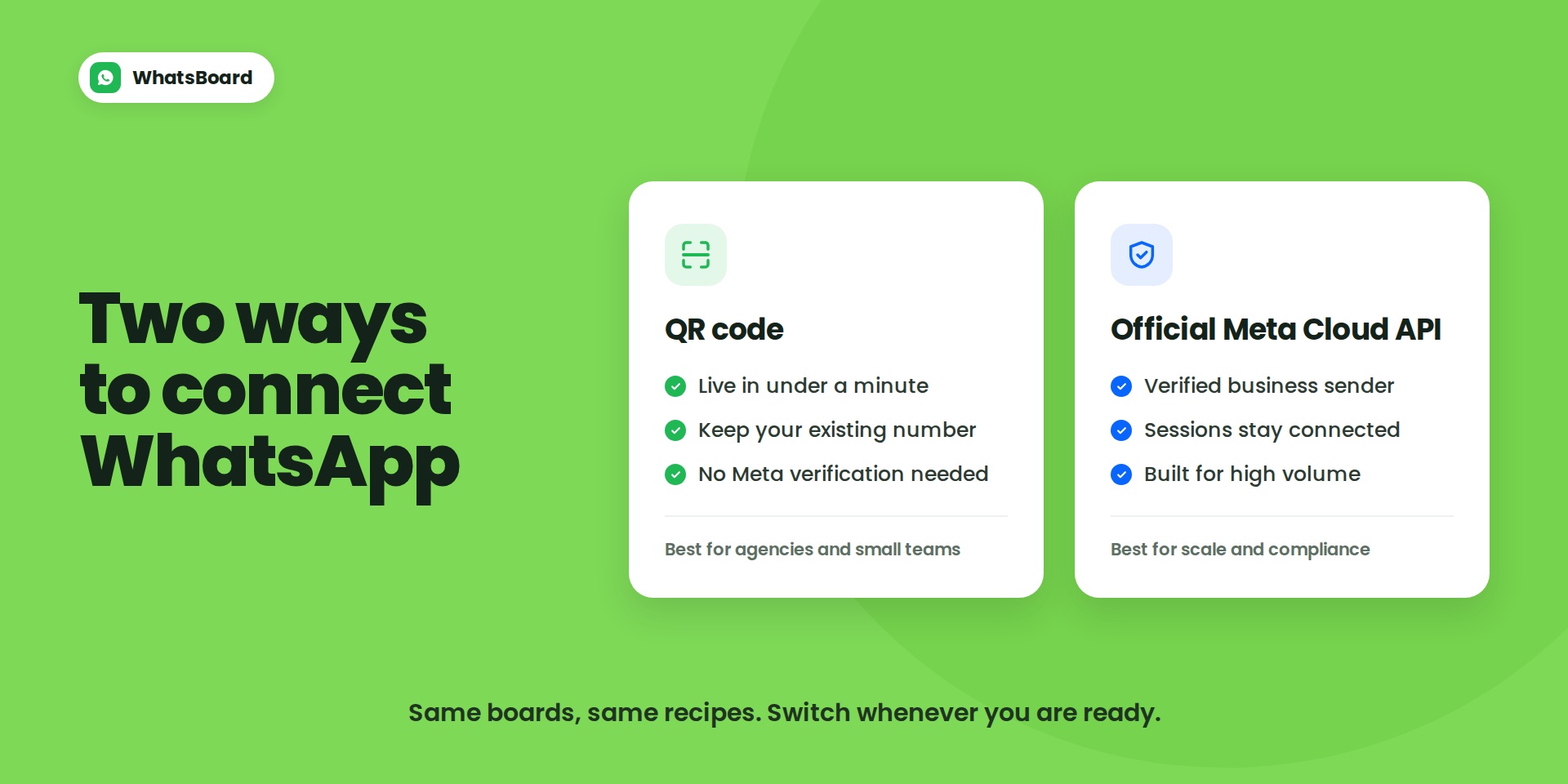
WhatsBoard connects WhatsApp to your monday boards two ways. Scan a QR code and you are sending in under a minute, or connect the official Meta Cloud API when you need a verified sender and higher volume.
Built for teams that already live in WhatsApp. Agencies chasing leads, consultancies onboarding clients, sales teams that need every conversation logged against the right item.
Which connection do I pick?
• QR code - Live in under a minute using the number your customers already reply to. No Meta Business verification, no template approval queue, no per-message fees. Best for agencies and small sales teams.
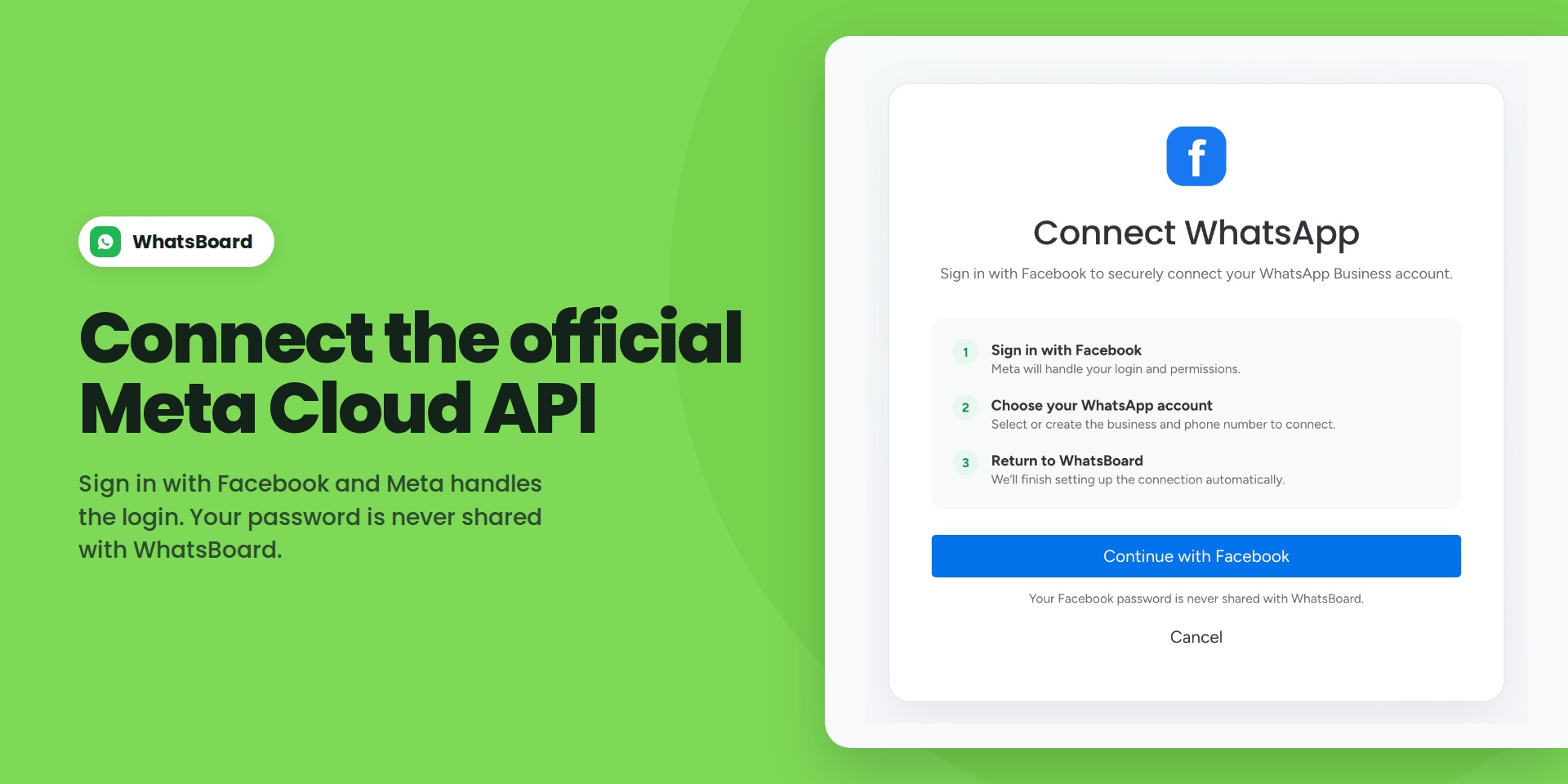
• Official Meta Cloud API - A verified business sender running on official Meta infrastructure, so sessions do not drop and you are not relying on an unofficial connection. Built for volume and for teams where deliverability is not optional.
You can switch a board from one to the other whenever you are ready. Your recipes, templates and conversation history come with you.
What you get
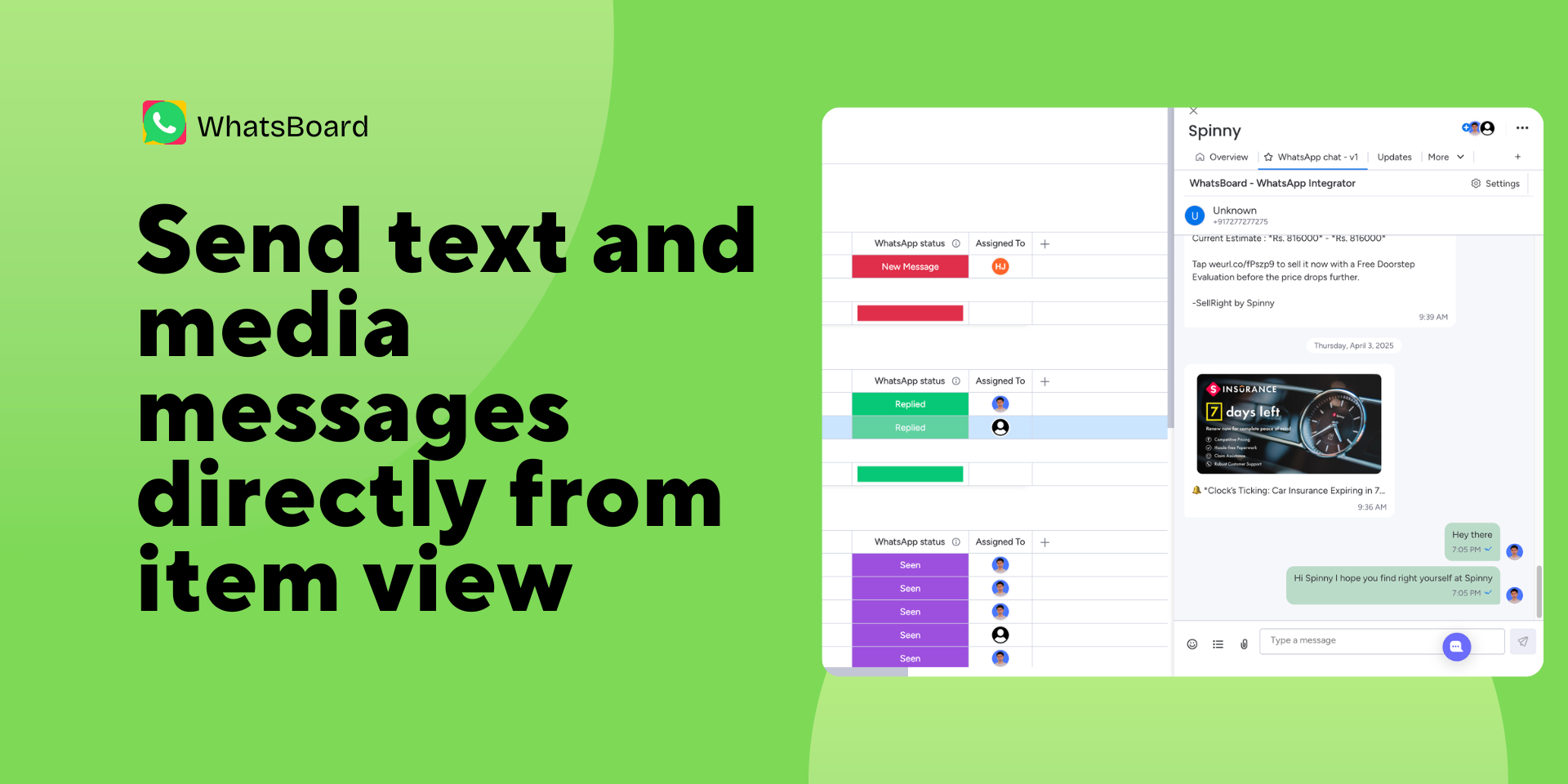
• Two-way chat in the item view. Full conversation history sits on the item, so context never lives in someone's personal phone.
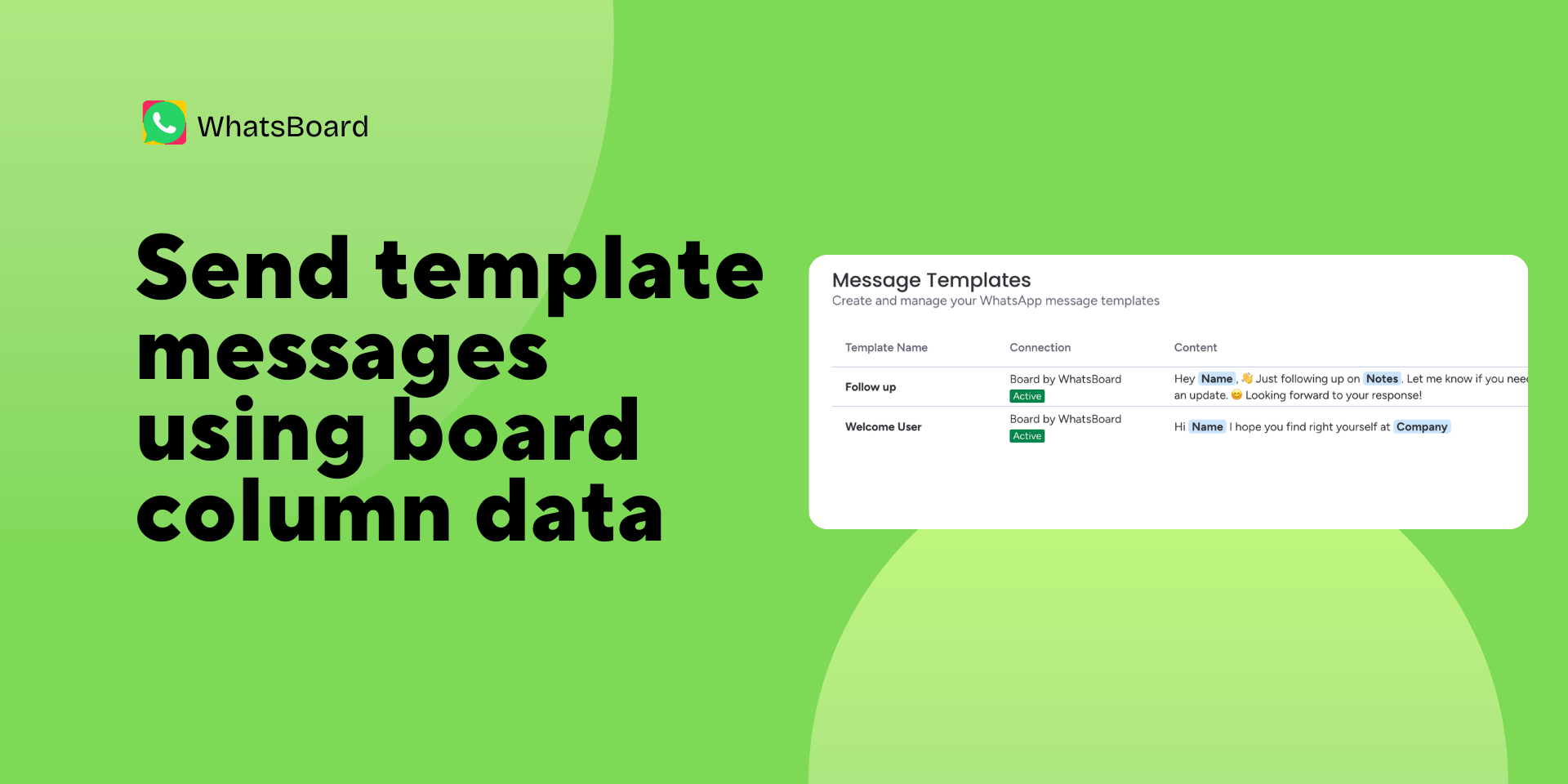
• Templates that pull live board data. Write once with {Name}, {Company}, {Notes} and WhatsBoard fills them from your columns at send time.
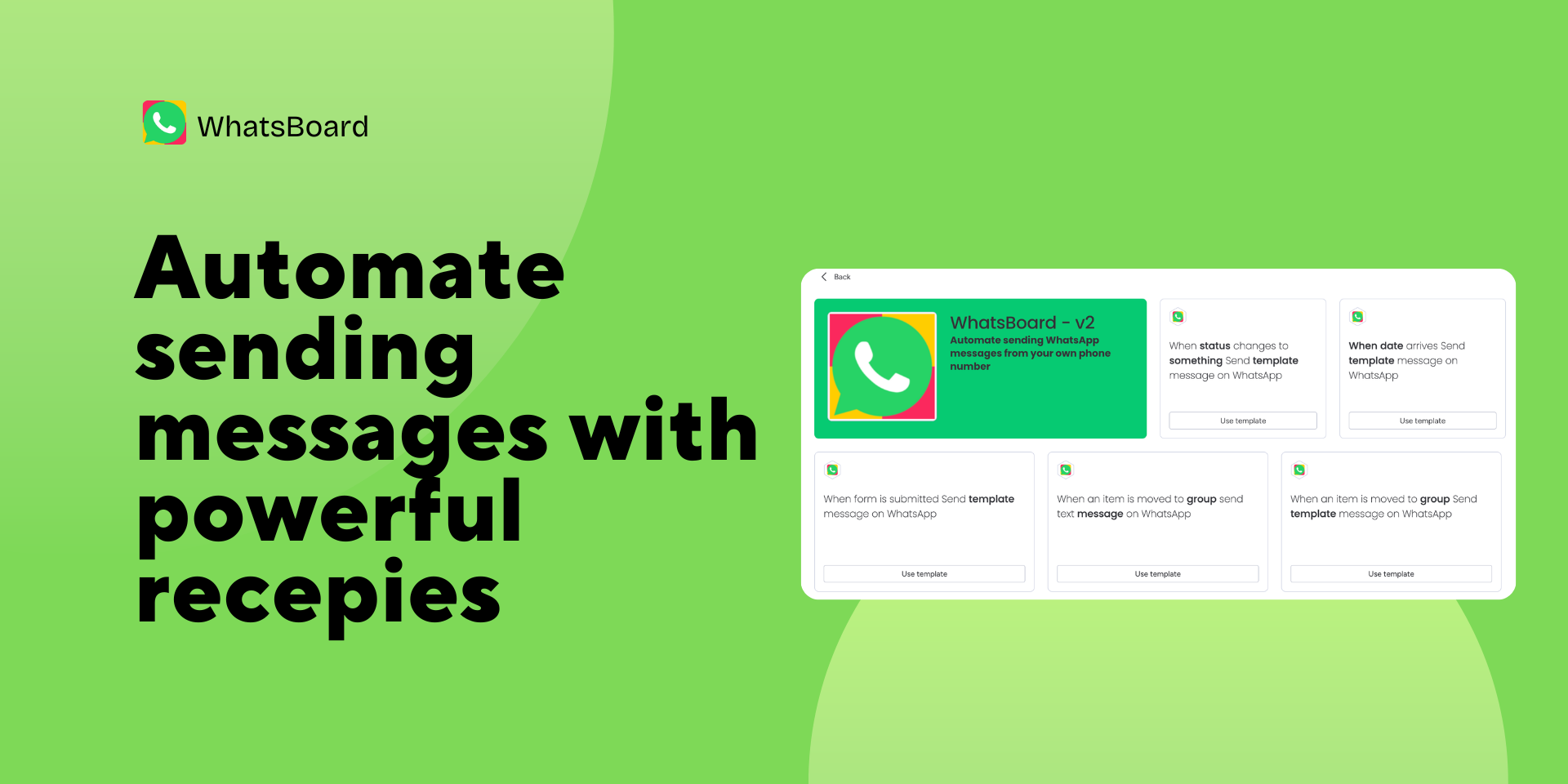
• Automation recipes. Send a message when an item is created, a status changes, an item moves to a group, a form is submitted, an update is added, or a date arrives.
• Round-robin assignment. Incoming chats are distributed across your team automatically, and the assignee gets notified.
• A WhatsApp Status column. See at a glance who replied, who was seen, and who has gone quiet, then group, filter and sort like any other monday column.
• Full audit trail. Every message shows which team member sent it and when.
Why teams pick WhatsBoard
Most WhatsApp apps on this marketplace make you pick a side at install time. The QR-based ones are quick to set up but run on an unofficial session that can drop or get a number flagged. The Cloud API ones are durable but put you through Meta Business verification and template approval before you send your first message. WhatsBoard gives you both, so you choose when it actually matters instead of on day one.
Get started
Install, open any board, and scan the QR code. Most teams send their first message within two minutes. If you already have a Meta Business account, pick the Cloud API path instead and connect it from the same setup screen.
Not sure which path fits your team?
Book fifteen minutes at https://momentumapps.in/book-demo/whatsboard and we will walk through it.
Security & Compliance
Security
Does the developer periodically perform penetration testing?
Not answered
Does the developer have a dedicated security and privacy point of contact for such issues or questions?
Yes
Yes. For any security issues or privacy concerns, please reach out to support@momentumapps.in
Does the app restrict redirects and forwards only to approved destinations, or show a warning when redirecting to potentially untrusted content?
Not answered
Does the app protect against mass parameter assignment attacks?
Yes
Yes. all the input is sanitized and we use strict orm level validations to protect against parameter assignment attacks.
Does the app perform encoding and sanitization on all user supplied parameters to protect against Cross-Site Scripting?
Yes
Yes. All user input is sanitized and encoded using standard JS libraries
Does the developer protect all state-changing actions against Cross-Site Request Forgery (CSRF)?
Yes
Yes. we set proper headers and use httpOnly cookies to protect against CSRF.
Does the developer have mechanisms to notify monday.com in case of a security breach?
Not answered
Does this developer have a process for installing application-level updates and security patches for the service (such as software packages and databases)?
Yes
Yes. Both front-end UI and backend server are hosted in a cloud managed by us. So, we can quickly apply security patches whenever required.
Compliance
Is the app certified with the information security standard ISO/IEC 27001:2022?
Not answered
Is the app compliant with the Health Insurance Portability and Accountability Act (HIPAA)?
Not answered
Is the app certified with System and Organization Controls (SOC 2 or SOC 3)?
Not answered
Is the app compliant with the General Data Protection Regulation (GDPR)?
Not answered
Data
Does the app send any data outside of monday.com? If yes, indicate whether the data is customer-submitted (e.g., board names, item names, doc content) or non-customer-submitted (e.g., account ID, board ID, user ID).
Not answered
Where does the app store logs data?
Not answered
Where does the app store the app data?
Not answered
Does the developer ensure application logs do not contain secrets or personally-identifiable information (PII)?
Not answered
Is customer data segregated from the data of other customers (for example logically or physically)?
Not answered
Privacy
Does the developer enforce multi-factor authentication on employees access to systems which may process customer data?
Not answered
Does the developer protect access to customer data based on the principle of least privilege?
Not answered
Reviews
October 14, 2026
ST: This app has made my life much easier with WhatsApp message automation. I highly recommend it. The developer is also very cooperative and helpful.
October 21, 2025
JC: Ideal para enviar información concreta adaptada a cada cliente gracias a las plantillas. Sería genial que también se pudiera hacer envíos a grupos, pero en general el funcionamiento es muy bueno.
Developer response:
Thanks for the feedback. You can send messages to groups as well. You will have to first import groups in your board and then use those in automations or send directly from item view
September 20, 2025
AS: This app fully solves communication and operations. Unlike other marketplace tools, it’s robust, efficient, and simple to use, letting you centralize chats, automate responses, and manage clients easily. Absolutely thrilled and fascinated by this app!
Developer response:
Thank you so much for your kind words.
Historical data
Installation history
We have data for December 28, 2024 onwards only. Collected sometime after 00:00 UTC daily.
Total number of installs
Change in total number of installs in last 1 day(s)
Compares the number of installs on each date with 1 days previously:
Max
Min
Current
Change in total number of installs in last 7 day(s)
Compares the number of installs on each date with 7 days previously:
Max
Min
Current
Change in total number of installs in last 30 day(s)
Compares the number of installs on each date with 30 days previously:
Max
Min
Current
Change in total number of installs in last 90 day(s)
Compares the number of installs on each date with 90 days previously:
Max
Min
Current
Change in total number of installs in last 180 day(s)
Compares the number of installs on each date with 180 days previously:
Max
Min
Current
Ratings history
Categories history
Each of the following is a yes/no answer, so the graphs show 1 for yes, and 0 for no.