Create, send, and automate documents for your teams
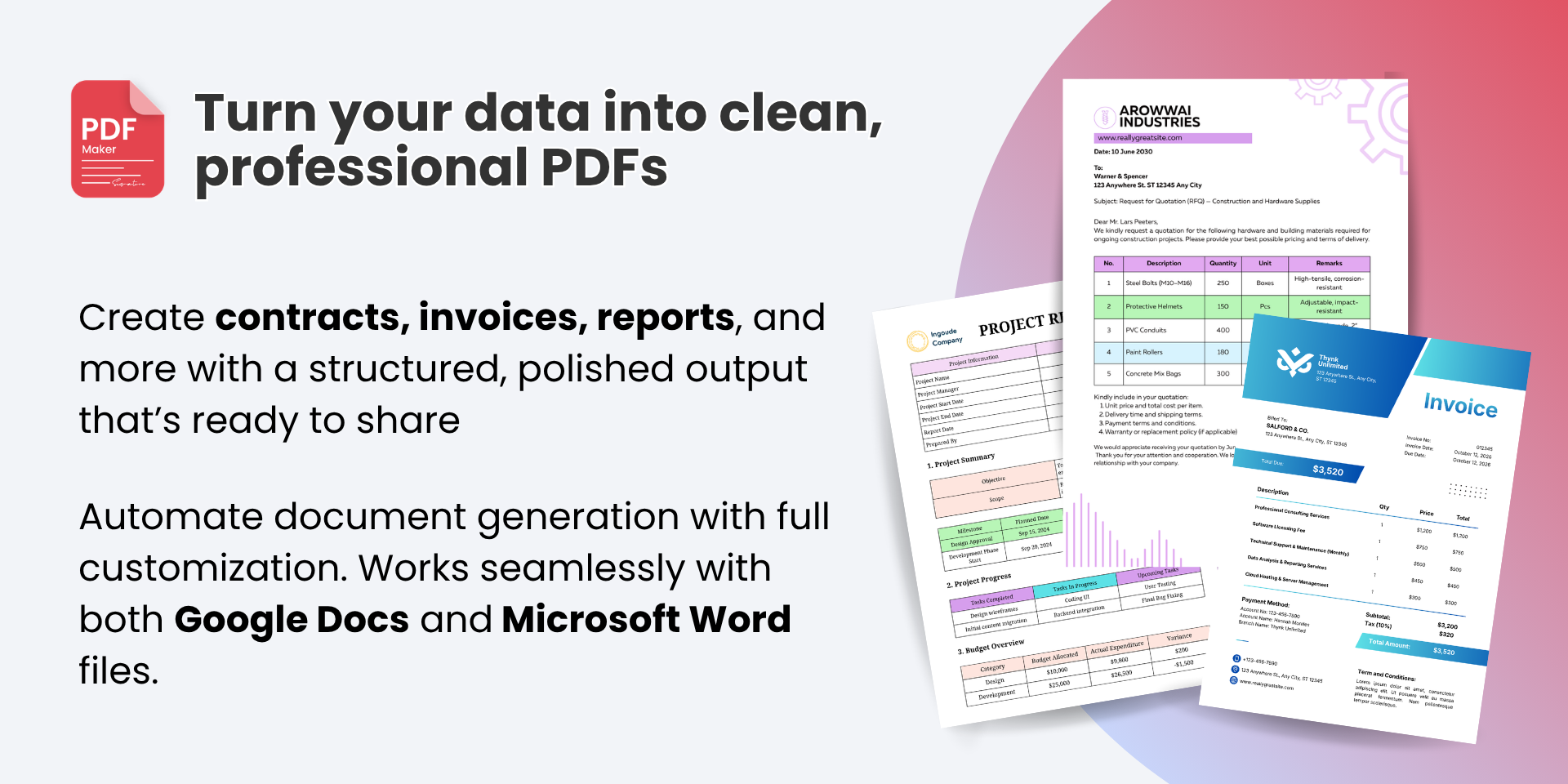
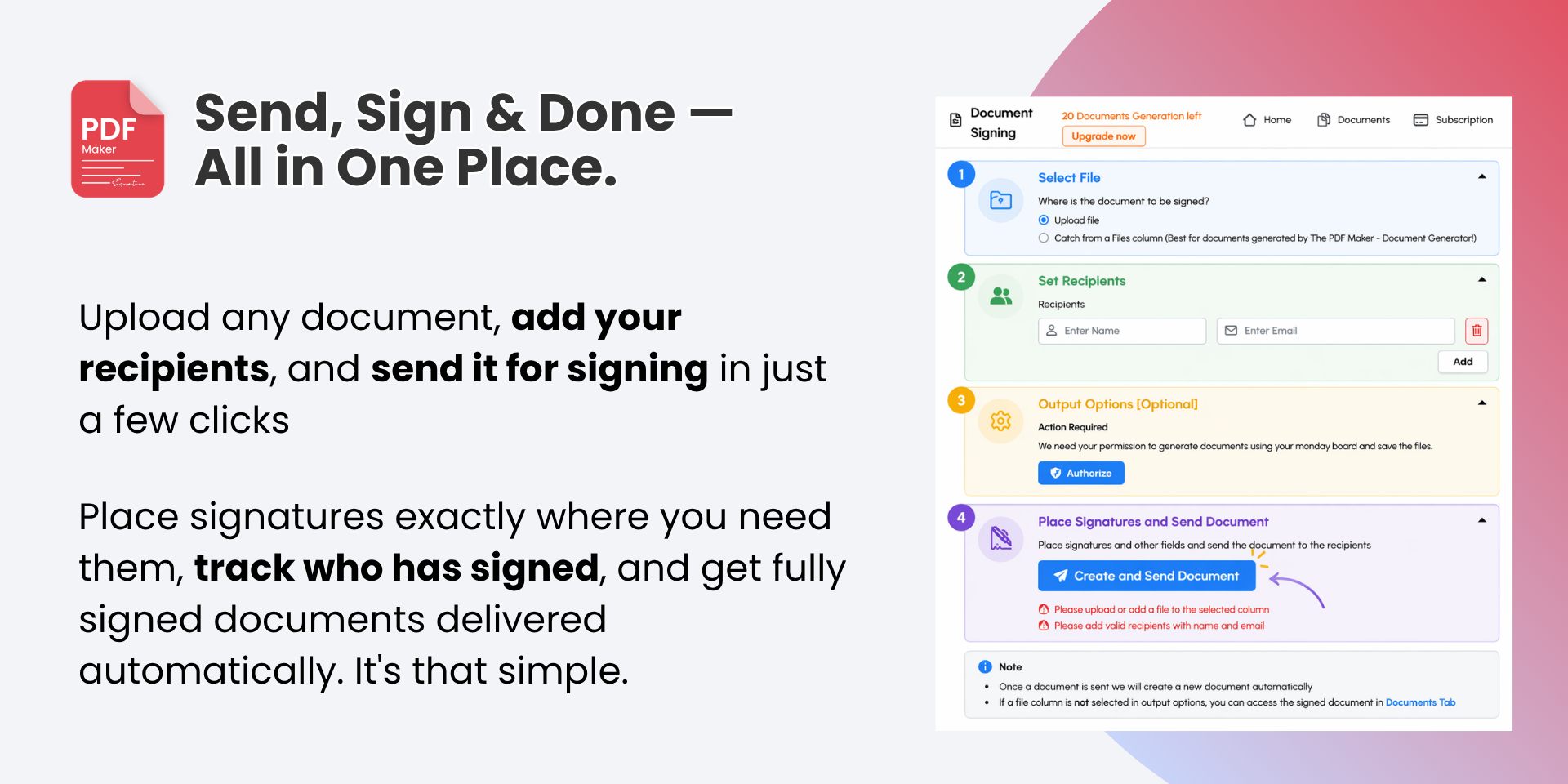
PDF Maker helps your teams create documents, collect eSignatures, and automate document workflows without leaving their boards. It supports both Google Docs and Microsoft Word documents, and lets teams save documents directly to a file column and updates.
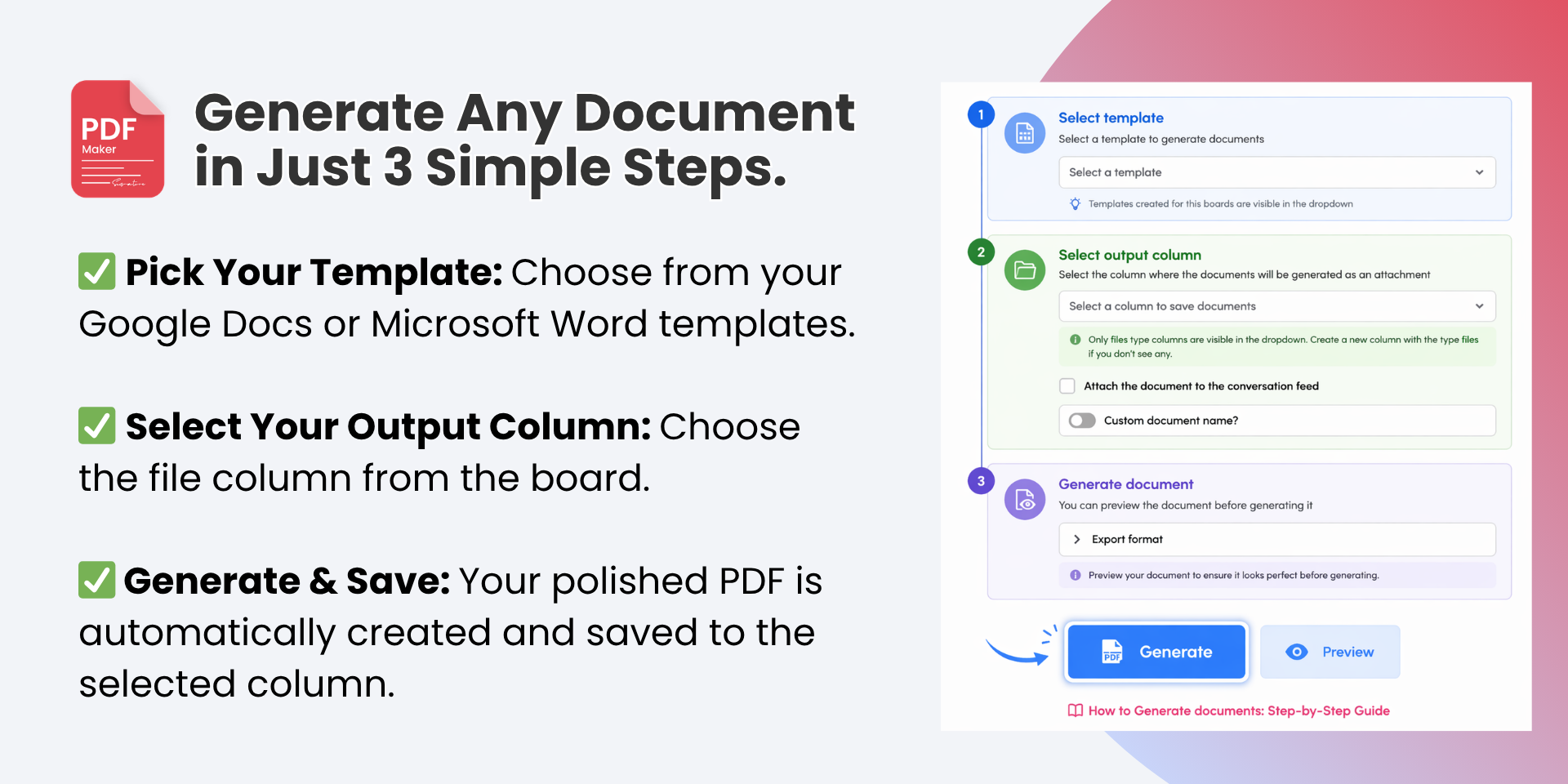
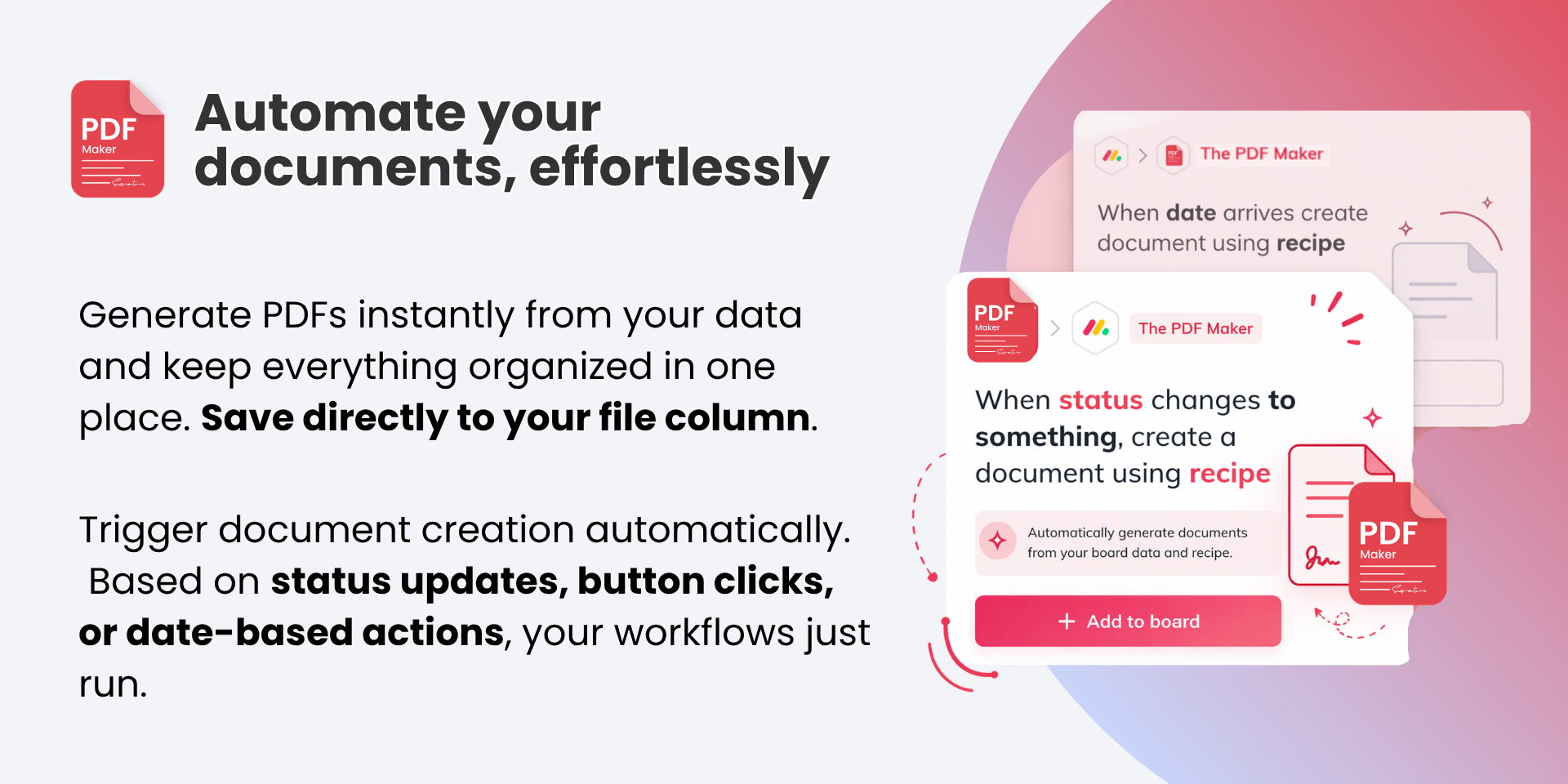
Use pre-built templates to automatically generate documents as part of your automation workflows.
Use the Generate Document block inside your custom workflow automations
Trigger document creation based on status changes, button clicks, or date-based actions
Built for secure team collaboration
PDF Maker also includes user-level data access controls, giving admins more control over who can create, edit, or manage templates across boards. This makes it easier for teams to collaborate while keeping document access organized and aligned with internal permissions.
How PDF Maker helps your teams?
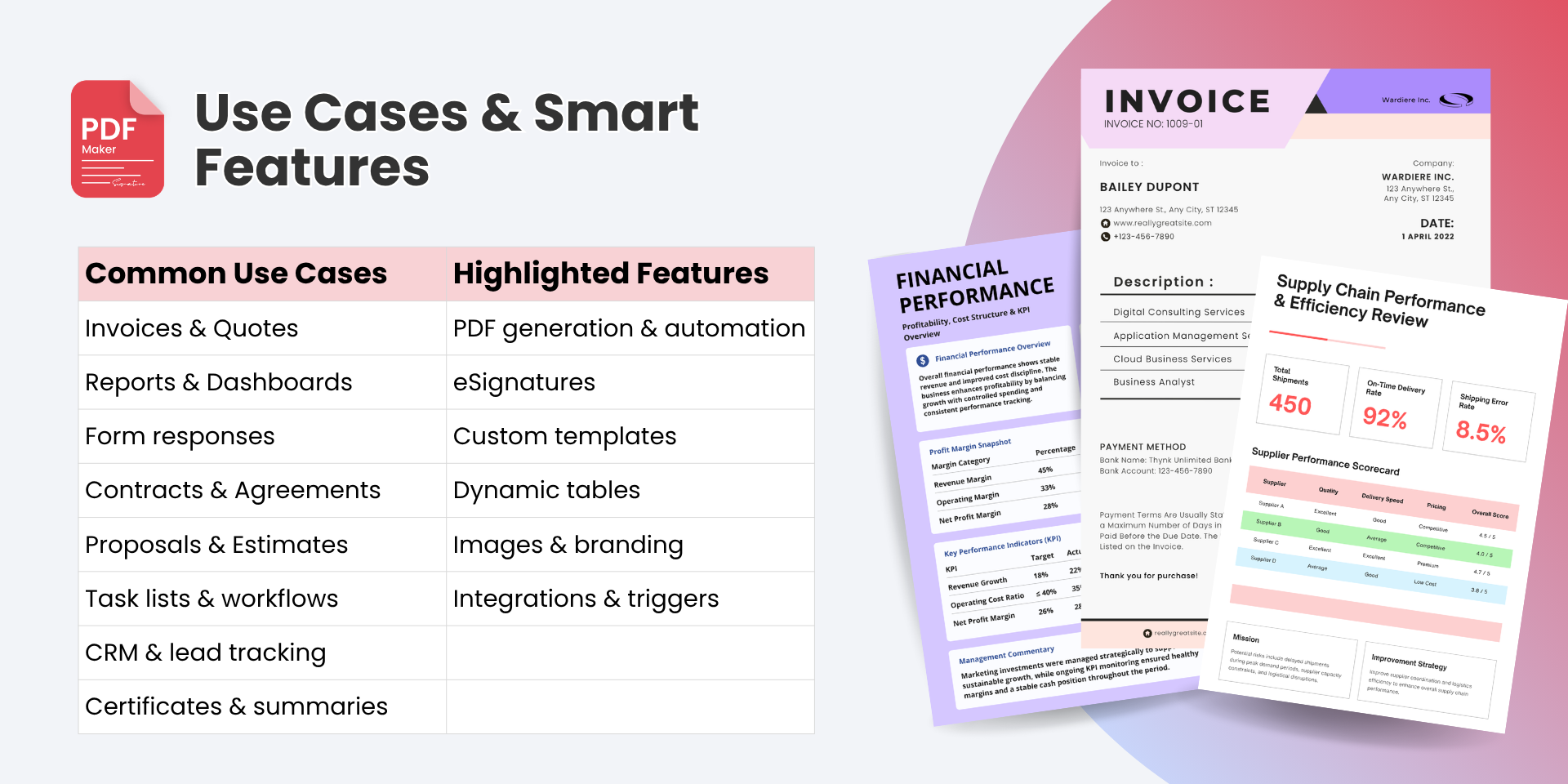
Sales teams send quotes, proposals, NDAs, and contracts directly from deal boards
Finance teams create invoices, purchase orders, and receipts using item and subitem data
Healthcare teams prepare consent forms, intake documents, and other secure paperwork
Operations and CRM teams automate approvals, onboarding, reporting, and internal workflows
Does the developer periodically perform penetration testing?
Yes
Yes, the developer periodically conducts penetration testing to identify and address potential security vulnerabilities, ensuring the application remains secure and resilient against threats.
Does the developer have a dedicated security and privacy point of contact for such issues or questions?
Yes
Yes, the developer has a dedicated security and privacy point of contact to address any issues or questions related to security and privacy. Security contact email: security@bustbrainlabs.com
Does the app restrict redirects and forwards only to approved destinations, or show a warning when redirecting to potentially untrusted content?
Not answered
Does the app protect against mass parameter assignment attacks?
Not answered
Does the app perform encoding and sanitization on all user supplied parameters to protect against Cross-Site Scripting?
Yes
PDF Maker - Automate Documents interface is developed using React.js, which inherently addresses most common XSS vulnerabilities. In PDF Maker - Automate Documents, there are no scenarios where users can or need to generate HTML, making HTML sanitization unnecessary in our user interface. Templates are created in Google Docs using placeholders that are replaced with actual board data during processing. PDF Maker - Automate Documents performs this replacement using a defined pattern without storing any data in a data source. Additionally, all placeholders are validated using specific REGEX patterns to ensure they are valid and to prevent the insertion of malicious code into the document. Similarly, filenames provided by users are validated against REGEX patterns to exclude unsupported characters, ensuring the security and integrity of the application.
Does the developer protect all state-changing actions against Cross-Site Request Forgery (CSRF)?
Yes
We implement CSRF tokens to validate and secure all incoming requests.
Does the developer have mechanisms to notify monday.com in case of a security breach?
Yes
In the event of a security breach, we will promptly notify monday.com via email as soon as the scope of the breach is identified. Additionally, we will directly contact our monday.com representatives through the platform.
Does this developer have a process for installing application-level updates and security patches for the service (such as software packages and databases)?
Yes
Critical patches are applied immediately upon issue identification. High vulnerabilities are addressed within a week, medium vulnerabilities within a month, and low vulnerabilities within a quarter
Compliance
Is the app certified with the information security standard ISO/IEC 27001:2022?
Not answered
Is the app compliant with the Health Insurance Portability and Accountability Act (HIPAA)?
Yes
Is the app certified with System and Organization Controls (SOC 2 or SOC 3)?
Not answered
Is the app compliant with the General Data Protection Regulation (GDPR)?
Yes
Data
Does the app send any data outside of monday.com? If yes, indicate whether the data is customer-submitted (e.g., board names, item names, doc content) or non-customer-submitted (e.g., account ID, board ID, user ID).
Not answered
Where does the app store logs data?
aws
Where does the app store the app data?
DB
Does the developer ensure application logs do not contain secrets or personally-identifiable information (PII)?
Yes
Yes, the developer ensures that application logs do not contain secrets or personally identifiable information (PII) to maintain data security and privacy.
Is customer data segregated from the data of other customers (for example logically or physically)?
Yes
Yes, customer data is segregated from the data of other customers, either logically or physically, to ensure data isolation and maintain security.
Privacy
Does the developer enforce multi-factor authentication on employees access to systems which may process customer data?
Yes
Full access to the data is restricted to the CTO and is secured through the use of an encrypted key and a secure connection.
Does the developer protect access to customer data based on the principle of least privilege?
Yes
Access to systems that process or store customer data is secured through authentication using a secure private key.
Reviews
September 17, 2026
LE: This has connected to my board perfectly and will ensure Insertion Orders get to my vendors with the right information. It was easy to set up and honestly fun to use.
September 16, 2026
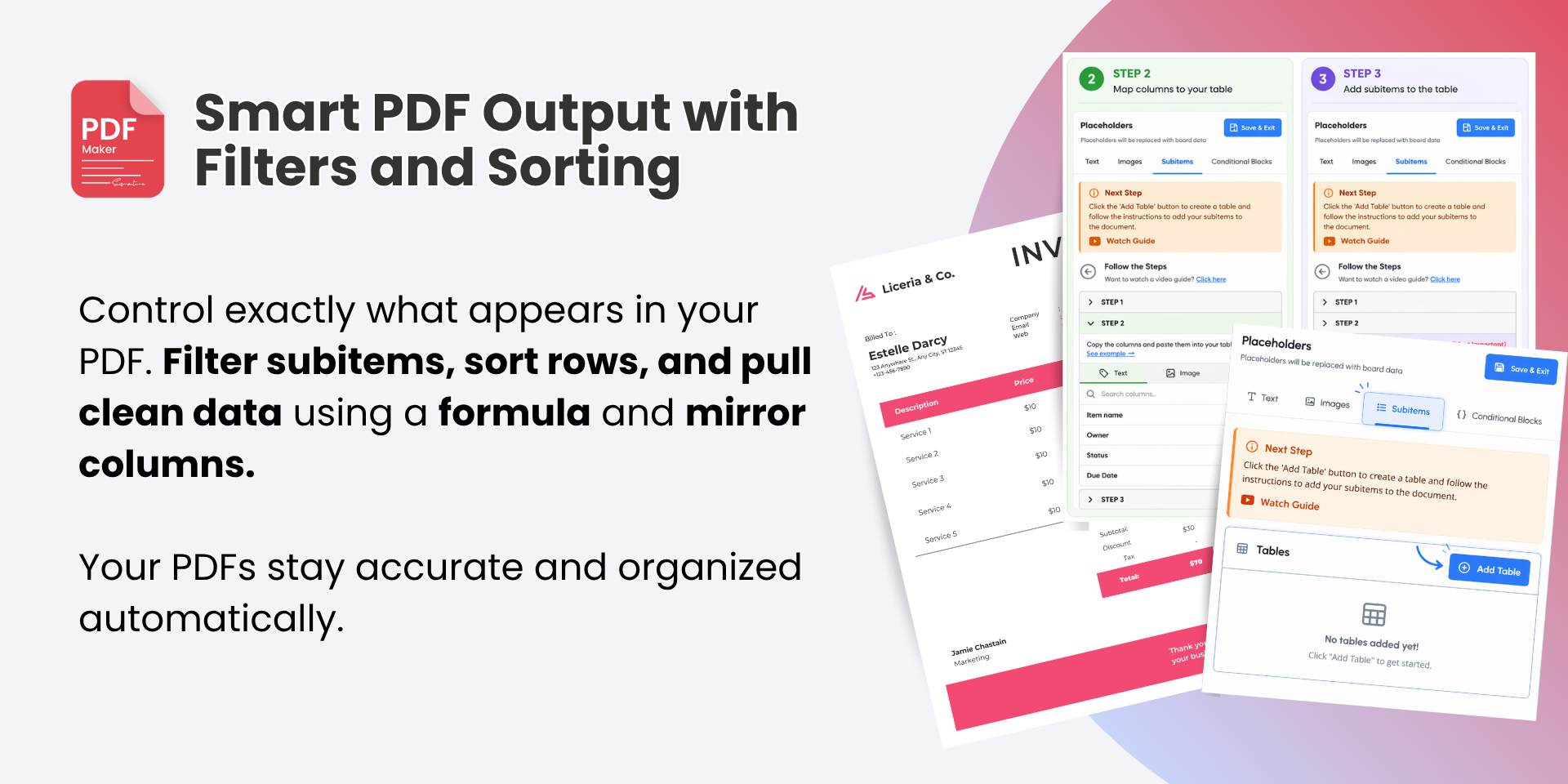
AW: Excellent app – powerful and flexible PDF Maker has been an excellent addition to our monday.com workflow. We use it to generate professional client fee proposals directly from our boards, including information from subitems, formulas and mirror columns.
September 9, 2026
AL: works well and easy to use
August 26, 2026
KT: I have tried out a few different plugins that generate documents, but PDF Maker has been the best so far. It is easy to set up, maintains my formatting, and uses my custom template that I built in Word. It saves me so much time. I highly recommend it!
August 26, 2026
TL: Great tool, easy and efficient to use - thanks!
August 24, 2026
FC: Great app
July 28, 2026
AR: Tested this app for automated PDF generation upon a new form submission through Monday. The process and automation work great! Definitely will need to subscribe to make this part of our permanent processes!
June 9, 2026
FP: Works great! No bugs, no hassle. It just works perfectly
May 28, 2026
RK: Looking forward to getting our hands on this to be able to continue to grow our business thanks to PDF Maker!
March 25, 2026
BP: The app has change my life. The pain and agony of manually uploading information into documents was depleting my quaility of life. This app has since brought back all my hapiness as I can work flawlessly and efficiently when exporting project documents!
March 25, 2026
AL: Totalement adapté à notre besoin. Directement intégré dans nos tableaux, l'outil nous fait gagner un temps considérable.
March 6, 2026
S: This app works just as advertised! My team is able to generate item-specific documents at the press of a button. The ability to create templates in Word makes this much easier to use than other, more expensive options on marketplace.
February 17, 2026
I: GOOD INTEGRATION
January 27, 2025
AT: The app is really good, easy to use and has helped us save so much time. Even better, BustBrians, are really responsive and helpful! Highly recommend this app and developer. 5 stars from us!
Developer response:
Thank You for your kind words
Historical data
Installation history
We have data for December 28, 2024 onwards only. Collected sometime after 00:00 UTC daily.
Total number of installs
Change in total number of installs in last 1 day(s)
Compares the number of installs on each date with 1 days previously:
Max
Min
Current
Change in total number of installs in last 7 day(s)
Compares the number of installs on each date with 7 days previously:
Max
Min
Current
Change in total number of installs in last 30 day(s)
Compares the number of installs on each date with 30 days previously:
Max
Min
Current
Change in total number of installs in last 90 day(s)
Compares the number of installs on each date with 90 days previously:
Max
Min
Current
Change in total number of installs in last 180 day(s)
Compares the number of installs on each date with 180 days previously:
Max
Min
Current
Ratings history
Categories history
Each of the following is a yes/no answer, so the graphs show 1 for yes, and 0 for no.