
Quick Replace
166 installs, since October 10, 2024. 6 installs/month. App updated October 26, 2026. Listing updated July 9, 2026.

Find and replace for monday boards and workdocs
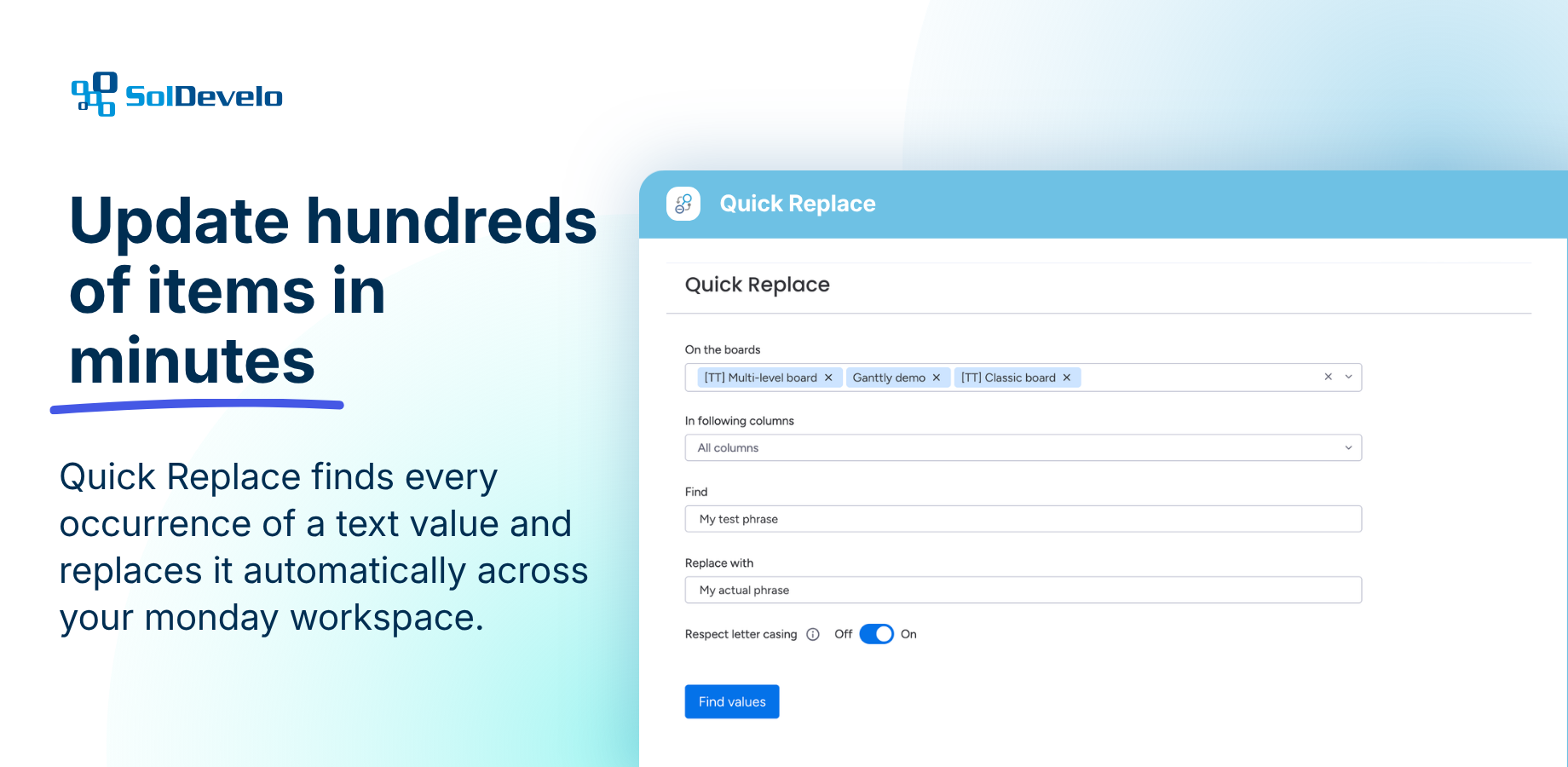
Take the hassle out of repetitive updates with Quick Replace. Whether you're renaming clients, updating product names, or correcting outdated information, Quick Replace helps you find and replace text across your monday.com boards and workdocs in just a few clicks.
✨ What makes Quick Replace different?
Quick Replace isn't just a bulk editing tool - it's designed to help you make large-scale updates with confidence. Instead of manually editing hundreds of items, you can update exactly what you need while staying in full control of the process.
Built to work naturally within monday.com, Quick Replace lets you:
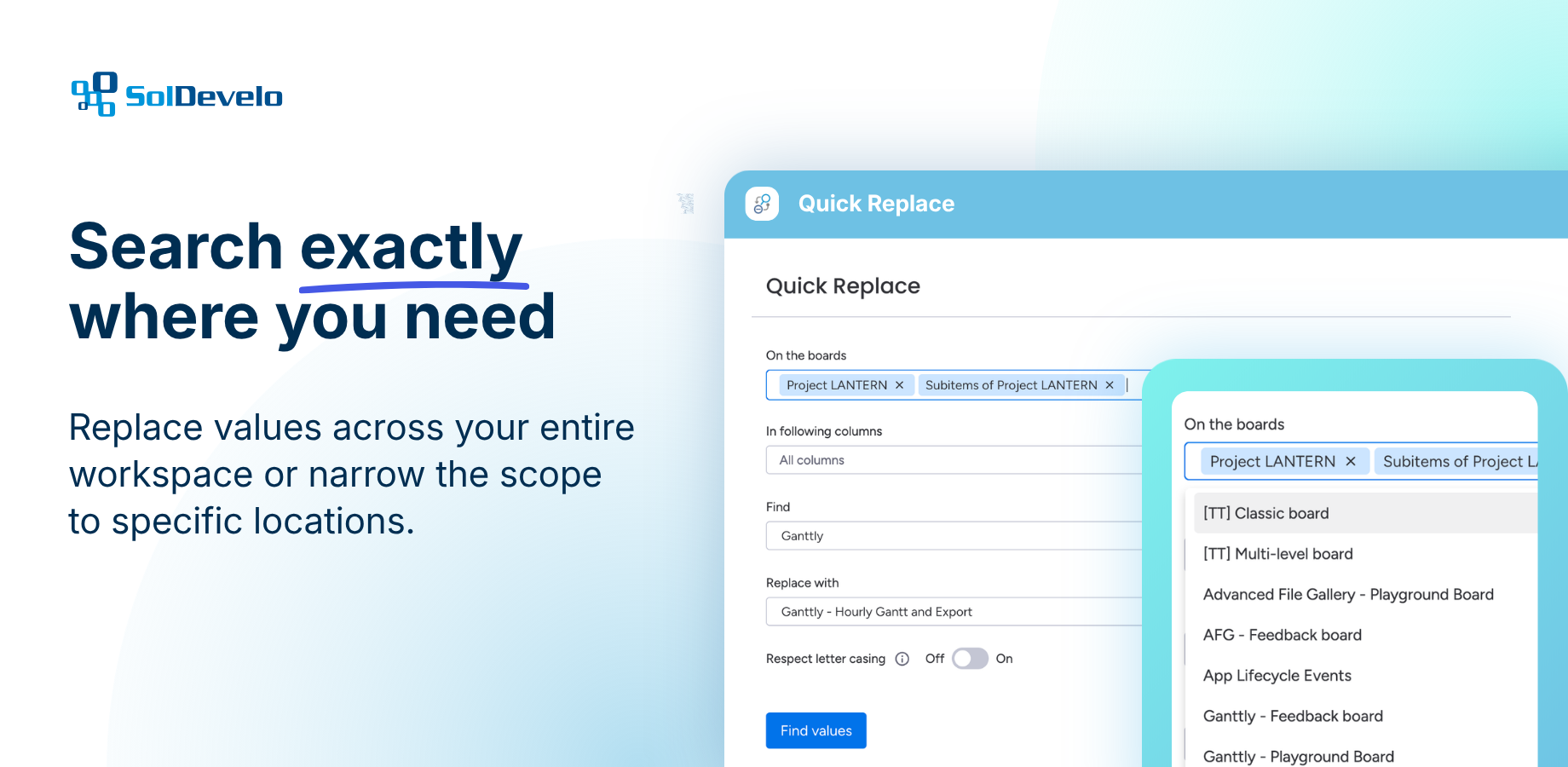
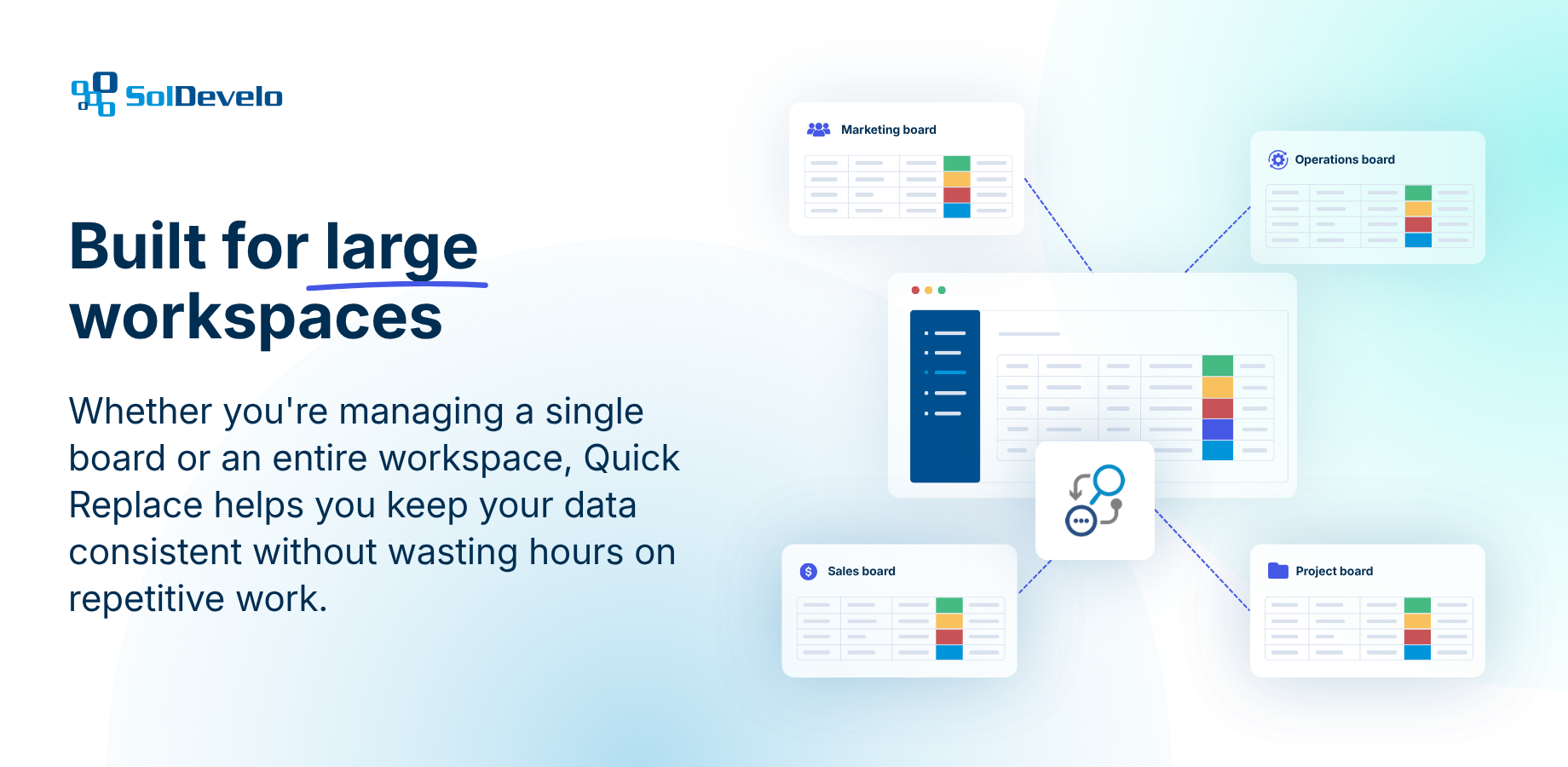
🔎 Find and replace text across your entire workspace or only the selected items
📋 Limit the search to specific boards and columns for precise updates
📄 Update content in both monday boards and workdocs
📂 Search through items and subitems alike
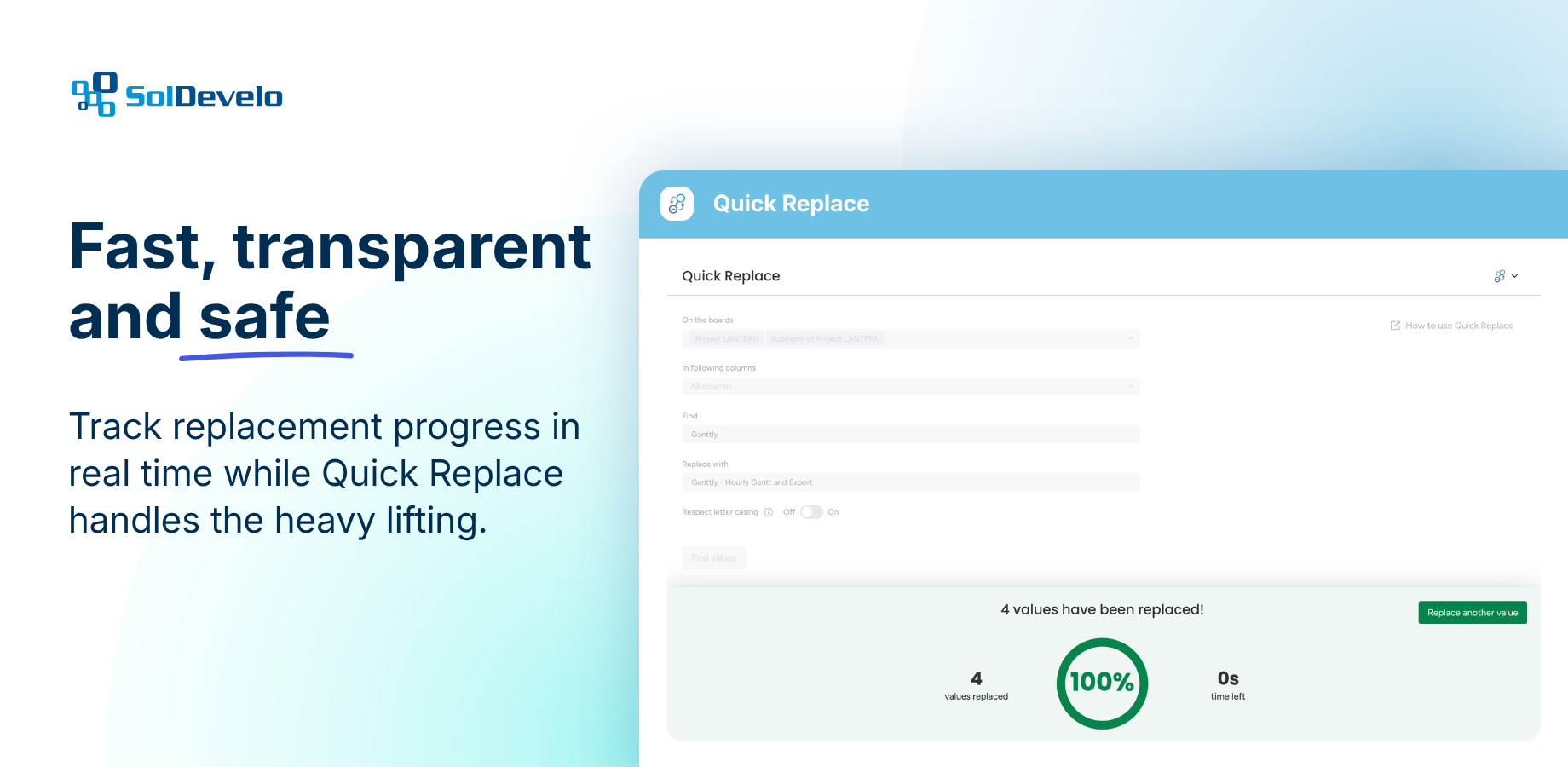
⏱️ Track the replacement progress and see the estimated time remaining
No tedious manual edits. No unnecessary complexity. Just a fast, reliable way to update your workspace. Quick Replace helps you save time, reduce human error, and keep your monday.com data accurate - whether you're making a small correction or updating thousands of values.
Trusted Privacy & Security Standards
🔒 ISO 27001 (European equivalent of SOC2)
📑 GDPR Compliant
We take data protection seriously. With ISO 27001 certification (the global standard for information security) and full GDPR compliance, your files and personal data are always handled with the highest levels of care. Our processes are designed to minimize risks, protect sensitive information, and give you complete confidence that your workspace is safe and compliant with international regulations.
👉 Book a demo | 📄 Documentation | 🩺 Support | 🛡️ Trust Center
Security & Compliance
Security
Does the developer periodically perform penetration testing?
Does the developer have a dedicated security and privacy point of contact for such issues or questions?
Does the app restrict redirects and forwards only to approved destinations, or show a warning when redirecting to potentially untrusted content?
Does the app protect against mass parameter assignment attacks?
Does the app perform encoding and sanitization on all user supplied parameters to protect against Cross-Site Scripting?
Does the developer protect all state-changing actions against Cross-Site Request Forgery (CSRF)?
Does the developer have mechanisms to notify monday.com in case of a security breach?
Does this developer have a process for installing application-level updates and security patches for the service (such as software packages and databases)?
Compliance
Is the app certified with the information security standard ISO/IEC 27001:2022?
Is the app compliant with the Health Insurance Portability and Accountability Act (HIPAA)?
Is the app certified with System and Organization Controls (SOC 2 or SOC 3)?
Is the app compliant with the General Data Protection Regulation (GDPR)?
Data
Does the app send any data outside of monday.com? If yes, indicate whether the data is customer-submitted (e.g., board names, item names, doc content) or non-customer-submitted (e.g., account ID, board ID, user ID).
Where does the app store logs data?
Where does the app store the app data?
Does the developer ensure application logs do not contain secrets or personally-identifiable information (PII)?
Is customer data segregated from the data of other customers (for example logically or physically)?
Privacy
Does the developer enforce multi-factor authentication on employees access to systems which may process customer data?
Does the developer protect access to customer data based on the principle of least privilege?
Reviews
No reviews yet.
Historical data
Installation history
We have data for December 28, 2024 onwards only. Collected sometime after 00:00 UTC daily.
Total number of installs
Change in total number of installs in last 1 day(s)
Compares the number of installs on each date with 1 days previously:
Change in total number of installs in last 7 day(s)
Compares the number of installs on each date with 7 days previously:
Change in total number of installs in last 30 day(s)
Compares the number of installs on each date with 30 days previously:
Change in total number of installs in last 90 day(s)
Compares the number of installs on each date with 90 days previously:
Change in total number of installs in last 180 day(s)
Compares the number of installs on each date with 180 days previously:
Ratings history
Categories history
Each of the following is a yes/no answer, so the graphs show 1 for yes, and 0 for no.