
PDF Scanner
463 installs, since July 25, 2024. 15 installs/month. App updated October 26, 2026. Listing updated October 31, 2025.
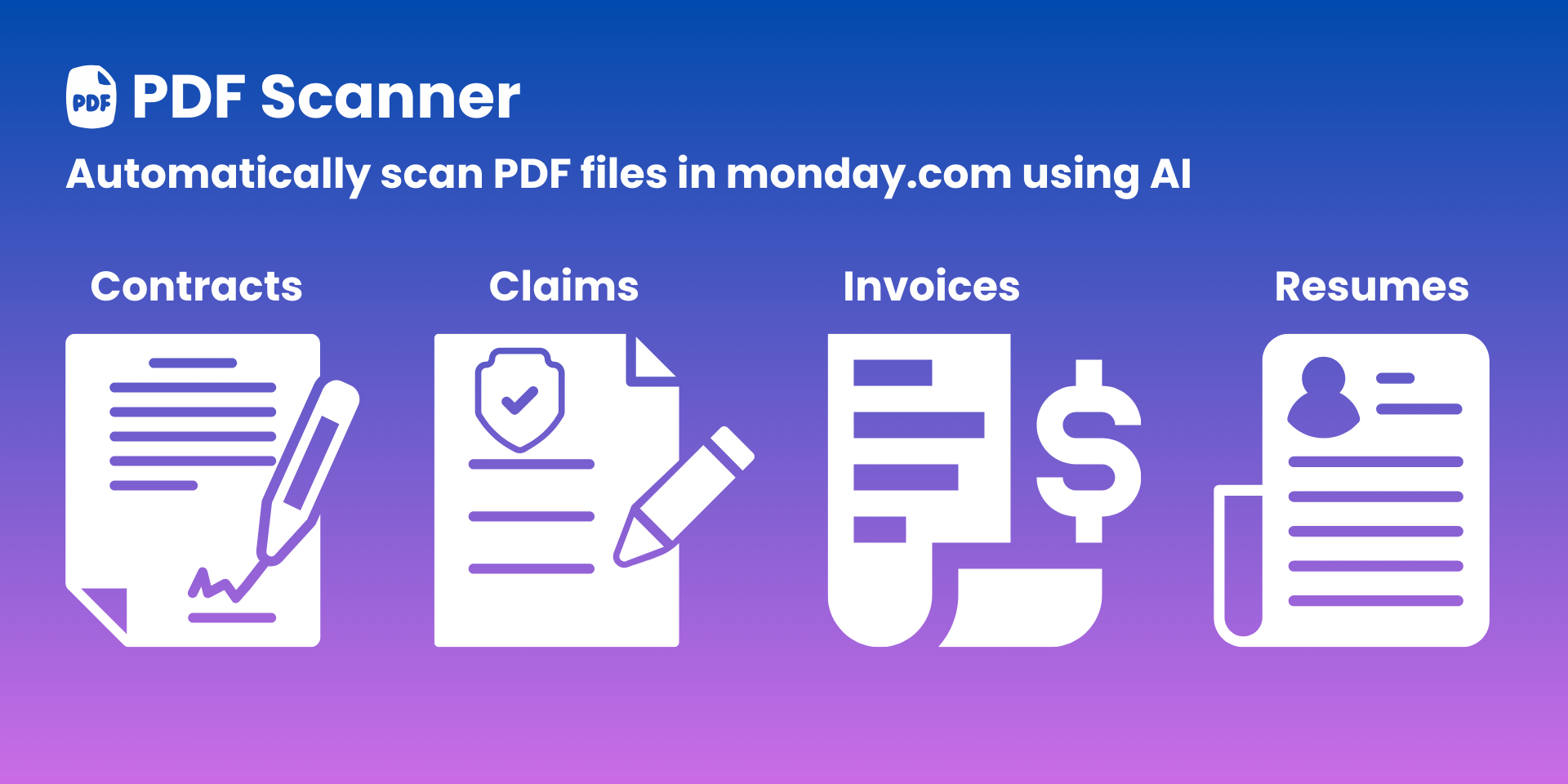
Easily extract PDF details into monday.com boards, using AI!
Introducing PDF Scanner, the ultimate tool to enhance your document management within monday.com. Our AI-driven solution seamlessly scans and extracts various information from PDF files, streamlining your workflow and increasing productivity. Whether you’re dealing with contracts, claims, resumes, invoices, or any other document type, PDF Scanner is your go-to solution for efficient data extraction.
Key Features:
📄 Automated PDF Scanning: Harness the power of AI to automatically scan and extract PDF information to monday boards. Say goodbye to manual data entry.
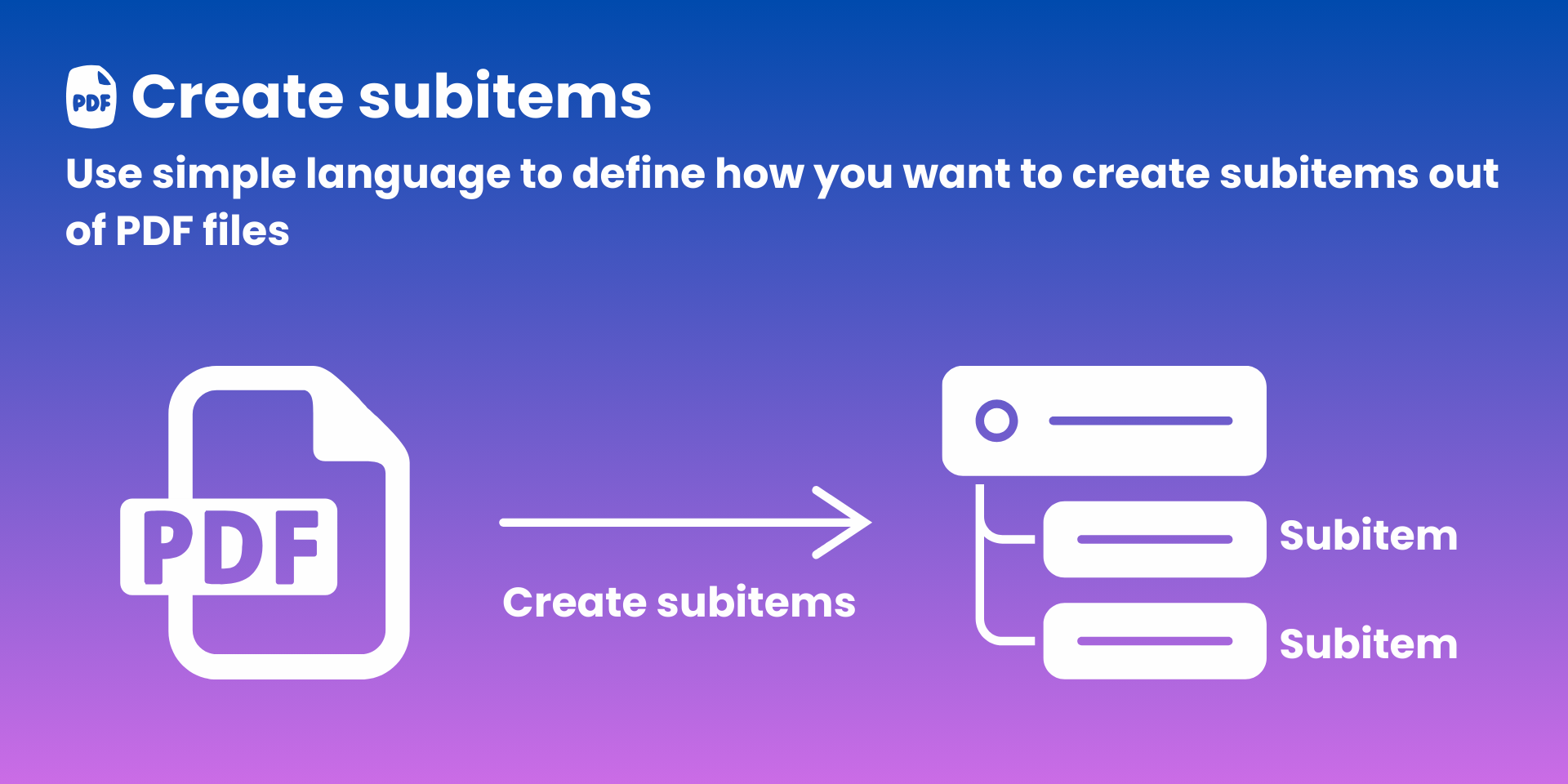
➕ Automated Subitem Creation: Effortlessly generate multiple sub-items from your PDF documents with fully customizable instructions. Transform complex PDFs into manageable tasks.
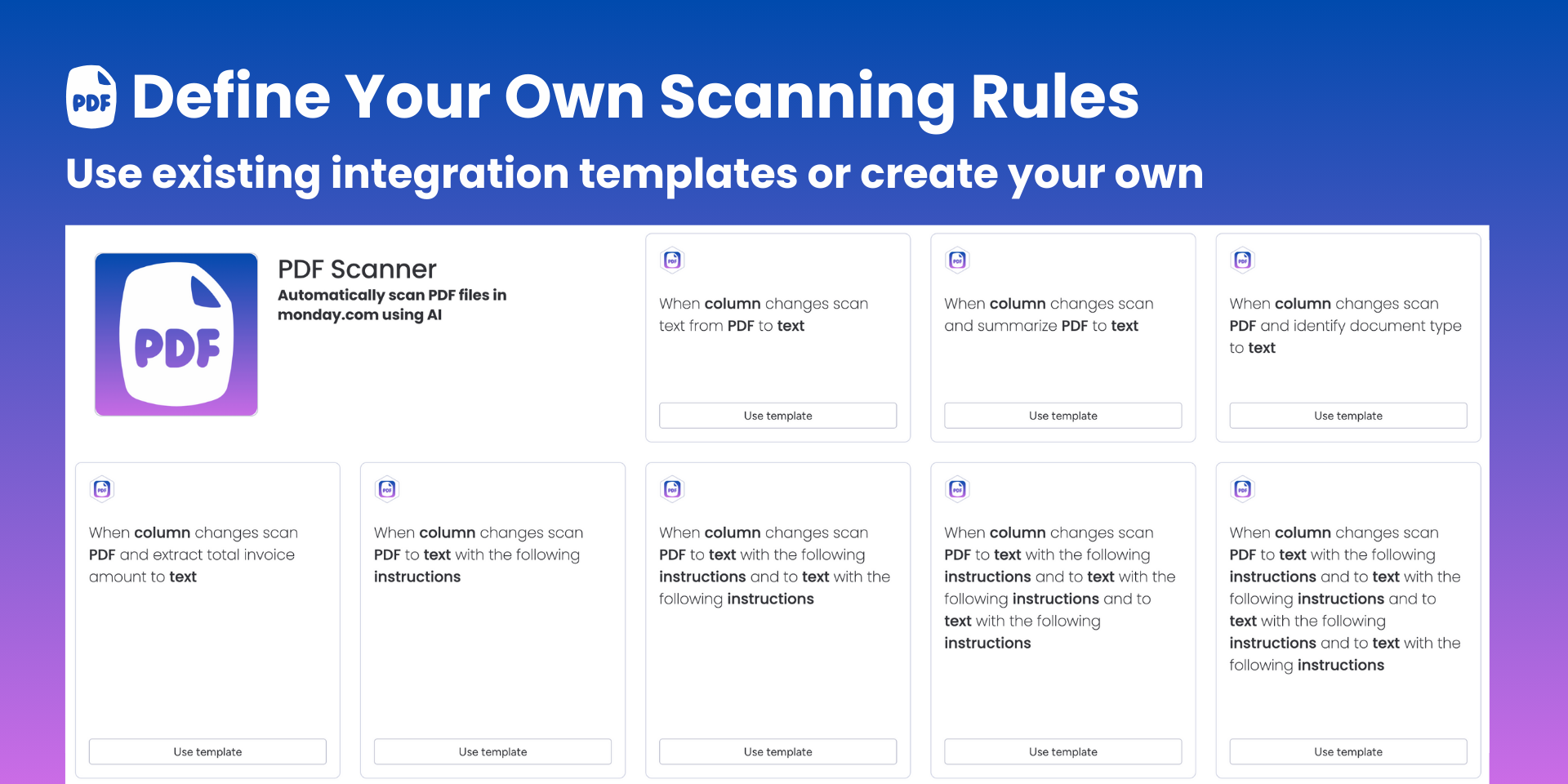
🛠️ Customizable Extraction Rules: Tailor the scanning process to meet your specific needs. Define custom rules to extract exactly the information you require, ensuring precision and relevance in your data.
🧩 Integration Templates: Use our pre-built integration templates to get started quickly. Effortlessly integrate PDF Scanner into your existing monday.com workflows with minimal setup.
Use Cases:
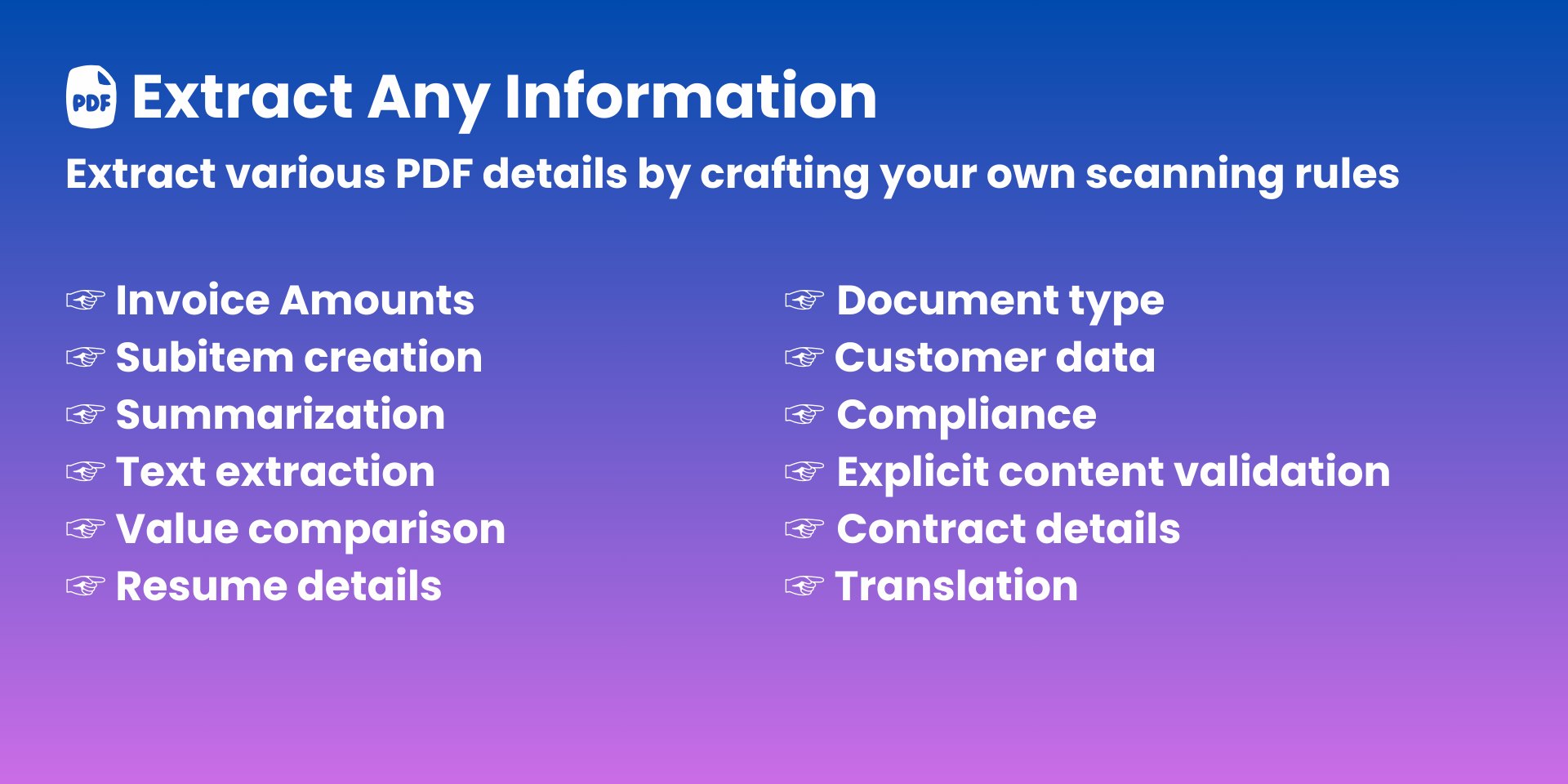
📜 Contracts and Legal Documents: Automatically extract key contract details and ensure compliance.
💰 Finance and Invoices: Pull invoice amounts, compare values, and manage financial documents with ease.
👥 Human Resources: Extract resume details, validate document types, and streamline recruitment processes.
📝 Content Management: Summarize large documents, extract or translate text, and validate content for explicit material.
📊 Project Management: Track document types, count pages or words, and ensure all project documentation meets compliance standards.
See the PDF Scanner in action here
Book a free demo at support@deview-studios.com
Security & Compliance
Security
Does the developer periodically perform penetration testing?
Does the developer have a dedicated security and privacy point of contact for such issues or questions?
Does the app restrict redirects and forwards only to approved destinations, or show a warning when redirecting to potentially untrusted content?
Does the app protect against mass parameter assignment attacks?
Does the app perform encoding and sanitization on all user supplied parameters to protect against Cross-Site Scripting?
Does the developer protect all state-changing actions against Cross-Site Request Forgery (CSRF)?
Does the developer have mechanisms to notify monday.com in case of a security breach?
Does this developer have a process for installing application-level updates and security patches for the service (such as software packages and databases)?
Compliance
Is the app certified with the information security standard ISO/IEC 27001:2022?
Is the app compliant with the Health Insurance Portability and Accountability Act (HIPAA)?
Is the app certified with System and Organization Controls (SOC 2 or SOC 3)?
Is the app compliant with the General Data Protection Regulation (GDPR)?
Data
Does the app send any data outside of monday.com? If yes, indicate whether the data is customer-submitted (e.g., board names, item names, doc content) or non-customer-submitted (e.g., account ID, board ID, user ID).
Where does the app store logs data?
Where does the app store the app data?
Does the developer ensure application logs do not contain secrets or personally-identifiable information (PII)?
Is customer data segregated from the data of other customers (for example logically or physically)?
Privacy
Does the developer enforce multi-factor authentication on employees access to systems which may process customer data?
Does the developer protect access to customer data based on the principle of least privilege?
Reviews
No reviews yet.
Historical data
Installation history
We have data for December 28, 2024 onwards only. Collected sometime after 00:00 UTC daily.
Total number of installs
Change in total number of installs in last 1 day(s)
Compares the number of installs on each date with 1 days previously:
Change in total number of installs in last 7 day(s)
Compares the number of installs on each date with 7 days previously:
Change in total number of installs in last 30 day(s)
Compares the number of installs on each date with 30 days previously:
Change in total number of installs in last 90 day(s)
Compares the number of installs on each date with 90 days previously:
Change in total number of installs in last 180 day(s)
Compares the number of installs on each date with 180 days previously:
Ratings history
Categories history
Each of the following is a yes/no answer, so the graphs show 1 for yes, and 0 for no.