
Q-ARGH
141 installs, since May 21, 2024. 4 installs/month. App updated April 19, 2026. Listing updated January 13, 2026.
QR Codes & Custom Labels - scan, design, & track inventory!
Design and create custom labels, documents, and QR codes seamlessly, all powered by your monday.com data.
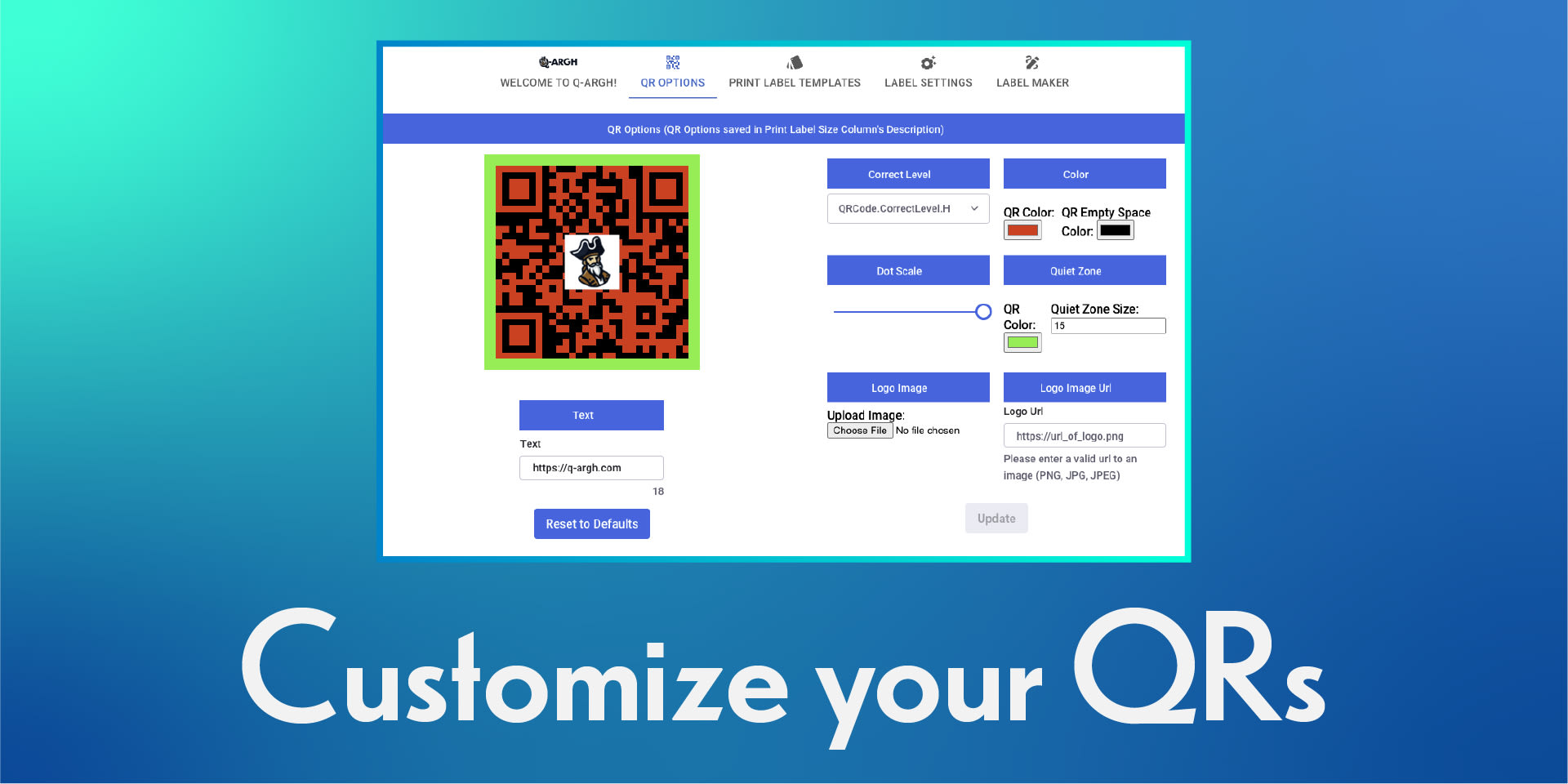
- Brand Customization: Style your QR codes to match your brand. Customize colors, shapes, and even insert your logo within the code for a professional, branded look.
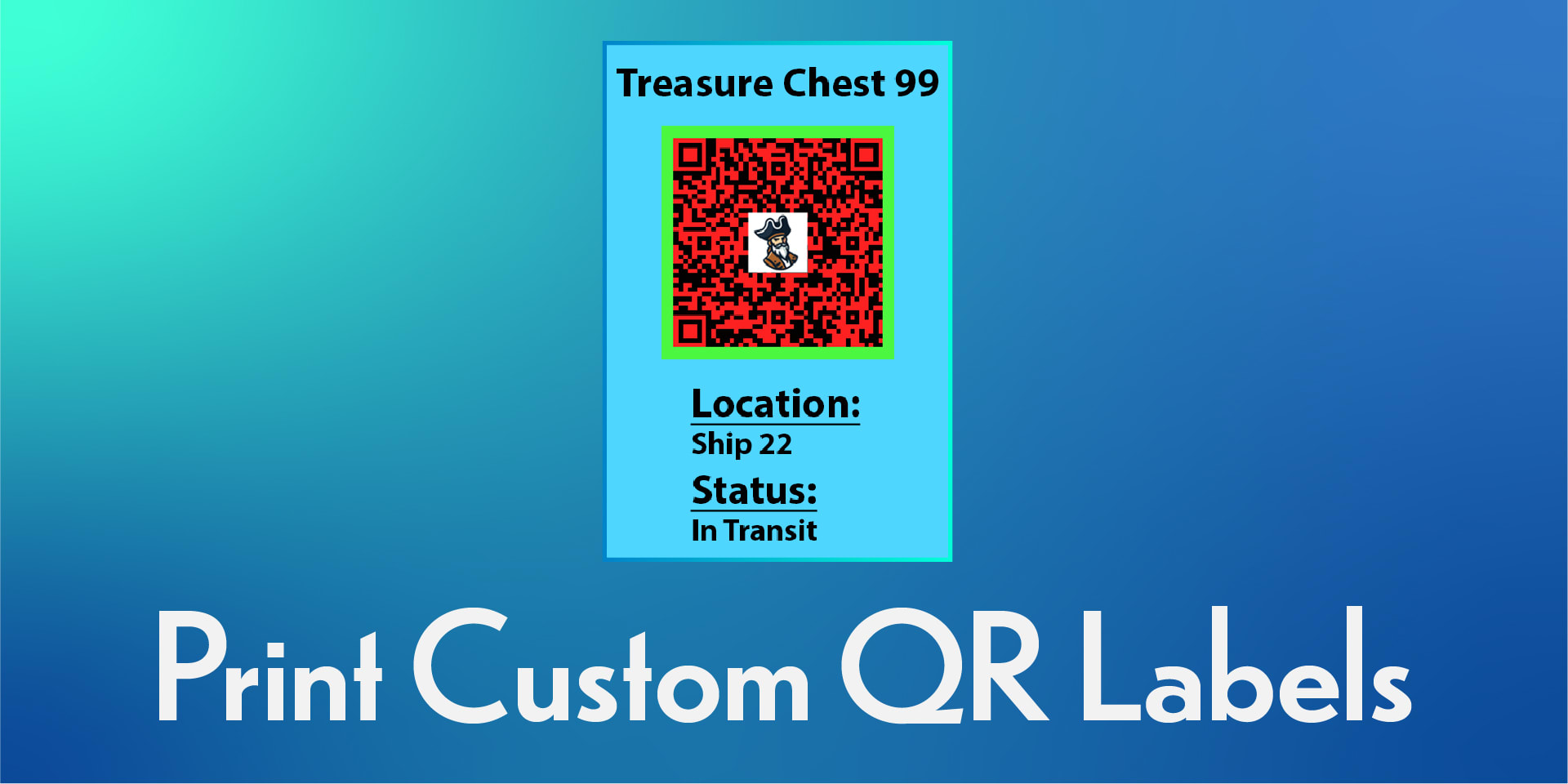
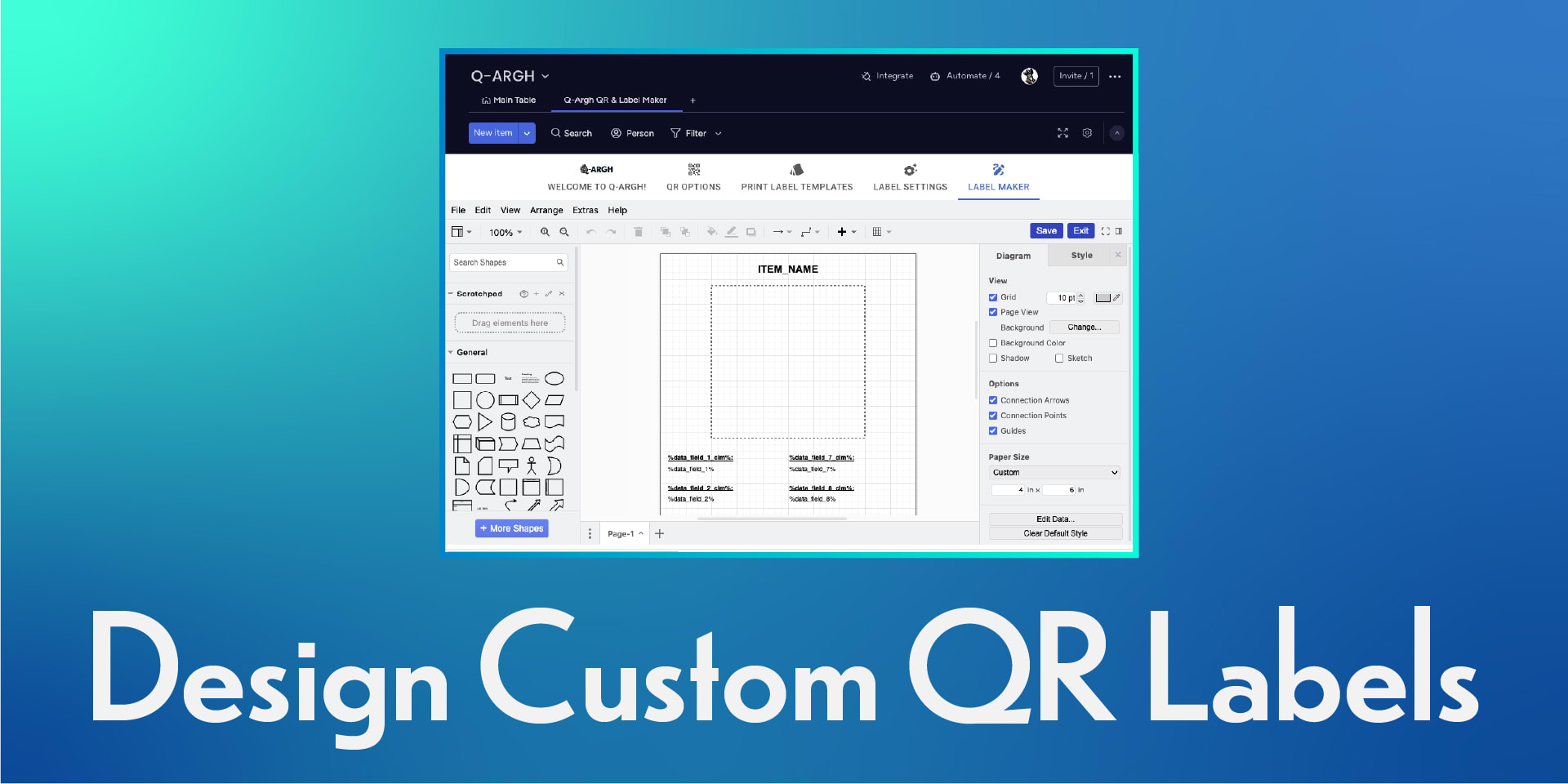
- Design Custom Labels & Documents: Easily generate professional labels or documents with data directly from your monday.com boards. Choose from our pre-made templates or build your own using our intuitive custom template designer.
- Flexible Data Integration: Add QR codes for any column value from monday.com, allowing easy access to specific information by scanning.
- ActionQRs (AQRs): Do more than just scan — trigger actions like updating item fields or changing a status instantly when the QR is scanned.
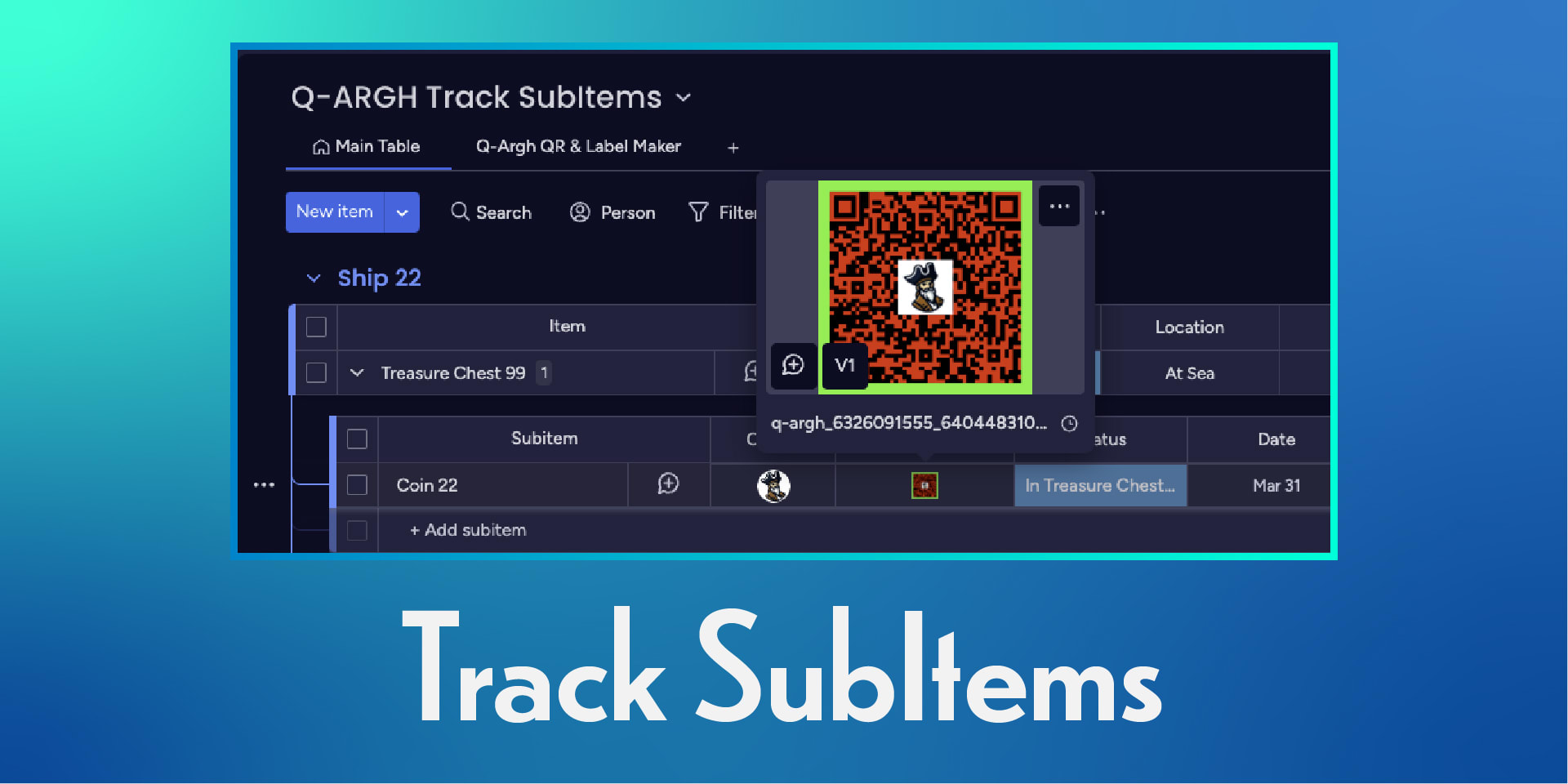
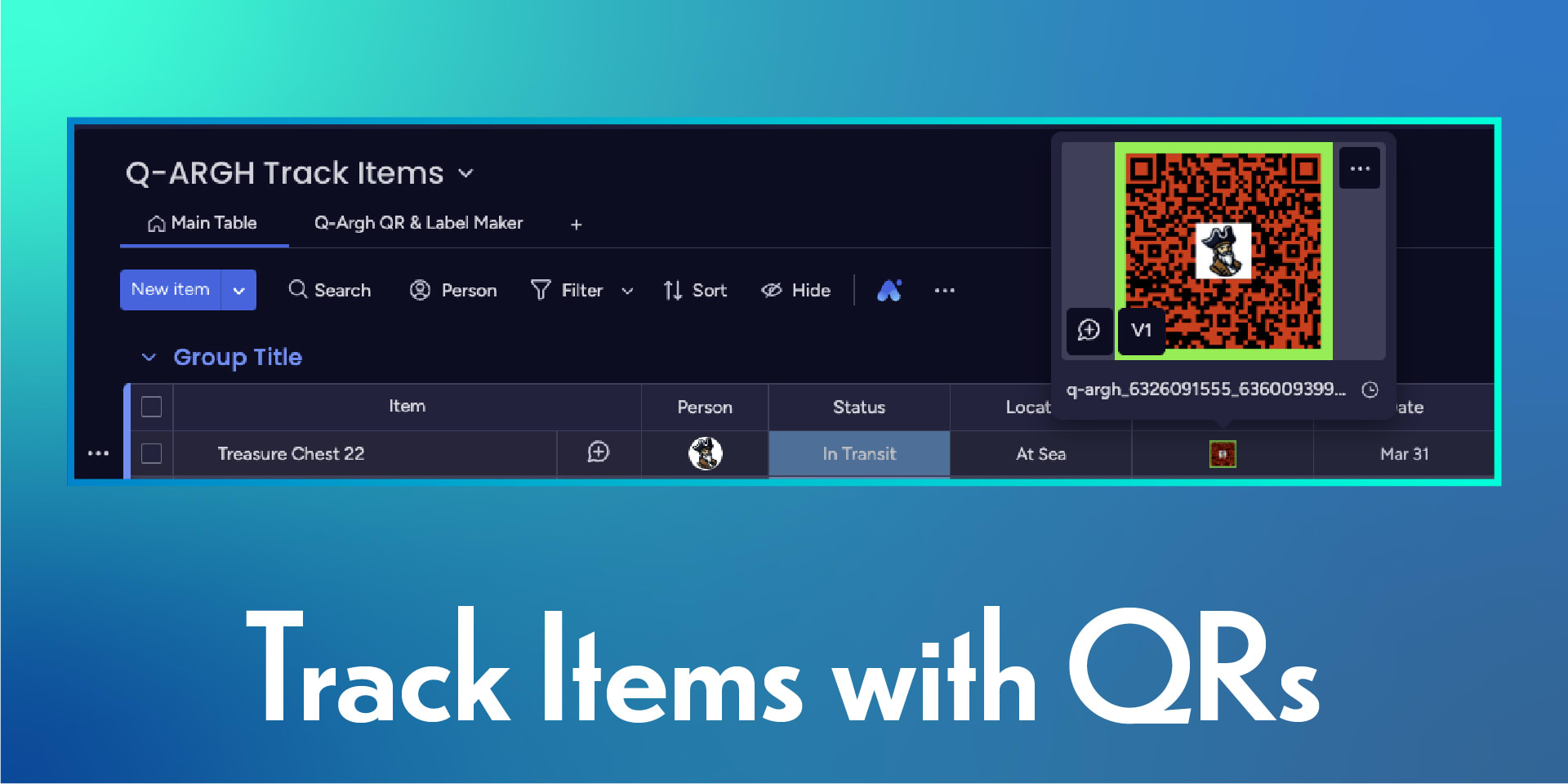
- Generate & Scan Unique QR Codes: Instantly create QR codes linked to any monday.com item, and automatically populate them on your labels and documents.
Example Use Cases:
- Advertising: Add QR codes to email communications, flyers, or signage, guiding customers directly to where they need to go.
- Equipment & Inventory Tracking: Easily track the status and location of equipment and inventory. Perfect for maintenance teams, facility managers, and inventory control, allowing your team to interact with monday.com items directly at the physical location via a custom label.
- Event Ticketing & Vehicle Access Passes: Generate custom tickets or vehicle passes linked to monday.com items and QR codes. Send them digitally or print for customers, streamlining access and validation.
- Manufacturing: Track work orders with ease by generating job travelers and product labels embedded with QR codes. Enable quick scanning on the shop floor for instant access to the most up-to-date information on monday.com.
Get Started Today!
Visit our How-To Guide or book a demo to learn more about integrating Q-ARGH into your workflows.
Security & Compliance
Security
Does the developer periodically perform penetration testing?
Does the developer have a dedicated security and privacy point of contact for such issues or questions?
Does the app restrict redirects and forwards only to approved destinations, or show a warning when redirecting to potentially untrusted content?
Does the app protect against mass parameter assignment attacks?
Does the app perform encoding and sanitization on all user supplied parameters to protect against Cross-Site Scripting?
Does the developer protect all state-changing actions against Cross-Site Request Forgery (CSRF)?
Does the developer have mechanisms to notify monday.com in case of a security breach?
Does this developer have a process for installing application-level updates and security patches for the service (such as software packages and databases)?
Compliance
Is the app certified with the information security standard ISO/IEC 27001:2022?
Is the app compliant with the Health Insurance Portability and Accountability Act (HIPAA)?
Is the app certified with System and Organization Controls (SOC 2 or SOC 3)?
Is the app compliant with the General Data Protection Regulation (GDPR)?
Data
Does the app send any data outside of monday.com? If yes, indicate whether the data is customer-submitted (e.g., board names, item names, doc content) or non-customer-submitted (e.g., account ID, board ID, user ID).
Where does the app store logs data?
Where does the app store the app data?
Does the developer ensure application logs do not contain secrets or personally-identifiable information (PII)?
Is customer data segregated from the data of other customers (for example logically or physically)?
Privacy
Does the developer enforce multi-factor authentication on employees access to systems which may process customer data?
Does the developer protect access to customer data based on the principle of least privilege?
Reviews
DC: Excellent QR code platform with great customization options and outstanding customer support. I've been using it for over a year and continue to find new ways to leverage its extensive features. Reliable, flexible, and easy to work with.
KO: The app works exactly as advertised and gives us alot of customization options Their support also has been excellent so far. We needed a specific automation template to suit our needs and within 24 hours, they had a working solution! A+
TE: This app solved all our inventory tracking issues. So versatile and easy to use.
DS: The most sophisticated QR plugin I was able to find on Monday.com. Surprisingly really good support! I even told them about a feature I thought would be useful and they implemented it in a week's time.
MW: Excellent product and excellent support. Very outcome-oriented, open minded, precise and fast. Without a doubt 5 STARS!!!
EM: Huge thanks to Ian & team for their innovation, collaboration, and flexibility in expanding the app’s capabilities for Vivid Sydney. You've transformed our vehicle access pass process from a week’s work into a task that now takes less than 5 minutes!
Historical data
Installation history
We have data for December 28, 2024 onwards only. Collected sometime after 00:00 UTC daily.
Total number of installs
Change in total number of installs in last 1 day(s)
Compares the number of installs on each date with 1 days previously:
Change in total number of installs in last 7 day(s)
Compares the number of installs on each date with 7 days previously:
Change in total number of installs in last 30 day(s)
Compares the number of installs on each date with 30 days previously:
Change in total number of installs in last 90 day(s)
Compares the number of installs on each date with 90 days previously:
Change in total number of installs in last 180 day(s)
Compares the number of installs on each date with 180 days previously:
Ratings history
Categories history
Each of the following is a yes/no answer, so the graphs show 1 for yes, and 0 for no.