Turn SMS/MMS into monday.com items and conversations
SMS to Board
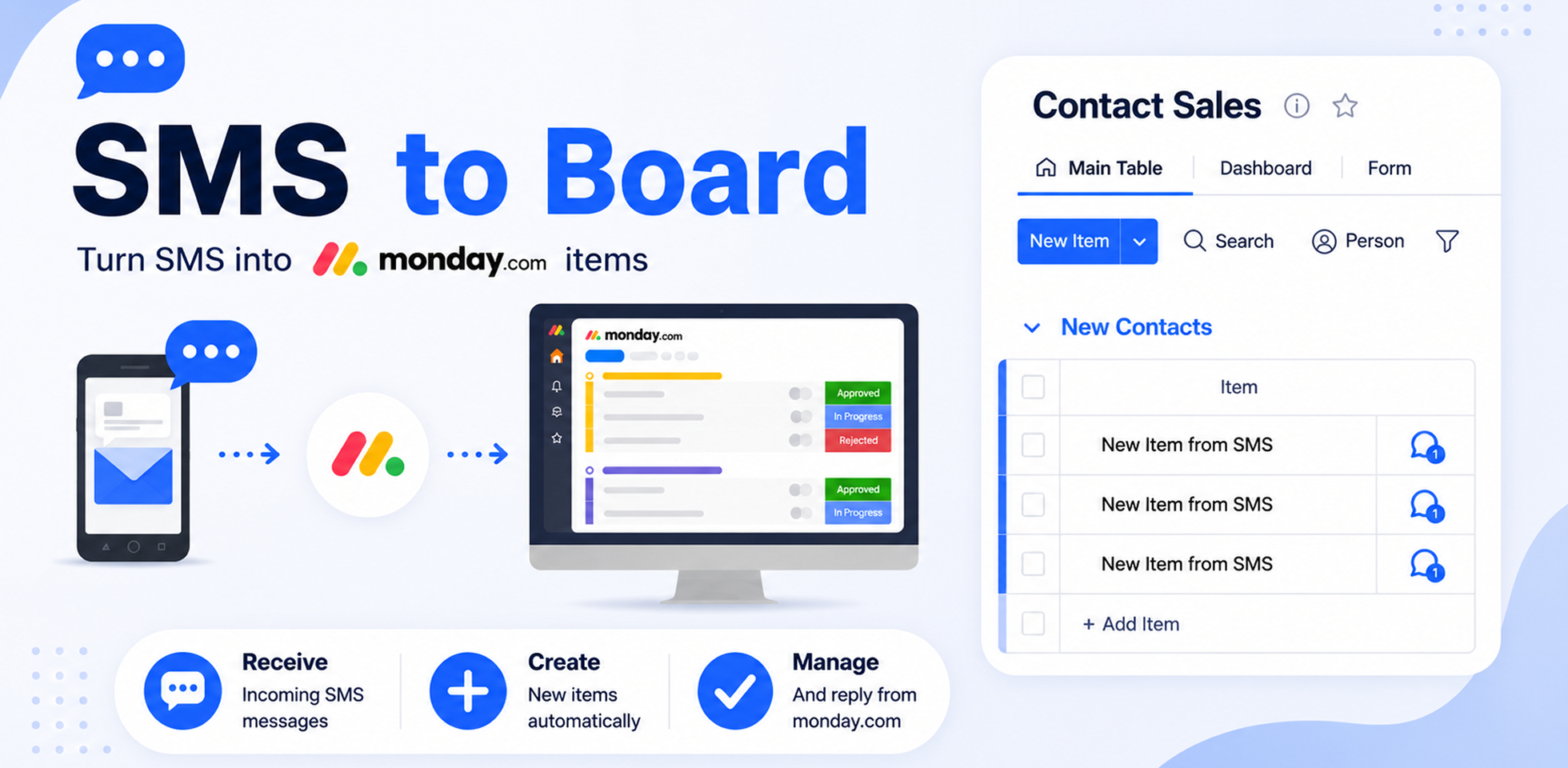
Turn incoming SMS messages into actionable monday.com workflows.
SMS to Board helps teams receive, organize, manage, and respond to customer messages directly from monday.com. Connect phone numbers, route incoming SMS to boards, and keep all communication centralized inside your existing workflows.
Key Features
📩 Convert SMS Into monday.com Items
Automatically create items when new SMS messages arrive.
Map message details directly into your board columns:
Sender phone number
Message content
Date & time
Attachments
Custom fields
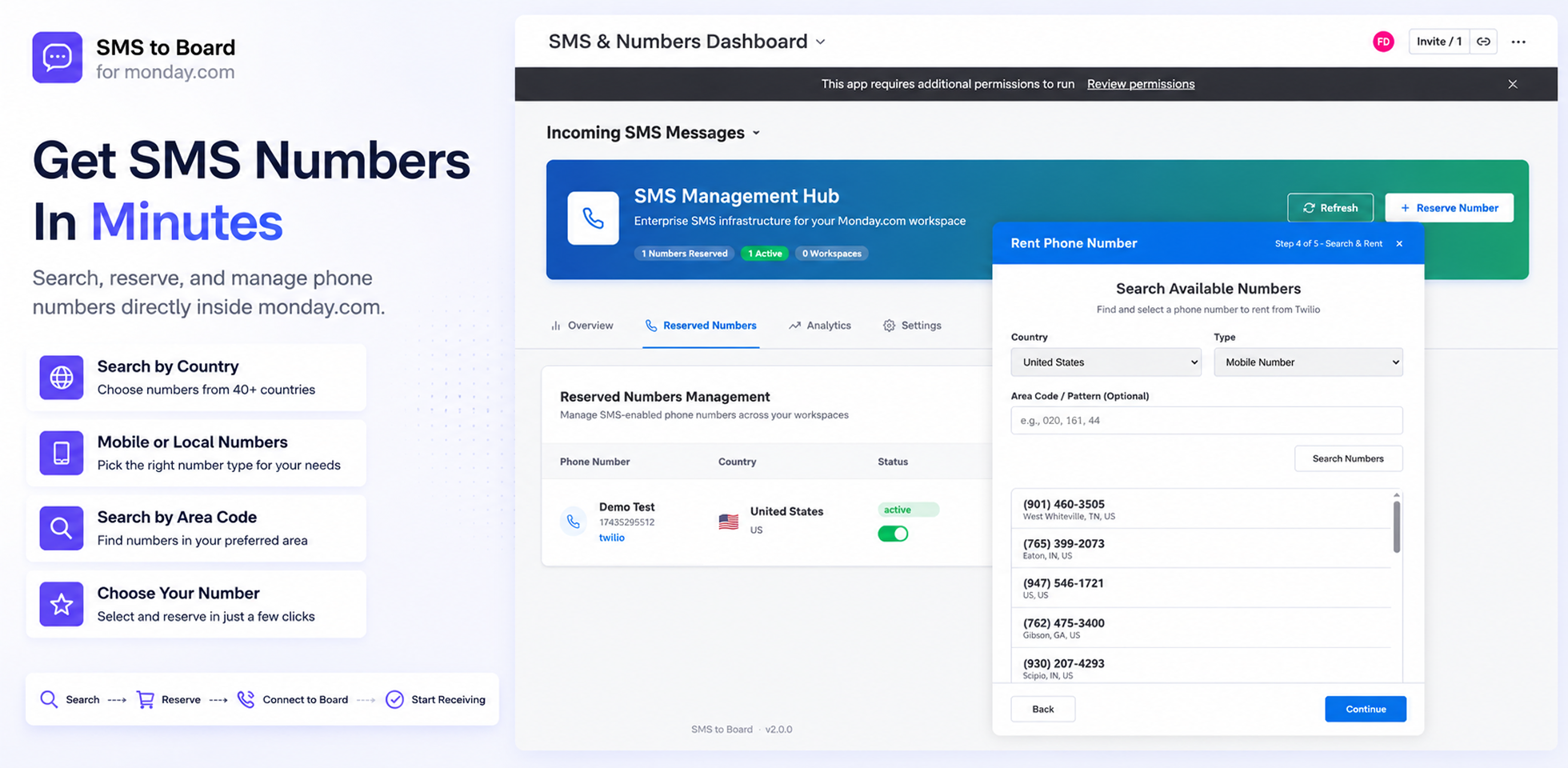
☎️ Rent & Manage Phone Numbers
Search and reserve phone numbers directly from supported providers.
Choose country and number type
Search by area code or number pattern
Browse available numbers before reserving
Assign custom names to numbers
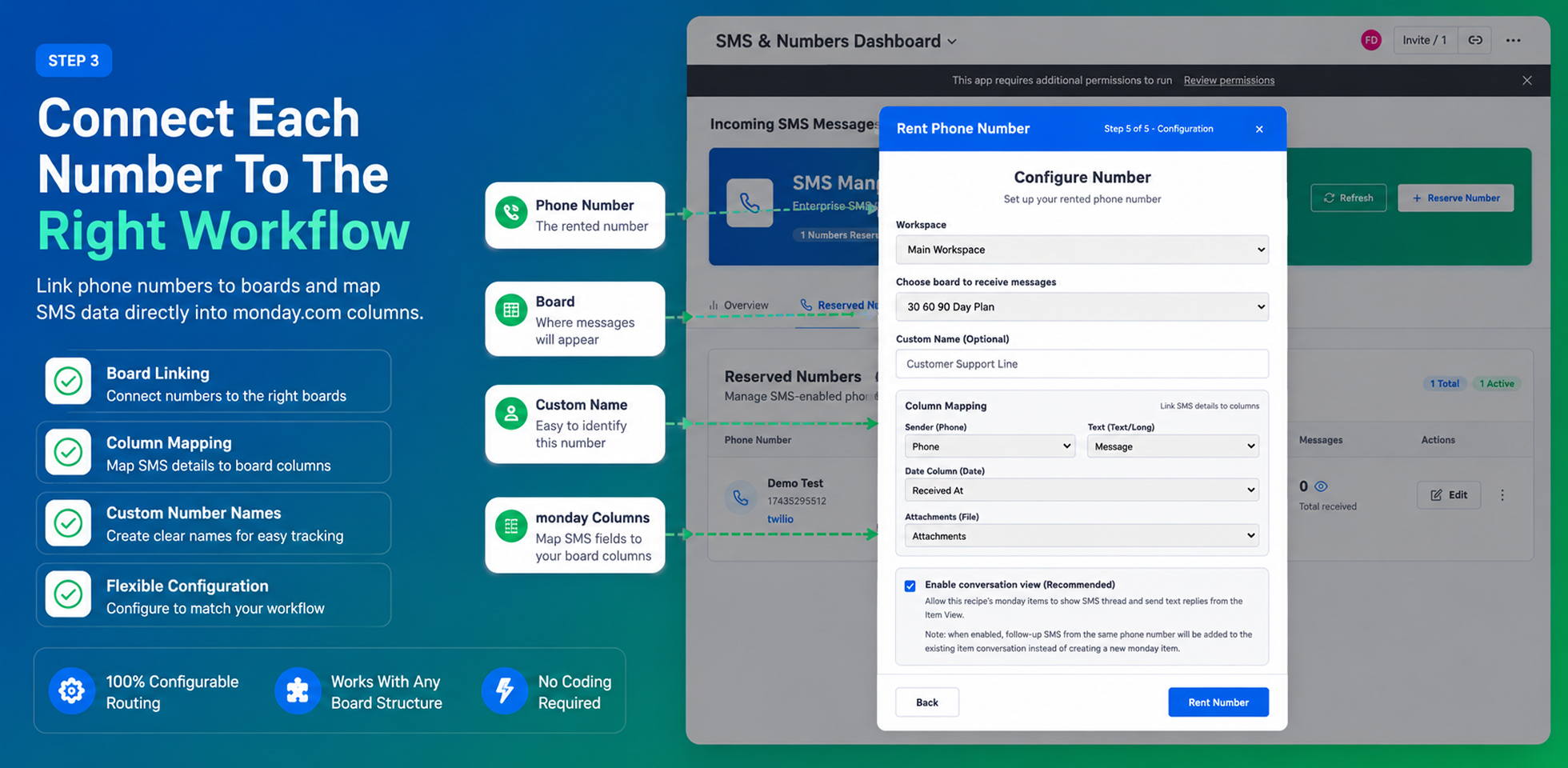
🔗 Flexible Board Routing
Connect phone numbers to the right board and workflow.
Link numbers to specific boards
Configure column mapping
Route messages automatically
Support multiple boards and workspaces
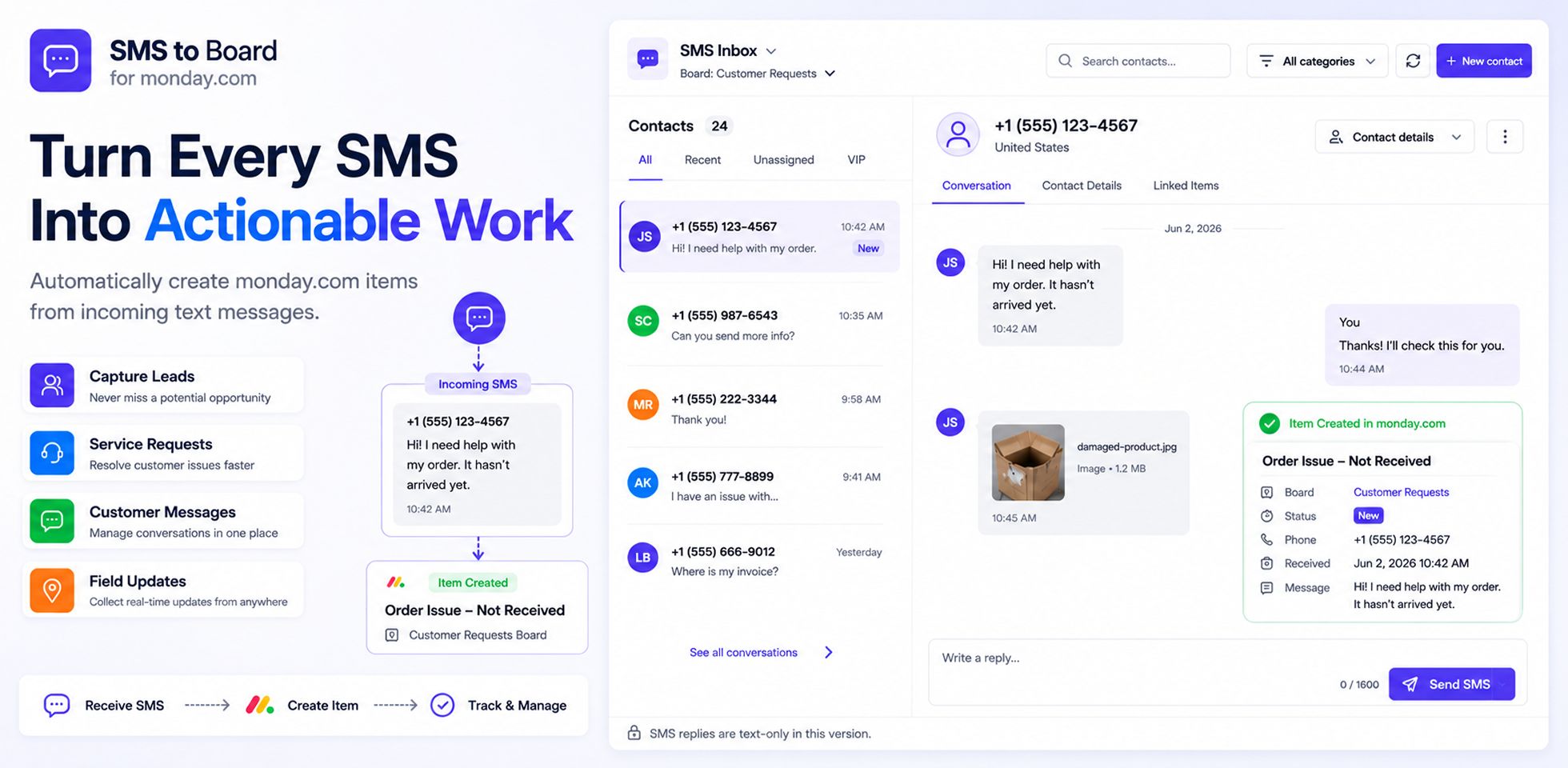
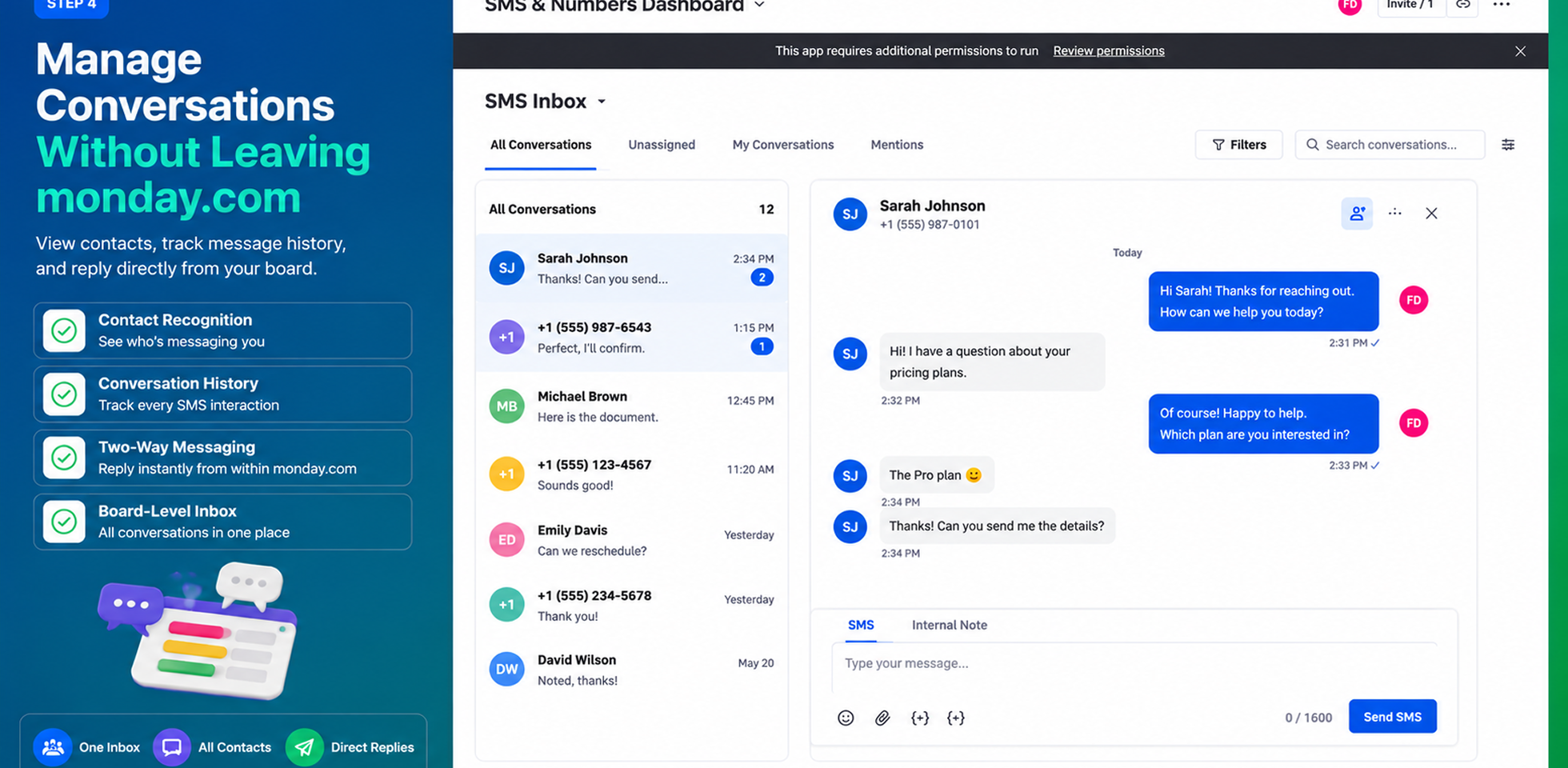
💬 SMS Inbox & Conversations
Manage customer communication without leaving monday.com.
View all contacts in one inbox
Browse conversation history
Send SMS replies directly from monday.com
Keep customer communication organized
📎 MMS Support
Receive more than just text.
Support for:
Images
Documents
Files
⚙️ Centralized SMS Management
Control all your SMS operations from a dedicated dashboard.
Number management
Activity monitoring
Usage tracking
Workspace connections
Provider configuration
Perfect For
Customer Support
Sales Teams
Field Services
Healthcare Clinics
Delivery & Logistics
Property Management
Appointment Scheduling
Small Businesses
Why SMS to Board?
Instead of manually copying messages into monday.com, SMS to Board automatically captures incoming SMS communication, routes it to the correct workflow, and gives your team a centralized place to manage customer conversations.
We encourage you to get a live demonstration so we can walk you through all the features! Get a free demo here
Security & Compliance
The app developer did not provide the security and compliance information for this app.
Reviews
December 27, 2023
RW: Doesn't work. Tutorial doesn't match the integrations. Can't even get the trial to work before paying for it.
March 3, 2023
DM: This doesn't work, when I upgraded my account I was still unable to make the intigration work, it simply asks me to upgrade my account further. Ticket submitted to the help desk, I hope someone reaches back out.
Historical data
Installation history
We have data for December 28, 2024 onwards only. Collected sometime after 00:00 UTC daily.
Total number of installs
Change in total number of installs in last 1 day(s)
Compares the number of installs on each date with 1 days previously:
Max
Min
Current
Change in total number of installs in last 7 day(s)
Compares the number of installs on each date with 7 days previously:
Max
Min
Current
Change in total number of installs in last 30 day(s)
Compares the number of installs on each date with 30 days previously:
Max
Min
Current
Change in total number of installs in last 90 day(s)
Compares the number of installs on each date with 90 days previously:
Max
Min
Current
Change in total number of installs in last 180 day(s)
Compares the number of installs on each date with 180 days previously:
Max
Min
Current
Ratings history
Categories history
Each of the following is a yes/no answer, so the graphs show 1 for yes, and 0 for no.