Sign Flow - Adobe Sign Integration
Unknown Vendor
NaN installs, since November 4, 2026. 0 installs/month. App updated April 17, 2026. Listing updated November 4, 2026.
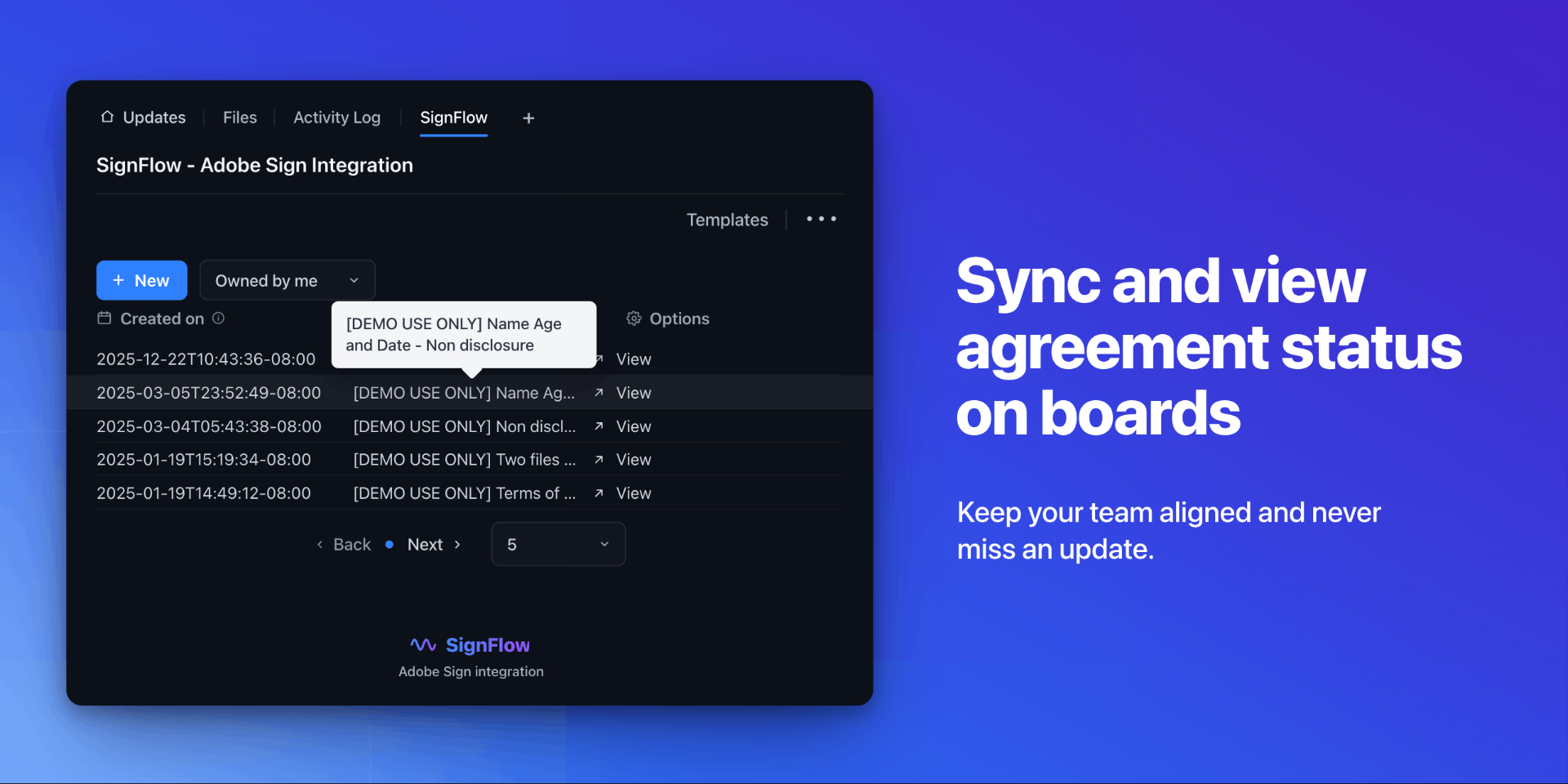
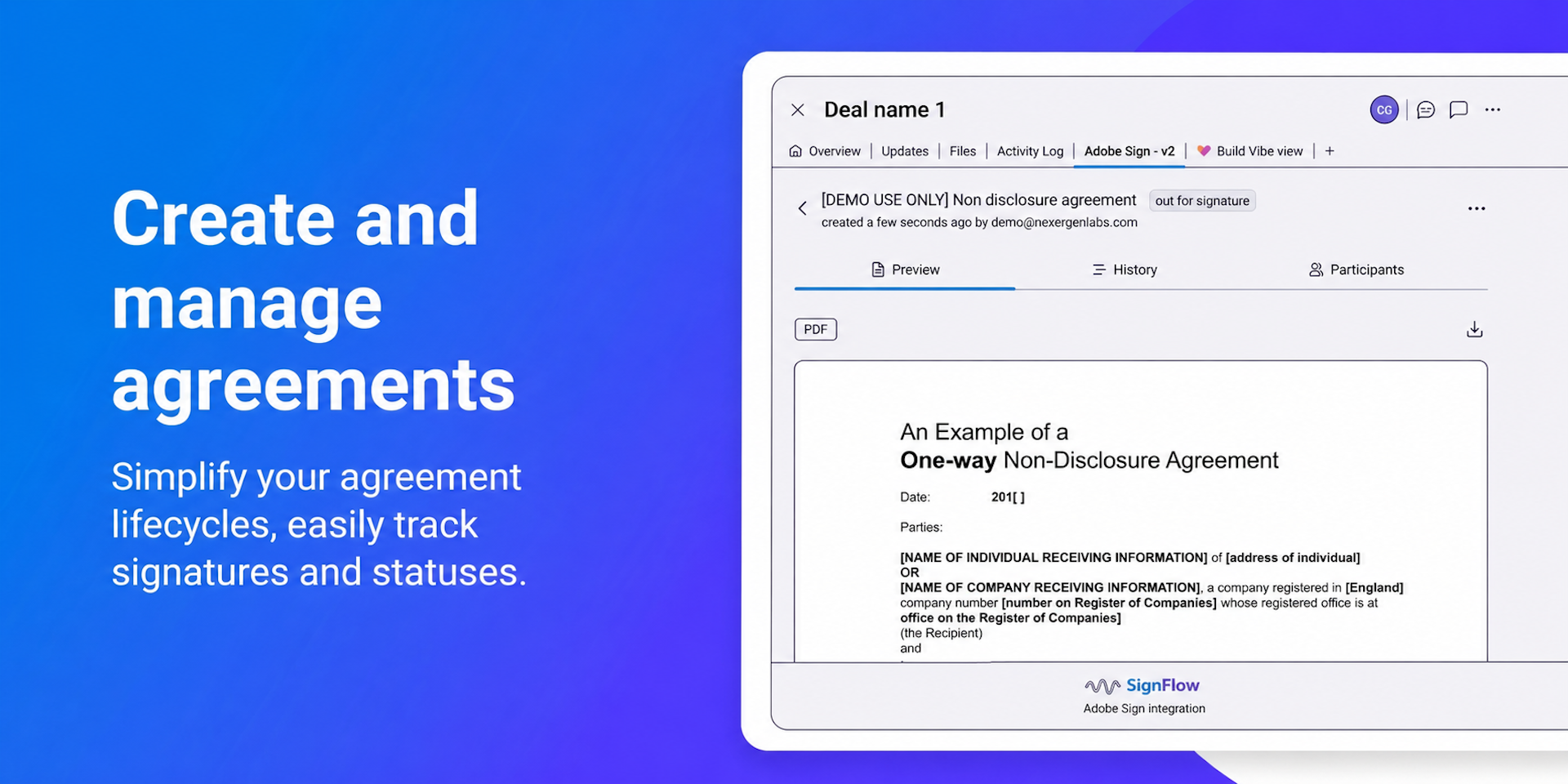
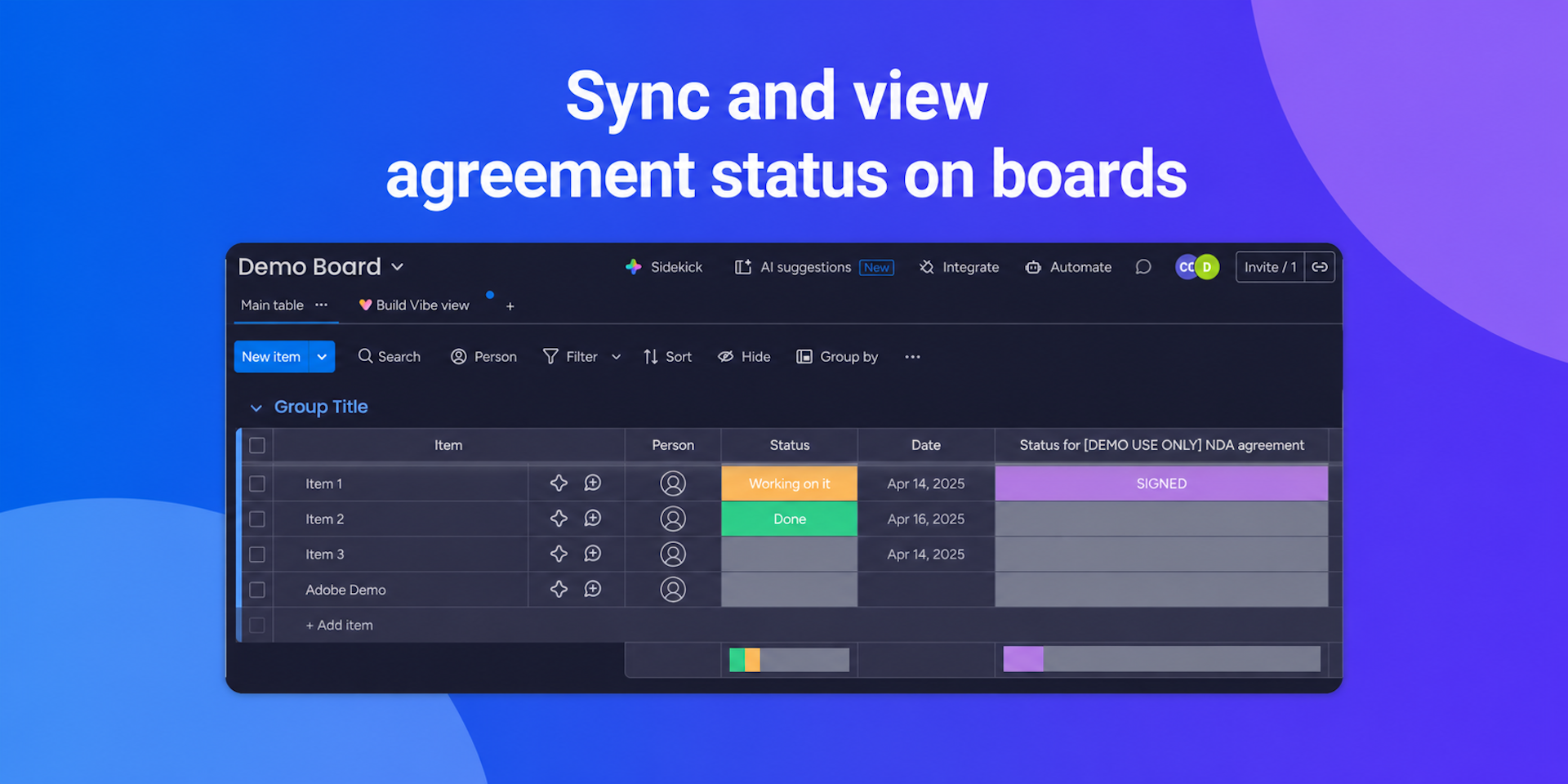
Send, sign & track Adobe Sign agreements from your boards.
This Adobe Sign integration for monday.com streamlines your document workflows by bringing world-class e-signatures directly into your boards. It is designed for teams in legal, HR, sales, and operations who need to manage high-volume signing processes without toggling between multiple platforms.
What you get with this app:
- Direct Document Generation: Create contracts, NDAs, or forms using your existing board data.
- Real-Time Tracking: A dedicated status column that updates automatically as recipients view and sign.
- Automated Document Storage: Finalized, legally binding PDFs are automatically attached back to the correct monday.com item.
Problems solved for your users:
- App Fatigue: Eliminates the need to constantly switch between monday.com and Adobe Sign.
- Data Silos: Prevents signed documents from getting lost in email inboxes by centralizing them in your workspace.
- Manual Entry Errors: Reduces mistakes by pulling board data directly into your agreement templates.
Benefits and Results:
- Faster Turnaround: Shorten your sales cycles and onboarding times by automating the hand-off between a "Ready" status and a sent signature request.
- Enhanced Visibility: Managers can see exactly where a contract stands in the approval chain without asking for manual updates.
- Scalability: Process dozens of agreements simultaneously with automated triggers and status mapping.
Specific Use Cases:
- Sales Teams: Automatically send a sales contract to a lead the moment a deal moves to the "Negotiation" stage.
- HR Onboarding: Trigger a pack of new-hire documents (W-4, I-9, etc.) and have them saved to the employee’s row once completed.
- Procurement: Manage vendor agreements by sending recurring service contracts for signature and tracking expiration dates within your board.
Security & Compliance
The app developer did not provide the security and compliance information for this app.
Reviews
No reviews yet.
Historical data
Installation history
We have data for December 28, 2024 onwards only. Collected sometime after 00:00 UTC daily.
Total number of installs
Change in total number of installs in last 1 day(s)
Compares the number of installs on each date with 1 days previously:
Change in total number of installs in last 7 day(s)
Compares the number of installs on each date with 7 days previously:
Change in total number of installs in last 30 day(s)
Compares the number of installs on each date with 30 days previously:
Change in total number of installs in last 90 day(s)
Compares the number of installs on each date with 90 days previously:
Change in total number of installs in last 180 day(s)
Compares the number of installs on each date with 180 days previously:
Ratings history
Categories history
Each of the following is a yes/no answer, so the graphs show 1 for yes, and 0 for no.