
Mind Map View
2 installs, since April 7, 2026. 2 installs/month. Updated April 7, 2026.

Turn your boards into interactive, synced mind maps
Mind Map View transforms your monday.com board into an interactive, auto-updating mind map.
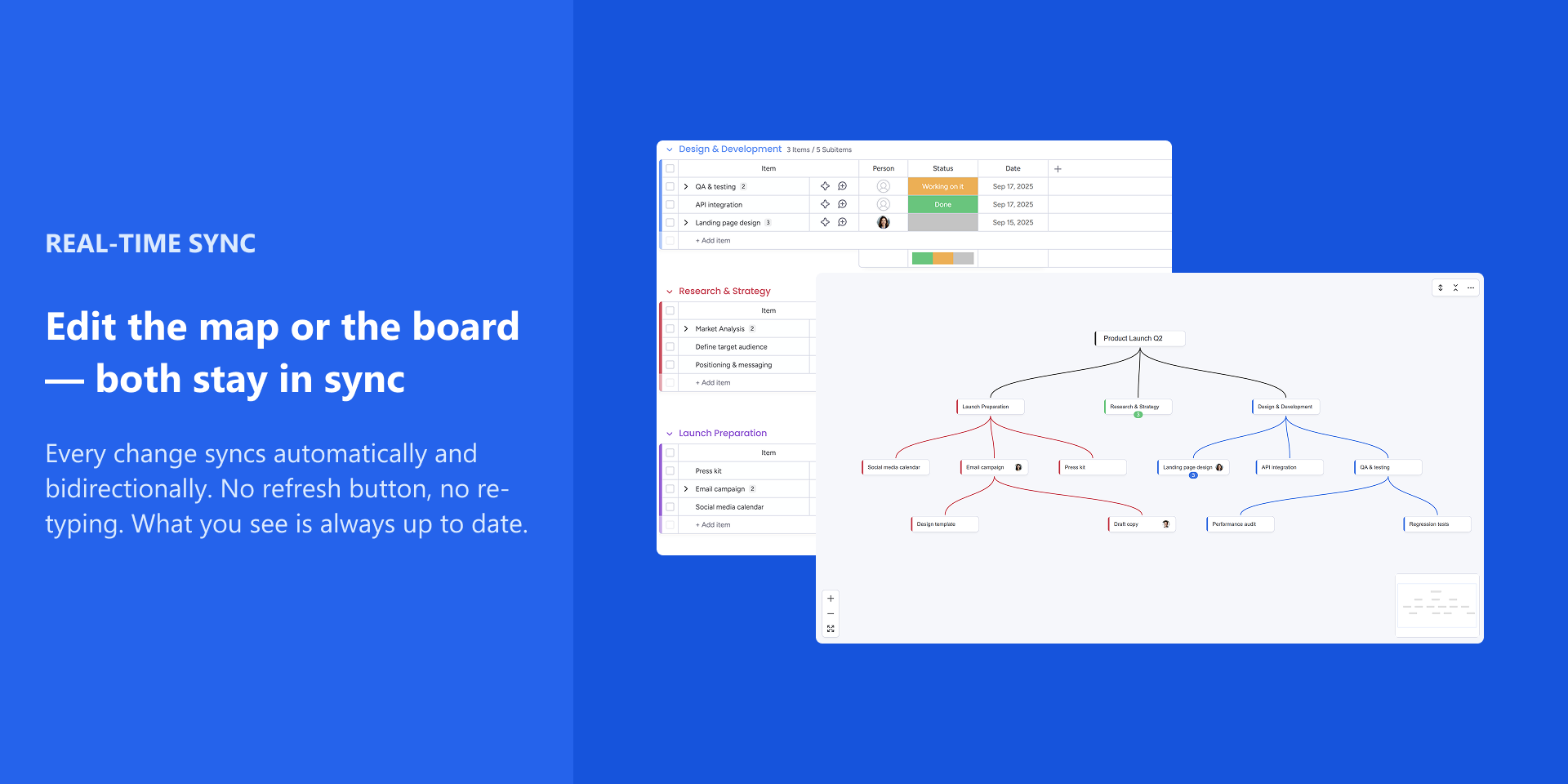
Every change you make — creating nodes, renaming, deleting, moving branches — is instantly and automatically reflected in your board, and vice versa. No "Refresh" or "Push" buttons needed. Your board hierarchy (Groups, Items, and Subitems up to 5 levels deep) stays in sync at all times.
A real board view, right inside monday.com.
Your data never leaves the platform — no external servers, no third-party storage.
Install the app, add the view to any board, and your mind map is ready. A guided tutorial walks you through the basics on first use. The auto-layout keeps your map clean and readable — consistent for every team member, every time.
Key features:
- Automatic bidirectional sync — no manual buttons, no re-typing
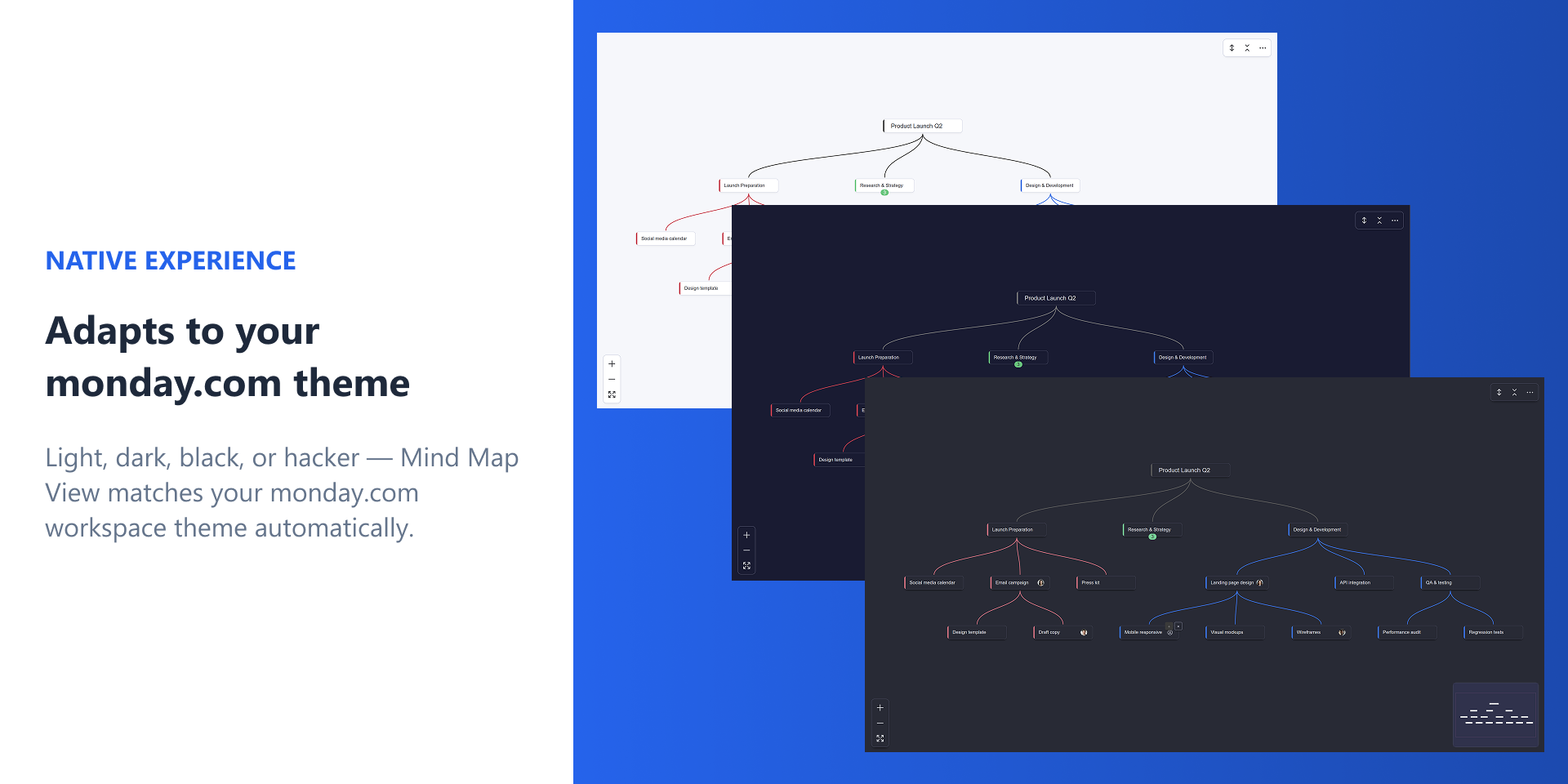
- Native board view — lives inside monday.com, supports all themes
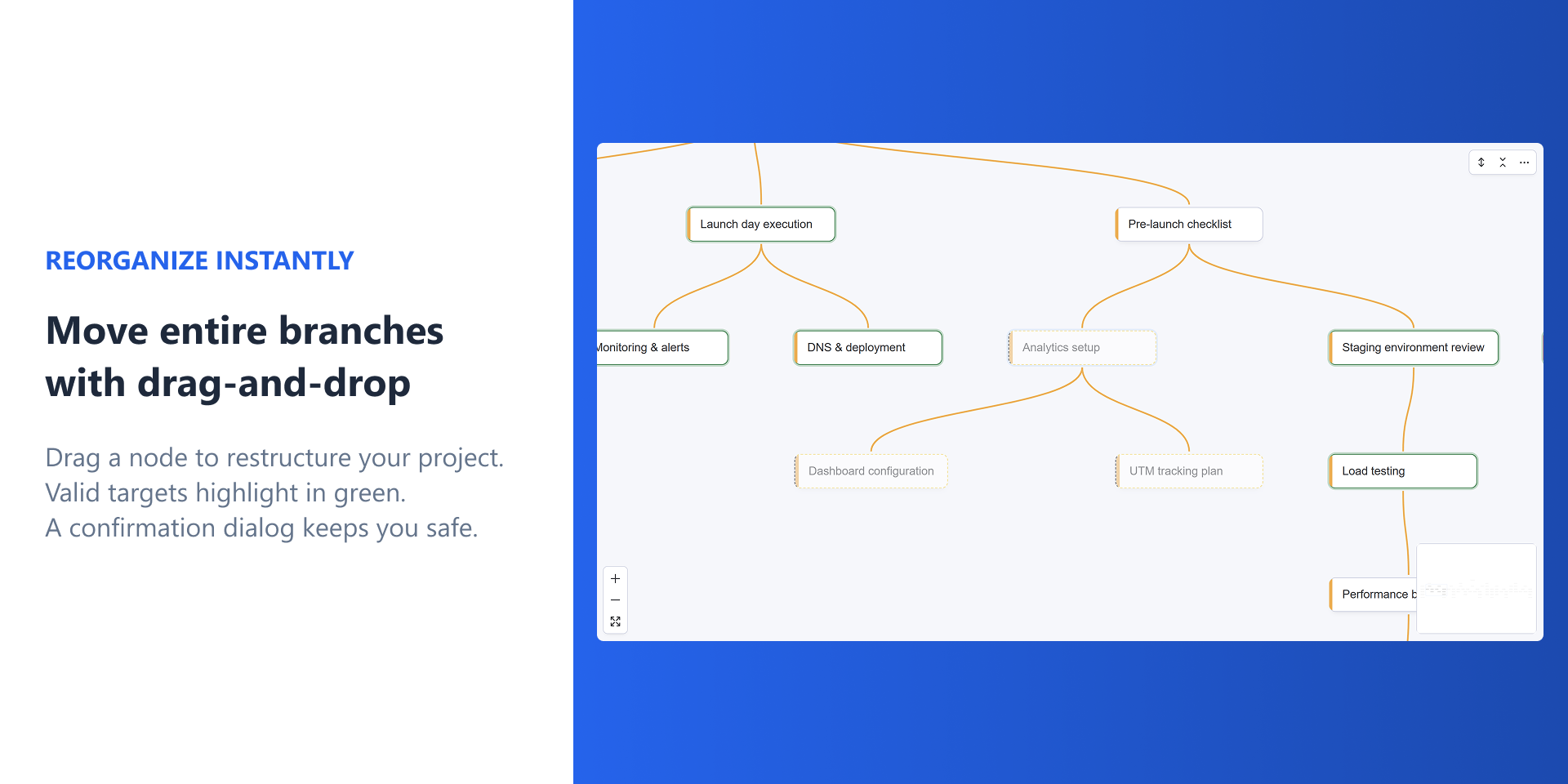
- Move and copy entire branches with drag-and-drop or keyboard shortcuts
- Assign people directly from the map with avatar display
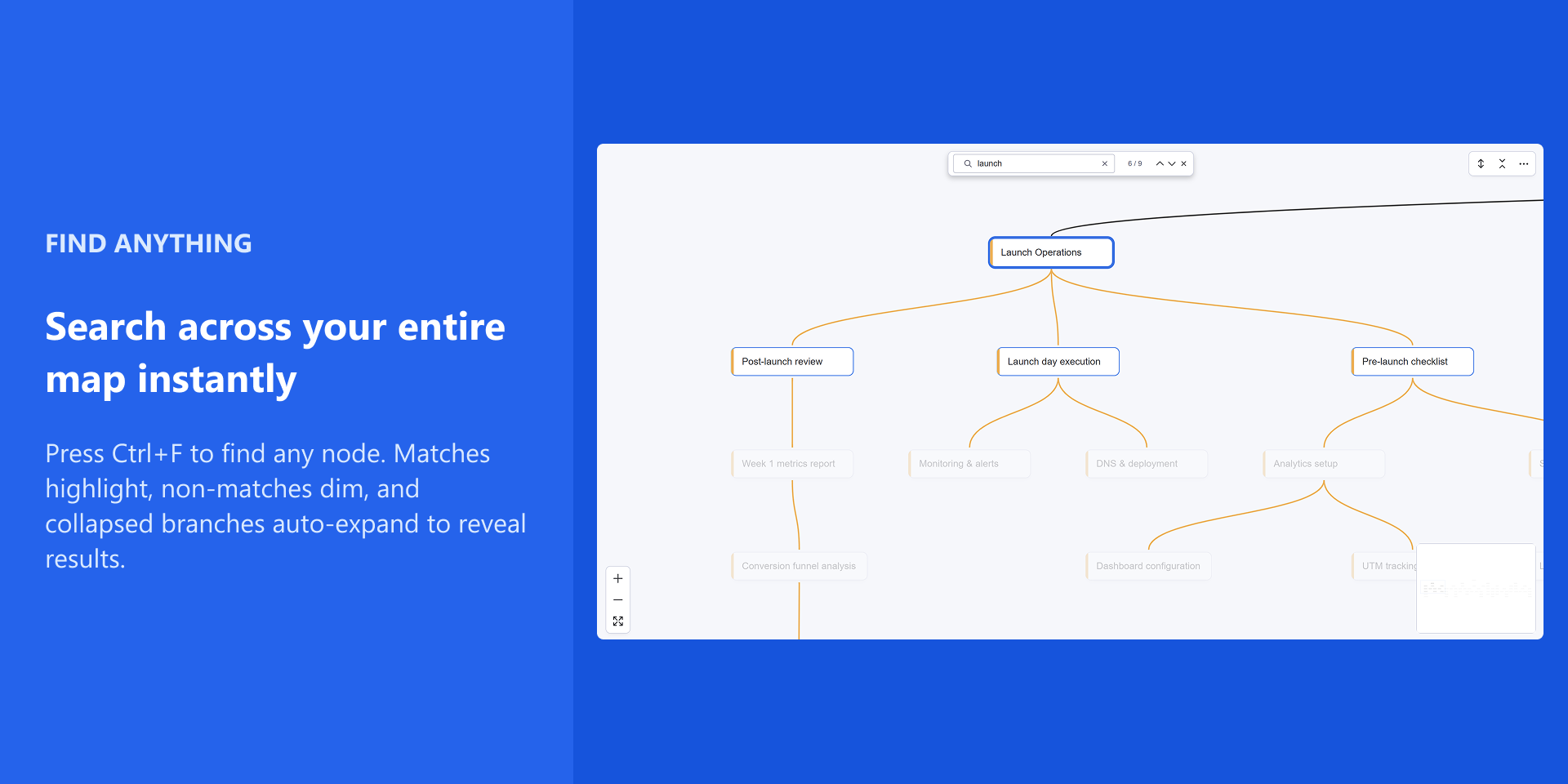
- Search across all nodes (Ctrl+F) with auto-expand on matches
- Expand/collapse branches to focus on what matters
- Keyboard shortcuts for power users
- No backend, no configuration — install and go
Use cases:
Brainstorming sessions that feed directly into actionable tasks. Project breakdowns that stay current as your team updates the board. Sprint planning with visual hierarchy. Onboarding new team members with a bird's-eye view of project structure.
Need help? Use the in-app ⋯ menu to replay the tutorial, report a bug, or request a feature.
Security & Compliance
The app developer did not provide the security and compliance information for this app.
Reviews
No reviews yet.
Historical data
Installation history
We have data for December 28, 2024 onwards only. Collected sometime after 00:00 UTC daily.
Total number of installs
Change in total number of installs in last 1 day(s)
Compares the number of installs on each date with 1 days previously:
Change in total number of installs in last 7 day(s)
Compares the number of installs on each date with 7 days previously:
Change in total number of installs in last 30 day(s)
Compares the number of installs on each date with 30 days previously:
Change in total number of installs in last 90 day(s)
Compares the number of installs on each date with 90 days previously:
Change in total number of installs in last 180 day(s)
Compares the number of installs on each date with 180 days previously:
Ratings history
Categories history
Each of the following is a yes/no answer, so the graphs show 1 for yes, and 0 for no.