Run automations on multi-level subitems with custom logic!
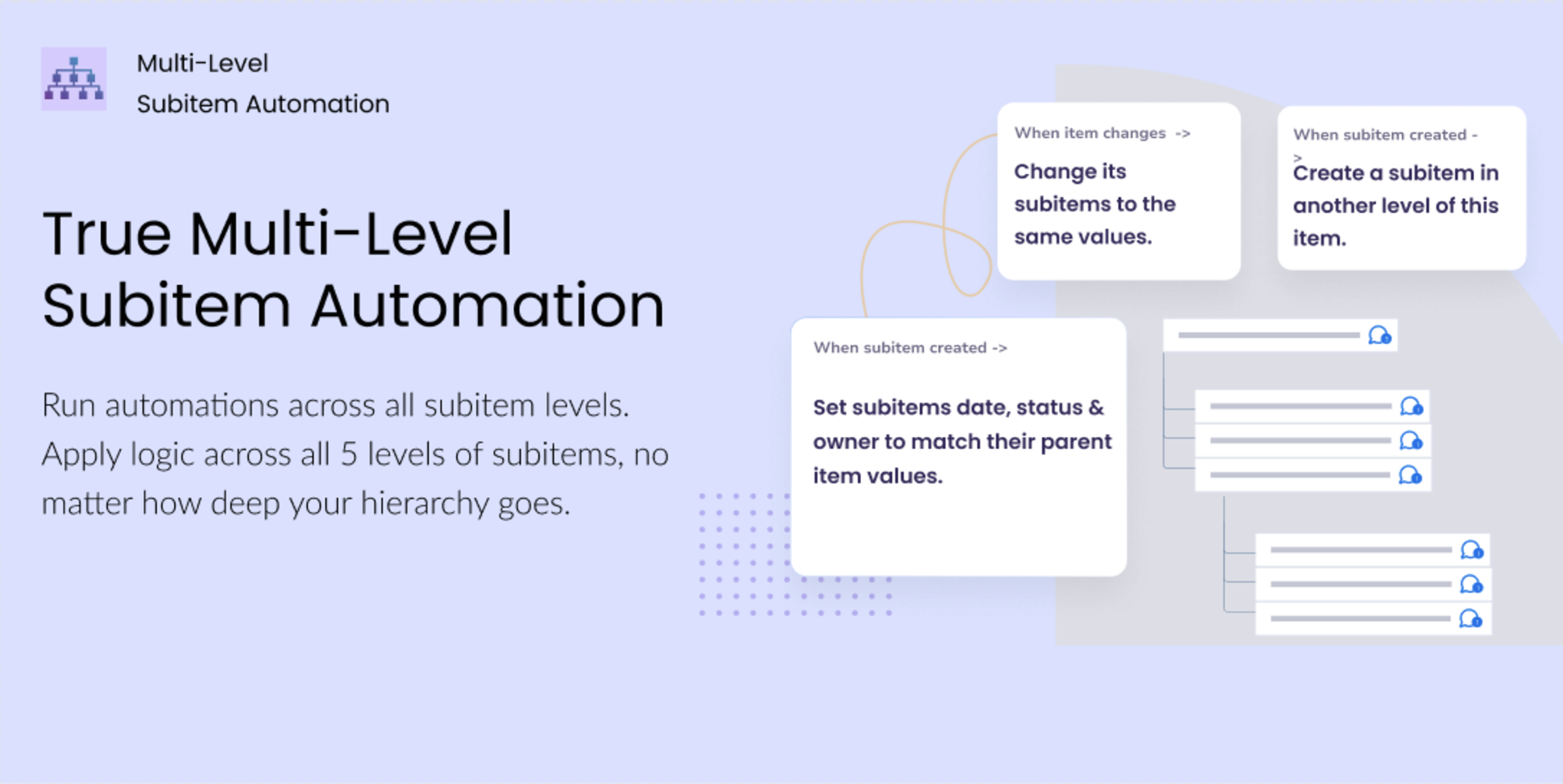
Multi-Level Subitem Automations is the first solution that empowers you to run automations across all 5 levels of monday.com’s new hierarchy. Solving one of the biggest gaps in monday.com for teams working with complex, multi-layered structures.
It’s the ultimate app to streamline your work, eliminate manual updates, ensure workflow consistency across every layer, and successfully manage projects, dependencies, naming structures, timelines, and nested work items.
Built for teams using multiple subitem levels, the app allows you to use pre-configured automations or multi-level triggers to mix and match and build your own custom automation without using external platforms such as Zapier or Make.
— Main Use Cases & Value —
Sync values across all hierarchy levels
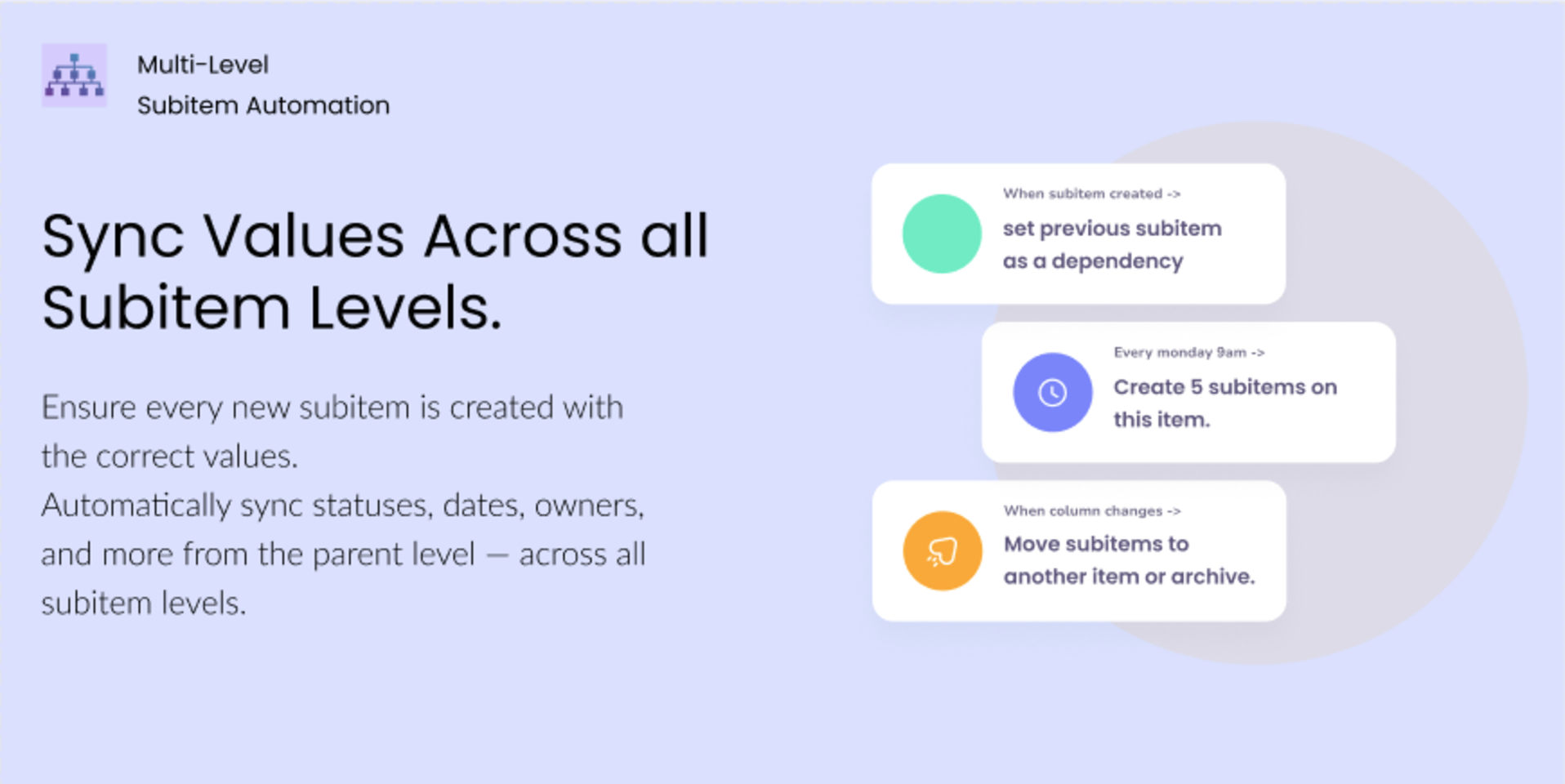
Automatically sync parent item values to any newly created subitem — at any level. Works seamlessly up to level 5 and fully respects monday.com’s rollup behavior.
Advanced Status Logic:
Automate custom status changes across levels (e.g., if any sub-sub-item is 'Stuck', set the main item to 'At Risk').
Time-Based Automations:
Create subitems or change their values based on defined dates in the hierarchy.
Custom Rollups & Aggregation:
Aggregate column values across multiple subitem levels to the parent item to easily track progress and use aggregated values in custom automations.
Multi-Level Dependencies:
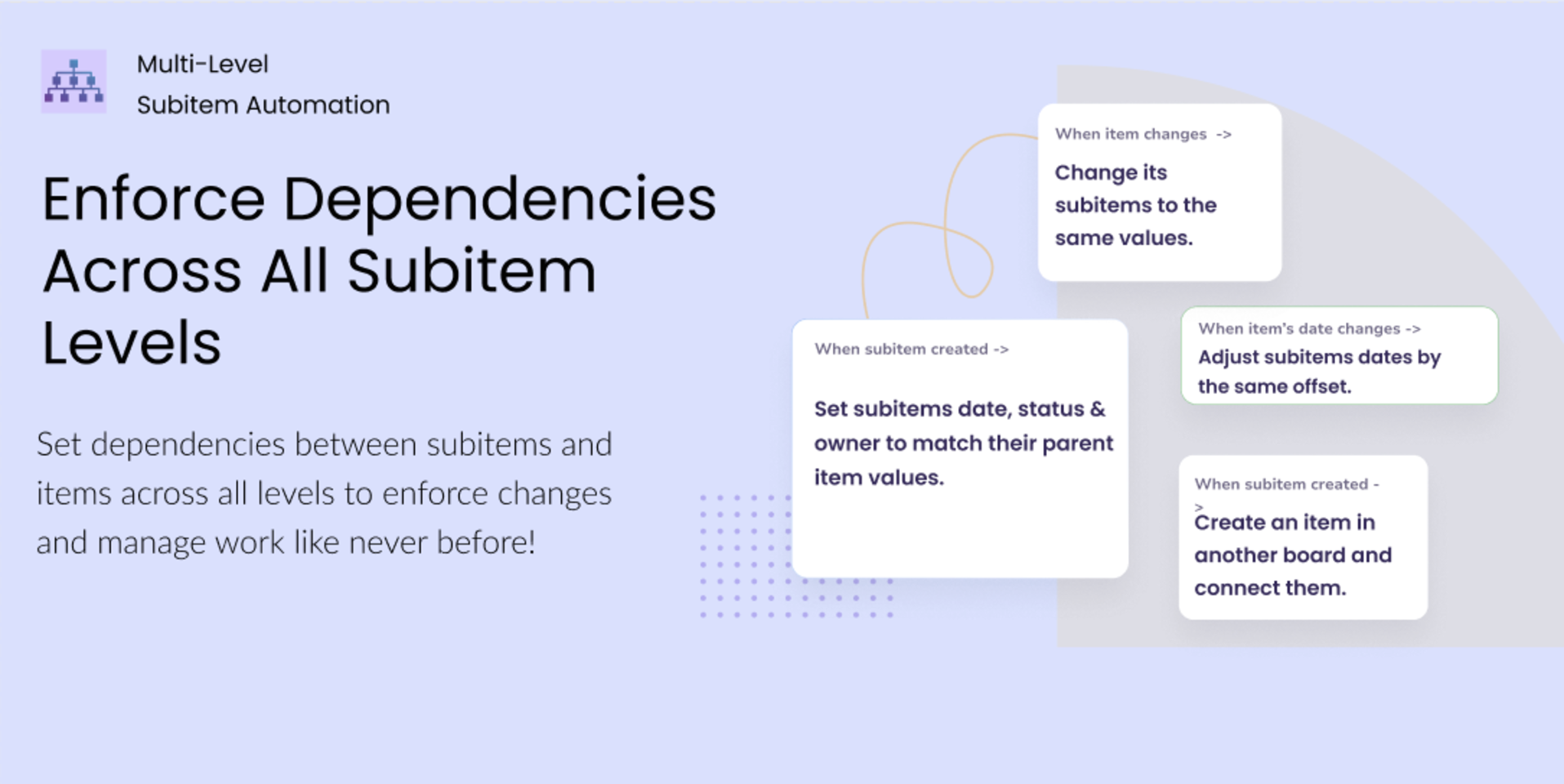
Set dependencies between subitems and items across different board levels to enforce changes and manage work like never before!
Automate Manual Work:
Automations to move subitems across items/boards, automatically archive, create new items at any level, and more!
Enterprise-grade security
Built on monday.com’s native infrastructure, trusted by thousands of teams for performance and reliability.
Security & Compliance
The app developer did not provide the security and compliance information for this app.
Reviews
No reviews yet.
Historical data
Installation history
We have data for December 28, 2024 onwards only. Collected sometime after 00:00 UTC daily.
Total number of installs
Change in total number of installs in last 1 day(s)
Compares the number of installs on each date with 1 days previously:
Max
Min
Current
Change in total number of installs in last 7 day(s)
Compares the number of installs on each date with 7 days previously:
Max
Min
Current
Change in total number of installs in last 30 day(s)
Compares the number of installs on each date with 30 days previously:
Max
Min
Current
Change in total number of installs in last 90 day(s)
Compares the number of installs on each date with 90 days previously:
Max
Min
Current
Change in total number of installs in last 180 day(s)
Compares the number of installs on each date with 180 days previously:
Max
Min
Current
Ratings history
Categories history
Each of the following is a yes/no answer, so the graphs show 1 for yes, and 0 for no.
{
"id": 10001119,
"marketplace_developer_id": 10000126,
"app_id": 10703082,
"app_type": "app",
"security_info": {},
"gallery_assets": [
{
"url": "https://cdn.monday.com/marketplace/10001119/10001119_2026_2_25_12_19_33_plp4nxcj.png",
"type": "image"
},
{
"url": "https://cdn.monday.com/marketplace/10001119/10001119_2026_2_25_12_19_40_xa2v3o5i.png",
"type": "image"
},
{
"url": "https://cdn.monday.com/marketplace/10001119/10001119_2026_2_25_12_19_46_85afotm.png",
"type": "image"
}
],
"description": "<p>Multi-Level Subitem Automations is the first solution that empowers you to run automations across all 5 levels of monday.com’s new hierarchy. Solving one of the biggest gaps in monday.com for teams working with complex, multi-layered structures.</p><p><br></p><p>It’s the ultimate app to streamline your work, eliminate manual updates, ensure workflow consistency across every layer, and successfully manage projects, dependencies, naming structures, timelines, and nested work items.</p><p><br></p><p>Built for teams using multiple subitem levels, the app allows you to use pre-configured automations or multi-level triggers to mix and match and build your own custom automation without using external platforms such as Zapier or Make.</p><p><br></p><p>— Main Use Cases & Value —</p><p><br></p><p>Sync values across all hierarchy levels</p><p>Automatically sync parent item values to any newly created subitem — at any level. Works seamlessly up to level 5 and fully respects monday.com’s rollup behavior.</p><p><br></p><p>Advanced Status Logic: </p><p>Automate custom status changes across levels (e.g., if any sub-sub-item is 'Stuck', set the main item to 'At Risk').</p><p><br></p><p>Time-Based Automations: </p><p>Create subitems or change their values based on defined dates in the hierarchy.</p><p><br></p><p>Custom Rollups & Aggregation: </p><p>Aggregate column values across multiple subitem levels to the parent item to easily track progress and use aggregated values in custom automations.</p><p><br></p><p>Multi-Level Dependencies:</p><p>Set dependencies between subitems and items across different board levels to enforce changes and manage work like never before!</p><p><br></p><p>Automate Manual Work: </p><p>Automations to move subitems across items/boards, automatically archive, create new items at any level, and more!</p><p><br></p><p>Enterprise-grade security</p><p>Built on monday.com’s native infrastructure, trusted by thousands of teams for performance and reliability.</p>",
"short_description": "Run automations on multi-level subitems with custom logic!",
"thumbnail_url": "https://cdn.monday.com/marketplace/10001119/10001119_2026_2_25_12_18_35_sgx8y2jg.png",
"logo_url": "https://cdn.monday.com/marketplace/10001119/10001119_2026_2_25_12_18_10_genphle.png",
"feedback_url": "support@fantasymedia.io",
"privacy_policy_url": "https://www.fantasymedia.io/privacy-policy",
"featured": false,
"name": "Multi Level Subitem Automations",
"how_to_use_url": "https://www.fantasymedia.io/multi-level-subitem-automations",
"external_pricing_url": null,
"keywords": "subitem,subitems,multi-level,automation, projects,productivity,integration,workflow,sync,hierarchy",
"compliance_answers": [],
"created_at": "2026-03-25T12:17:22.316Z",
"updated_at": "2026-03-25T12:19:55.947Z",
"automation_app_id": null,
"marketplace_category_ids": [],
"pinned_for_categories_ids": [],
"featured_for_categories_ids": [],
"pricing_data": "Free plan available",
"label": null,
"app_values": [
"Perfect for automations"
],
"security": false,
"display_in_template_store": false,
"acquisition_source": "No touch",
"is_connector": false,
"terms_of_service_url": "https://www.fantasymedia.io/eula",
"available_for_tiers": [],
"available_for_products": [],
"google_analytics_tag_id": null,
"is_solution": false,
"app_scope_str": "me:read,boards:read,boards:write,users:read,account:read,notifications:write,assets:read,tags:read,webhooks:write,webhooks:read",
"app_client_id": "2a47dfdee4ae35aca942688f436f9528",
"app_color": "#443176",
"plans": null,
"app_live_version": {
"updated_at": "2026-03-10T11:05:50.104Z",
"id": 13307616
},
"pricing_model": null,
"badges_data": {
"pricing_data": "Free plan available",
"app_values": [
"Perfect for automations"
],
"security": false,
"acquisition_source": "No touch",
"display_in_template_store": false
},
"data": {
"is_connector": false,
"google_analytics_tag_id": null,
"is_solution": false,
"terms_of_service_url": "https://www.fantasymedia.io/eula",
"available_for_tiers": [],
"available_for_products": []
},
"display": null,
"installsDelta": {
"totalInstalls": 8
}
}