App metadata ID: 10001109 • App ID: 10700057 • Listing updated: March 16, 2026 View app data JSON {
"id": 10001109,
"marketplace_developer_id": 100000178,
"app_id": 10700057,
"app_type": "app",
"security_info": {},
"gallery_assets": [
{
"url": "https://cdn.monday.com/marketplace/10001109/10001109_2026_2_16_9_5_8_a6e72j5.png",
"type": "image"
},
{
"url": "https://cdn.monday.com/marketplace/10001109/10001109_2026_2_16_9_5_12_0m85yy4.png",
"type": "image"
},
{
"url": "https://cdn.monday.com/marketplace/10001109/10001109_2026_2_16_9_5_16_2gw3zjx.png",
"type": "image"
}
],
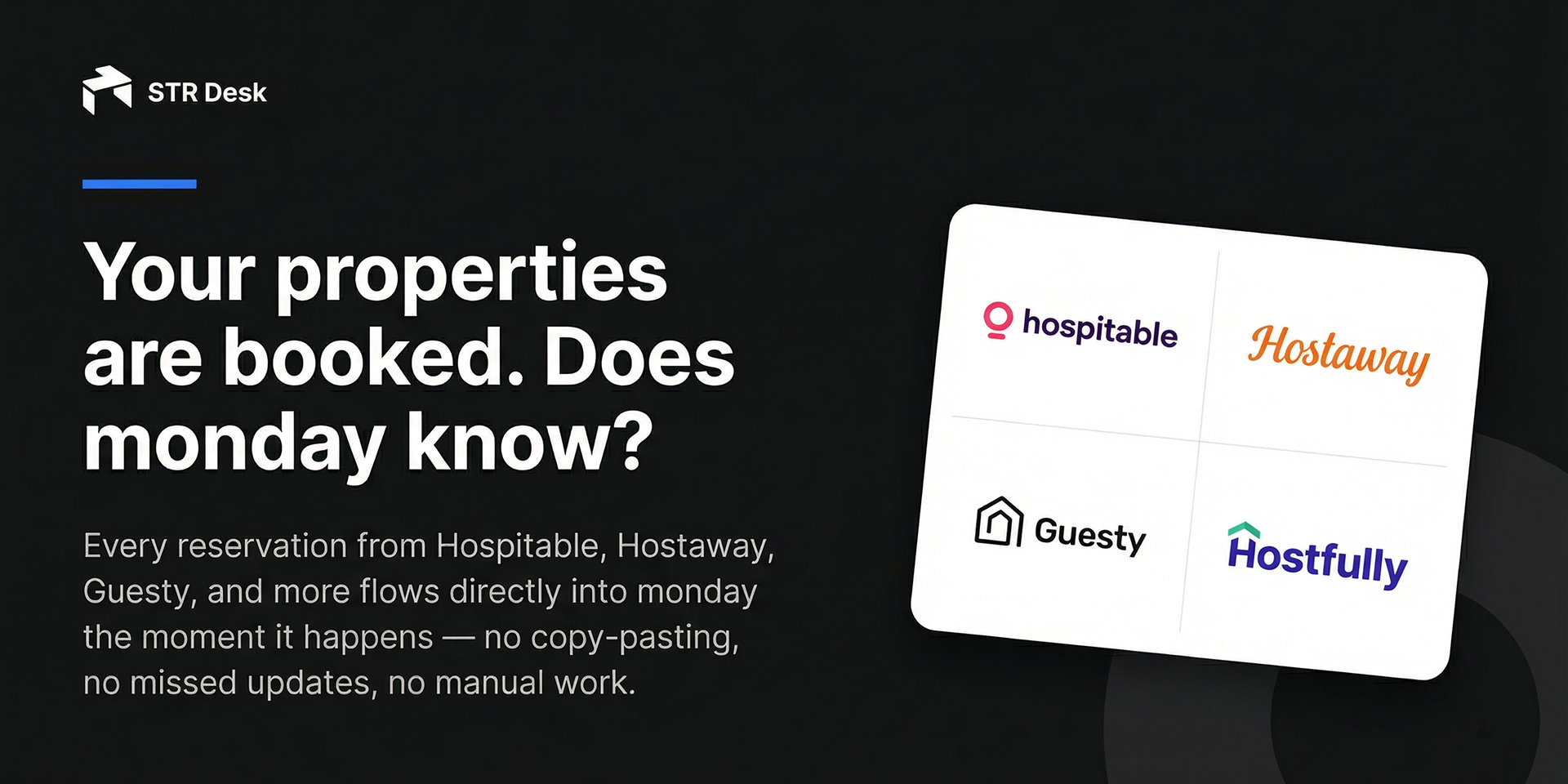
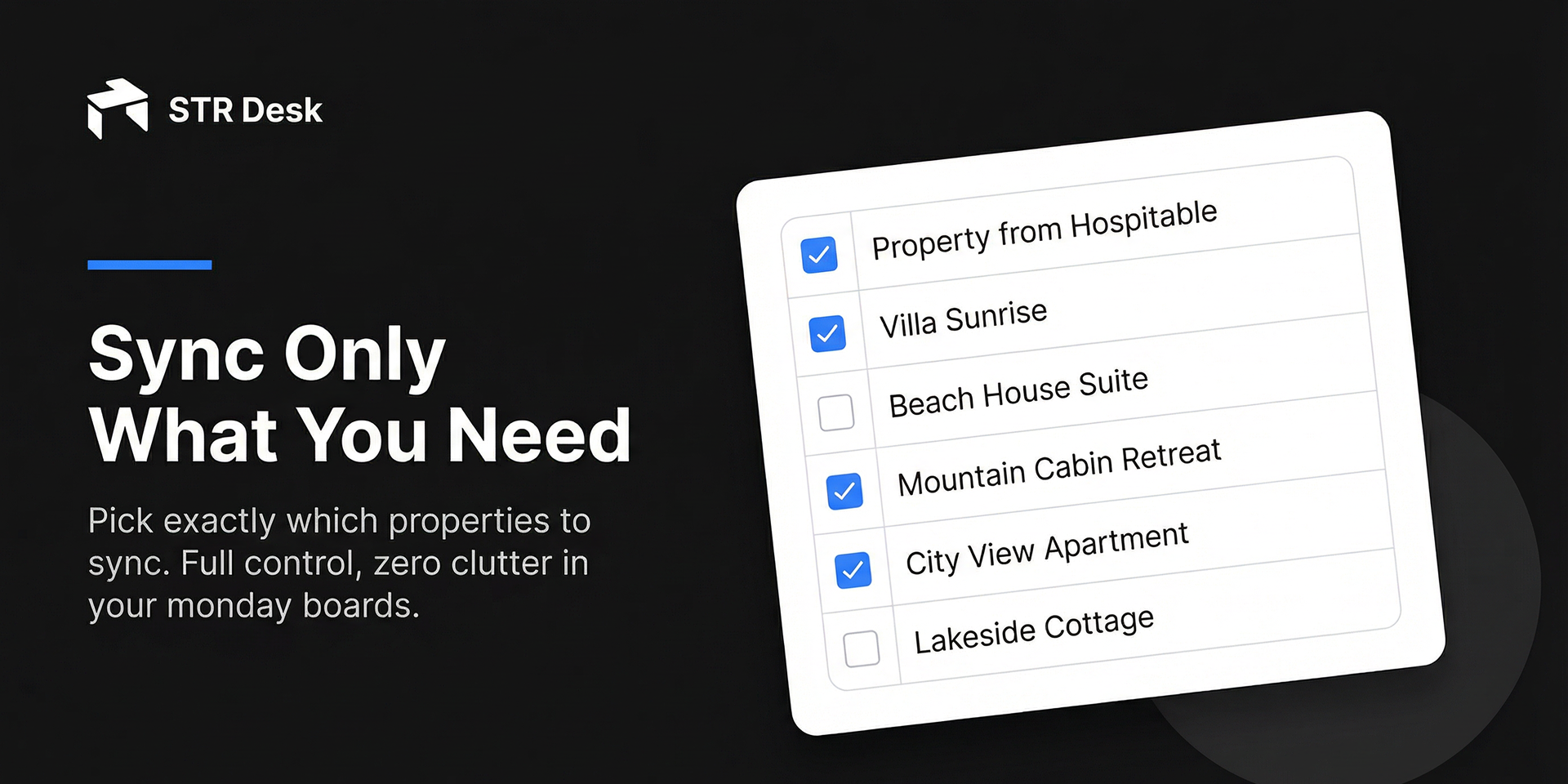
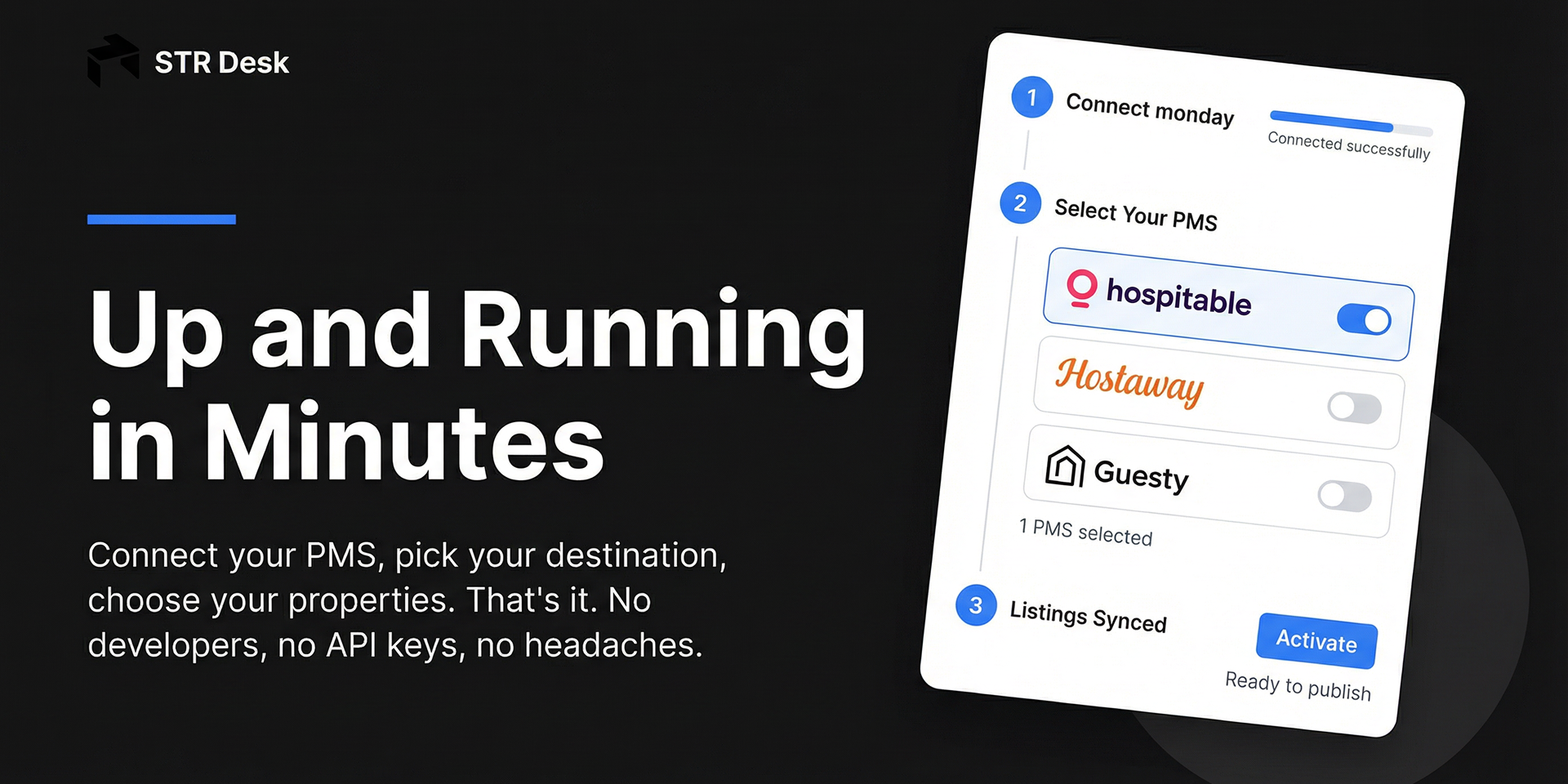
"description": "<p><strong>STR Desk</strong> automatically syncs your short-term rental property management system (PMS) data into <a href=\"http://monday.com/\" rel=\"noopener noreferrer\" target=\"_blank\">monday.com</a>, so you can manage reservations, guests, and properties in one place.</p><p><strong>What STR Desk Does</strong></p><p>STR Desk connects your PMS to <a href=\"http://monday.com/\" rel=\"noopener noreferrer\" target=\"_blank\">monday.com</a> and keeps your data in sync. It creates boards for <strong>Properties</strong>, <strong>Reservations</strong>, and <strong>Reviews</strong>, and updates them automatically as bookings change.</p><p><strong>Key Features</strong></p><ul><li><strong>Automated Data Sync</strong> — Real-time updates via webhooks and scheduled daily reconciliation</li><li><strong>Multi-PMS Support</strong> — Works with Hospitable, Hostaway, Guesty, Hostfully, OwnerRez, Lodgify, Beds24, and Smoobu</li><li><strong>Complete Data Mapping</strong> — Syncs property details, reservation dates, guest information, and reviews</li><li><strong>Historical Backfill</strong> — Import past reservations (up to 2 years back)</li><li><strong>Smart Board Creation</strong> — Automatically sets up <a href=\"http://monday.com/\" rel=\"noopener noreferrer\" target=\"_blank\">monday.com</a> boards with the right columns</li><li><strong>Secure & Reliable</strong> — OAuth authentication, encrypted credentials, and error handling</li></ul><p><strong>Perfect For</strong></p><ul><li>Short-term rental operators managing multiple properties</li><li>Property management companies needing centralized data</li><li>Teams using <a href=\"http://monday.com/\" rel=\"noopener noreferrer\" target=\"_blank\">monday.com</a> for operations and guest management</li><li>Businesses wanting to eliminate manual data entry</li></ul><p><strong>How It Works</strong></p><ol><li>Connect your PMS account.</li><li>Link your monday.com workspace</li><li>STR Desk creates boards and syncs your data</li><li>Data stays updated automatically</li></ol><p><strong>Why Choose STR Desk?</strong></p><ul><li>Save hours of manual work each week</li><li>Reduce errors from manual entry</li><li>Get a single source of truth in monday.com</li><li>Scale without adding manual processes</li></ul><p><strong>Get Started</strong></p><p>Ready to automate your <a href=\"http://pms-to-monday.com/\" rel=\"noopener noreferrer\" target=\"_blank\">PMS-to-monday.com</a> sync? Book a demo to see STR Desk in action and discuss your setup.</p><p><a href=\"https://calendly.com/admin-strdesk/30min\" rel=\"noopener noreferrer\" target=\"_blank\">Book a Demo →</a></p><p>Questions? Contact us at <a href=\"mailto:support@strdesk.com\" rel=\"noopener noreferrer\" target=\"_blank\">support@strdesk.com</a> or visit strdesk.com.</p><p><br></p><p>STR Desk also integrates with other platforms. Contact us to learn more</p>",
"short_description": "Sync PMS guest data to monday.com boards automatically",
"thumbnail_url": "https://cdn.monday.com/marketplace/10001109/10001109_2026_2_16_9_4_56_qvhbhgp.png",
"logo_url": "https://cdn.monday.com/marketplace/10001109/10001109_2026_2_16_9_4_53_6tz6t5f.png",
"feedback_url": "support@strdesk.com",
"privacy_policy_url": "https://strdesk.com/privacy",
"featured": false,
"name": "STR Desk",
"how_to_use_url": "https://www.strdesk.com/docs/how-to-use",
"external_pricing_url": null,
"keywords": "Hostaway,reservations,hospitality,automation,sync,property management,Airbnb,short-term rental,vacation rental,PMS",
"compliance_answers": [],
"created_at": "2026-03-16T09:04:20.131Z",
"updated_at": "2026-03-16T09:05:18.401Z",
"automation_app_id": null,
"marketplace_category_ids": [],
"pinned_for_categories_ids": [],
"featured_for_categories_ids": [],
"pricing_data": null,
"label": null,
"app_values": [
"Centralize your work on monday.com"
],
"security": false,
"display_in_template_store": false,
"acquisition_source": "No touch",
"is_connector": false,
"terms_of_service_url": "https://strdesk.com/terms",
"available_for_tiers": [],
"available_for_products": [],
"google_analytics_tag_id": null,
"is_solution": false,
"app_scope_str": "boards:read,me:read,boards:write,workspaces:read,workspaces:write",
"app_client_id": "37455a341eecbaf00d5665c09796b24f",
"app_color": {
"hsl": {
"h": 321.1764705882353,
"s": 0,
"l": 1,
"a": 1
},
"hex": "#ffffff",
"rgb": {
"r": 255,
"g": 255,
"b": 255,
"a": 1
},
"hsv": {
"h": 321.1764705882353,
"s": 0,
"v": 1,
"a": 1
},
"oldHue": 321.1764705882353,
"source": "hsv"
},
"plans": null,
"app_live_version": {
"updated_at": "2026-03-06T17:03:04.799Z",
"id": 13271378
},
"pricing_model": null,
"badges_data": {
"app_values": [
"Centralize your work on monday.com"
],
"security": false,
"acquisition_source": "No touch",
"display_in_template_store": false
},
"data": {
"is_connector": false,
"google_analytics_tag_id": null,
"is_solution": false,
"terms_of_service_url": "https://strdesk.com/terms",
"available_for_tiers": [],
"available_for_products": []
},
"display": null,
"installsDelta": {
"totalInstalls": 6
}
}