{
"id": 10001100,
"marketplace_developer_id": 100000038,
"app_id": 10808833,
"app_type": "app",
"security_info": {},
"gallery_assets": [
{
"url": "https://cdn.monday.com/marketplace/10001100/10001100_2026_2_3_9_57_45_m3qq2xq.png",
"type": "image"
},
{
"url": "https://cdn.monday.com/marketplace/10001100/10001100_2026_2_3_9_57_50_7lbka9ik.png",
"type": "image"
},
{
"url": "https://cdn.monday.com/marketplace/10001100/10001100_2026_2_3_9_57_53_pwgguy4.png",
"type": "image"
},
{
"url": "https://cdn.monday.com/marketplace/10001100/10001100_2026_2_3_9_57_57_p4jfiw4.png",
"type": "image"
},
{
"url": "https://cdn.monday.com/marketplace/10001100/10001100_2026_2_3_9_58_7_c120w5k.png",
"type": "image"
},
{
"url": "https://cdn.monday.com/marketplace/10001100/10001100_2026_2_3_9_58_30_s77yi61.mp4",
"type": "video"
}
],
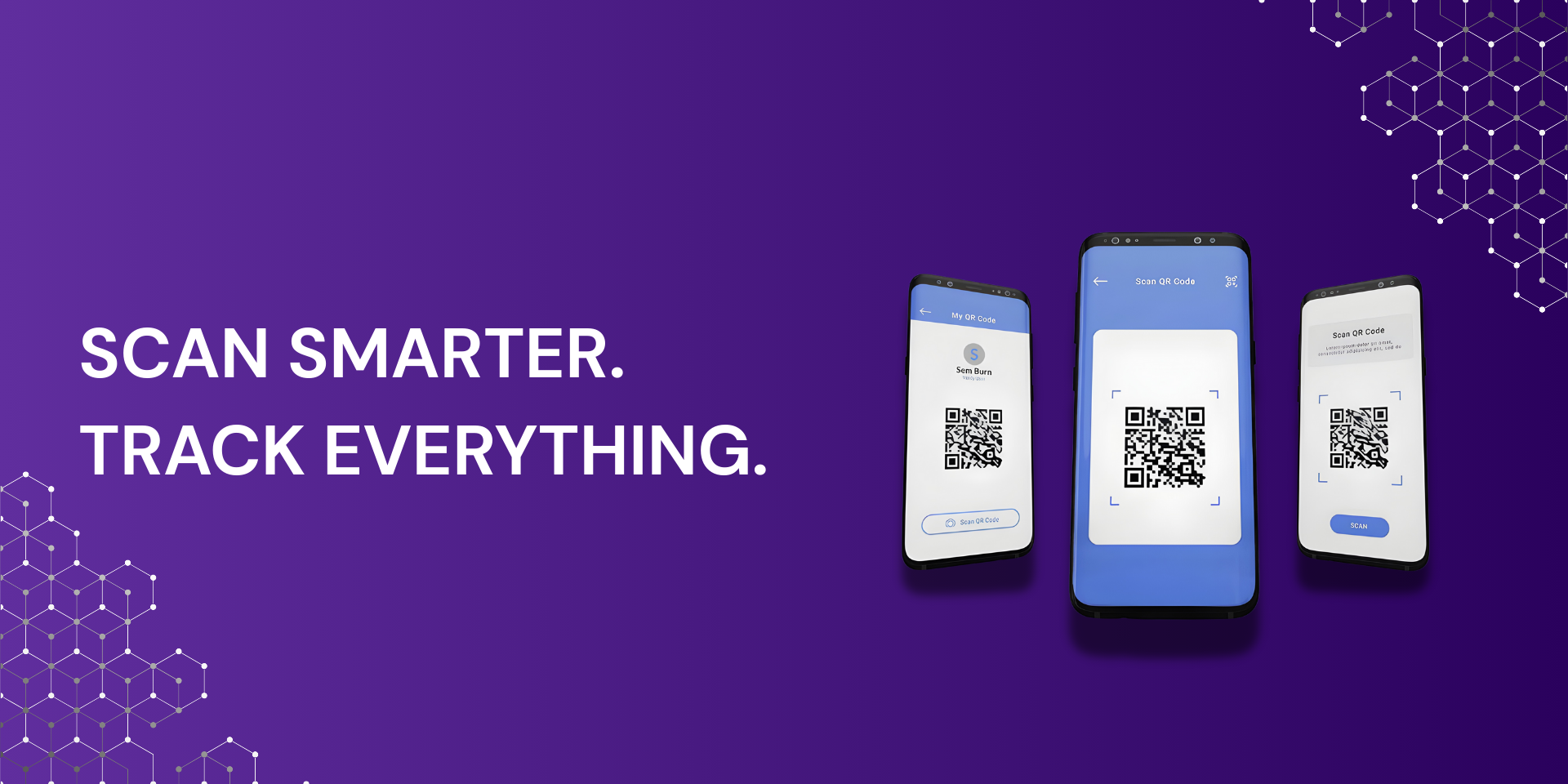
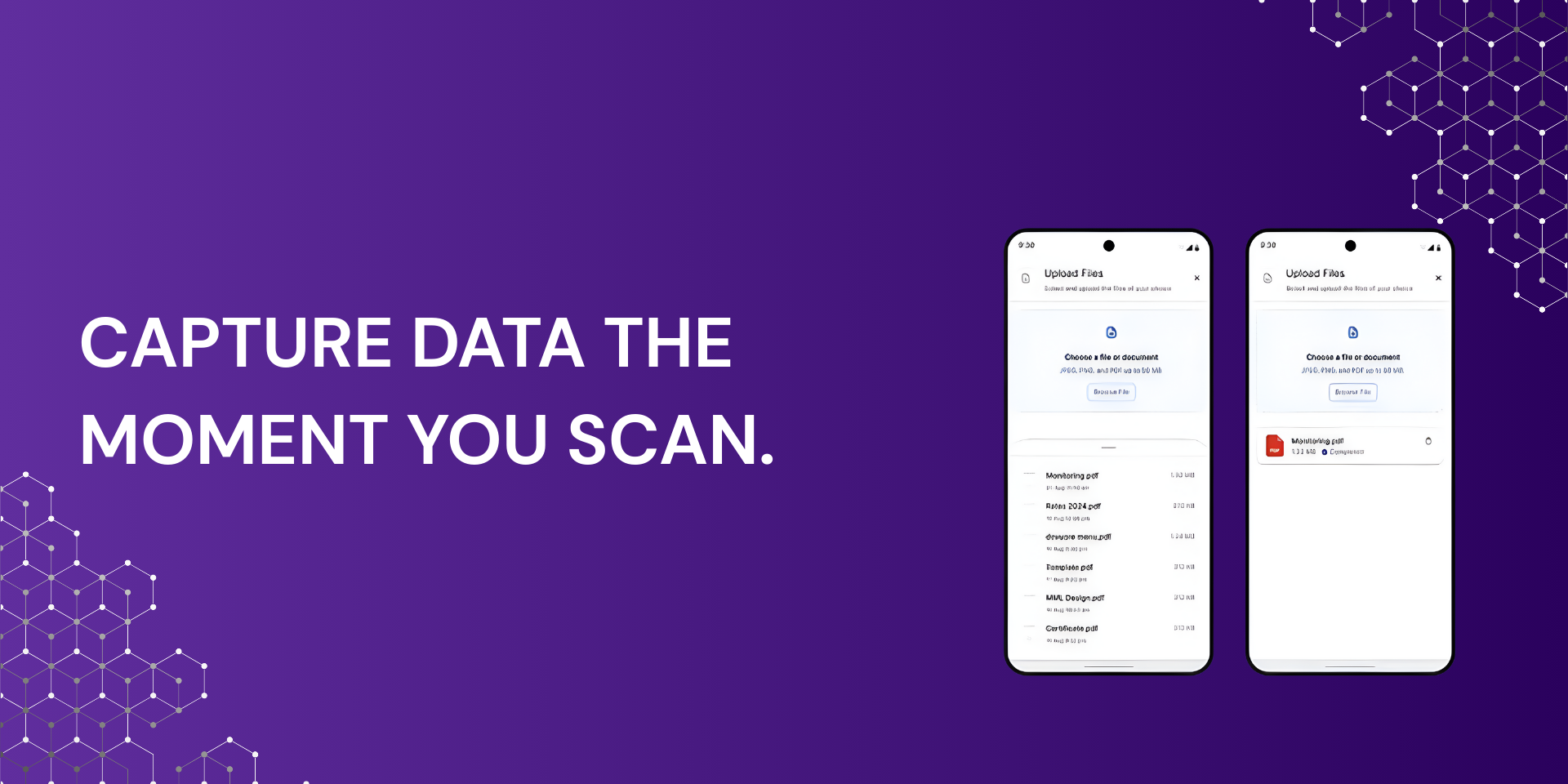
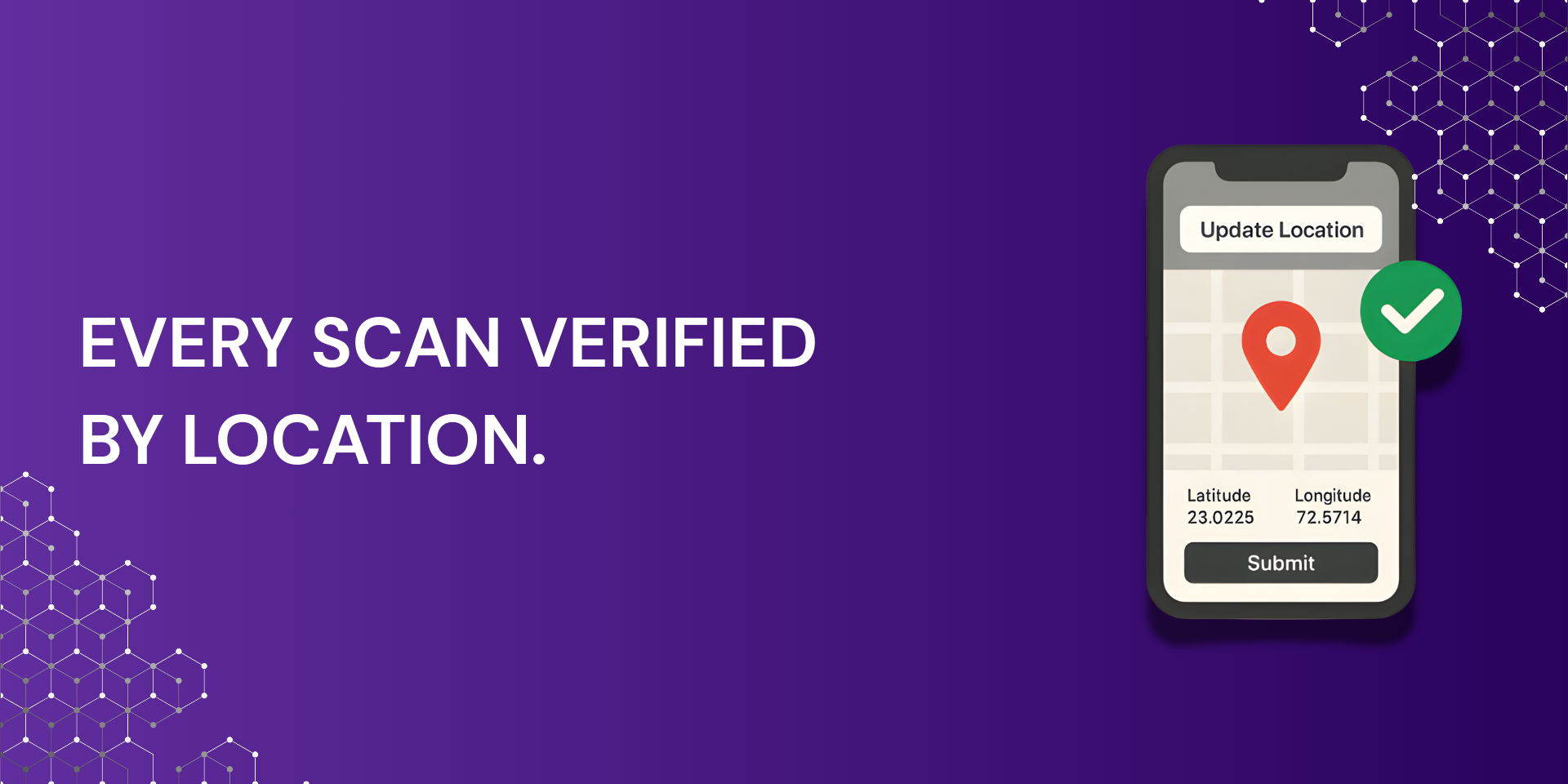
"description": "<p><strong>QR Code Tracking with Geo Location</strong></p><p>QR Trax turns QR codes into real time workflow triggers inside your board. Generate</p><p>branded QR codes, link customized e-forms to each code, capture scan data, collect</p><p>photos, and automatically update boards and subitems.</p><p>Built in geo location capture records GPS coordinates and street address with every scan to</p><p>create verified, location-based audit trails tied to your monday items. Create codes. Scan</p><p>in the field. Capture proof. Update your board instantly.</p><p><strong>Core Features</strong></p><p>• Create branded QR codes at scale</p><p>• Link and customize forms per QR code</p><p>• Real time scan tracking and history</p><p>• Geo location capture with GPS and address</p><p>• Automatic subitem creation per scan</p><p>• Custom scan forms mapped to columns</p><p>• Photo and file upload at scan</p><p>• Mobile friendly scanning</p><p>• Audit, Search and CSV export</p><p><strong>Custom Scan Linked to E-Forms</strong></p><p>Attach fully customized forms to any QR code. Capture structured inputs such as text,</p><p>status, dropdowns, notes, and photos. Map every field directly to monday columns and</p><p>subitems for clean, automated data capture.</p><p><strong>Geo Location Verification</strong></p><p>Each scan records time and location for site verification, field accountability, inspection</p><p>proof, asset location confirmation, and compliance logs.</p><p><strong>Ways Teams Use QR Trax</strong></p><p>• Asset and equipment tracking</p><p>• Property and facility inspections</p><p>• Field service visit verification</p><p>• Maintenance and work orders</p><p>• Construction site logs</p><p>• Inventory tracking</p><p>• Visitor and event check in</p><p><strong>Board Automation</strong></p><p>Each scan can create records, update status, attach images, log time and location, and</p><p>trigger monday automations.</p><p>Built for operations and field teams across property management, construction, facilities,</p><p>field service, logistics, and asset management.</p><p><strong>Tutorials & Support</strong></p><p><strong>Free support is included — our team will help you get live quickly.</strong></p><p>Step-by-step tutorials and setup guides:</p><p>Support & booking: <a href=\"http://flowtechapps.com/contact\" rel=\"noopener noreferrer\" target=\"_blank\">flowtechapps.com/contact</a></p><p>Tutorials & FAQs: <a href=\"https://flowtechapps.com/qrtrax#contact\" rel=\"noopener noreferrer\" target=\"_blank\">https://flowtechapps.com/qrtrax#contact</a></p><p>YouTube training videos: <a href=\"https://www.youtube.com/@QRTrax\" rel=\"noopener noreferrer\" target=\"_blank\">https://www.youtube.com/@QRTrax</a></p><p><br></p><p>Email: <a href=\"mailto:info@flowtechappsc.com\" rel=\"noopener noreferrer\" target=\"_blank\">info@flowtechappsc.com</a></p>",
"short_description": "Custom QR Codes, eForms and GPS Verified Scans.",
"thumbnail_url": "https://cdn.monday.com/marketplace/10001100/10001100_2026_2_3_9_57_10_l9btsv3.png",
"logo_url": "https://cdn.monday.com/marketplace/10001100/10001100_2026_2_3_9_56_54_fvb5y2o.jpg",
"feedback_url": "info@flowtechapps.com",
"privacy_policy_url": "https://flowtechapps.com/privacy-policy",
"featured": false,
"name": "QR Trax",
"how_to_use_url": null,
"external_pricing_url": null,
"keywords": "QR scanner software,Smart QR code tracking,QR code data capture system,Location-based QR scanning,QR attendance tracking software,Custom QR code generator,QR code with location tracking,QR form submission software,Real-time QR data collection,QR code for field reporting",
"compliance_answers": [],
"created_at": "2026-03-03T09:56:35.845Z",
"updated_at": "2026-03-03T09:58:32.255Z",
"automation_app_id": null,
"marketplace_category_ids": [],
"pinned_for_categories_ids": [],
"featured_for_categories_ids": [],
"pricing_data": "Free plan available",
"label": null,
"app_values": [
"Everyday tasks"
],
"security": false,
"display_in_template_store": false,
"acquisition_source": "No touch",
"is_connector": false,
"terms_of_service_url": "https://flowtechapps.com/terms-of-service",
"available_for_tiers": [],
"available_for_products": [],
"google_analytics_tag_id": null,
"is_solution": false,
"app_scope_str": "me:read,boards:read,boards:write,account:read,assets:read",
"app_client_id": "55ce217982fba6ce1787bb534ca6f060",
"app_color": {
"hsl": {
"h": 153.07692307692307,
"s": 0,
"l": 1,
"a": 1
},
"hex": "#ffffff",
"rgb": {
"r": 255,
"g": 255,
"b": 255,
"a": 1
},
"hsv": {
"h": 153.07692307692307,
"s": 0,
"v": 1,
"a": 1
},
"oldHue": 153.07692307692307,
"source": "hsv"
},
"plans": null,
"app_live_version": {
"updated_at": "2026-02-26T12:03:10.805Z",
"id": 13089741
},
"pricing_model": null,
"badges_data": {
"pricing_data": "Free plan available",
"app_values": [
"Everyday tasks"
],
"security": false,
"acquisition_source": "No touch",
"display_in_template_store": false
},
"data": {
"is_connector": false,
"google_analytics_tag_id": null,
"is_solution": false,
"terms_of_service_url": "https://flowtechapps.com/terms-of-service",
"available_for_tiers": [],
"available_for_products": []
},
"display": null,
"installsDelta": {
"totalInstalls": 3
}
}