
Unified Timesheet app
5 installs, since February 18, 2026. 5 installs/month. Updated February 17, 2026.
Track time on monday items. Submit and approve timesheets.
Take Control of Your Time with Unified Timesheet & monday.com
Imagine a world where your time-tracking worries disappear. With the Unified Timesheet app on monday.com, managing hours and approvals becomes effortless, freeing you to focus on what really matters—your goals. This native integration keeps everything organized in one place, making your life easier, faster, and more productive.
Unified Timesheet is a powerful, all-in-one time tracking and approval app built natively for monday.com. It replaces messy spreadsheets and disconnected tools with a single, streamlined workflow where time is logged against real work, approved by the right manager, and ready for reporting or payroll—fast and friction-free.
Why You’ll Love This App:
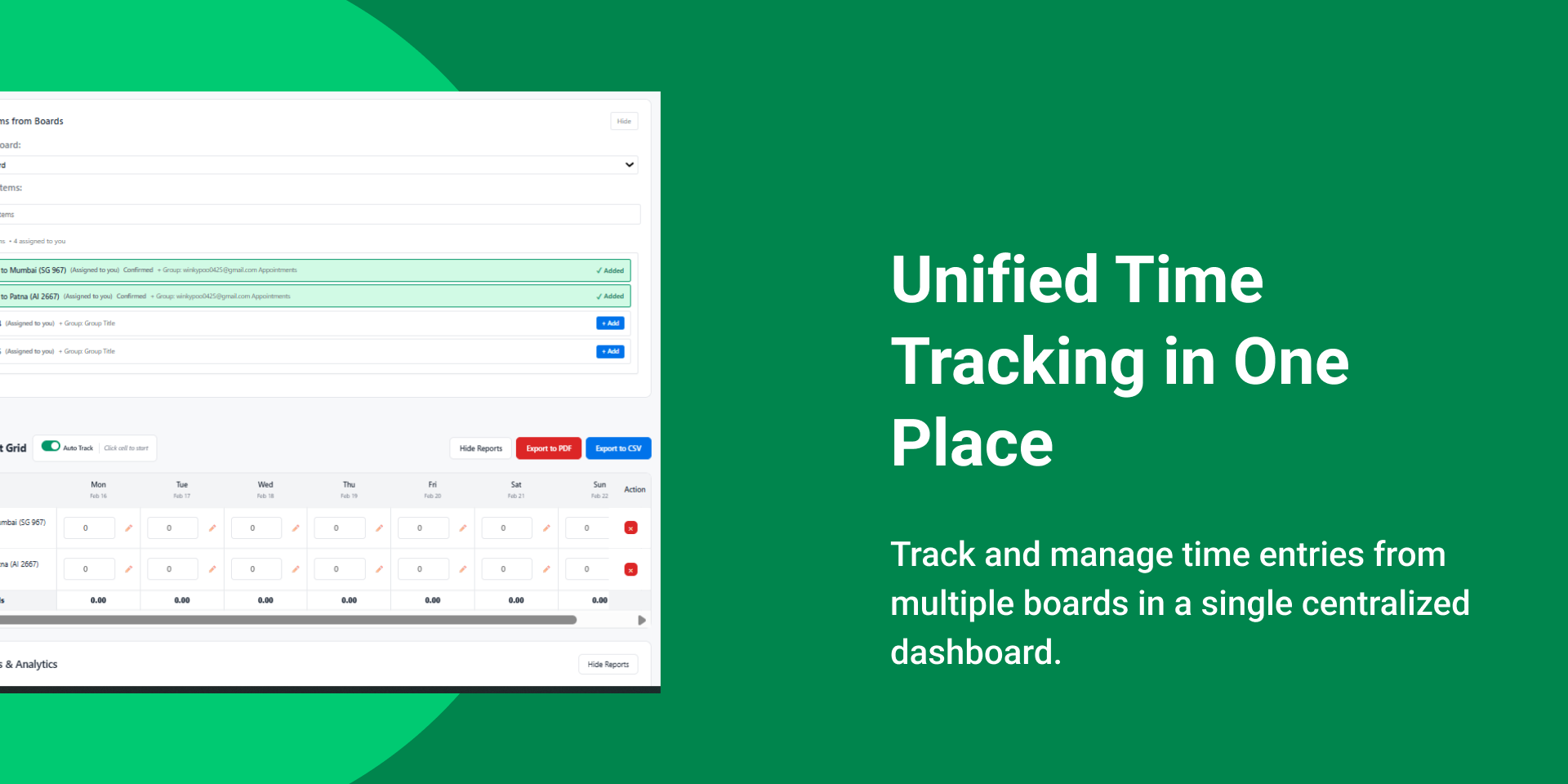
- 🎨 Accurate Time Tracking: Log hours directly on monday boards and items. Select projects or tasks, enter daily hours, and add notes for full context—no duplicate tools, no guesswork.
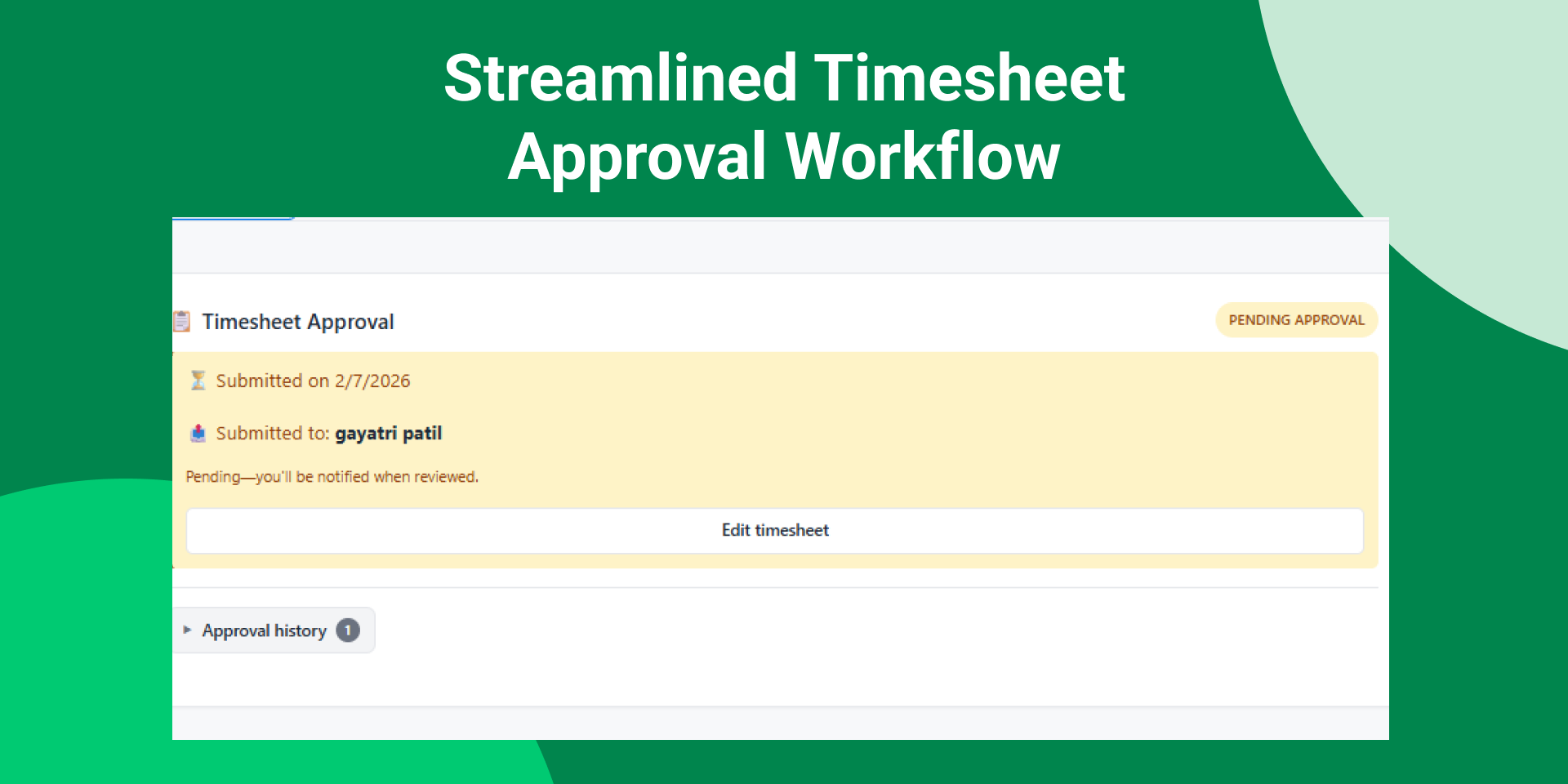
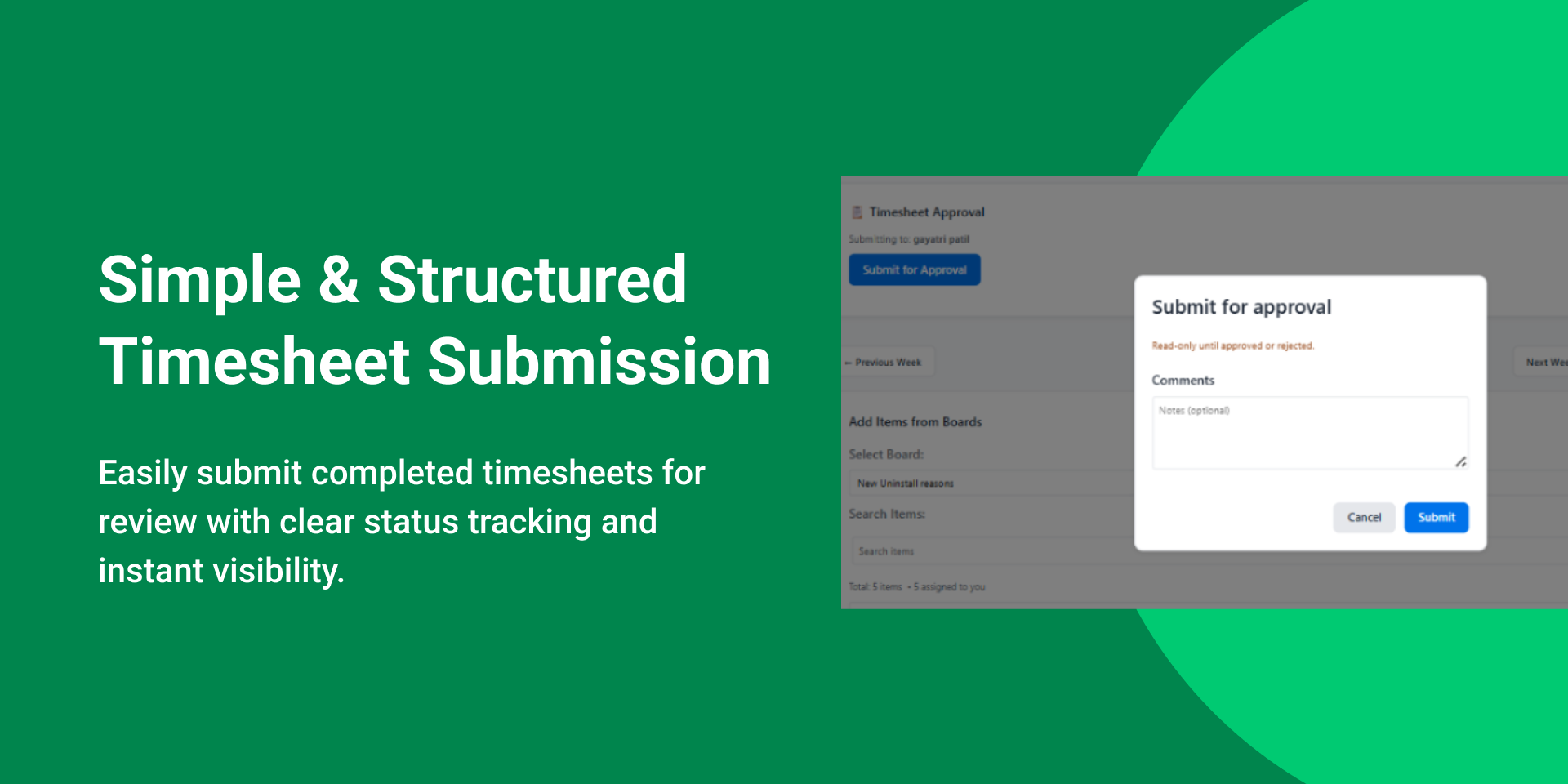
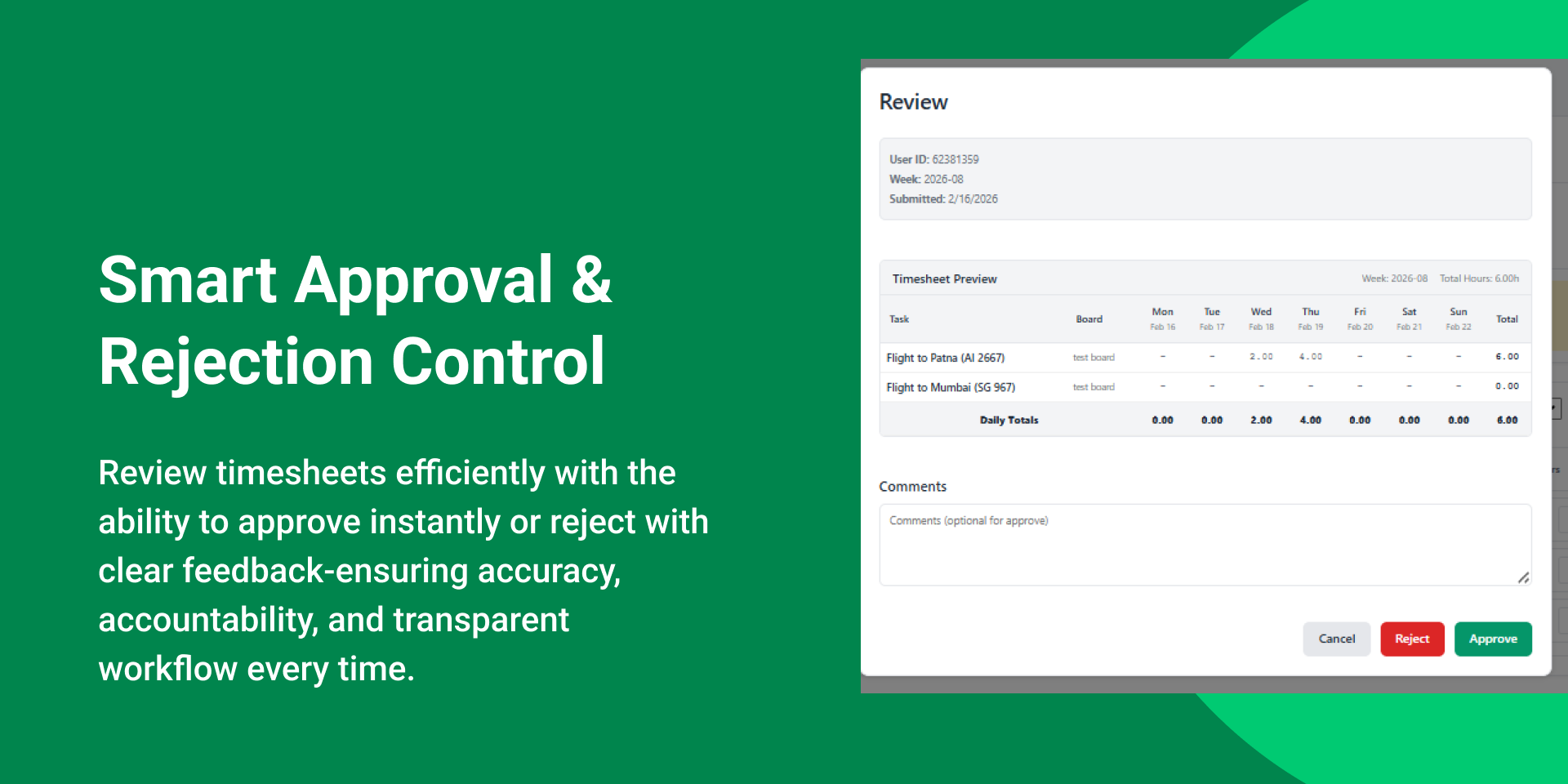
- 🧠 Simple Approval Workflow: Submit weekly timesheets in one click. Managers get a clear approval queue to approve or reject with comments—ensuring accountability and a complete audit trail.
- 📅 Smart Manager Assignment: Admins assign a manager to each user so every submission goes to the right approver automatically. No missed approvals. No confusion.
- 🛡️ Full Admin Control: A dedicated admin panel lets you manage admins, assign managers, control access, and view any user’s timesheet for complete visibility.
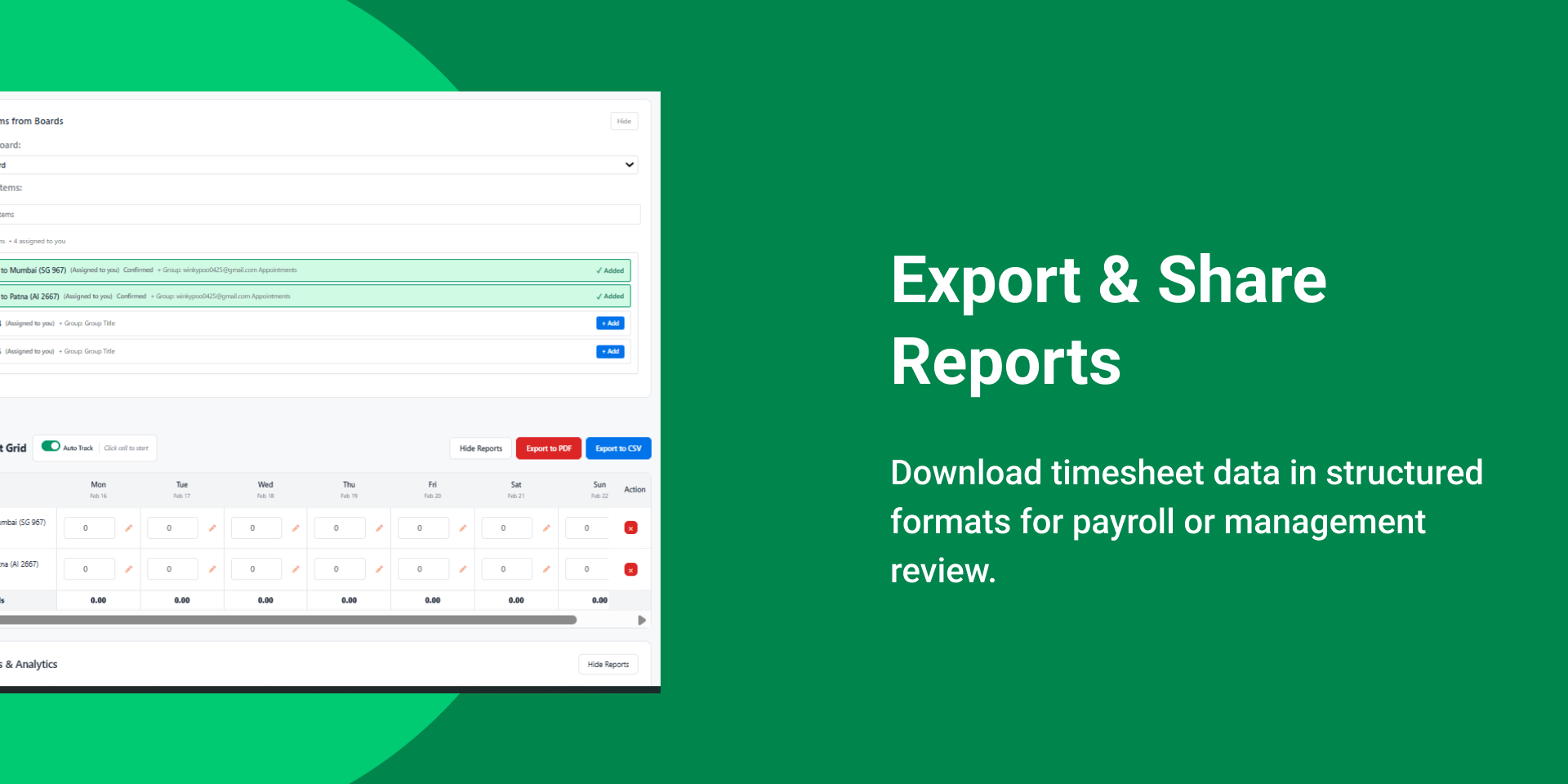
- 📊 Export-Ready Records: Generate PDF and CSV exports for payroll, compliance, billing, or internal reporting—ready when you need them.
- 🔔 Automated Reminders: Smart reminders notify users about pending submissions and overdue timesheets, keeping teams on schedule without manual follow-ups.
- ✨ Viewer-Safe Experience: If someone opens the app as a viewer, they see a clear explanation instead of a broken experience.
🚀 Transformative Use Cases:
- Consultants: Track time per client or project and submit weekly for approval.
- Product Teams: Measure effort per feature and plan capacity confidently.
- Agencies: Log project hours and export professional reports for client billing.
Security & Compliance
The app developer did not provide the security and compliance information for this app.
Reviews
No reviews yet.
Historical data
Installation history
We have data for December 28, 2024 onwards only. Collected sometime after 00:00 UTC daily.
Total number of installs
Change in total number of installs in last 1 day(s)
Compares the number of installs on each date with 1 days previously:
Change in total number of installs in last 7 day(s)
Compares the number of installs on each date with 7 days previously:
Change in total number of installs in last 30 day(s)
Compares the number of installs on each date with 30 days previously:
Change in total number of installs in last 90 day(s)
Compares the number of installs on each date with 90 days previously:
Change in total number of installs in last 180 day(s)
Compares the number of installs on each date with 180 days previously:
Ratings history
Categories history
Each of the following is a yes/no answer, so the graphs show 1 for yes, and 0 for no.