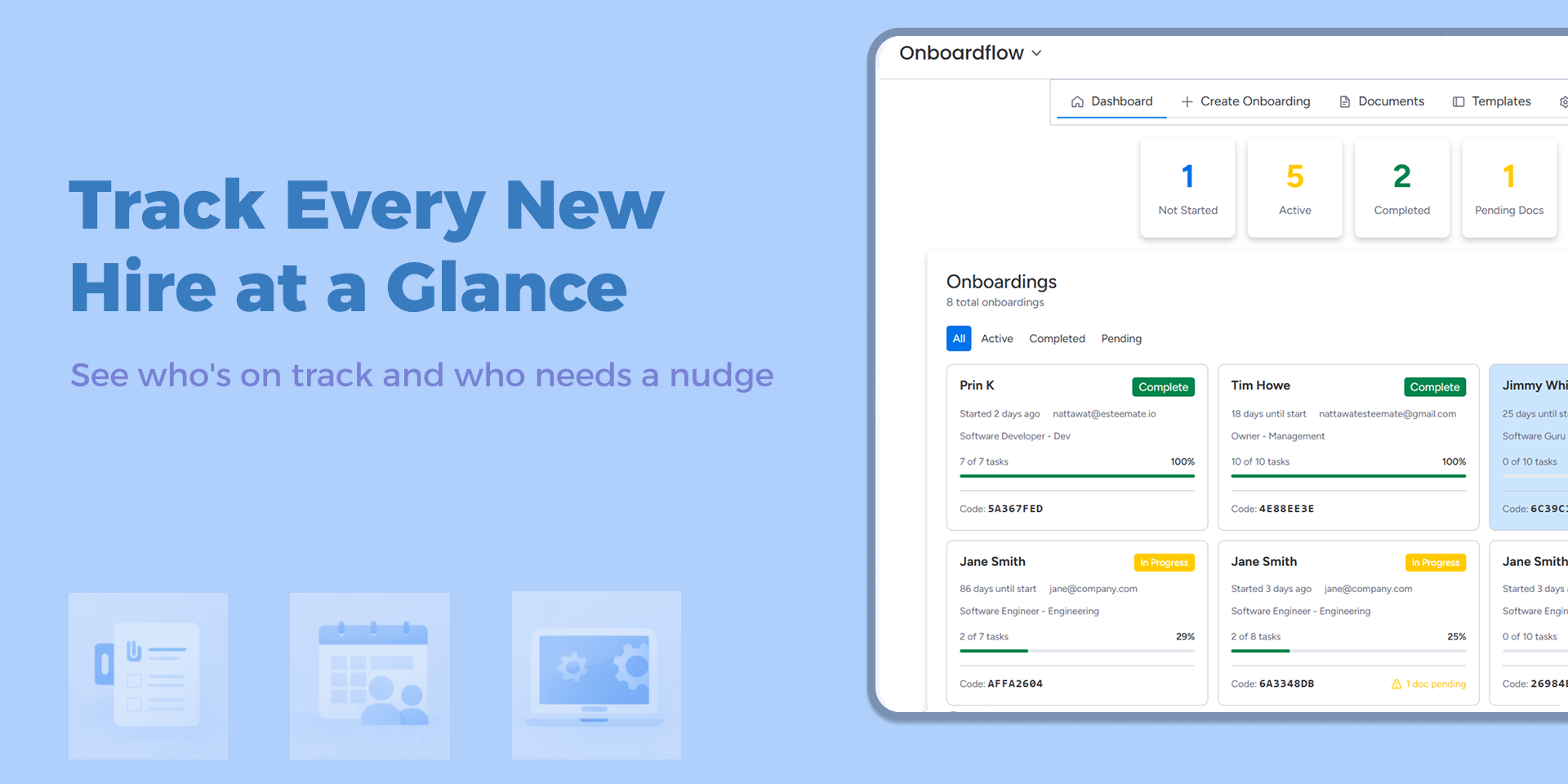
Onboarding new hires made simple. Everything in one place.
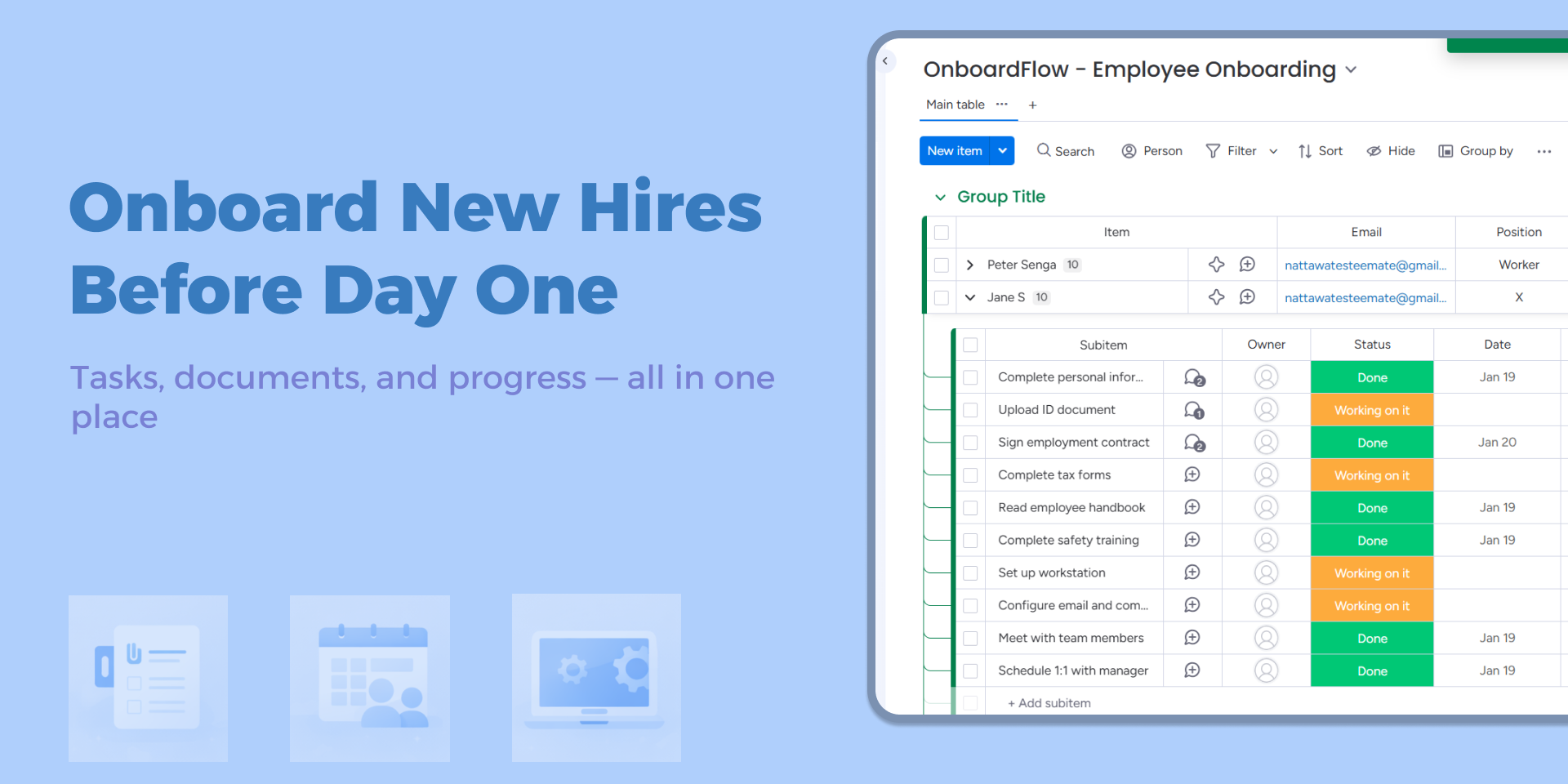
OnboardFlow bridges the gap between your monday.com workspace and your new hires. HR teams manage everything from familiar monday.com boards while new employees complete their onboarding through a simple, consumer-grade.
What You'll Get
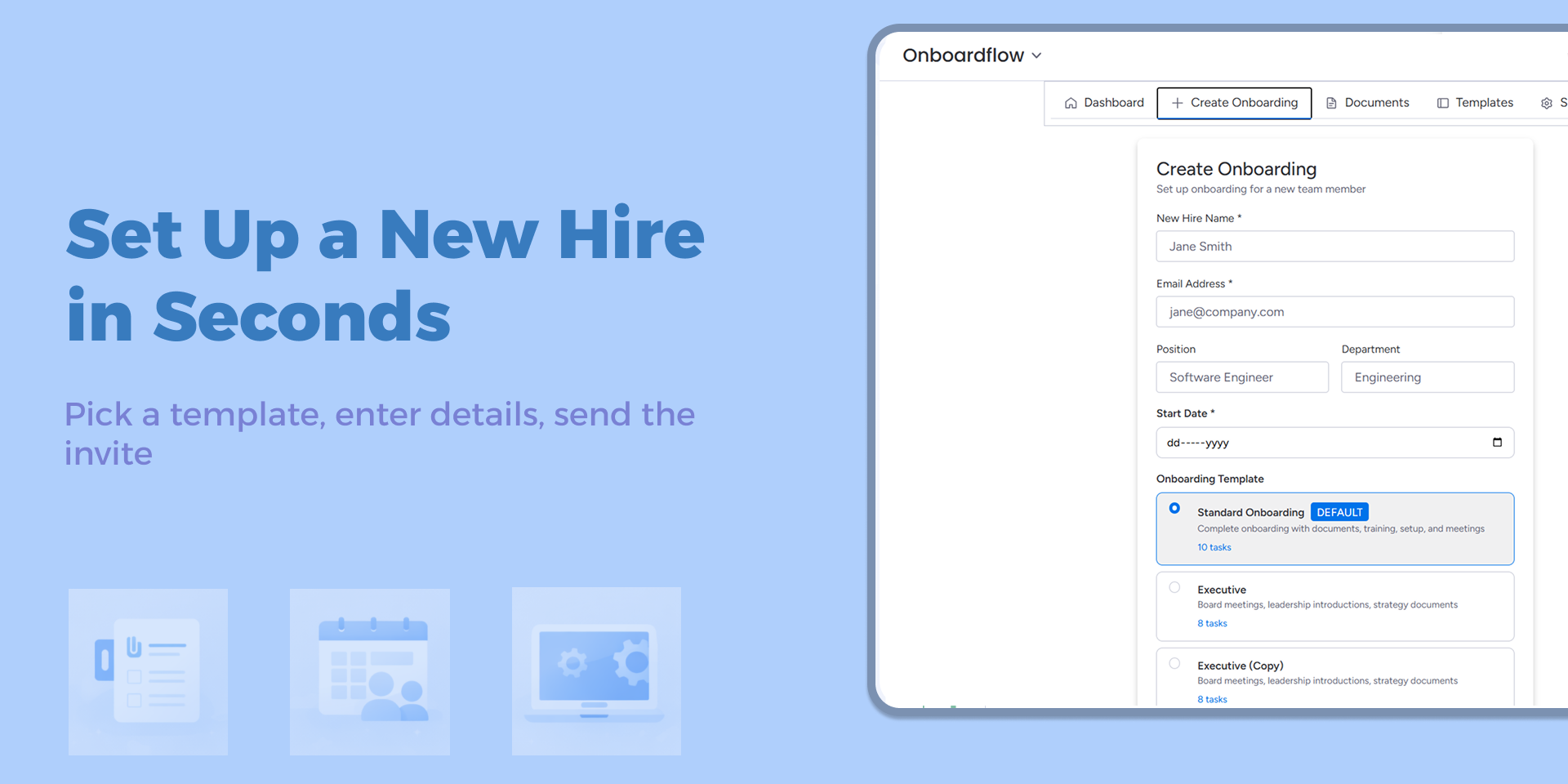
• Instant Onboarding Setup
Create a new hire's onboarding directly from monday.com. Enter their details, select a template, and an invite code is automatically generated and emailed.
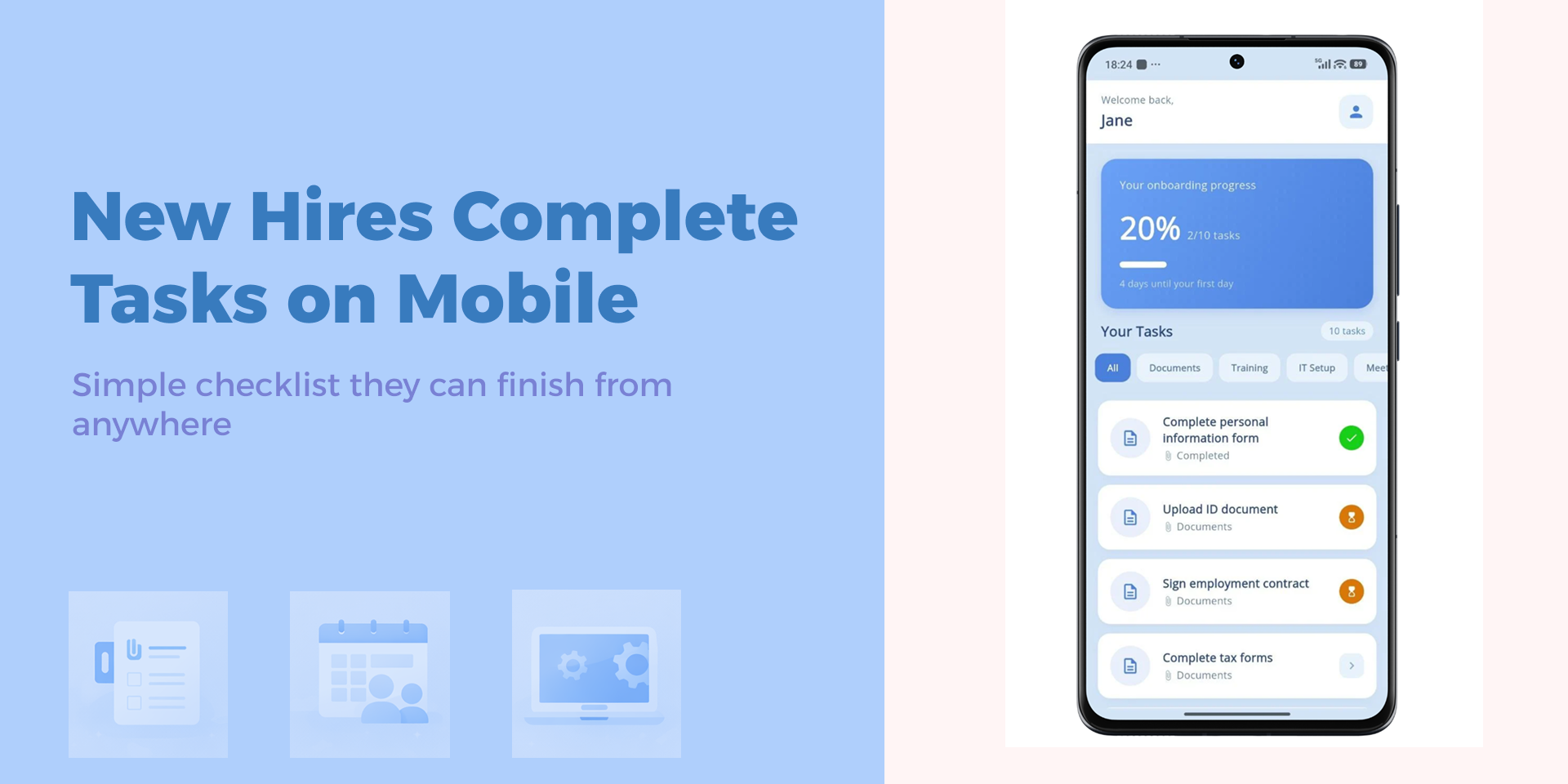
• Dedicated Mobile App for New Hires
Employees download the OnboardFlow app, enter their invite code, and see their personalized task checklist.
• Real-Time Sync
Every action syncs instantly between the mobile app and monday.com.
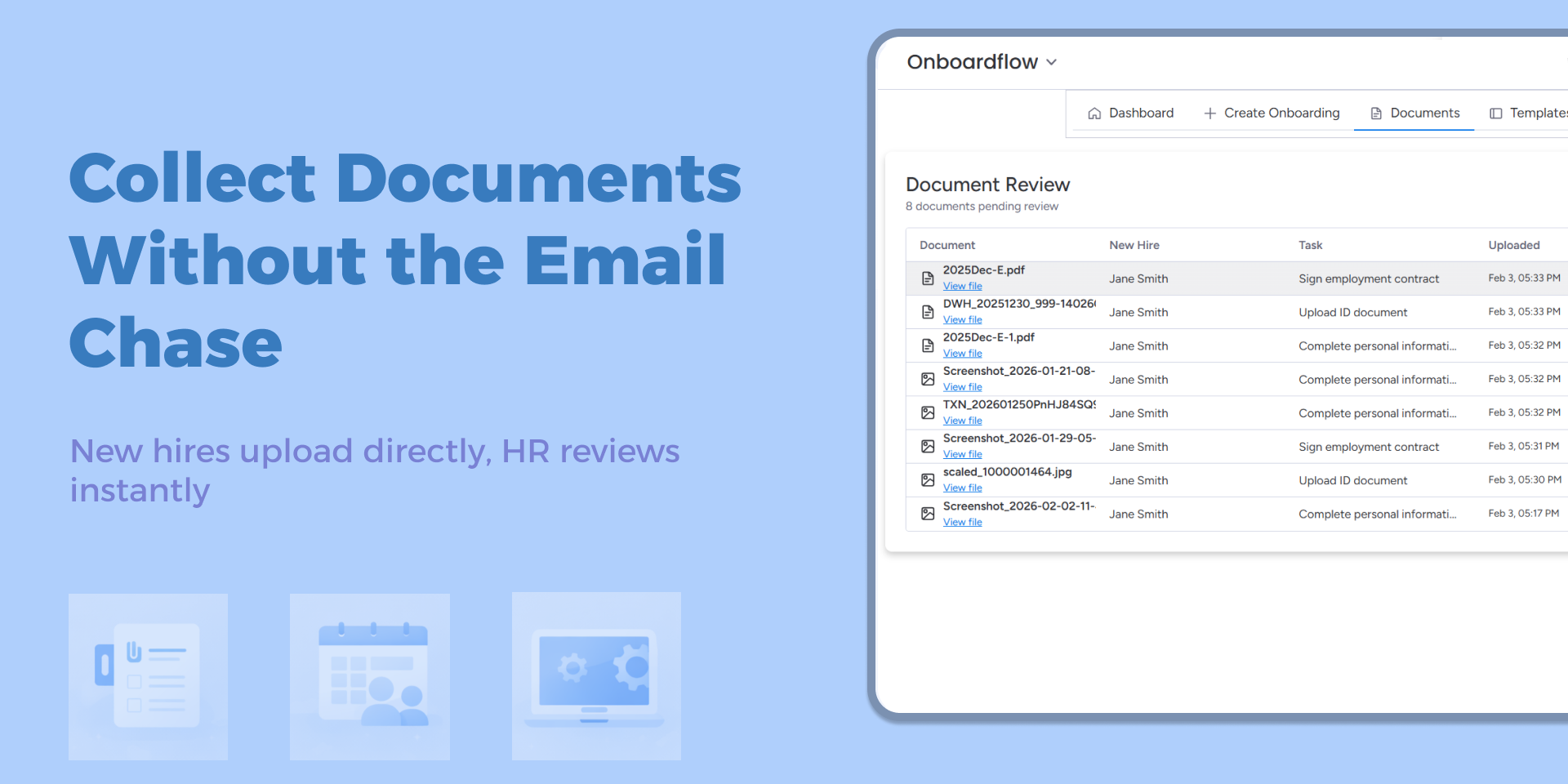
• Document Review Workflow
Review, approve, or reject uploaded documents directly within monday.com.
• Progress Tracking Dashboard
Monitor all active onboardings at a glance.
Who Is This For?
HR managers at companies with 20-200 employees who already use monday.com and hire 1-5+ employees per month.
Pricing
Free: 5 active onboardings (forever)
Pro: $19/month for 50 active onboardings
---
Ready to streamline your onboarding?
https://youtu.be/iGvdnN-Bb2w?si=mV1eZv80GI9Damiq
---
About Us
OnboardFlow is built by Esteemate, a team with 10+ years of experience building HR software.
Security & Compliance
The app developer did not provide the security and compliance information for this app.
Reviews
No reviews yet.
Historical data
Installation history
We have data for December 28, 2024 onwards only. Collected sometime after 00:00 UTC daily.
Total number of installs
Change in total number of installs in last 1 day(s)
Compares the number of installs on each date with 1 days previously:
Max
Min
Current
Change in total number of installs in last 7 day(s)
Compares the number of installs on each date with 7 days previously:
Max
Min
Current
Change in total number of installs in last 30 day(s)
Compares the number of installs on each date with 30 days previously:
Max
Min
Current
Change in total number of installs in last 90 day(s)
Compares the number of installs on each date with 90 days previously:
Max
Min
Current
Change in total number of installs in last 180 day(s)
Compares the number of installs on each date with 180 days previously:
Max
Min
Current
Ratings history
Categories history
Each of the following is a yes/no answer, so the graphs show 1 for yes, and 0 for no.