Multi-page Gantt exports (PDF, Excel, PPT) with dependencies
GanttGo transforms your monday.com data into interactive Gantt charts. No setup, no migration, no learning curve. Just open the app and see your timeline.
What you get
📊 Visual timeline by groups
Tasks organized by monday groups with color coding. Subitems display with proper indentation.
🔗 Dependencies
Draw relationships by dragging between tasks. Arrows render in exports — not just on screen.
🔴 Critical path highlighting
Spot tasks that will delay your project if they slip. Know where to focus.
📅 Holidays & weekends
Country presets (US, UK, EU, German, French) or custom dates. Tasks respect non-working days.
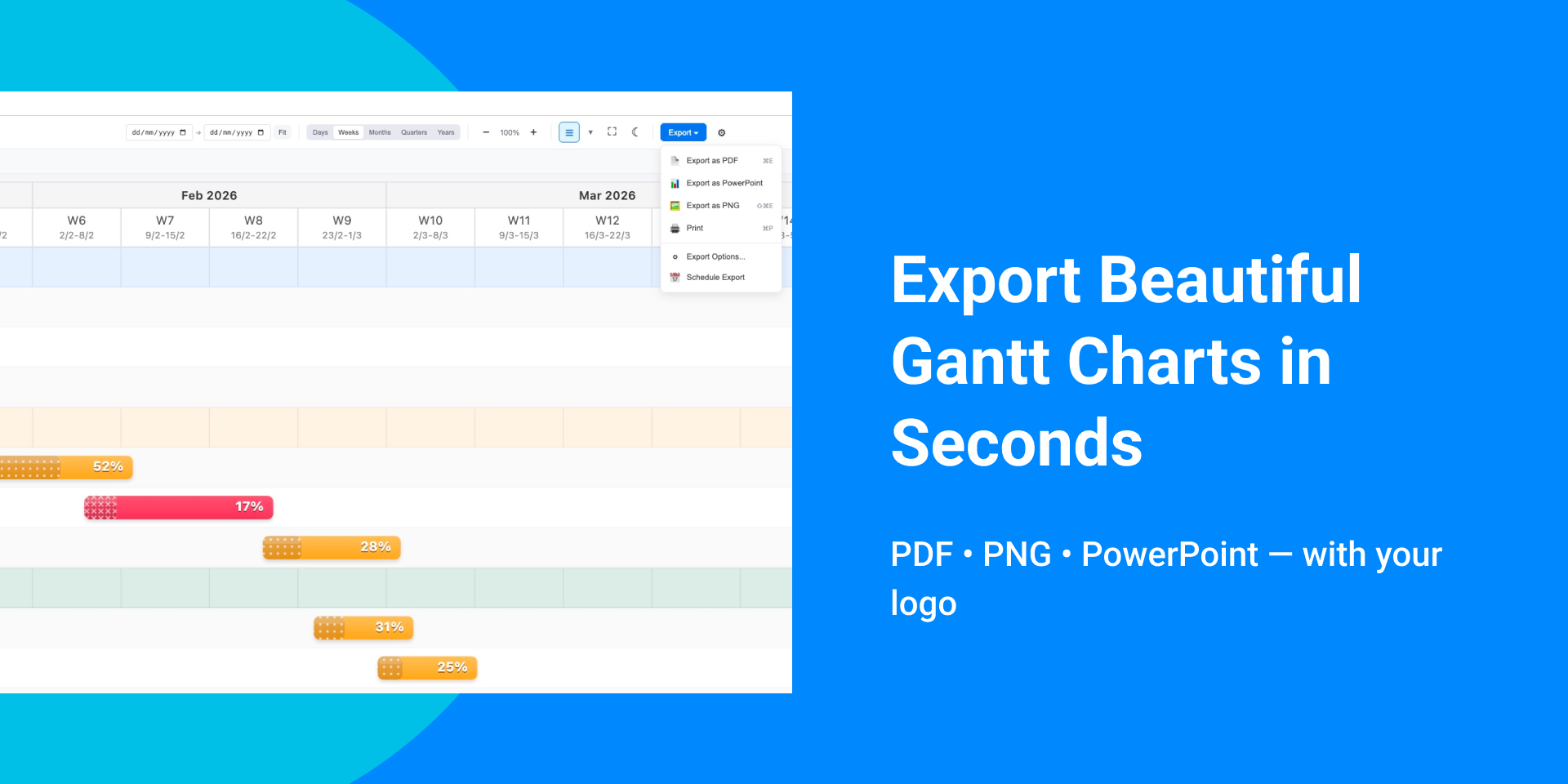
📤 Export anywhere
PDF (multi-page), Excel, PowerPoint, PNG. Dependencies and formatting stay intact.
⚡ Handles large boards
Up to 1,000 items on Pro and Trial. Free supports 50 items.
Perfect for
- Project managers tracking deliverables across sprints
- Agencies sharing timelines with clients
- Construction teams managing phased work
- Anyone who needs clean exports for presentations
Why teams choose GanttGo
✓ Works with existing boards, no migration
✓ Drag-to-edit syncs back to monday in real time
✓ Exports that actually look good
✓ Simple enough that the whole team will use it
14-day free trial with full Pro access.
Questions? support@ganttgo.com
Security & Compliance
The app developer did not provide the security and compliance information for this app.
Reviews
February 16, 2026
AL: Very convenient!
Historical data
Installation history
We have data for December 28, 2024 onwards only. Collected sometime after 00:00 UTC daily.
Total number of installs
Change in total number of installs in last 1 day(s)
Compares the number of installs on each date with 1 days previously:
Max
Min
Current
Change in total number of installs in last 7 day(s)
Compares the number of installs on each date with 7 days previously:
Max
Min
Current
Change in total number of installs in last 30 day(s)
Compares the number of installs on each date with 30 days previously:
Max
Min
Current
Change in total number of installs in last 90 day(s)
Compares the number of installs on each date with 90 days previously:
Max
Min
Current
Change in total number of installs in last 180 day(s)
Compares the number of installs on each date with 180 days previously:
Max
Min
Current
Ratings history
Categories history
Each of the following is a yes/no answer, so the graphs show 1 for yes, and 0 for no.