Run board-wide, filtered automations on a defined schedule
Automation Scheduler brings proactive automation to monday.com. (Free to use while in early release!)
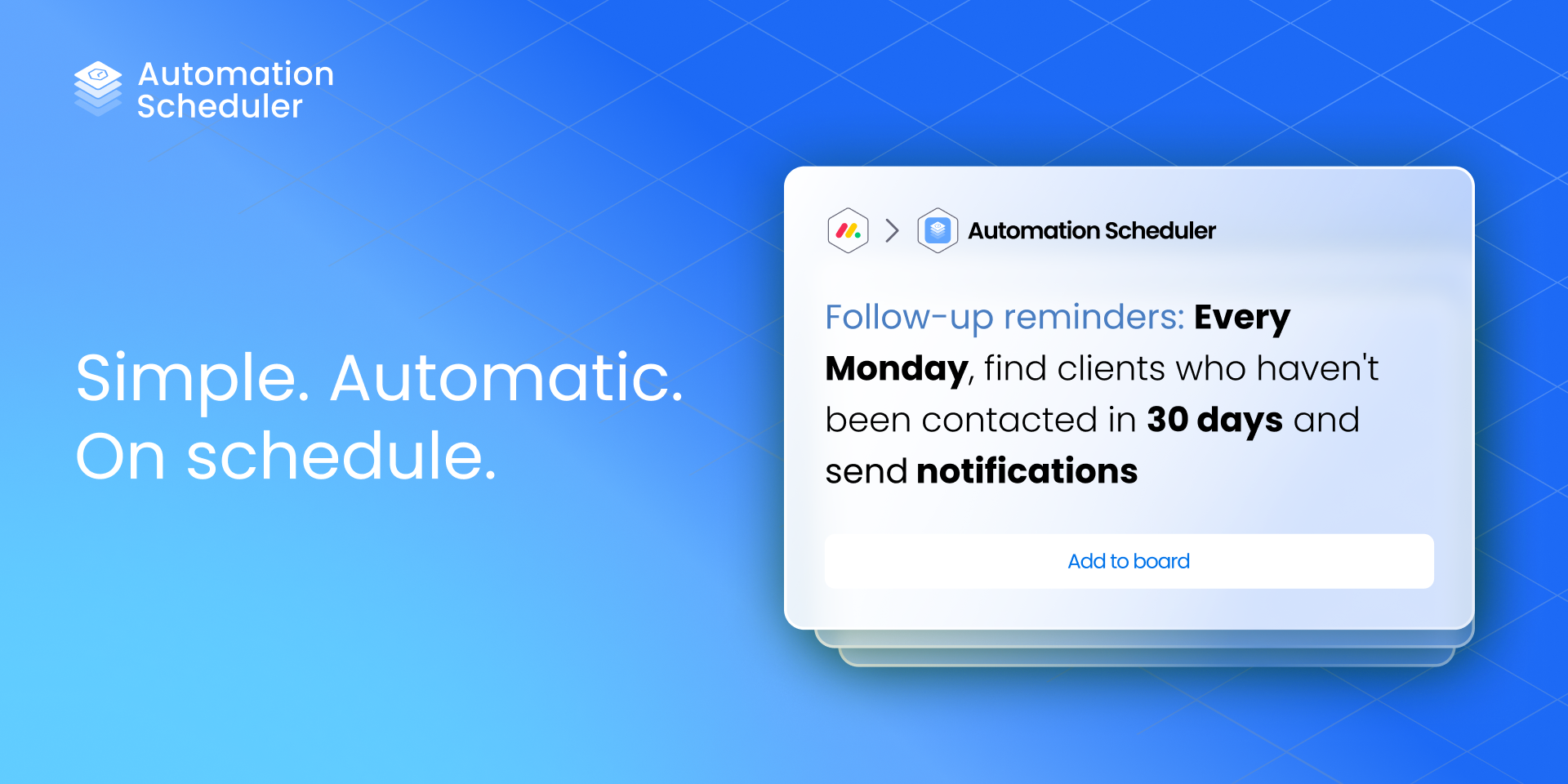
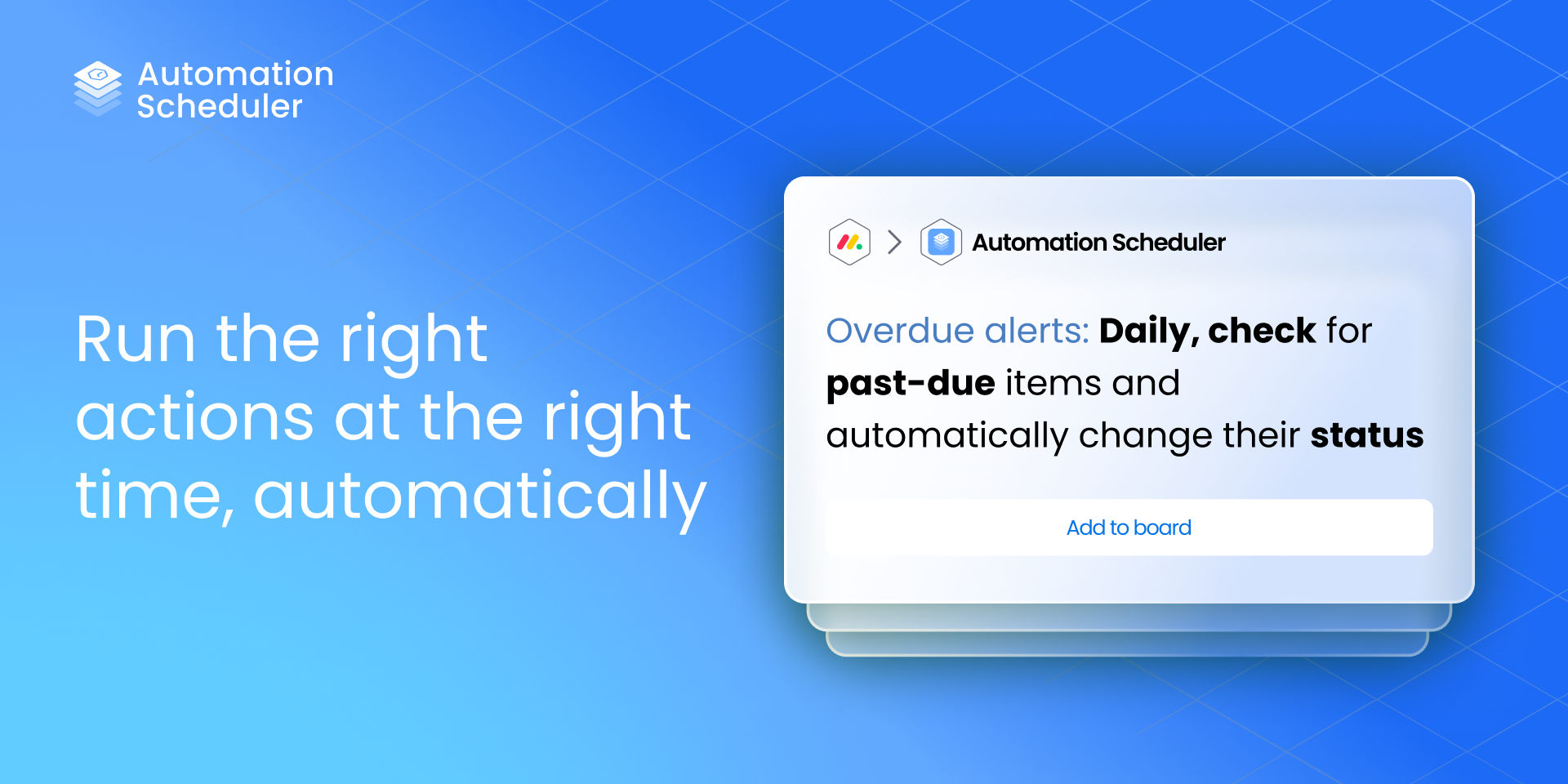
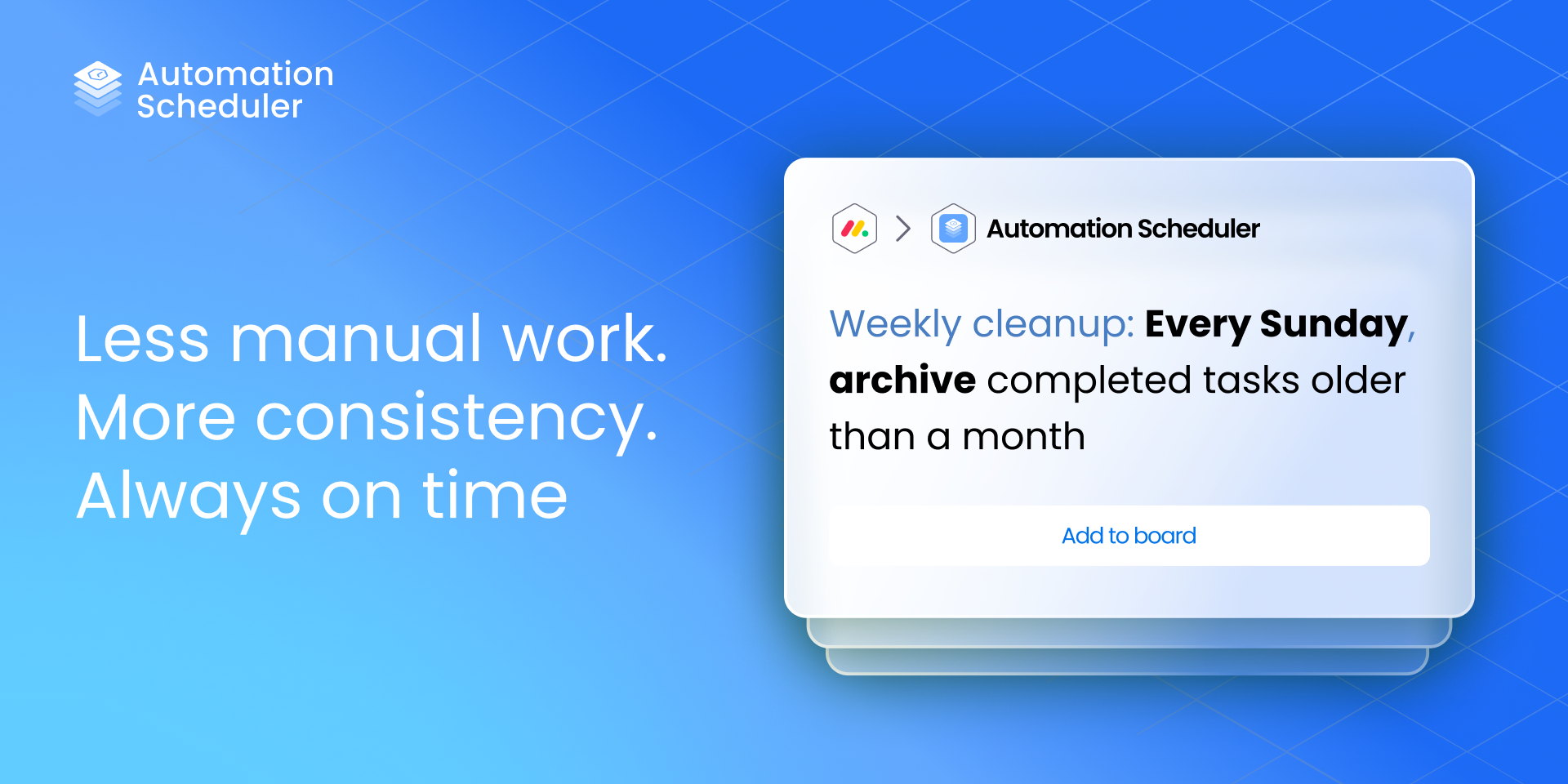
Native monday.com automations are reactive, running only when something changes on an individual item. Automation Scheduler enables teams to run scheduled, criteria-based automation across an entire board. Instead of waiting for an event to happen, Automation Scheduler periodically scans your board, finds items that match defined filter conditions, and executes automation sequences automatically.
{
"id": 10001033,
"marketplace_developer_id": 58,
"app_id": 10559937,
"app_type": "app",
"security_info": {},
"gallery_assets": [
{
"url": "https://cdn.monday.com/marketplace/10001033/10001033_2026_0_22_15_57_24_8jpxlrh.png",
"type": "image"
},
{
"url": "https://cdn.monday.com/marketplace/10001033/10001033_2026_0_22_15_57_32_mhs8klg.png",
"type": "image"
},
{
"url": "https://cdn.monday.com/marketplace/10001033/10001033_2026_0_22_15_57_40_8oy4l9w.png",
"type": "image"
},
{
"url": "https://cdn.monday.com/marketplace/10001033/10001033_2026_0_22_15_57_48_lgpgmea.png",
"type": "image"
},
{
"url": "https://cdn.monday.com/marketplace/10001033/10001033_2026_1_10_15_59_33_obk4u1u.mp4",
"type": "video"
}
],
"description": "<p><strong>Automation Scheduler brings proactive automation to monday.com. </strong>(Free to use while in early release!)</p><p><br></p><p>Native monday.com automations are reactive, running only when something changes on an individual item. Automation Scheduler enables teams to run <strong>scheduled, criteria-based automation across an entire board</strong>. Instead of waiting for an event to happen, Automation Scheduler periodically scans your board, finds items that match defined filter conditions, and executes automation sequences automatically.</p><p><a href=\"https://www.carbonapps.co/automation-scheduler/#demo?utm_source=monday&utm_medium=marketplace&utm_campaign=automation_scheduler_launch&utm_content=book_a_demo_1\" rel=\"noopener noreferrer\" target=\"_blank\"><strong>Get a demo of Automation Scheduler →</strong></a></p><p><br></p><p><strong>How it works</strong></p><p>Automation Scheduler uses a simple two-part model:</p><p><br></p><p><u>Filter Recipes</u> -<strong> </strong>Define which items should be processed using reusable, pre-built filters such as:</p><ul><li>Status + date combinations</li><li>Status + number values</li><li>Time tracking conditions</li><li>Last updated or inactivity checks</li><li>Completed or not completed logic</li></ul><p>Filters can run on a daily, weekly, monthly schedule, or on demand via button click.</p><p><br></p><p><u>Action Recipes</u> -<strong> </strong>Create reusable automation sequences using monday.com’s standard automation actions, including:</p><ul><li>Status changes</li><li>Notifications</li><li>Item moves</li><li>Date updates</li><li>Any third-party actions available through custom automations</li></ul><p>Once a filter finds matching items, the selected action sequence runs across all of them in one pass.</p><p><br></p><p><strong>What this enables</strong></p><p>Automation Scheduler makes it possible to automate workflows that were previously manual or unreliable, including:</p><ul><li>Daily scans for overdue or stalled work</li><li>Automated cleanup of completed items</li><li>Enforcement of time tracking rules</li><li>Alerts for items that haven’t been updated recently</li><li>Consistent rule enforcement across large boards</li></ul><p><br></p><p><strong>Why teams use Automation Scheduler</strong></p><ul><li>Reduce manual board maintenance</li><li>Prevent work from quietly slipping through the cracks</li><li>Keep data accurate as teams and boards scale</li><li>Extend monday.com automations without replacing them</li></ul><p><br></p><p><strong>Automation Scheduler helps ensure your boards stay clean, predictable, and reliable over time. </strong><a href=\"https://www.carbonapps.co/automation-scheduler/#demo?utm_source=monday&utm_medium=marketplace&utm_campaign=automation_scheduler_launch&utm_content=book_a_demo_2\" rel=\"noopener noreferrer\" target=\"_blank\"><strong>Book a demo →</strong></a></p>",
"short_description": "Run board-wide, filtered automations on a defined schedule",
"thumbnail_url": "https://cdn.monday.com/marketplace/10001033/10001033_2026_0_22_15_56_7_kh56ovw.png",
"logo_url": "https://cdn.monday.com/marketplace/10001033/10001033_2026_0_22_15_55_30_04nnwc4.png",
"feedback_url": "https://support.carbonapps.co/portal/en/newticket?departmentId=863580000011230061&layoutId=863580000011235544",
"privacy_policy_url": "https://www.carbonweb.co/privacy-policy/",
"featured": false,
"name": "Automation Scheduler",
"how_to_use_url": "https://www.carbonapps.co/getting-started-guide-automation-scheduler/",
"external_pricing_url": null,
"keywords": "automation,scheduler,bulk actions,time-based,recurring,board scan,workflow,item updates,productivity,filter",
"compliance_answers": [],
"created_at": "2026-01-22T15:49:56.526Z",
"updated_at": "2026-02-11T13:50:03.275Z",
"automation_app_id": null,
"marketplace_category_ids": [
10000001,
7,
6
],
"pinned_for_categories_ids": [],
"featured_for_categories_ids": [],
"pricing_data": "Free plan available",
"label": null,
"app_values": [
"Perfect for automations"
],
"security": false,
"display_in_template_store": false,
"acquisition_source": "No touch",
"is_connector": false,
"terms_of_service_url": "https://www.carbonweb.co/tc/",
"available_for_tiers": [],
"available_for_products": [],
"google_analytics_tag_id": null,
"is_solution": false,
"app_scope_str": "me:read,boards:read,account:read",
"app_client_id": "f870308940bb0fae212facb5b0ec908e",
"app_color": {
"hsl": {
"h": 214.01273885350318,
"s": 0.9874213836477987,
"l": 0.6882352941176471,
"a": 1
},
"hex": "#61a5fe",
"rgb": {
"r": 97,
"g": 165,
"b": 254,
"a": 1
},
"hsv": {
"h": 214.01273885350318,
"s": 0.6181102362204725,
"v": 0.996078431372549,
"a": 1
},
"oldHue": 199.99999999999997,
"source": "hex"
},
"plans": [
{
"id": "10559937-1-introductory_free",
"appPlanId": "introductory_free",
"name": "Introductory Free",
"versionId": 1,
"isTrial": false,
"prices": {
"type": "standard",
"monthly": 0,
"yearly": 0
},
"versionState": "live",
"appId": 10559937,
"description": "Includes core scheduled automation capabilities to help teams keep boards clean, consistent, and up to date with minimal manual effort.",
"extraData": {
"bullets": [
"Free to use",
"All Automations included "
],
"monthlyFee": 0,
"yearlyFee": 0
},
"isFree": true,
"isRecommended": false,
"currency": "USD"
}
],
"app_live_version": {
"updated_at": "2026-01-27T14:24:03.631Z",
"id": 12489110
},
"pricing_model": null,
"badges_data": {
"pricing_data": "Free plan available",
"app_values": [
"Perfect for automations"
],
"security": false,
"acquisition_source": "No touch",
"display_in_template_store": false
},
"data": {
"is_connector": false,
"google_analytics_tag_id": null,
"is_solution": false,
"terms_of_service_url": "https://www.carbonweb.co/tc/",
"available_for_tiers": [],
"available_for_products": []
},
"display": null,
"installsDelta": {
"totalInstalls": 21,
"sevenDays": 4,
"thirtyDays": 8
}
}