
Column Groups
65 installs, since December 10, 2025. 6 installs/month. App updated September 11, 2026. Listing updated April 30, 2026.
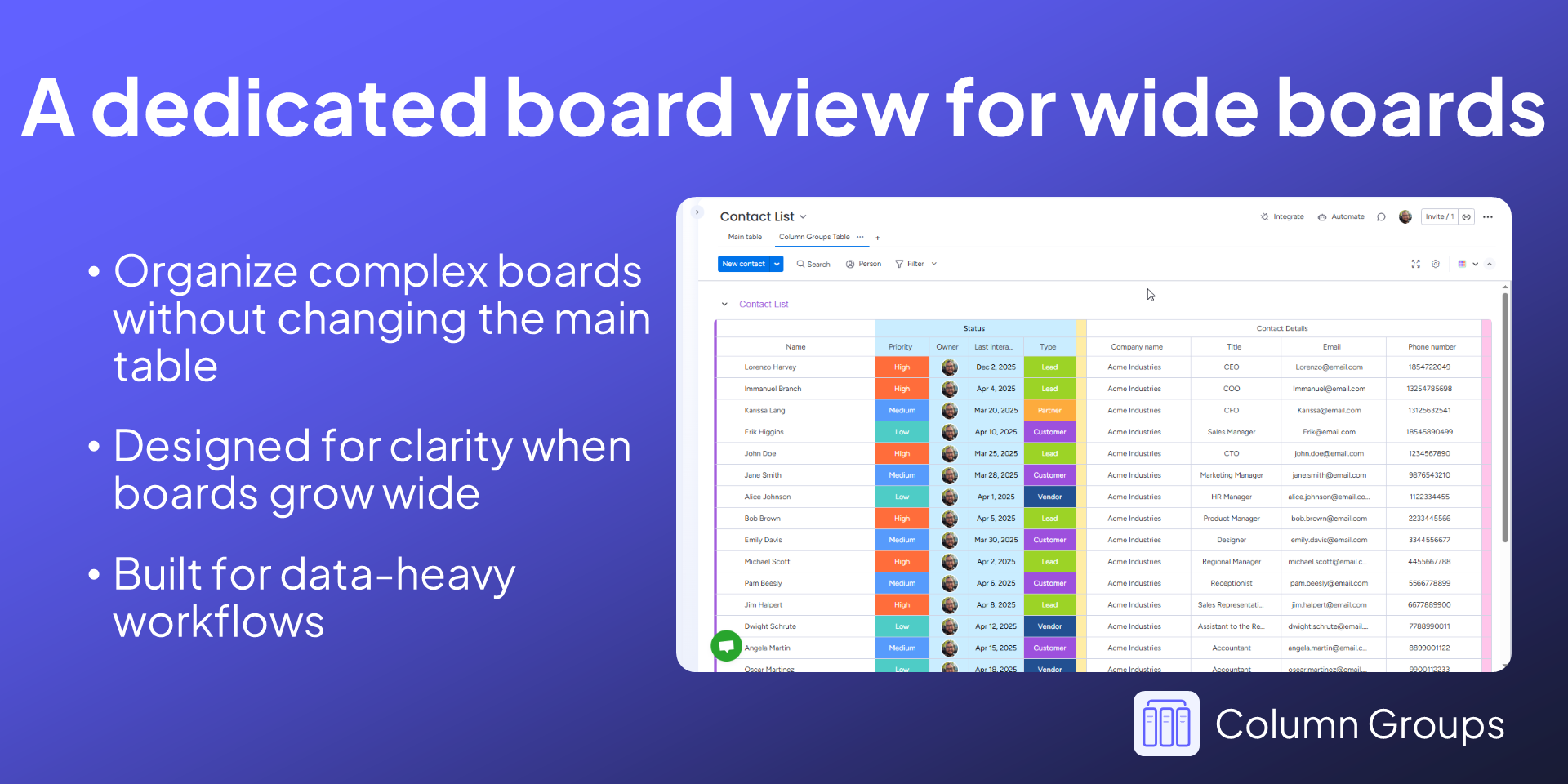
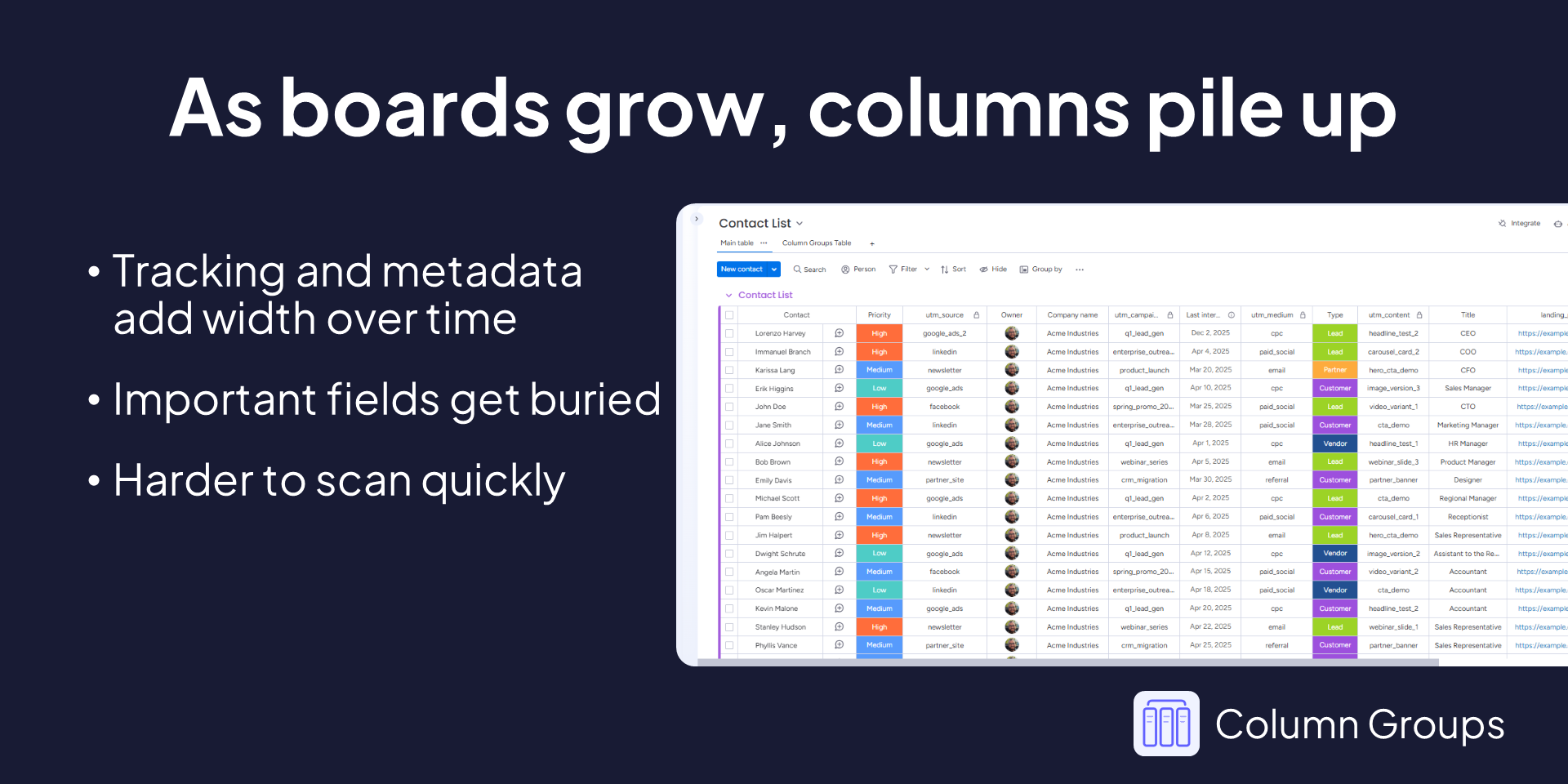
Organize wide monday.com boards with column groups
If your monday.com boards have gotten wide, you know the problem. You're scrolling sideways to find columns, hiding fields just to see what you need, and new teammates take one look at the board and have no idea where to start.
Column Groups adds a dedicated board view that lets you organize columns into labeled, color-coded groups, collapse the ones you don't need right now, and actually see your board without the noise.
Your main table view stays completely untouched. This all happens in a separate board view, so nothing about your underlying board changes.
What you can do
Group related columns together
- Organize columns into named vertical groups, things like customer info, project tracking, internal notes, or whatever makes sense for your workflow. Wide boards become scannable in seconds instead of minutes.
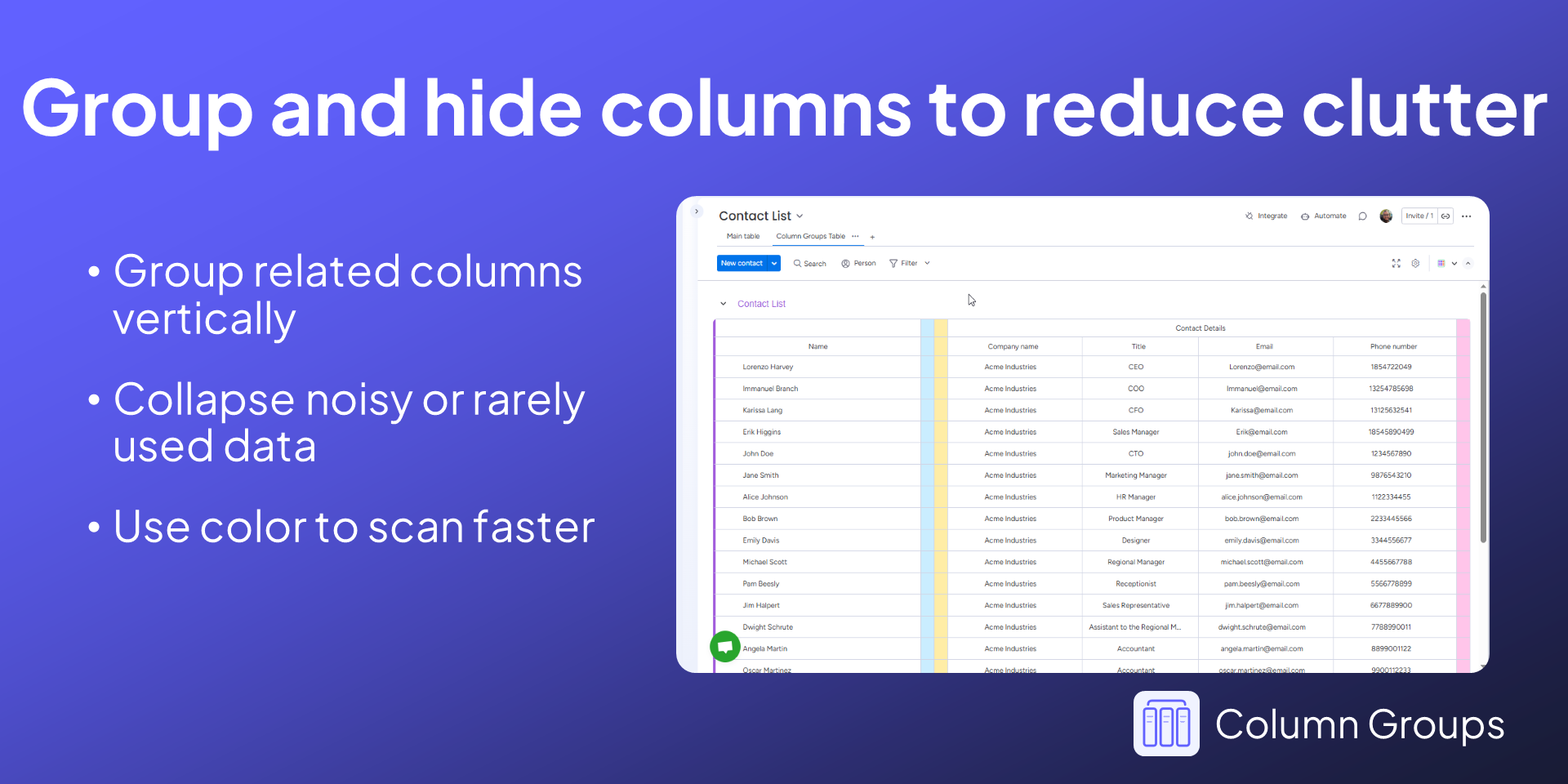
Collapse and expand column groups
- Hide the columns you only need occasionally and bring them back when you do. One click, no permanent changes, no hiding columns for everyone on every view.
Color-code your groups
- Apply color to column groups to visually separate categories, phases, or workflows. Really useful when you're in a board review or walking a new teammate through how the board is structured.
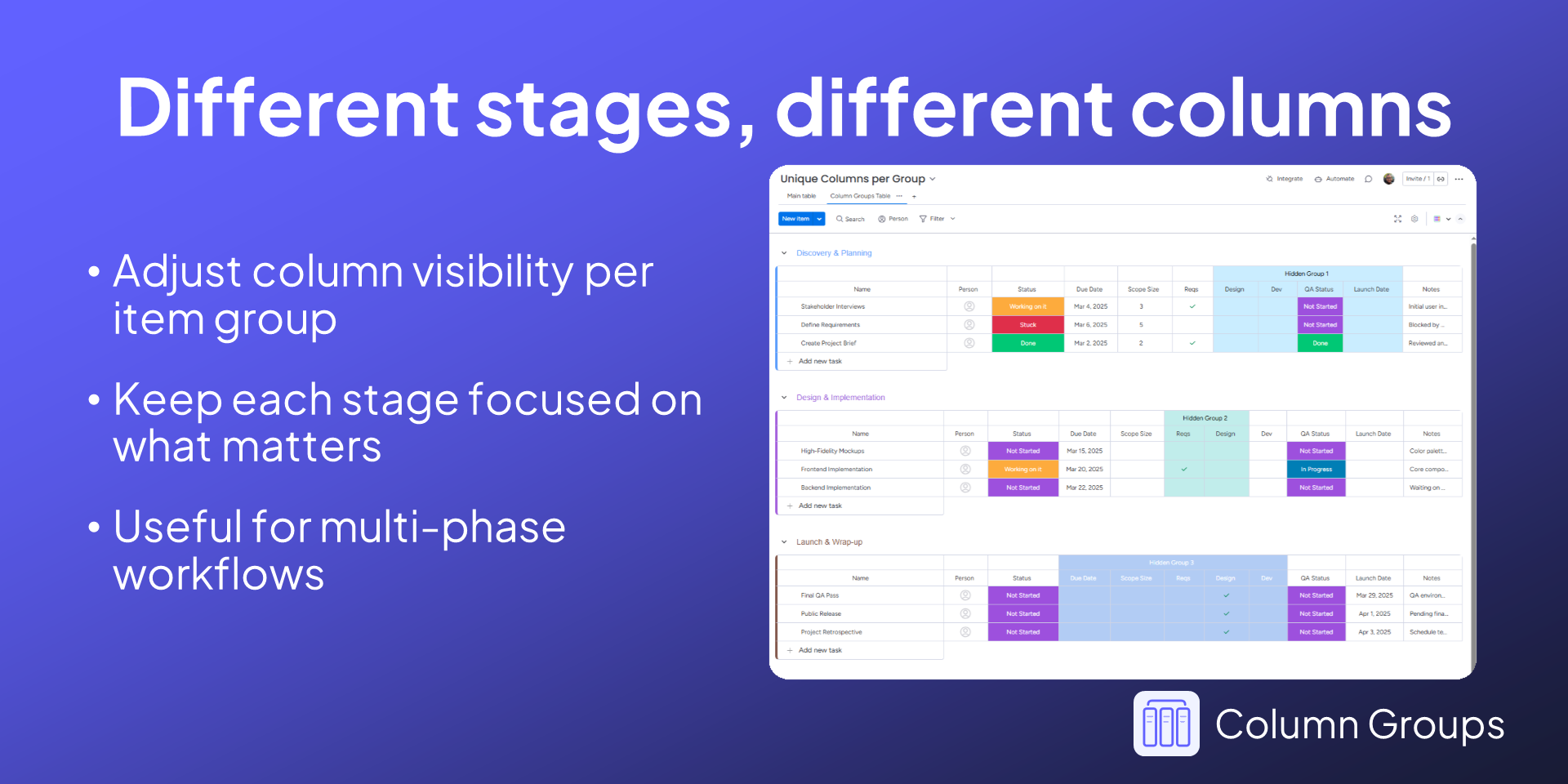
Different groupings per item group
- Set up different column arrangements for different item groups on the same board. If you're running a multi-phase project where each stage surfaces different information, this is the feature that makes that work.
Shared across the team
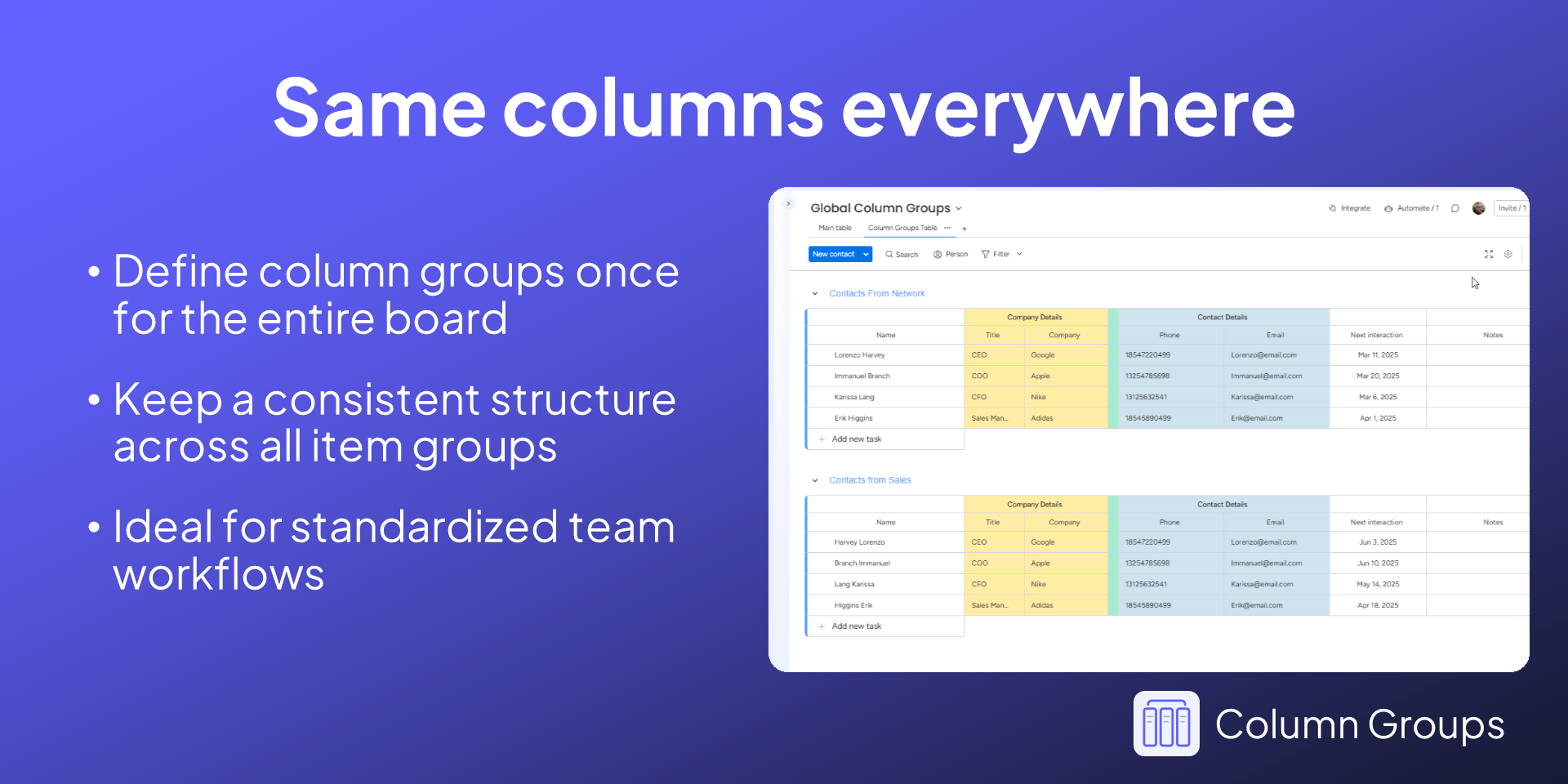
The layout you set up in Column Groups applies to everyone who opens that view. So when you spend 20 minutes organizing a messy board, the whole team gets a cleaner experience, not just you.
Built for boards that have grown up
Monday.com boards tend to accumulate columns over time, integrations, forms, tracking fields, metadata that made sense at the time. Column Groups doesn't fight that. It just gives you a view that handles it.
Column Groups is actively developed and updated based on feedback from real teams working with large, complex boards. If something's missing or not quite right for your setup, I want to hear about it.
Questions before you install? Reach out at support@asplundsoftware.com, I'm happy to help.
Security & Compliance
Security
Does the developer periodically perform penetration testing?
Does the developer have a dedicated security and privacy point of contact for such issues or questions?
Does the app restrict redirects and forwards only to approved destinations, or show a warning when redirecting to potentially untrusted content?
Does the app protect against mass parameter assignment attacks?
Does the app perform encoding and sanitization on all user supplied parameters to protect against Cross-Site Scripting?
Does the developer protect all state-changing actions against Cross-Site Request Forgery (CSRF)?
Does the developer have mechanisms to notify monday.com in case of a security breach?
Does this developer have a process for installing application-level updates and security patches for the service (such as software packages and databases)?
Compliance
Is the app certified with the information security standard ISO/IEC 27001:2022?
Is the app compliant with the Health Insurance Portability and Accountability Act (HIPAA)?
Is the app certified with System and Organization Controls (SOC 2 or SOC 3)?
Is the app compliant with the General Data Protection Regulation (GDPR)?
Data
Does the app send any data outside of monday.com? If yes, indicate whether the data is customer-submitted (e.g., board names, item names, doc content) or non-customer-submitted (e.g., account ID, board ID, user ID).
Where does the app store logs data?
Where does the app store the app data?
Does the developer ensure application logs do not contain secrets or personally-identifiable information (PII)?
Is customer data segregated from the data of other customers (for example logically or physically)?
Privacy
Does the developer enforce multi-factor authentication on employees access to systems which may process customer data?
Does the developer protect access to customer data based on the principle of least privilege?
Reviews
No reviews yet.
Historical data
Installation history
We have data for December 28, 2024 onwards only. Collected sometime after 00:00 UTC daily.
Total number of installs
Change in total number of installs in last 1 day(s)
Compares the number of installs on each date with 1 days previously:
Change in total number of installs in last 7 day(s)
Compares the number of installs on each date with 7 days previously:
Change in total number of installs in last 30 day(s)
Compares the number of installs on each date with 30 days previously:
Change in total number of installs in last 90 day(s)
Compares the number of installs on each date with 90 days previously:
Change in total number of installs in last 180 day(s)
Compares the number of installs on each date with 180 days previously:
Ratings history
Categories history
Each of the following is a yes/no answer, so the graphs show 1 for yes, and 0 for no.