Create Mind maps in a Board View. Turn Map Nodes into Tasks.
Mind Mapping is a great tool for brainstorming and sharing a big picture of your entire work!
Start with the main concept that you want to discuss and dig deeper into each topic with the help of branches and nodes.
Mindmaps help you with
Communicating complex projects, products and processes
Align your team by providing a visual understanding
Work breakdown with infinite hierarchy
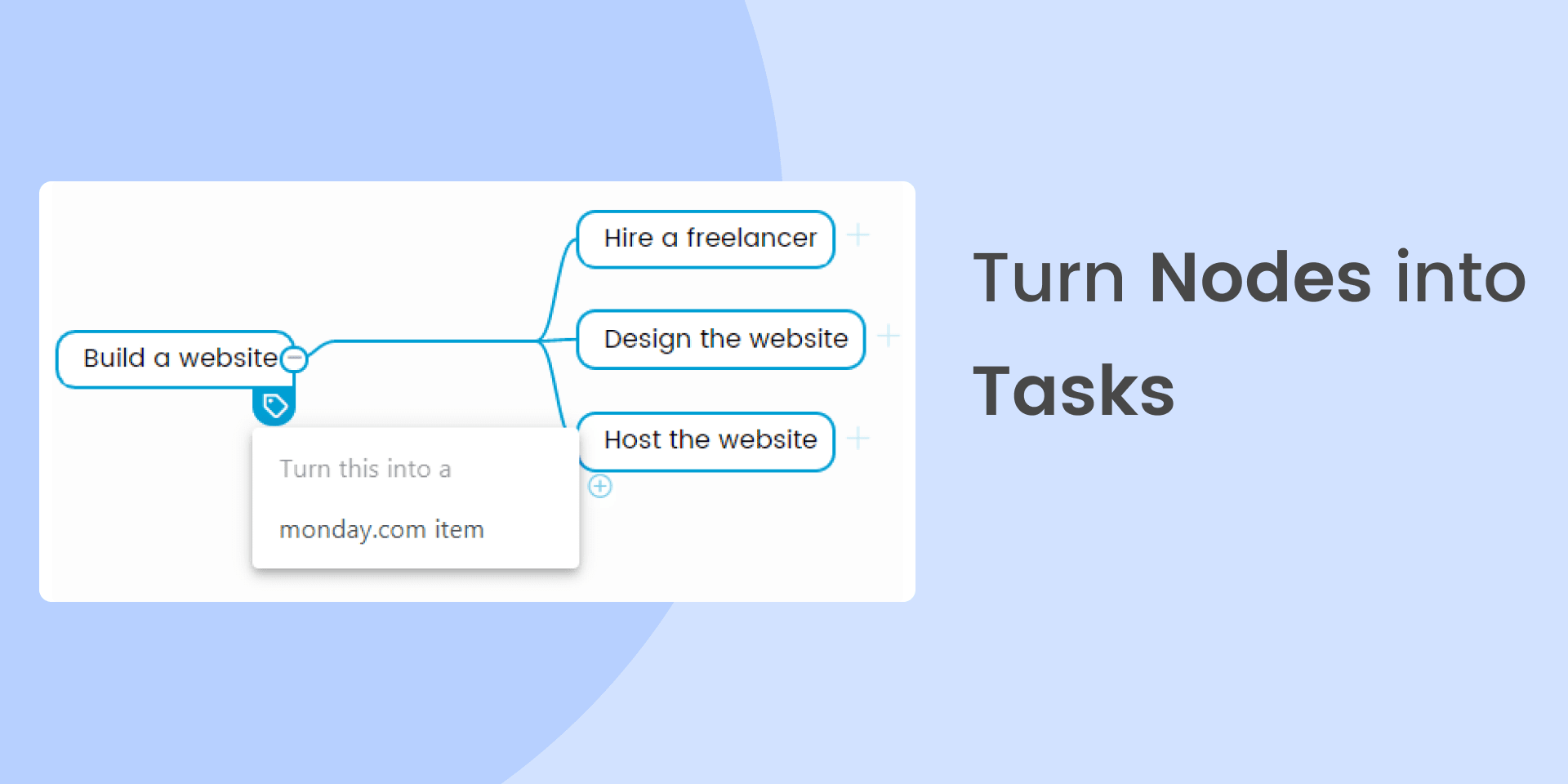
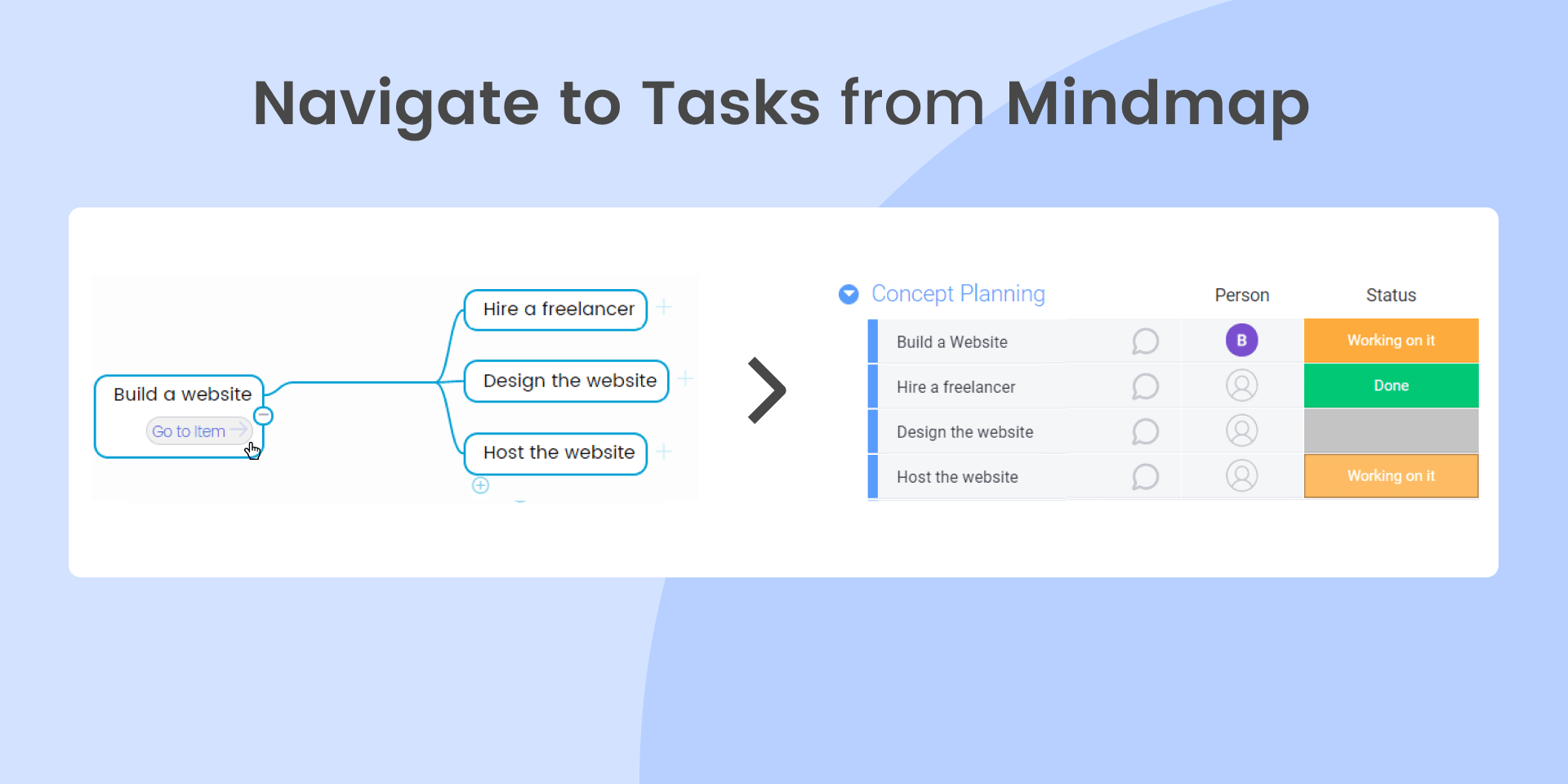
With Mind Mapping, you can ideate on a Mindmap, View and turn the Mindmap nodes into tasks that are visible on your main board view. Read more about Mind Mapping here.
Try it out now with our 14 days of free trial!
Security & Compliance
The app developer did not provide the security and compliance information for this app.
Reviews
October 9, 2023
JD: Too expensive
August 7, 2023
JB: I started using this. Worked Ok but my mind maps disappeared since last week without warning. Work is lost. Not sure if I am on a trial or what the issue is. But based on this it is not a good app.
February 23, 2023
DM: not loading ...
December 19, 2022
PO: Too buggy and doesn't give you options for creative mindmapping. Very 2 dimensional app
Historical data
Installation history
We have data for December 28, 2024 onwards only. Collected sometime after 00:00 UTC daily.
Total number of installs
Change in total number of installs in last 1 day(s)
Compares the number of installs on each date with 1 days previously:
Max
Min
Current
Change in total number of installs in last 7 day(s)
Compares the number of installs on each date with 7 days previously:
Max
Min
Current
Change in total number of installs in last 30 day(s)
Compares the number of installs on each date with 30 days previously:
Max
Min
Current
Change in total number of installs in last 90 day(s)
Compares the number of installs on each date with 90 days previously:
Max
Min
Current
Change in total number of installs in last 180 day(s)
Compares the number of installs on each date with 180 days previously:
Max
Min
Current
Ratings history
Categories history
Each of the following is a yes/no answer, so the graphs show 1 for yes, and 0 for no.